




How to enter the game system?
Connect the portable hard drive to the USB port on your PC or Mac when it’s off, USB 3.0 port is recommended,the game will be smoother.
After pressing the power button, keep tapping ESC or Delete on your keyboard(wired or 2.4g wireless Keyboard, bluetooth keyboard does not work) to enter BIOS. For Mac users, simply hold Option and choose the portable hard drive to boot into.
Notice: This hard drive will only work with X86_64 hardware(32bit or 64bit) and Intel-based Apple Computers, any ARM based device (Windows Surface series, Mac with power pc CPU or M1 CPU) will not work. The BIOS interface and options may vary on your device as manufacturers may adopt unique BIOS or UEFI systems

Compatible with 90+ emulators
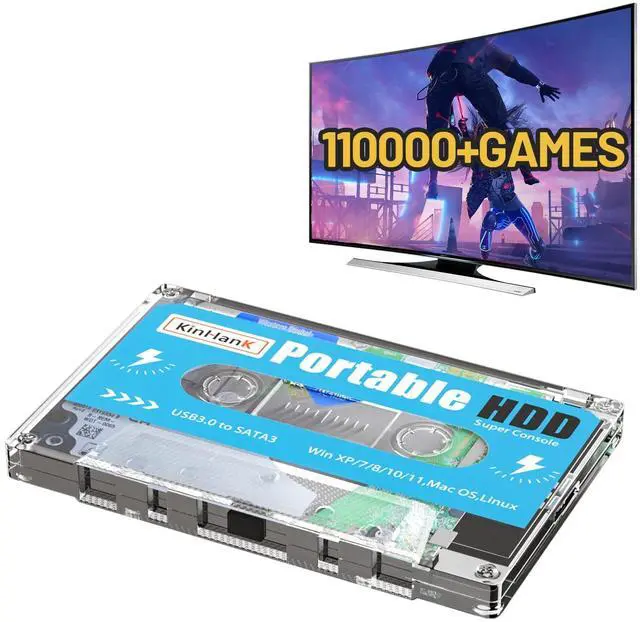
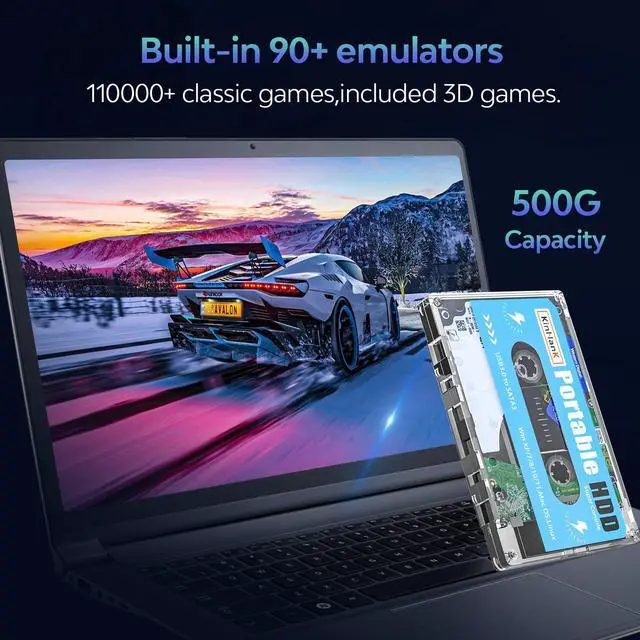
This game hard drive built-in 110,000+ classic games, compatible with 90+ classic emulators.
Note: There are no duplicates games under the same emulator, but there may be duplicates in different emulators, if you encounter some games are not playable, please try to change emulators to play.(If you mind, do not order.Thanks)

Plug&Play Game Hard Drive
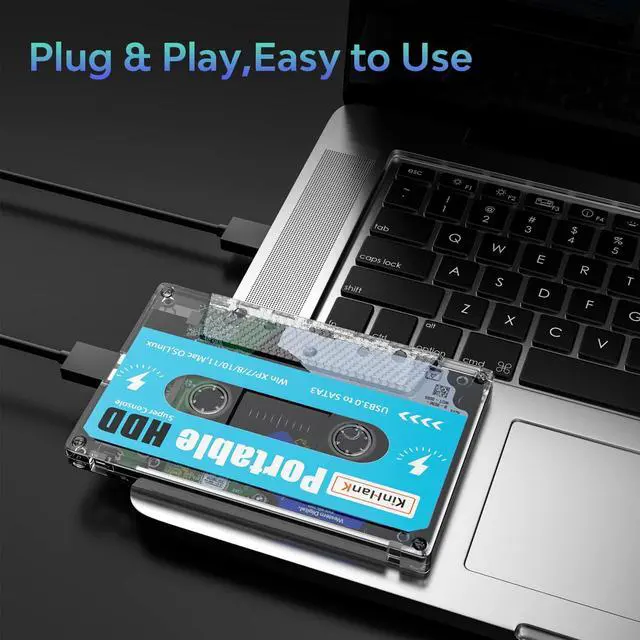
Kinhank 500G game drive is connected to the computer via data cable, plug and play, no need to download games, ready to play. And it supports saving game progress, so you can continue to play next time.
How to save the game progress: Press the two joysticks in the game to enter the retroarch, which has the option to save and load the game

USB3.0 High-speed Transmission
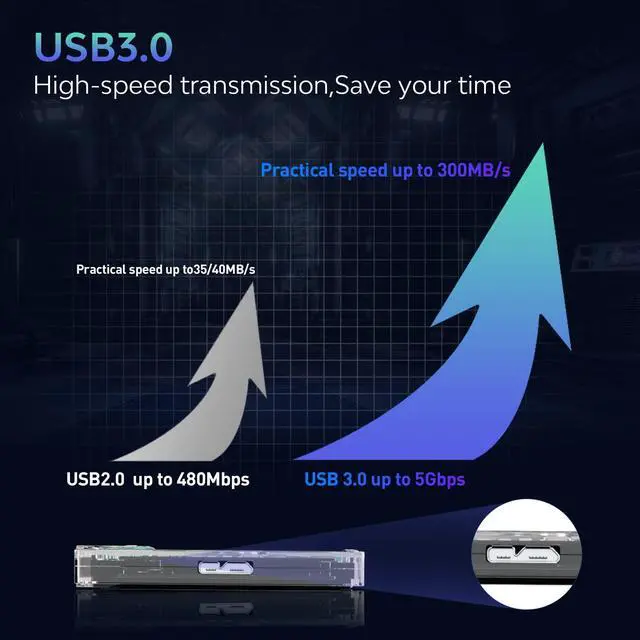
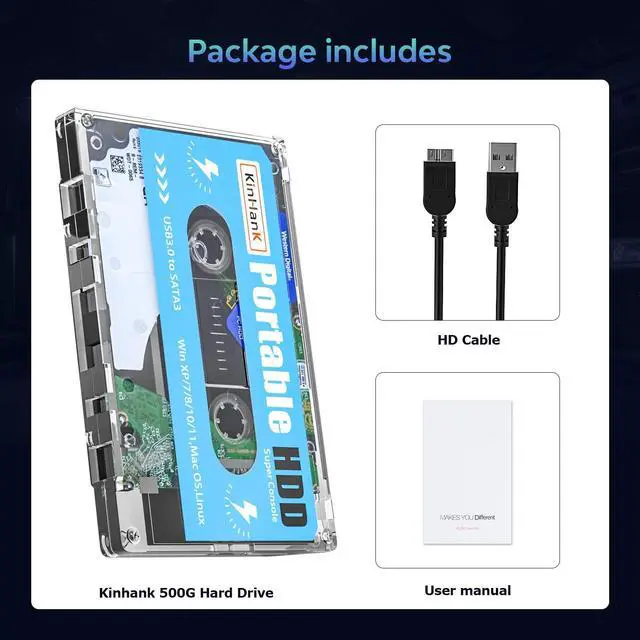
The package includes a USB 3.0 cable for faster speeds and less game lag. It is recommended that you connect to the USB3.0 port on your computer. If you use 2.0, the reading speed will be slower, please know.

 Kinhank Super Console X Pro with 65,000+ Classic Games, 256G Retro Video Game... |  Kinhank Super Console X2 Pro Pre-installed 65,000+ Classic Games,Retro Gaming... |  Kinhank Super Console X4 Plus Retro Gaming Consoles with 60000+ Games, S905X4... |  Kinhank Super Console X5 PRO Retro Gaming Consoles with 16,000+ Games,Android... |  Kinhank 12T HDD Retro Gaming Hard Drive with 96000+ Classic Games, Include 60... |  Kinhank 2TB External Hard Drive Built-in 120,000+ Classic Games, Batocera 33 ... | |
|---|---|---|---|---|---|---|
| Customer Reviews | — | — | — | — | — | — |
| Price | — no data | — | — | — | — | — |
| Games | 65,000+ | 65,000+ | 65,000+ | 16,000+ | 96,000+ | 120,000+ |
| Chip | S905X | S905X2 | S905X4 | RK3588S Chipset | / | / |
How to enter the game system?
Connect the portable hard drive to the USB port on your PC or Mac when it’s off, USB 3.0 port is recommended,the game will be smoother.
After pressing the power button, keep tapping ESC or Delete on your keyboard(wired or 2.4g wireless Keyboard, bluetooth keyboard does not work) to enter BIOS. For Mac users, simply hold Option and choose the portable hard drive to boot into.
Notice: This hard drive will only work with X86_64 hardware(32bit or 64bit) and Intel-based Apple Computers, any ARM based device (Windows Surface series, Mac with power pc CPU or M1 CPU) will not work. The BIOS interface and options may vary on your device as manufacturers may adopt unique BIOS or UEFI systems
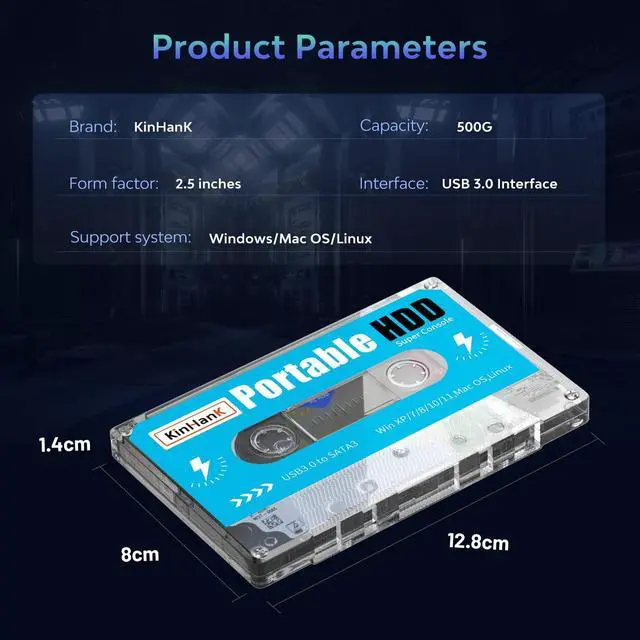
| Brand | Kinahank |
| Storage | 500G |
| Size | 2.5 inches |
| Hard Drive Interface | USB 3.0*1 |
| Package Dimensions | 128mm*80mm*14mm |
| Support System | Windows/Mac OS/Linux |
Compatible with 90+ emulators
This game hard drive built-in 110,000+ classic games, compatible with 90+ classic emulators.
Note: There are no duplicates games under the same emulator, but there may be duplicates in different emulators, if you encounter some games are not playable, please try to change emulators to play.(If you mind, do not order.Thanks)
Plug&Play Game Hard Drive
Kinhank 500G game drive is connected to the computer via data cable, plug and play, no need to download games, ready to play. And it supports saving game progress, so you can continue to play next time.
How to save the game progress: Press the two joysticks in the game to enter the retroarch, which has the option to save and load the game
USB3.0 High-speed Transmission
The package includes a USB 3.0 cable for faster speeds and less game lag. It is recommended that you connect to the USB3.0 port on your computer. If you use 2.0, the reading speed will be slower, please know.
Kinhank Super Console X Pro with 65,000+ Classic Games, 256G Retro Video Game... | Kinhank Super Console X2 Pro Pre-installed 65,000+ Classic Games,Retro Gaming... | Kinhank Super Console X4 Plus Retro Gaming Consoles with 60000+ Games, S905X4... | Kinhank Super Console X5 PRO Retro Gaming Consoles with 16,000+ Games,Android... | Kinhank 12T HDD Retro Gaming Hard Drive with 96000+ Classic Games, Include 60... | Kinhank 2TB External Hard Drive Built-in 120,000+ Classic Games, Batocera 33 ... | |
|---|---|---|---|---|---|---|
| Customer Reviews | — | — | — | — | — | — |
| Price | — no data | — | — | — | — | — |
| Games | 65,000+ | 65,000+ | 65,000+ | 16,000+ | 96,000+ | 120,000+ |
| Chip | S905X | S905X2 | S905X4 | RK3588S Chipset | / | / |