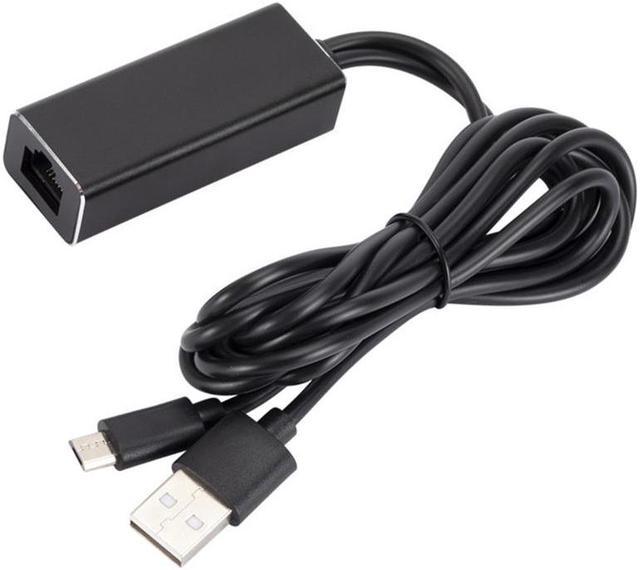
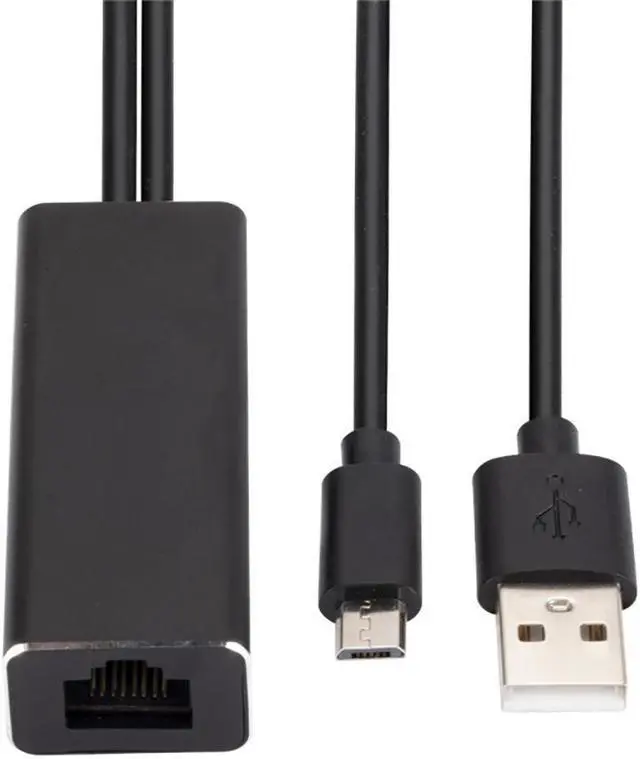
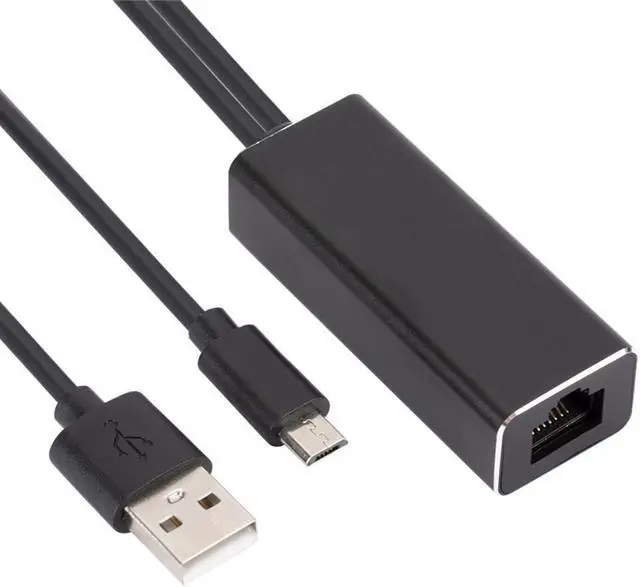
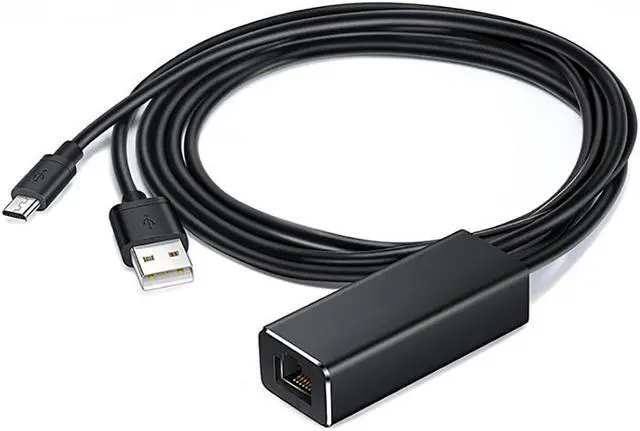
LAN Ethernet Adapter for Fire TV Stick Micro USB to RJ45 Ethernet Network Adapter with USB
Power Supply Cable Description: Suitable
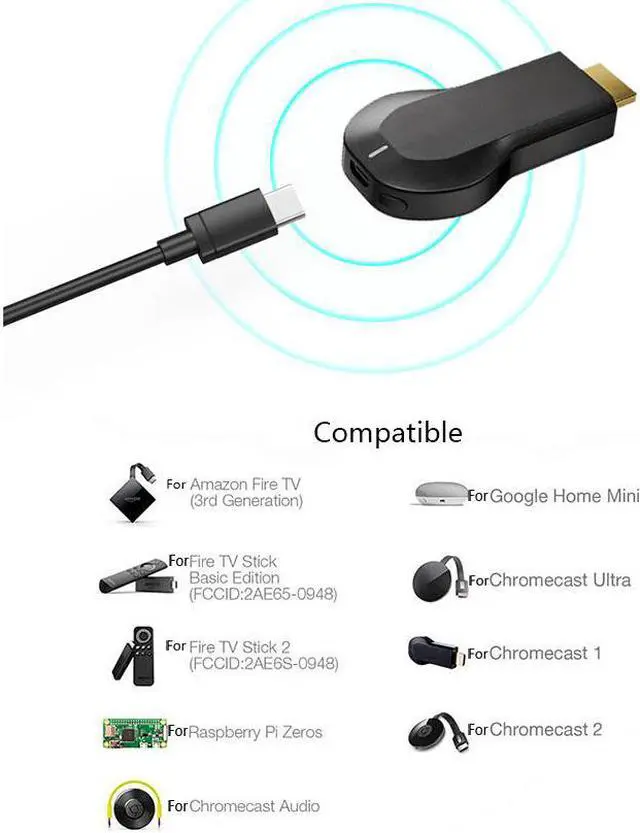
for: LAN Ethernet adapter for Amazon Fire Stick, ALL new Fire TV 3 and Chromecast 1, 2 and ultra
Features: This is a must have accessory if your having any kind of buffering or streaming problems. Reduce Buffering, lagging and most internet streaming problems by adding the Ethernet Adapter. WiFi is slow and uses large bandwidth which is why people struggle with streaming. If multiple people are using your WiFi or even if you use your phone you are reducing you WiFi bandwidth. Plug and play installation with Auto connect - No need to configure any settings. (Streaming devices NOT included in this listing) Super FAST 10/100 Mbps auto-sensing HARD WIRE your internet connection (please note: not compatible with first Generations
Fire sticks) Specification: Line
length: 95cm/37"
Transmission rate: 10/100Mbps
Colour: Black
Interface: RJ-45
Include: 1PC
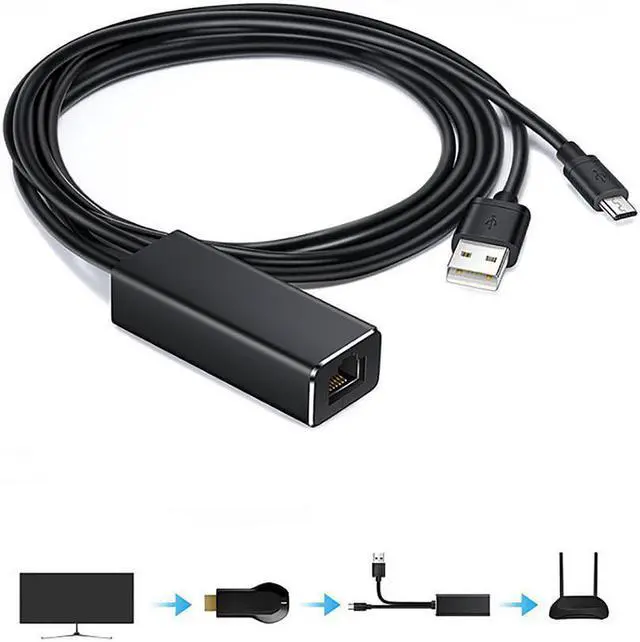
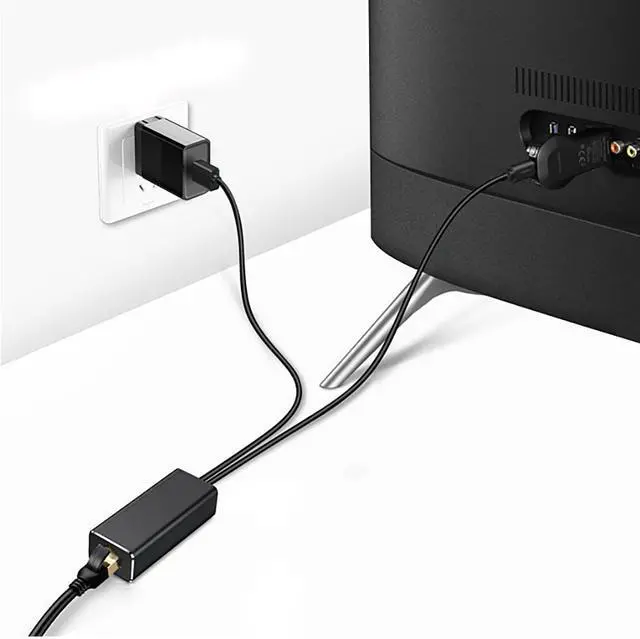
Steps: 1 Insert the TV stick into the HDMI port of the monitor; 2 Insert the network card Micro usb interface to the TV stick; 3 Insert the network cable from the router into the RJ45 interface of the network card; 4 Insert the USB power supply interface of the network card into the AC power supply; 5 Enjoy the fast and stable network brought by the network card.
Note: Only supports the network cable connected from the router