

Your Browsing History




Any questions? Our AI beta will help you find out quickly.
Tired of Labeling Everything by Hand? Meet Your Solution.
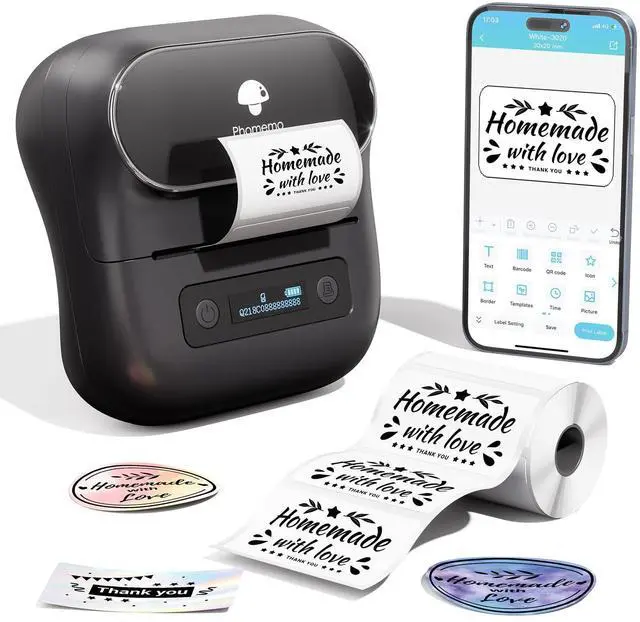
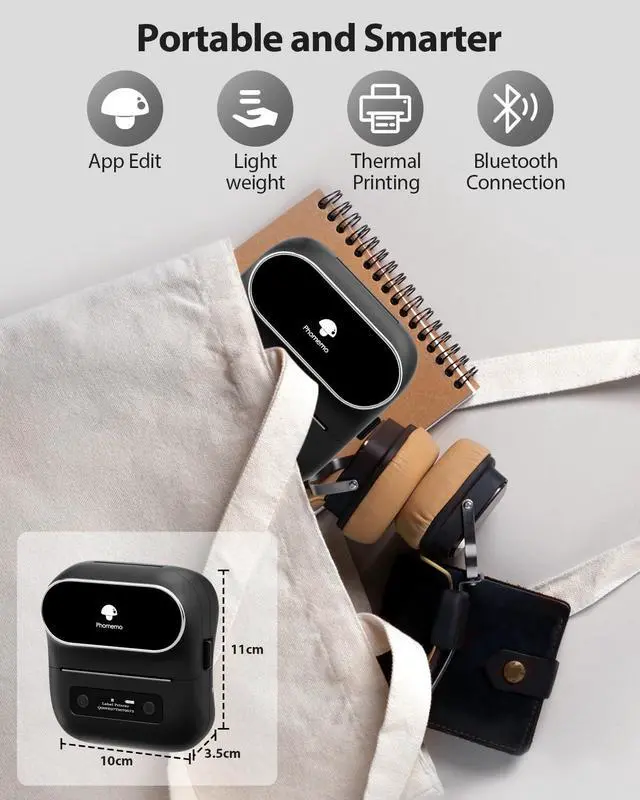
Phomemo M220 is a portable thermal label printer that replaces hand-writing, expensive ink cartridges, and bulky equipment. Print professional-quality labels in 3 seconds directly from your phone - no drivers, no mess, no waste. Whether you're organizing your home, running a small business, or managing a classroom, M220 makes labeling effortless and affordable.
Why M220 is Different:
Thermal Printing Technology (No Ink, Toner, or Cartridges)
- Print sharp, fade-resistant labels without any consumables
- Save 50-70% on label costs compared to ink-based printers
- Professional 203 DPI clarity; barcodes and QR codes scan perfectly
True Multi-Purpose Label Support (20-80mm Width)
- others label maker only support 12-50mm; M220 handles everything:
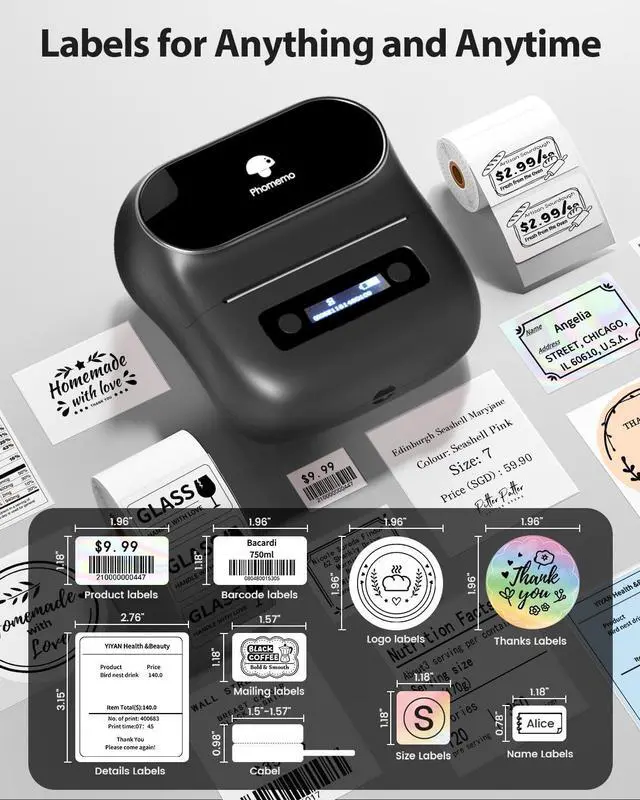
Small labels (20mm): Name tags, pricing stickers
Medium labels (30-50mm): Storage, organization, jewelry
Large labels (60-80mm): Shipping, address, product information
One printer replaces 3 different machines
Instant Setup - No Tech Skills Needed
- 3 steps: Download App Turn On Bluetooth Start Printing
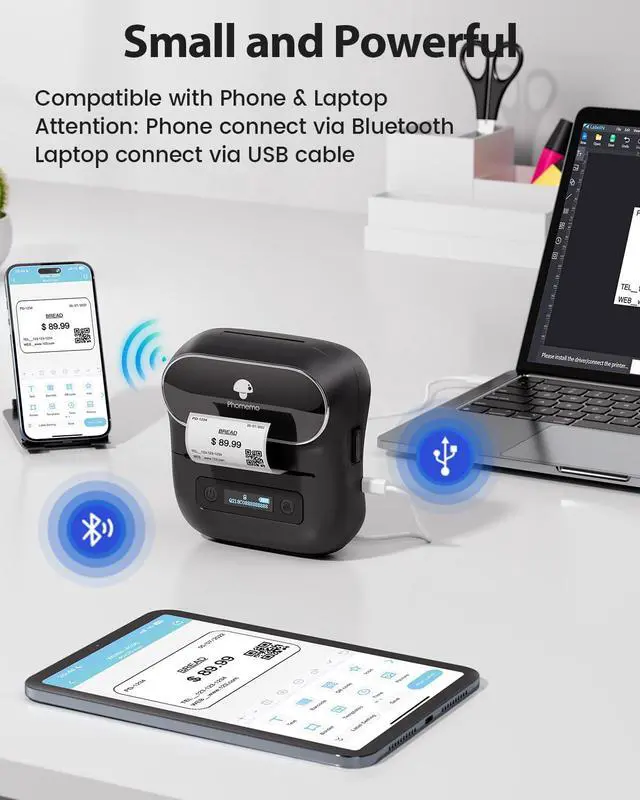
- Works with phone, tablet, PC/Mac
- No driver installation for phone (Bluetooth) or simple USB for computer
Perfect for Any Situation:
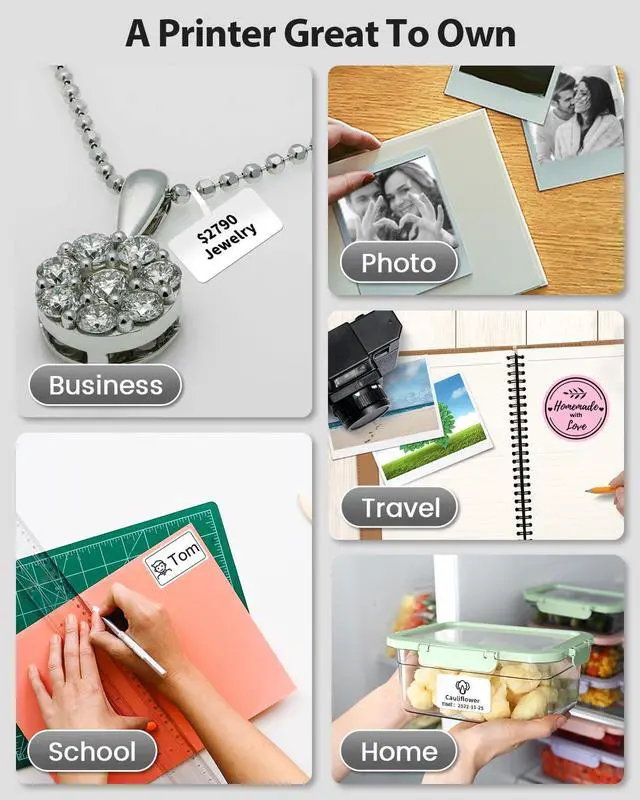
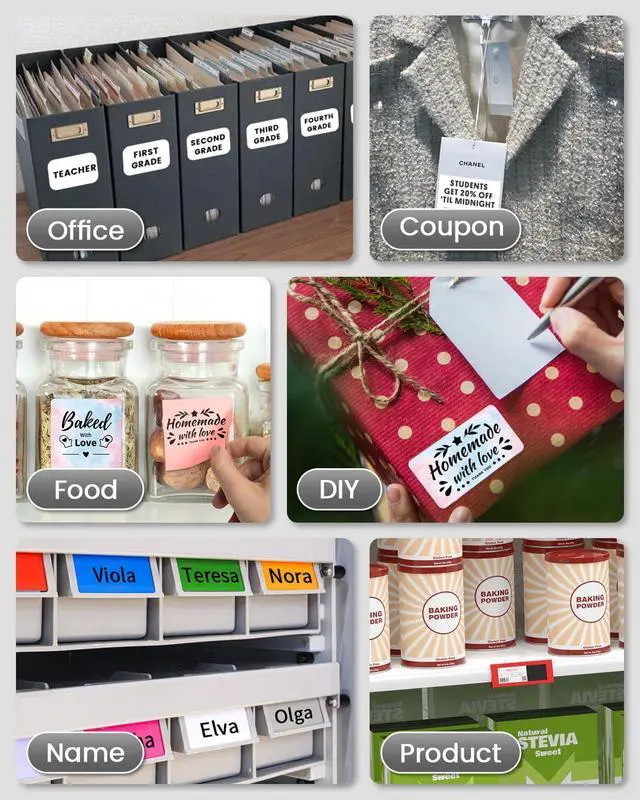
HOME ORGANIZATION
Label your kitchen, pantry, freezer, closet, and cosmetics. Keep everything neat and easy to find.
SMALL BUSINESS
Print price tags, product labels, barcode stickers, jewelry tags, address labels.
OFFICE & CLASSROOM
Name tags, file labels, desk organization, student supplies.
CREATIVE & GIFTS
Design custom labels for photo albums, gift tags, greeting cards, and more with 2000+ design options.
What You Can Print:
Labels with Text, Images & Barcodes
Write custom text with 400+ fonts
Add logos, photos, clipart
Create QR codes & barcodes instantly
Design professional shipping tags, price labels, and more
How to Design:
Method 1: Phone/Tablet (Easiest)
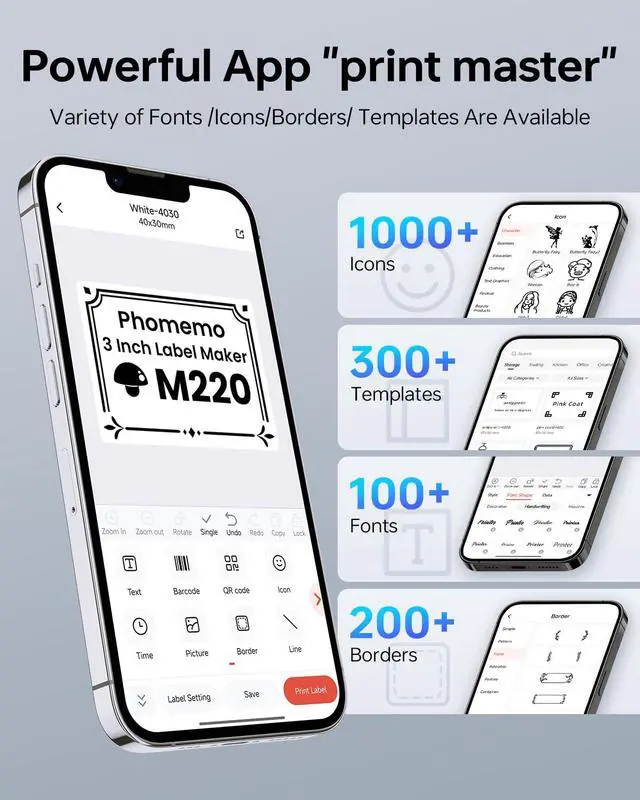
- Use the "Print Master" app
- 2000+ ready-to-use symbols and templates
- Drag-and-drop design (no Photoshop skills needed)
- Print wirelessly via Bluetooth
Method 2: Computer (For Batch Printing)
- Download "Labelife" app from Phomemo website
- Import designs from Excel, or create custom ones
- Connect via USB cable
- Print 70+ labels per minute
Method 3: Advanced Features (For Power Users)
- Batch import with Excel
- Continuous numbering (for exhibits, event stickers)
- OCR (photo to text) and voice recognition
- Scan QR codes directly in the app