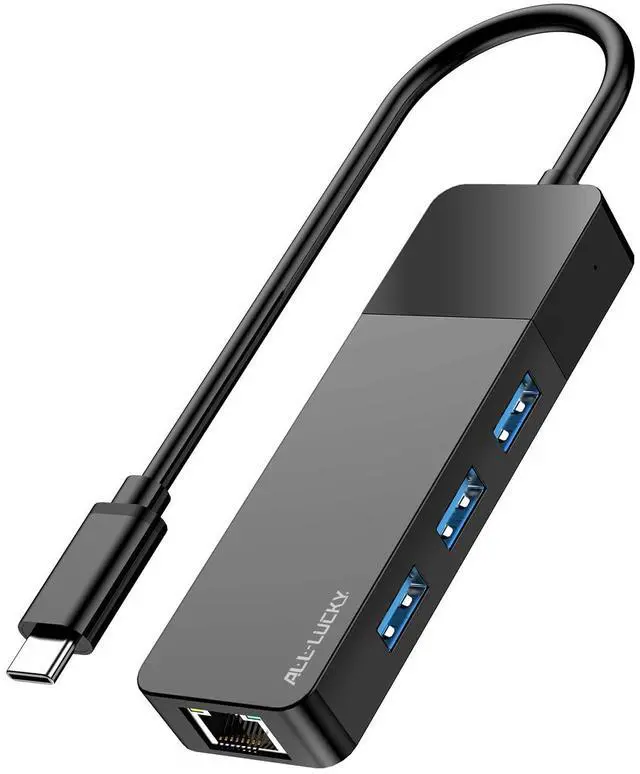
USB to Ethernet Adapter, 4 in 1 USB C to Ethernet Adapter Hub with 3×USB 3.0 Ports, 1000Mbps Network HUB for MacBook, Dell XPS, Surface, HP Laptops (for USB-C Phones & iPad)
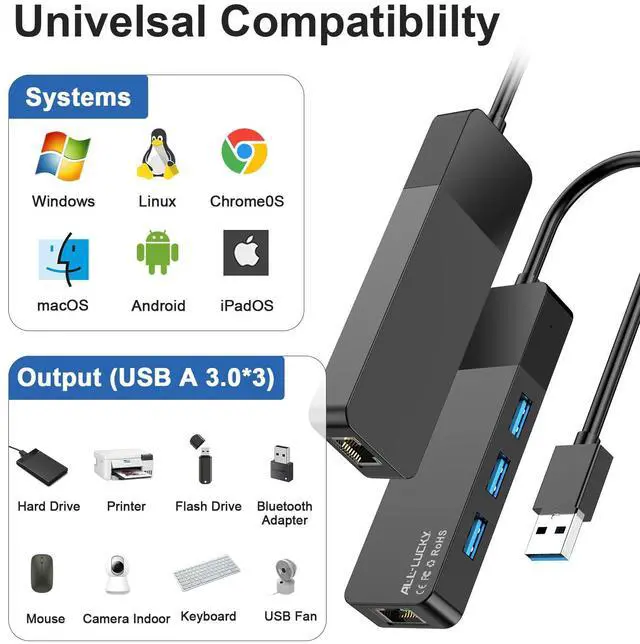
4-in-1 USB-C Hub This USB C to Ethernet Adapter expands a single USB-C port into a 4-in-1 hub: three USB 3.0 ports and one Gigabit Ethernet port. Plug and play, no driver required for most systems. (Note: Does not support power delivery charging. Maximum output per USB port is 900mA, suitable for data devices such as mouse, keyboard, flash drive.)
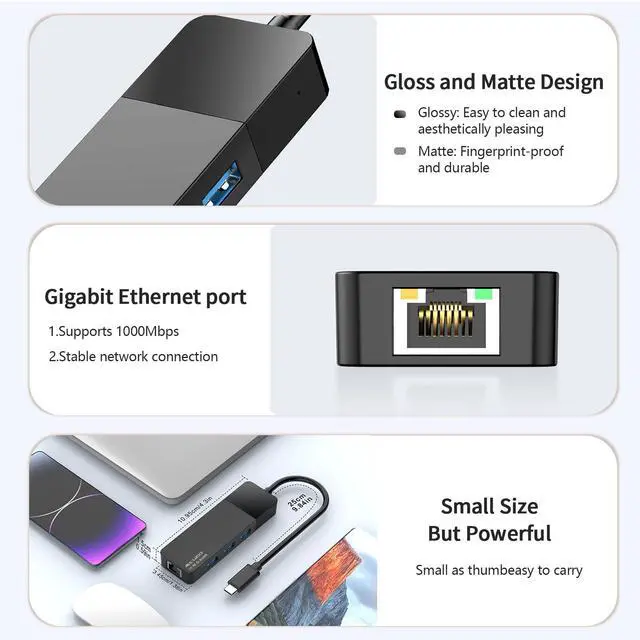
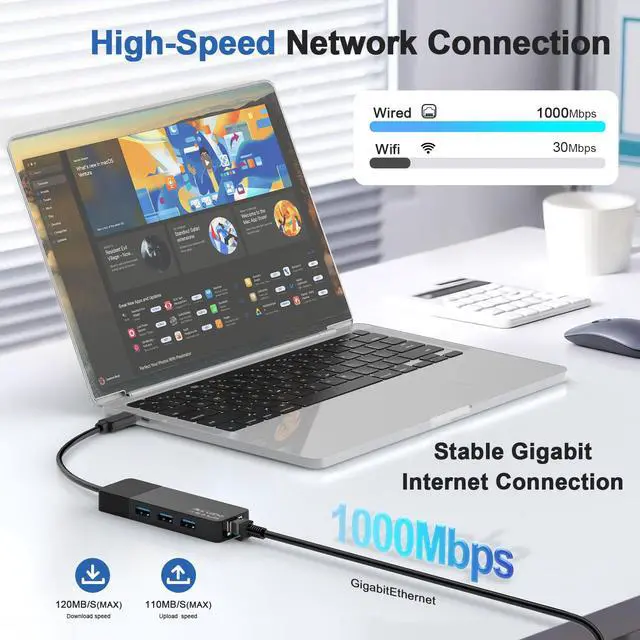
Gigabit Network Hub The built-in RJ45 port provides stable wired network speeds up to 1000Mbps, backward compatible with 10/100Mbps. Enjoy low-latency gaming, 4K streaming, video conferencing, and large file transfers. (Note: To reach 1Gbps, please use a CAT6 or above Ethernet cable.)
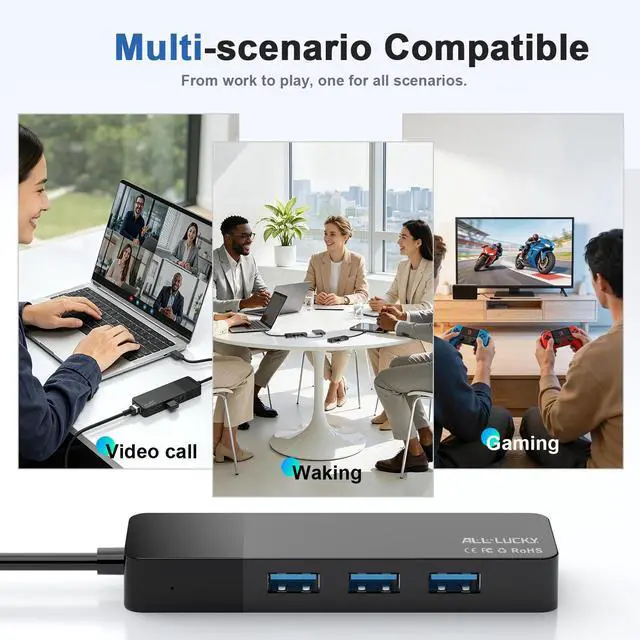
Laptop Ethernet Adapter As a dedicated laptop Ethernet adapter, this product provides a stable and reliable wired network connection for MacBook, Dell XPS, Surface, HP, and other USB-C laptops. It is an ideal choice for users who need faster and more reliable networking than Wi-Fi
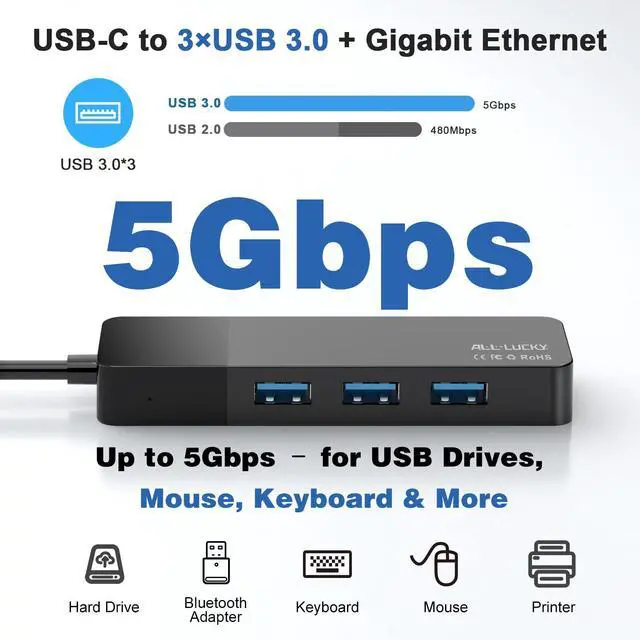
3×USB 3.0 Ports Three USB 3.0 ports support data transfer speeds up to 5Gbps and are backward compatible with USB 2.0/1.0. Transfer HD movies, photos, or backup files in seconds. Connect multiple peripherals simultaneously, including external hard drives, flash drives, keyboard, mouse, printer, and more
USB to Ethernet Adapter, 4 in 1 USB C to Ethernet Adapter Hub with 3×USB 3.0 Ports, 1000Mbps Network HUB for MacBook, Dell XPS, Surface, HP Laptops (for USB-C Phones & iPad)
Learn more about the Detailed Specifications
Model
Brand
BELKIN
Details
Type
USB to Ethernet Adapter
Changer Type
N/A
Specifications
ALL- LUCKY, USB to Ethernet Adapter, 1 Year Manufacturer
Features
Features
USB to Ethernet Adapter, 1 Year Manufacturer
Package Contents
Package Contents
USB to Ethernet Adapter
Disclaimer
Disclaimer
not_applicable
Additional Information
First Listed on Newegg
June 17, 2026
There are no reviews yet.
Do you own this product?
Warranty & Returns
Warranty, Returns, And Additional Information
Warranty
Please contact the Seller directly for warranty information. Warranty information may also be found on the Manufacturer's website.