





Please Note a Few Points Before Use:
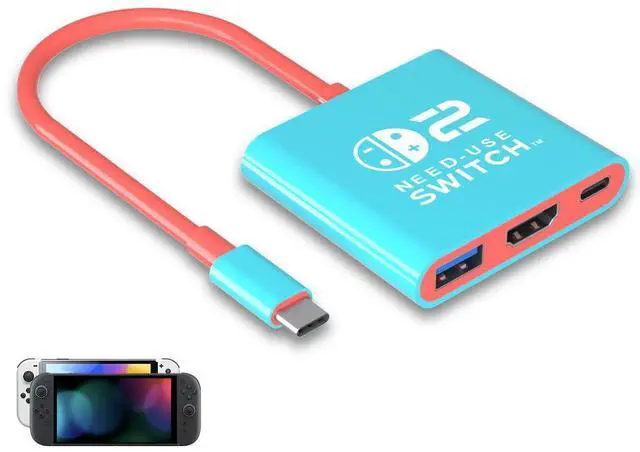
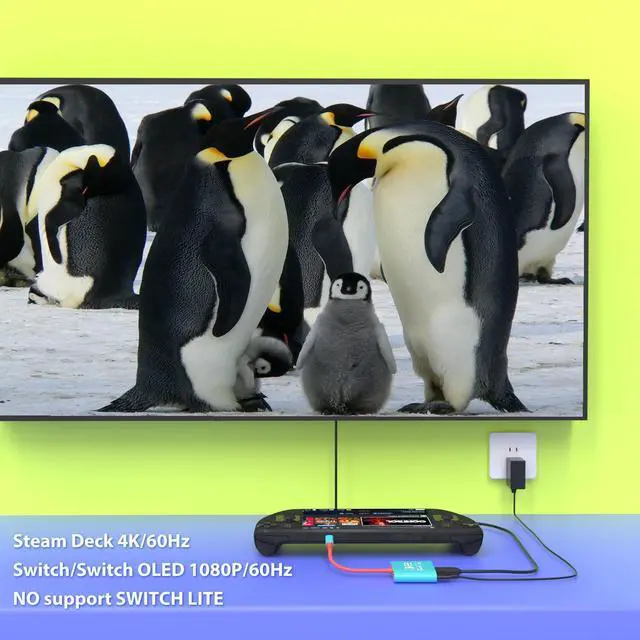
Push/Wake up your Switch console and then plug adapter USB into switch.
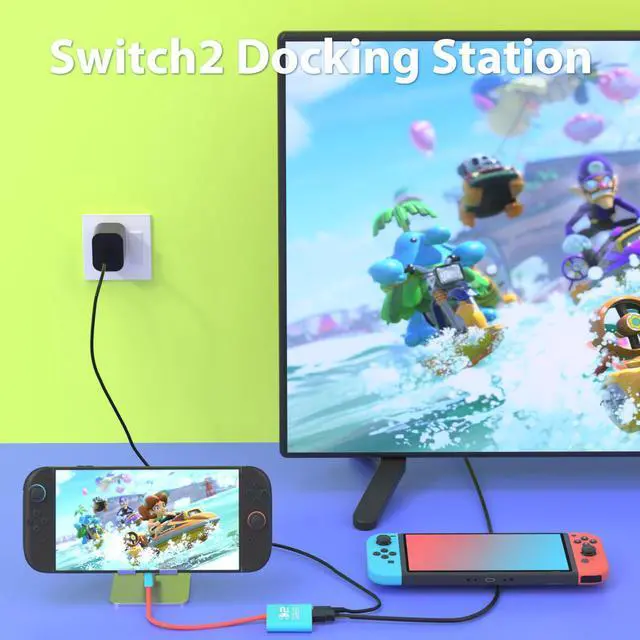
Connect to TV HDMI cable and then power by original(PD Protocol) wall charger.
Wait TV change signal to correct port or adjust by manual. If not Re-plug again.
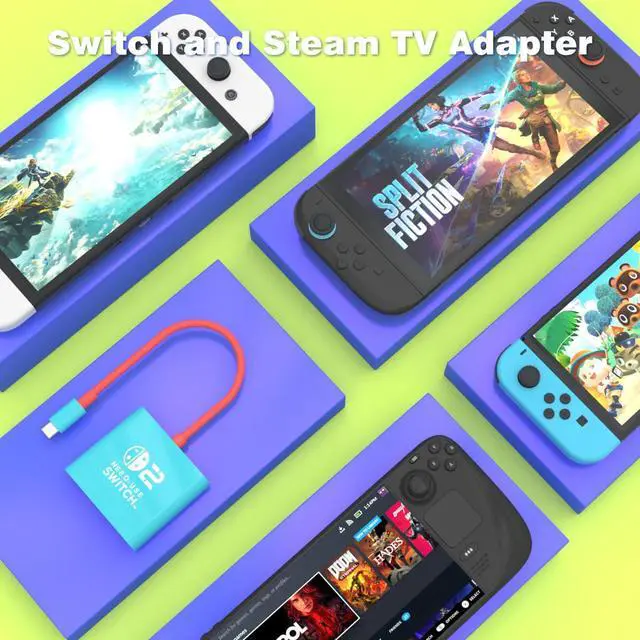
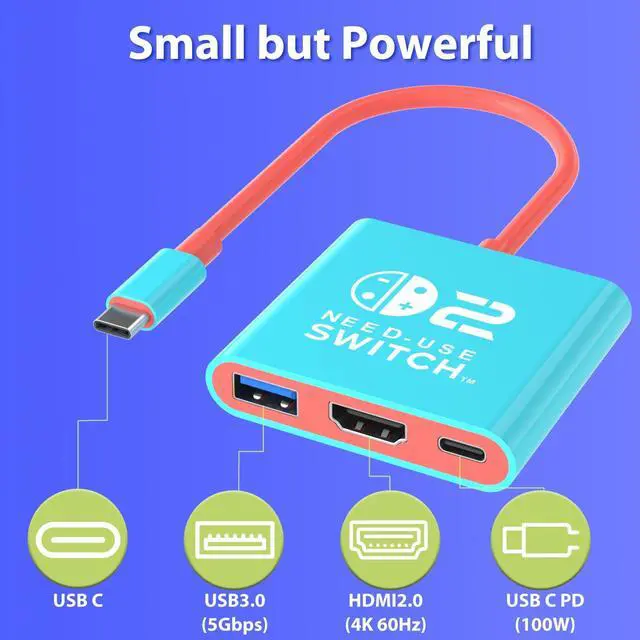
TV Dock Adapter for Nintendo and Steam Deck and More:


Please Note a Few Points Before Use:
Push/Wake up your Switch console and then plug adapter USB into switch.
Connect to TV HDMI cable and then power by original(PD Protocol) wall charger.
Wait TV change signal to correct port or adjust by manual. If not Re-plug again.
TV Dock Adapter for Nintendo and Steam Deck and More:
| Nintendo Switch and Oled | Output 1080P60HZ and power by 15V2.6A PD protocol charger |
|---|---|
| Steam Deck or Rog Ally | Output 4K60HZ max and power by 20V2.25A PD protocol charger |
| Nintendo Switch 2 Model | Output 4K60HZ max and power by 20V3A PD protocol charger |
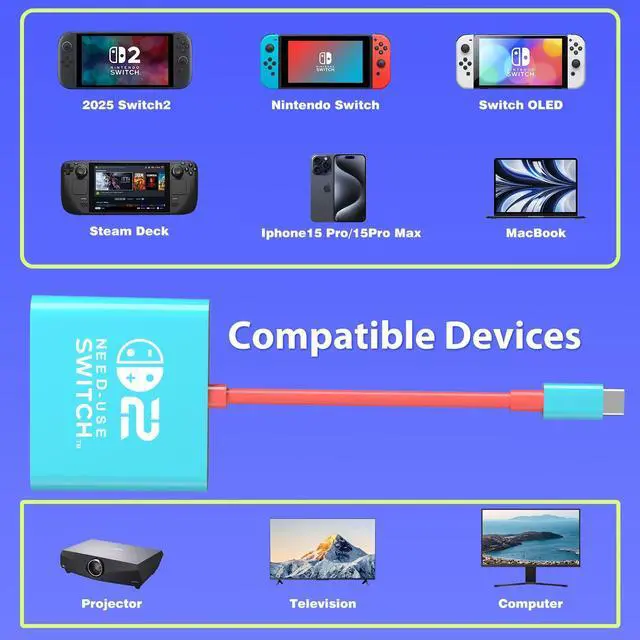
| CellPhone Support | Iphone 15 or beyond model,Samsung Dex Station, Output 1080 to 4K Max Based on Cellphone performance |
| Kindly Note | Switch 2 and steam deck tv dock mode need power by 20V PD protocol and use HDMI2.0 protocol data cable |
| Other Devices Support | Ipad pro and air beyond 2020, Samsung Galaxy Dex station mode, New mac book pro and air beyond 2020 |