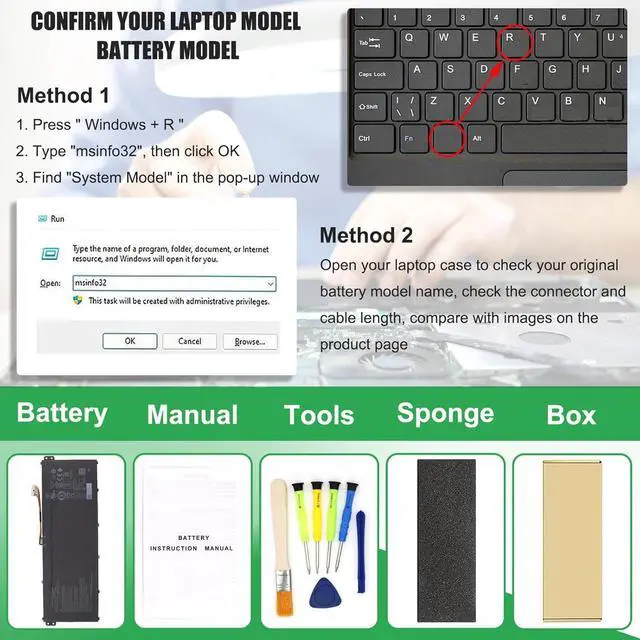
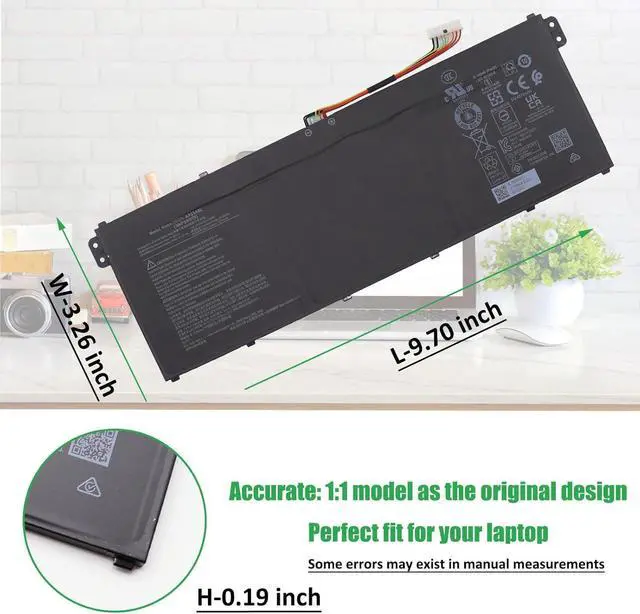
Method 1: Check your laptop model name by pressing [Win] + [R] key and entering [msinfo32] or [dxdiag], click OK to find your System Model. Then use your laptop model name to search the correct replacement battery
Method 2: Check your original battery model name and shape by opening your laptop back cover. Compare it with our product image
Note Before Purchasing
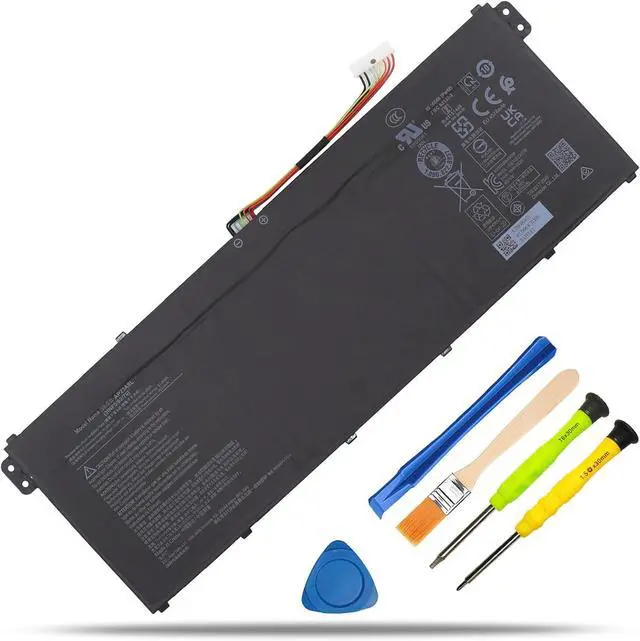
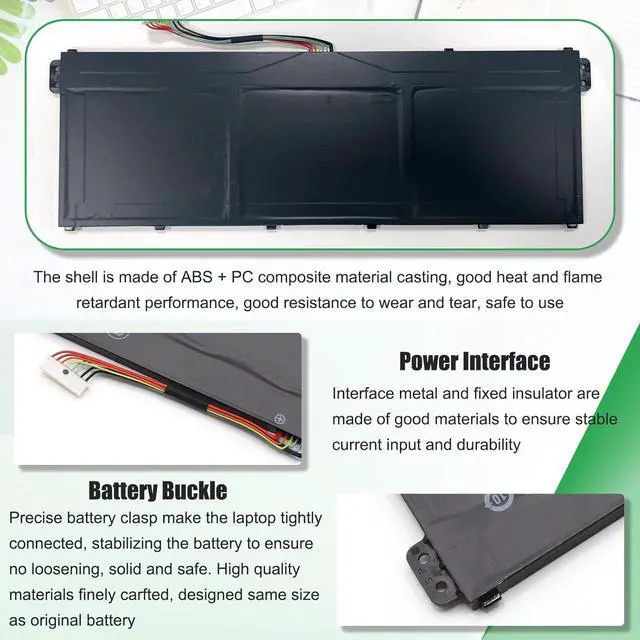
Some compatible laptop models and replacement batteries are complicated, there may be a difference in battery model name, shape, buckle location, connector type, cable length ( long or short ) etc
We suggest you open your laptop to check and confirm your original battery model and appearance, compared with our battery image, make sure that's what you need
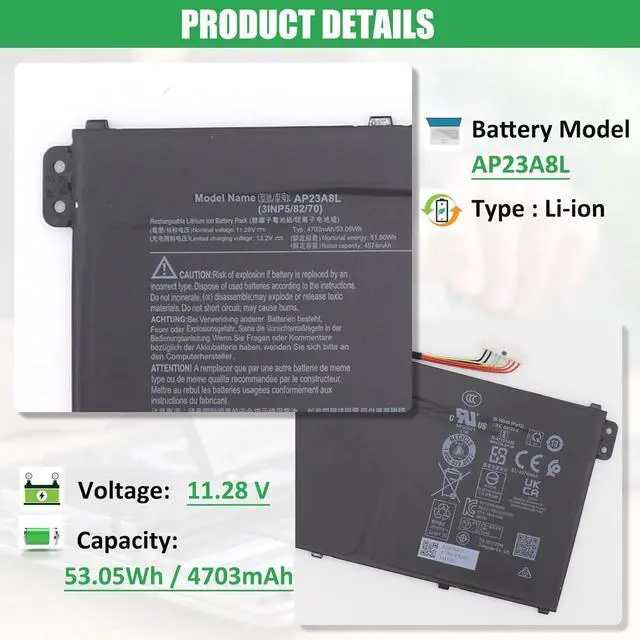
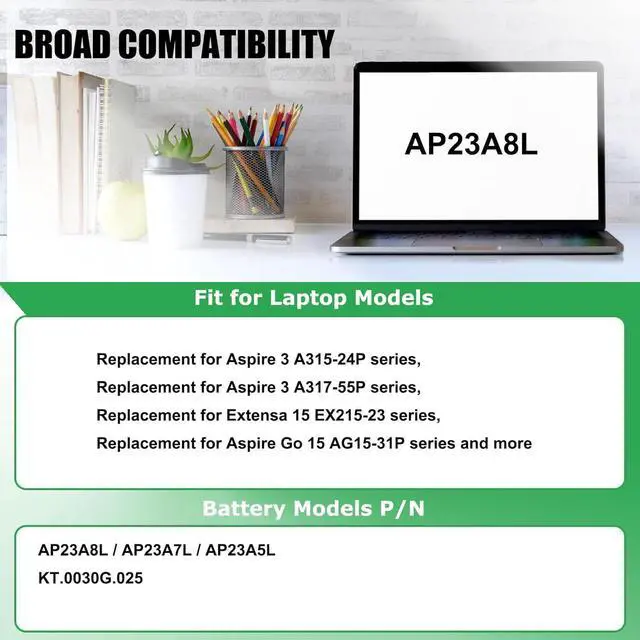
Battery ModelAP23A8LBattery Type Li-ionBattery Voltage 11.28V Capacity53.05W / 4703mAhCondition100% Brand New From ManufacturerPackaging1*Battery+1*Manual+1*Tool Kits Compatible Laptop Models (use "Ctrl+F to find your model quickly")
Battery Replacement for Aspire 3 A315-24P-R06N
Battery Replacement for Aspire 3 A315-24P-R1S9
Battery Replacement for Aspire 3 A315-24P-R1UP
Battery Replacement for Aspire 3 A315-24P-R3NB
Battery Replacement for Aspire 3 A315-24P-R4R9
Battery Replacement for Aspire 3 A315-24P-R729
Battery Replacement for Aspire 3 A315-24P-R7RJ
Battery Replacement for Aspire 3 A315-24P-R9ZJ
Battery Replacement for Aspire 3 A317-55P
Battery Replacement for Aspire 3 A317-55P-33DC
Battery Replacement for Aspire 3 A317-55P-34S6
Battery Replacement for Aspire 3 A317-55P-C5DJ
Battery Replacement for Extensa 15 (EX215-55)
Battery Replacement for Extensa 15 EX215-23
Battery Replacement for Extensa 15 EX215-23-R10S
Battery Replacement for Extensa 15 EX215-55-50GC
Battery Replacement for Extensa 15 EX215-55-532N
Battery Replacement for Extensa 15 EX215-55-58RU
Battery Replacement for Acer Aspire Go 15 AG15-31P-305W
Battery Replacement for Acer Aspire Go 15 AG15-31P-30AZ
Battery Replacement for Acer Aspire Go 15 AG15-31P-30D1
Battery Replacement for Acer Aspire Go 15 AG15-31P-30E8
Battery Replacement for Acer Aspire Go 15 AG15-31P-30HB
Battery Replacement for Acer Aspire Go 15 AG15-31P-30JZ
Battery Replacement for Acer Aspire Go 15 AG15-31P-30N9
Battery Replacement for Acer Aspire Go 15 AG15-31P-30T7
NOTE: This compatibility list is non-exhaustive. If your original part NO. or your laptop model NO. is not included in the compatibility list, but our battery may still fit your laptop
Battery Usage Maintenance Tips
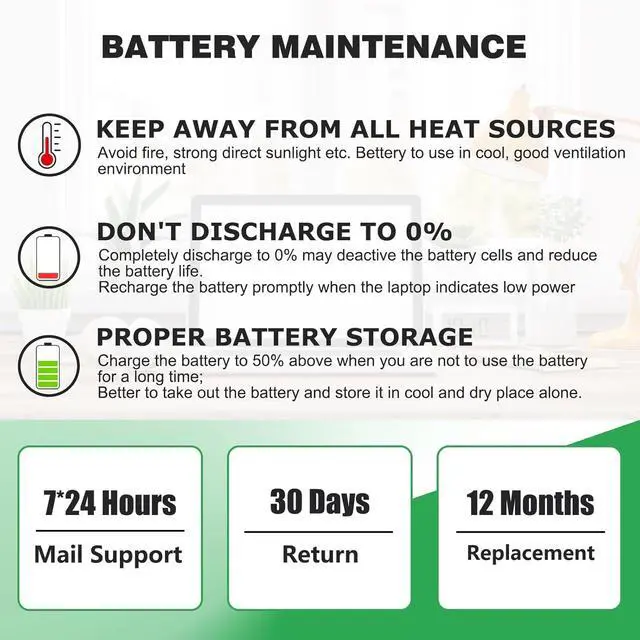
1. New battery received, please discharge to roughly 10% ~ 20%, then charge it to full. Repeat 3 ~ 5 times to maximize initial battery performance. ( Usually the battery received with about 50% charged )
2. Do not discharge to 0%, it may damage the battery cells and accelerates the aging of battery. ( When the battery is very low, the laptop may suddenly shut down )
3. After the battery power is exhausted, please charge in time, if not charged for a long time, it may lead to battery damage
4. If you plan not to use your laptop for a long time, you need to charge it to more than 70% for storage, and the best storage time is no more than 3 months
5. If you often connect the charger to use the laptop, please use the battery power regularly, more than once a week
6. Please use the original charger or well-known brand charger, inferior charger will affect the normal charging of the battery
7. Regularly clean fan dust to increase heat dissipation and reduce power consumption, which can effectively extend the battery life
8. Percentage of remaining battery and estimate time may fluctuate up and down during battery discharge according to your operating of different software, this is normarl condition. Please pay attention to the actual use time is in the normal range
Reasons and solutions for laptop not recognizing battery