Out of stock
This item is currently out of stock and it may or may not be restocked.
Sold by Newegg

Shipped by Newegg

Shop it at NeweggBusiness.

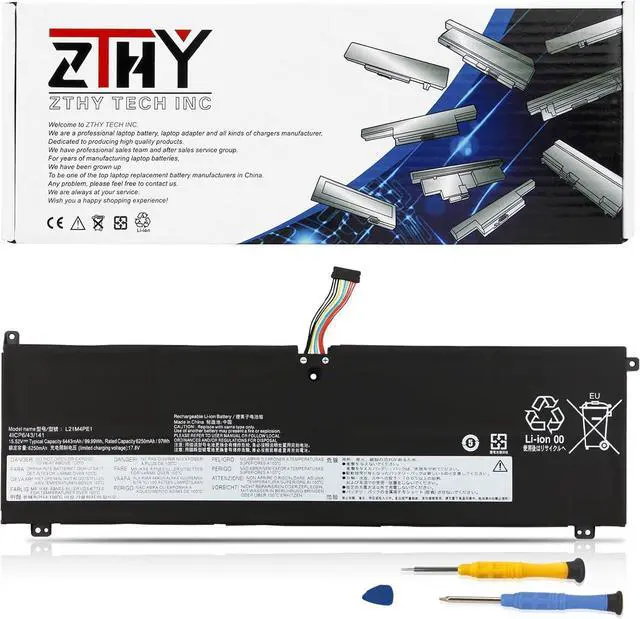
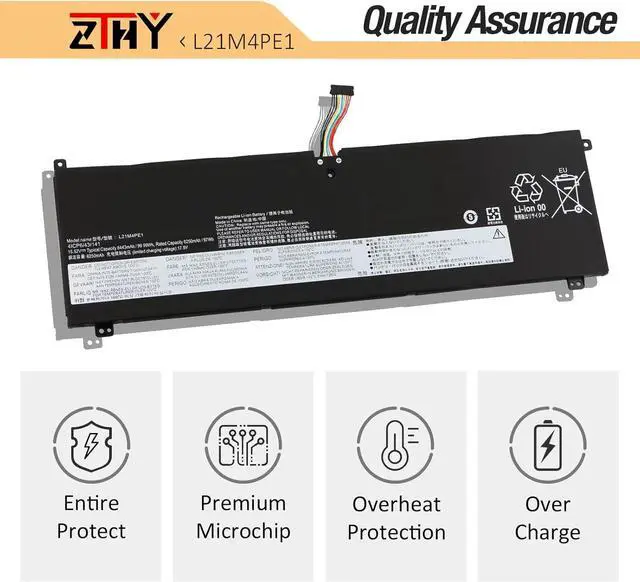
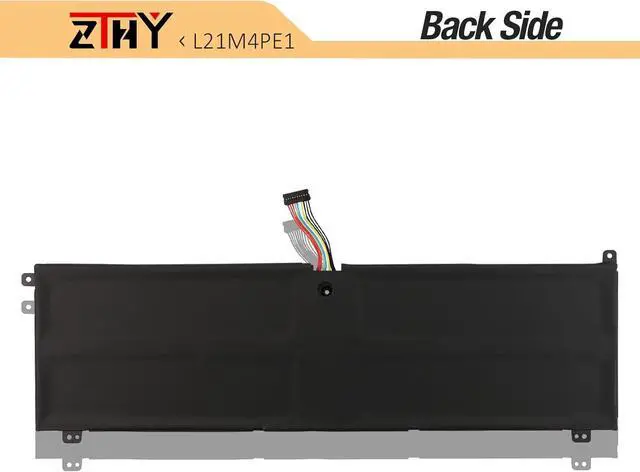
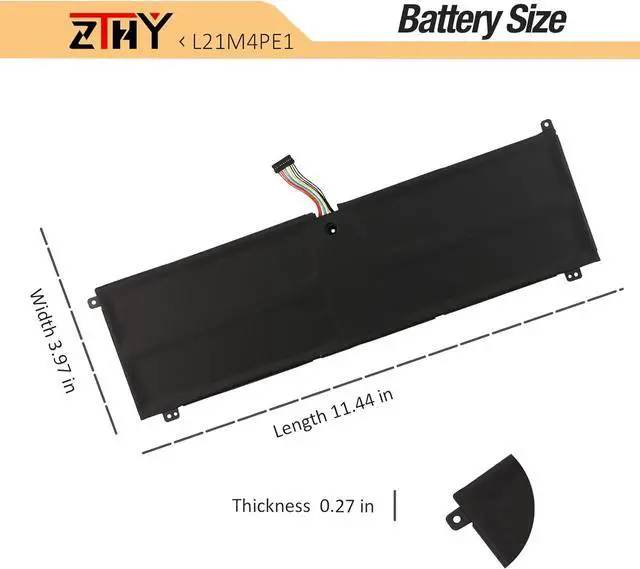
L21M4PE1 Laptop Battery Replacement for Lenovo Legion Y9000X R9000X IAH7 2022, S7 16ARHA7 16IAH7, Yoga 7 16IAH7 Series L21B4PE1 SB11F29415 5B11F29416 L21C4PE1 SB11N52214 5B11N52217 15.52V 99.99Wh

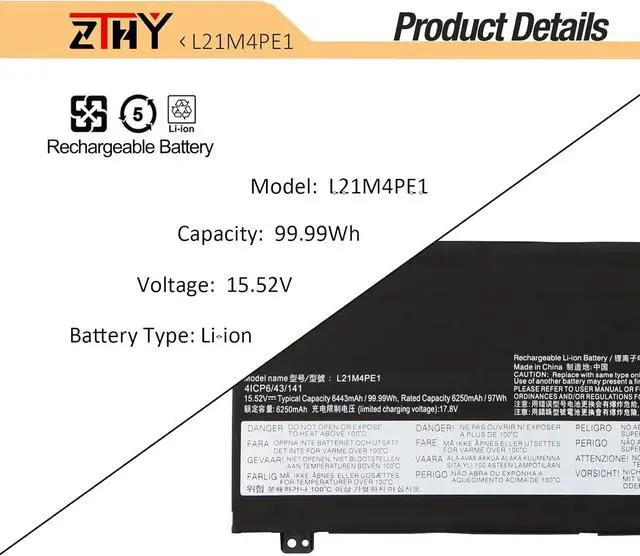
  • Specifications: Battery type: Li-ion. Color: Black. Voltage: 15.52V. Capacity: 99.99Wh. New from Manufacturer
  • Compatible Part Number: L21B4PE1 SB11F29417 5B11F29420 SB11N52218 5B11N52219 L21C4PE1 SB11F29415 5B11F29416 SB11N52214 5B11N52217 L21M4PE1 SB11F29419 5B11F29413 SB11N52215 5B11N52216 41CP6/43/141
  • Compatible with Laptop Models: Replacement for Lenovo Legion Y9000X R9000X IAH7 2022 Series; Replacement for Lenovo Legion S7 16IAH7 (82TF) Series; Replacement for Lenovo Legion S7 16ARHA7 (82UG) Series; Replacement for Lenovo Yoga 7-16IAH7 (82UF) Series
  • Security: All ZTHY products are Certified by CE, FCC for safety. Strict guidelines for compatibility, and standards compliance for environment safety
  • Note: If the new battery is not recognized during the initial installation, please reinstall and check if the interface is fully connected. Discharge the new battery to 10-20% (not 0%), then charge and cycle 3-4 times to wake up the new battery

Overview
Reviews
avatar

Any questions? Our AI beta will help you find out quickly.

Specifications: Battery type: Li-ion. Color: Black. Voltage: 15.52V. Capacity: 99.99Wh. New from Manufacturer
Compatible Part Number: L21B4PE1 SB11F29417 5B11F29420 SB11N52218 5B11N52219 L21C4PE1 SB11F29415 5B11F29416 SB11N52214 5B11N52217 L21M4PE1 SB11F29419 5B11F29413 SB11N52215 5B11N52216 41CP6/43/141
Compatible with Laptop Models: Replacement for Lenovo Legion Y9000X R9000X IAH7 2022 Series; Replacement for Lenovo Legion S7 16IAH7 (82TF) Series; Replacement for Lenovo Legion S7 16ARHA7 (82UG) Series; Replacement for Lenovo Yoga 7-16IAH7 (82UF) Series
Security: All ZTHY products are Certified by CE, FCC for safety. Strict guidelines for compatibility, and standards compliance for environment safety
Note: If the new battery is not recognized during the initial installation, please reinstall and check if the interface is fully connected. Discharge the new battery to 10-20% (not 0%), then charge and cycle 3-4 times to wake up the new battery


Warranty & Returns

Warranty, Returns, And Additional Information

Return Policies

LOADING...