Out of stock
This item is currently out of stock and it may or may not be restocked.
Sold by Newegg

Shipped by Newegg

Shop it at NeweggBusiness.

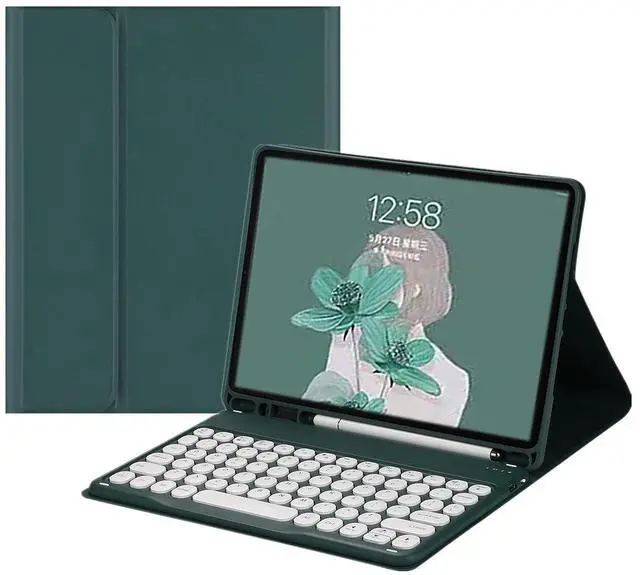
HENGHUI Keyboard Case for Galaxy Tab A7 10.4" 2020 SM-T500/T505/T507, Cute Round Key Color Keyboard Wireless Detachable BT Keyboard Cover with S Pen Holder (DarkGreen)

  • Compatibility This keyboard case compatible with Galaxy Tab A7 10.4'' (2020) Tablet model SM-T500/T505/T507. It will NOT work for any other model device
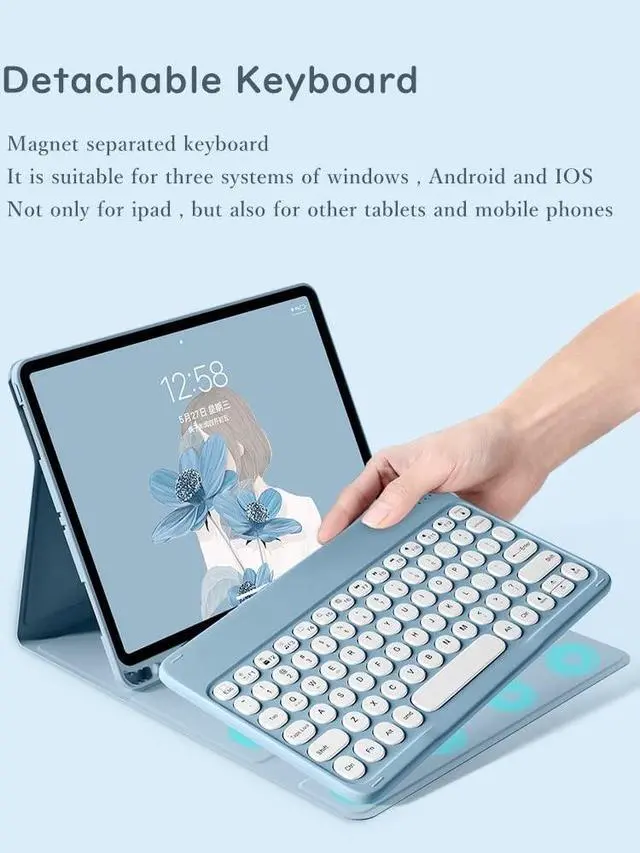
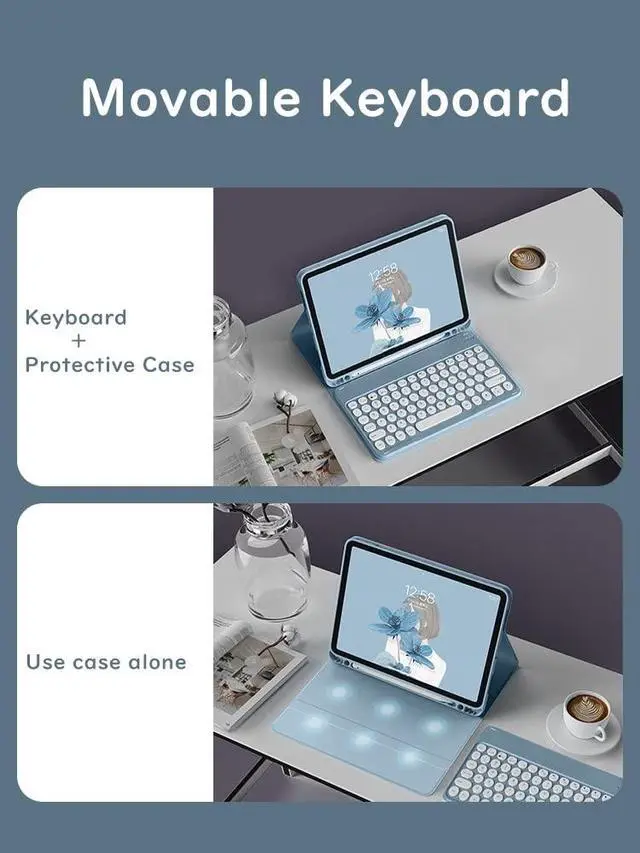
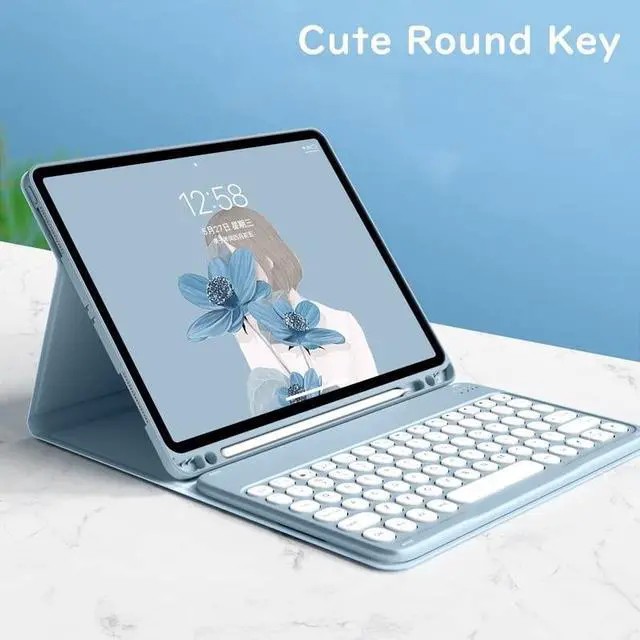
  • Round key cap + Magnetically detachable color keyboard The latest design in 2021, Stylish and cute color keyboard with round keys, The magnetic separate keyboard is suitable for 3 systems of WindowsAndroidiOS, Not only can be used with Galaxy Tablet , It can also be used with other tablet computers and mobile phones.
  • Convenient Shortcut Keys The Galaxy Tab A7 10.4 inch keyboard is equipped with multi-function shortcut keysYou can take a screenshot, lock your screen, or adjust volume in one click. By combining FN with other keys, your Tablet will be as convenient as a laptop .
  • Soft TPU back cover The soft TPU back cover adopts non-slip design, Easy to install, Can support the tablet at multiple angles .
  • Built-in Pencil Holder The protective case comes with pencil holder It is convenient to keep your Pen together, dont
Overview
Specs
Reviews
avatar

Any questions? Our AI beta will help you find out quickly.

How to connect this keyboard to Galaxy tablet 1 turn on the power button on the right side of the keyboard. The power indicator will go out after flashing. This is to save power, not fault2Press the FN key in the lower left corner of the keyboard, do not release it, and then press the
C key (Note: You need to press FN+C at the same time)At this time, you can see the Bluetooth indicator flashingThis turns on the Bluetooth of the keyboard 3From the tablets home screen, tap Settings. Tap on Bluetooth. Make sure Bluetooth is set to On, then let it search for devices. Tap on a Bluetooth keyboard, when it appears, to pair. 4if an authentication (PIN) code appears on the iPad screen, Enter the number with the keyboard and pressEnter key. 5When the connection is complete, the Bluetooth indicator will go out6This is a 3-system keyboard, If you are using this keyboard on your Galaxy tabletPlease press FN key first, don't release it, then press Q key, This is a system for the Galaxy tablet

Warranty & Returns

Warranty, Returns, And Additional Information

Return Policies

LOADING...