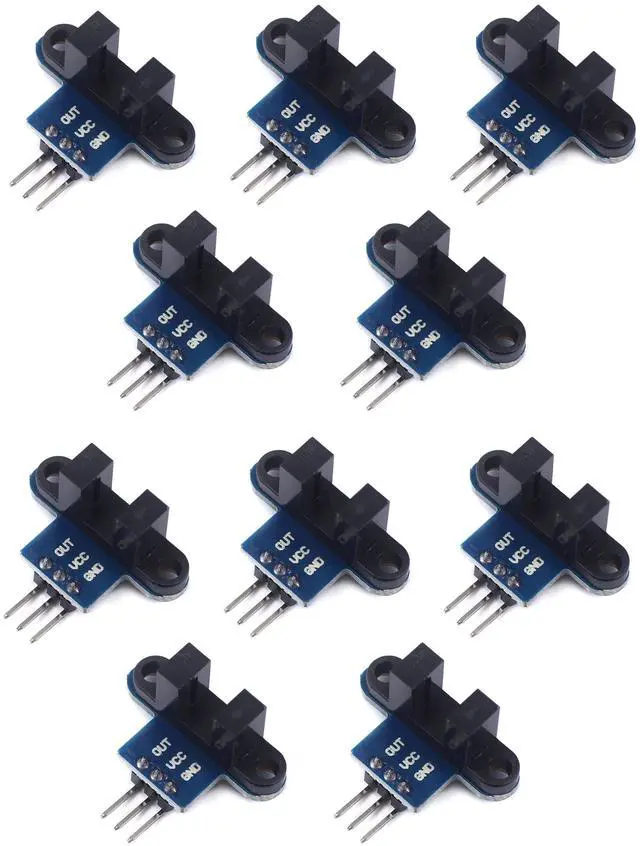
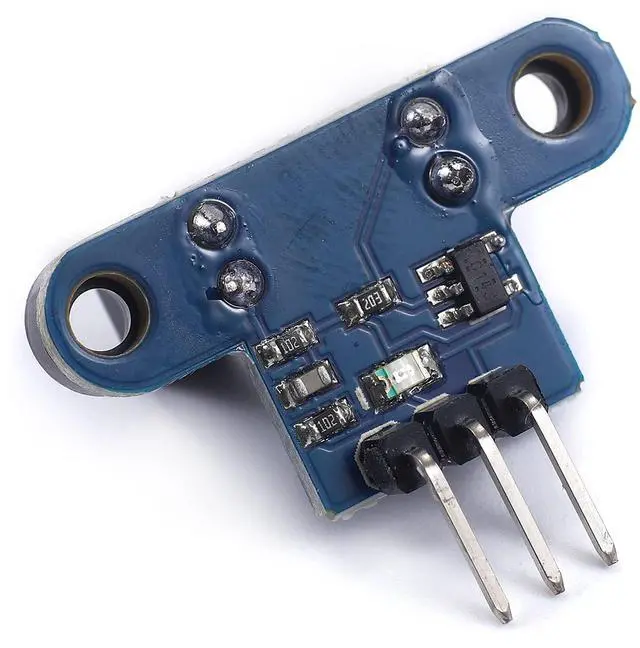
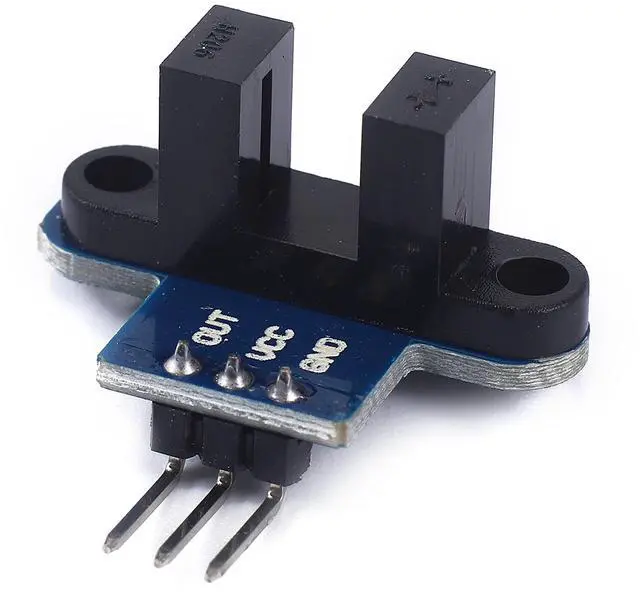
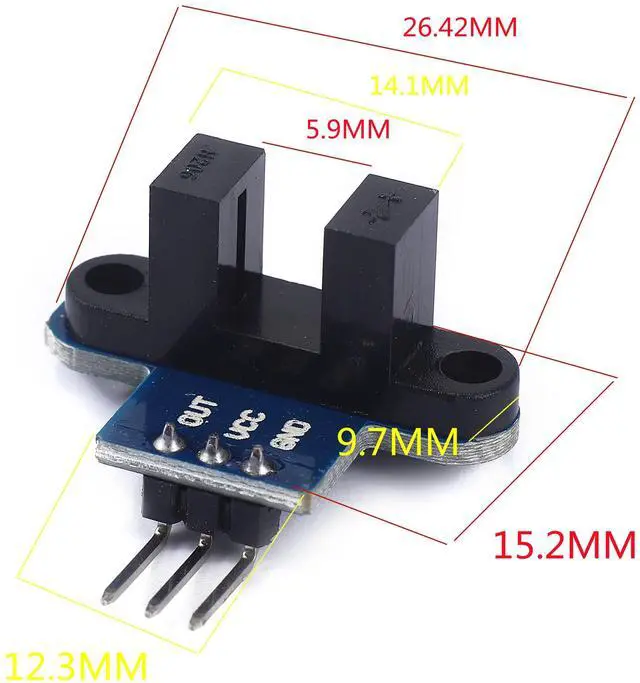
use: 1. +5 +5 is the positive input port of the power supply, which can be connected to a voltage of 3.3V~5V
2. GND GND is the negative input port of the power supply. OUT OUT is the signal output port, which is connected to the I/O port of the single-chip microcomputer. Generally, it is connected to an external interrupt.
For other main control boards or higher-level main control boards (such as Arm), if you need to set the I/O port to input/output mode, you must set it to input mode/receive mode, otherwise it cannot be used. 51 series MCU can be used directly, no need to set input and output mode
Note: For Arduino players should set the MCU's I/O port to input mode/receive mode, otherwise it cannot be used.
+
+
Overview
Specs
Reviews
Any questions? Our AI beta will help you find out quickly.
Try me now
use: 1. +5 +5 is the positive input port of the power supply, which can be connected to a voltage of 3.3V~5V
2. GND GND is the negative input port of the power supply. OUT OUT is the signal output port, which is connected to the I/O port of the single-chip microcomputer. Generally, it is connected to an external interrupt.
For other main control boards or higher-level main control boards (such as Arm), if you need to set the I/O port to input/output mode, you must set it to input mode/receive mode, otherwise it cannot be used. 51 series MCU can be used directly, no need to set input and output mode
Note: For Arduino players should set the MCU's I/O port to input mode/receive mode, otherwise it cannot be used.
Learn more about the Detailed Specifications
Additional Information
First Listed on Newegg
September 15, 2025
There are no reviews yet.
Do you own this product?
Warranty & Returns
Warranty, Returns, And Additional Information
Warranty
Please contact the Seller directly for warranty information. Warranty information may also be found on the Manufacturer's website.