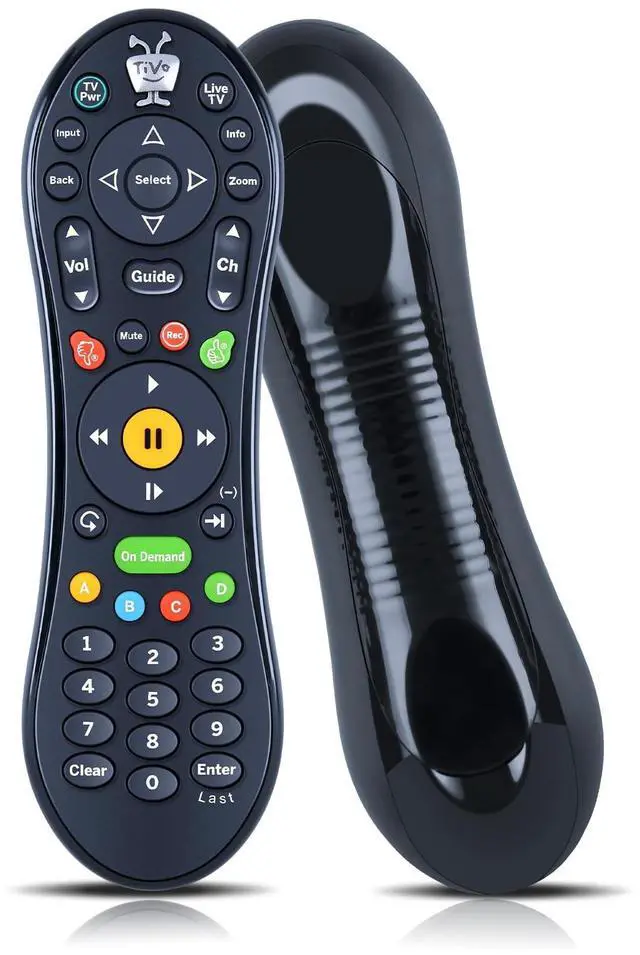
Perfect Compatibility & ReplacementFQOUG Replacement Remote Control for Tivo Roamio DVRs, Premieres, Series3, HD & HD XL, Series2 DVRs, for Humax, for AT&T Broadband, for Philips or Hughes digital video recorders including the DIRECTV DVR with TiVo service.
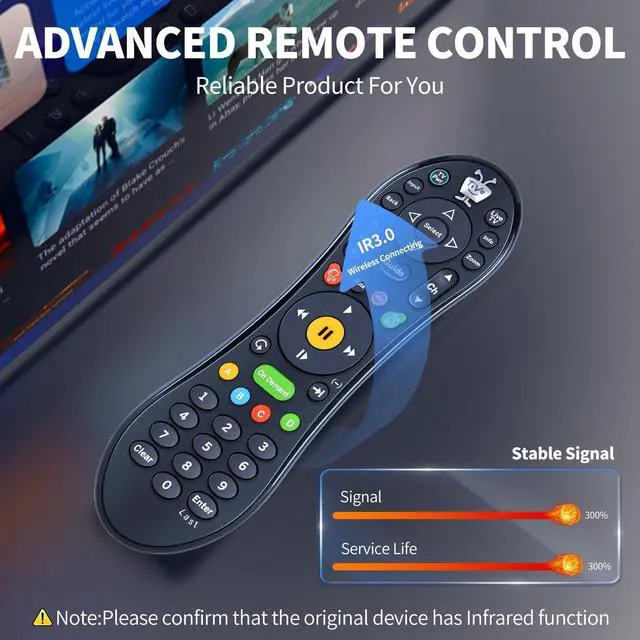
Dual-Mode CompatibilitySupports both infrared (IR) and radio frequency (RF) signals, providing flexible control options and a wider transmission distance.
How to Pair1) To activate the pairing function the user willpress any key.The amber LED begins to flash slowly for 30seconds, the flash rate shall be 3 flashes every 2seconds. 2) Local Name:Tivo_S6V_Remote. 3) If the pairing is successful, the remote willflash the amber LED quickly 5 times. 4) If the remtoe has not successfully pairedwith a target after 20 complete cycles it will exitpairing mode and enter IR mode. 5) To activate the pairing function in IR mode,the user will press and hold the [TiVo]+[Back] keyuntil the amber LED begins to flash slowly.
How to Unpai
+
+
Overview
Specs
Reviews
Any questions? Our AI beta will help you find out quickly.
Try me now
FQOUG Replacement Remote Control for TiVo Mediacom RCN TIVO SMLD-00266-000 URC-7020BC0-XXXX-R LCD LED TV Controller (IR and RF) - Black.
Learn more about the Detailed Specifications
Additional Information
First Listed on Newegg
June 12, 2026
There are no reviews yet.
Do you own this product?
Warranty & Returns
Warranty, Returns, And Additional Information
Warranty
Please contact the Seller directly for warranty information. Warranty information may also be found on the Manufacturer's website.