SanDisk Optimus GX PRO 850X M.2 2280-S3-M 1TB PCI-Express 4.0 x4 3D NAND TLC Internal Solid State Drive (SSD) SDSP81100TAN-000E0
  •  
  • $294.99 
  • Save: 10%
  • $74.99
  • Free 30-day Returns
  • Sold by GoBeRotie
    Hot Seller
    4.5 (15 seller ratings)

    Shipped by GoBeRotie

    Price alert
    Shop it at NeweggBusiness.

    Meet Your Seller

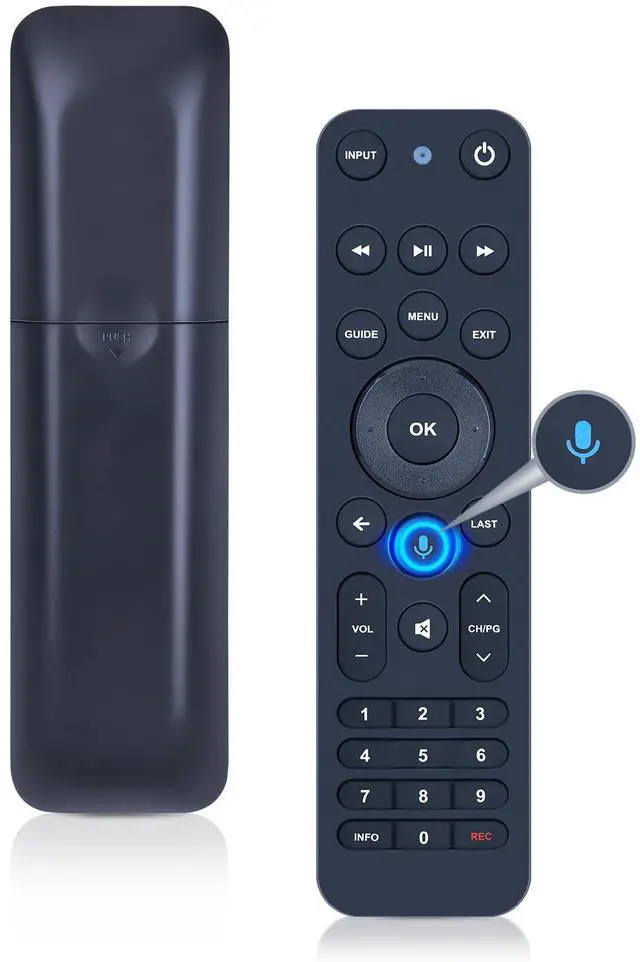
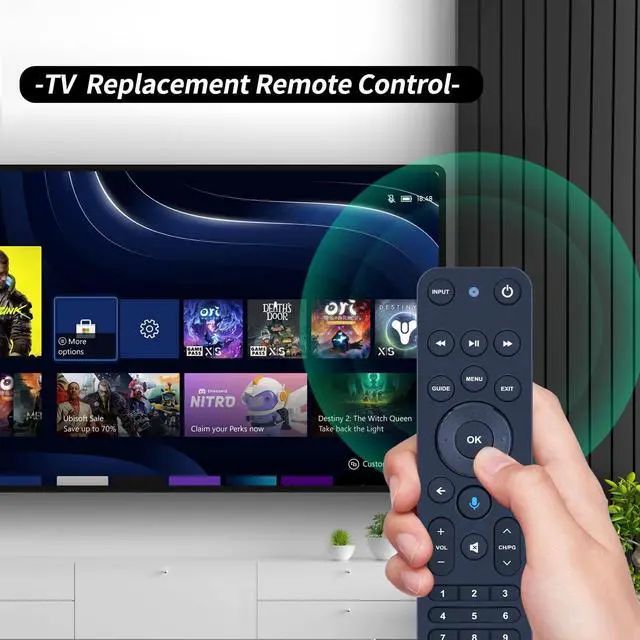
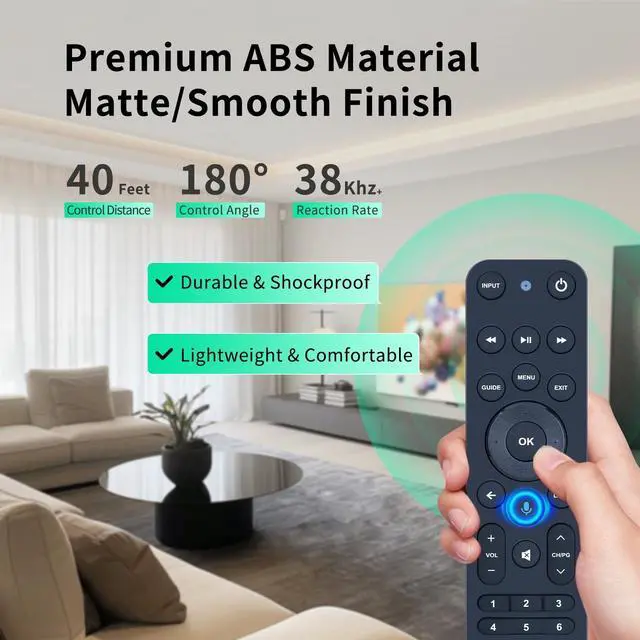
    WDZP New Voice Replacement Remote Control for Verizon FiOS TV All in One, Compatible with MG3-R32140B & VRC4100 BLE

    • Compatibility This all-in-one smart voice replacement remote control work with 2019 models MG3-R32140B & VRC4100 BLENOTE - NOT work Frontier. Work with Verizon
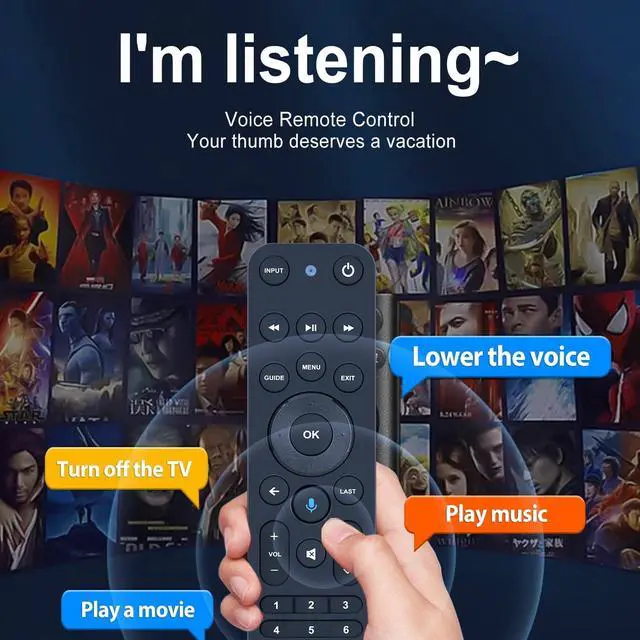
    • Smart Voice Search Built-in microphone allows you to search channels, open apps, and control your TV hands-free with simple voice commands (Tips: the microphone function can only be used after successful pairing with the device.)
    • Remote Finder Motion Activated Light If you lose your voice remote, press the power button on your Fios TV One twice. The voice remote paired with this device will beep. Once you find it, press any button on the remote to turn off the beep. Additionally, there is a sensor on the back of the voice remote. When it detects movement, an indicator light on the remote will illuminate, making it easier to find the remote in the dark
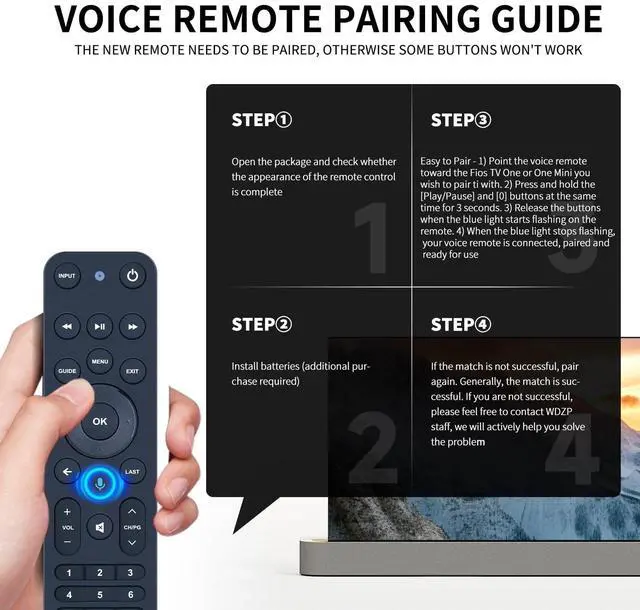
    • Easy to Pair - 1) Point the voice remote toward the Fios TV One or One Mini you wish to pair ti with. 2) Press and hold the [Play/Pause] and [0] buttons at the same tim
    +
    +
    Overview
    Specs
    Reviews
    avatar

    Any questions? Our AI beta will help you find out quickly.

    Compatibility This all-in-one smart voice replacement remote control work with 2019 models MG3-R32140B & VRC4100 BLENOTE - NOT work Frontier. Work with Verizon ^^ Smart Voice Search Built-in microphone allows you to search channels, open apps, and control your TV hands-free with simple voice commands (Tips: the microphone function can only be used after successful pairing with the device. ) ^^ Remote Finder Motion Activated Light If you lose your voice remote, press the power button on your Fios TV One twice. The voice remote paired with this device will beep. Once you find it, press any button on the remote to turn off the beep. Additionally, there is a sensor on the back of the voice remote. When it detects movement, an indicator light on the remote will illuminate, making it easier to find the remote in the dark ^^ Easy to Pair - 1) Point the voice remote toward the Fios TV One or One Mini you wish to pair ti with. 2) Press and hold the [Play/Pause] and [0] buttons at the same time for 3 seconds. 3) Release the buttons when the blue light starts flashing on the remote. 4) When the blue light stops flashing, your voice remote is connected, paired and ready for use ^^ How to Control your TV or Audio using your voice remote - Option 1: 1 )Go to Menu > Settings > Voice control > Fios TV Voice Remote > Program Voice Remote > Automatic Setup.

    2)Once the automatic setup completes youll see a Success message in the top right of the TV screen. Option 2: 1 )Go to Menu > Settings > Voice control > Fios TV Voice Remote > Program Voice Remote > Manual Setup. 2)Select your TV or Receiver Brand and Model and follow the steps.


    Warranty & Returns

    Warranty, Returns, And Additional Information

    Warranty

    • Please contact the Seller directly for warranty information. Warranty information may also be found on the Manufacturer's website.
    • CONTACT

    Return Policies

    • Return for refund within: 30 days
    • Return for replacement within: 30 days
    • This item is covered by GoBeRotie Return Policy

    Manufacturer Contact Info

    LOADING...