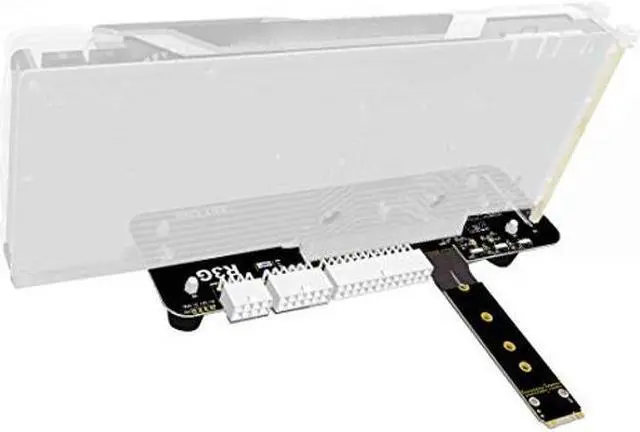
Description
Features:
Brand: ADT-Link
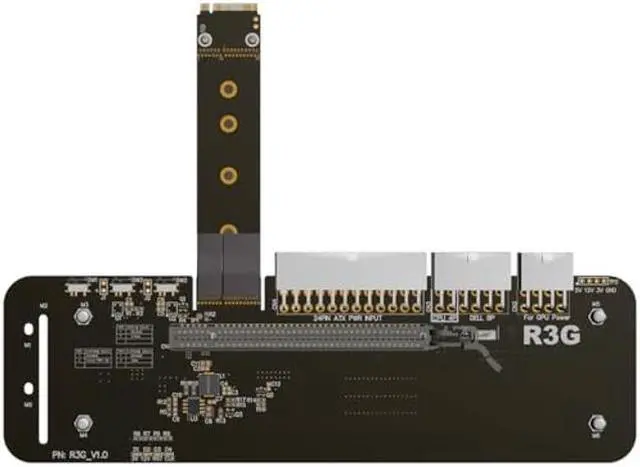
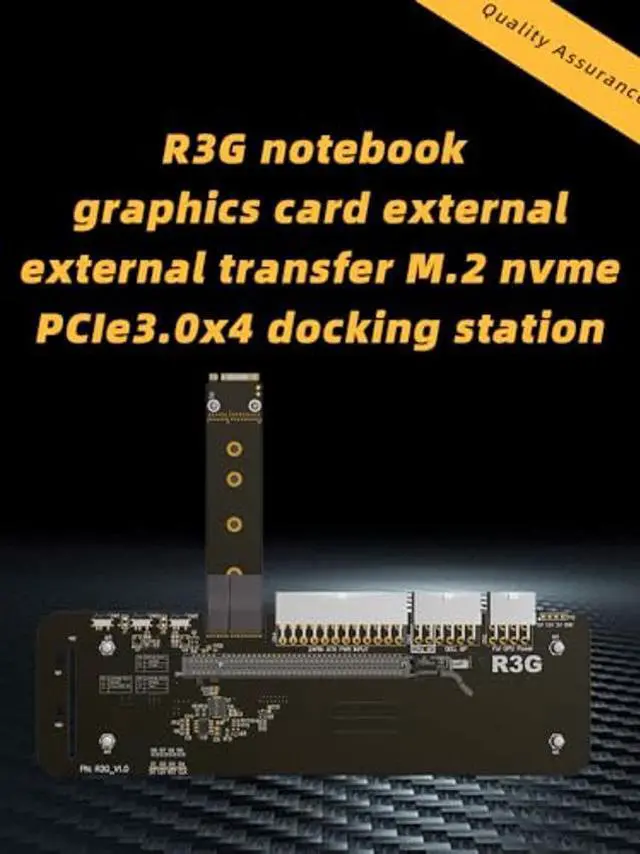
Product model: R3G series products
Product Name: Graphics card external adapter board extension cable
Wire length: 25cm, 50cm (other length bulk orders can be customized)
Graphics card compatibility: support for new graphics cards shipped after 2015 (old graphics cards shipped before 2014 are not supported)
Motherboard compatibility: Notebook, ITX/STX motherboard, NUC, only supports M. 2 NVMe interface Does not support M. 2 SATA interface, does not support M. 2 WiFi interface, does not support M. 2 WWAN interface
Power Description: The model that supports the power supply is DELL 12V/18A/220W power supply, or the standard ATX power supply. Please prepare or purchase the power separately.
Bandwidth speed: PCIe 3.0 x4 (32G/s)
Model Description: R43SG (M. 2 NVMe interface)
Installation steps:
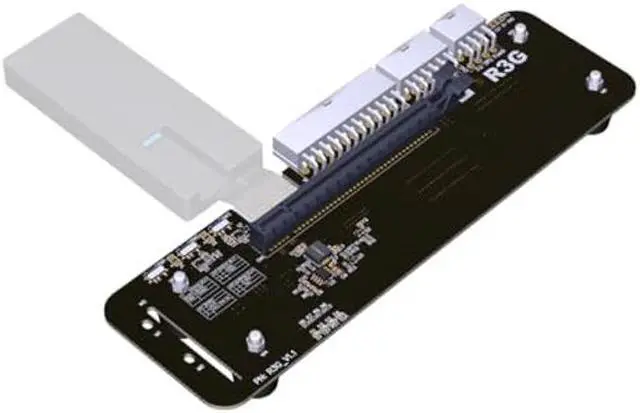
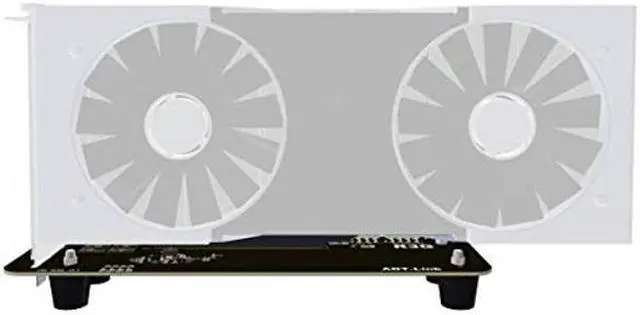
1. Install the hexagonal copper pillar and insert the graphics card into the PCIe x16 slot. The screw is tightened so that the graphics card will not shake or fall off.
2. Install ATX power supply or DELL power supply, including graphics card power cord should also be connected, after installed, DELL power supply will light orange lights.
3. You can plug in the M. 2 cable when the computer is off. After power on, the ATX power supply will automatically start the fan to turn. If you use the DELL power supply, the green light will turn on. At this time, the R3G board will turn on two green lights. The system will recognize the card automatically. Please install the graphics card driver. The installation of the driving process may prompt the computer to restart.
4. finish.
Note: Our all cables doesn't support the machine with 2x CPUs.
PC system requires WIN10 1909 version or higher. If it is lower than WIN10 1909 version, pls upgrade the system or reinstall before use. Otherwise the connected GPU doesn't recognize by system.