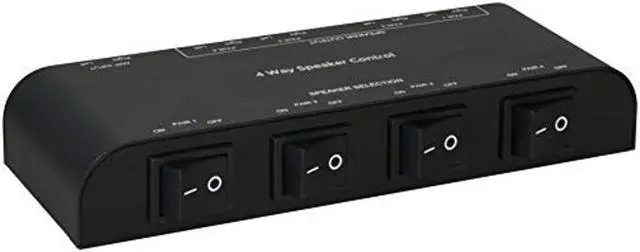
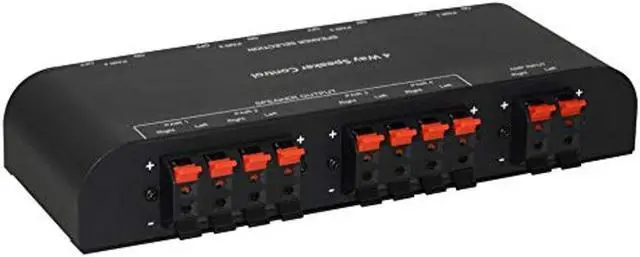
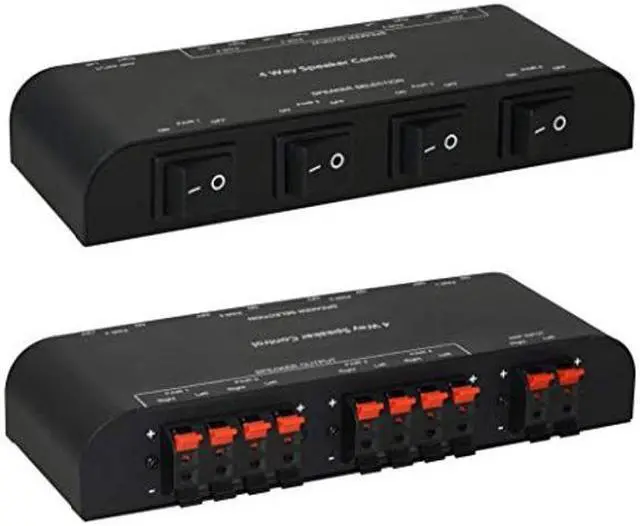
XtremPro 2 to 4 way speaker switch, 1 in 2 out to 1 in 4 out way pair stereo speaker selector w/ terminal clamps metal non-slip box -
Black Features: the product is designed to use two pairs of loudspeakers connected to one amplifier. The pairs of loudspeakers can be used simultaneously or separately. The product features a metal housing and two separate rocker switches. This design eliminates interference and volume reduction. amplifier inputs x1 speaker output x2 or x4 load: 150 W per
Channel Cable cross-section: max. 2.
5 mm2 loudspeaker resistance: 4 - 16 ohms package contents: main unit x1 user manual x1 connection: failure to observe the following instructions can lead to damage to the product, The loudspeakers, and the amplifier. Turn off the amplifier; before connecting the cables. Check all cable connections before turning on the amplifier. Insert the strands correctly into the connections. Failure to do so poses a risk of short-circuiting. Use Suitable loudspeaker cables only. Connect passive loudspeakers to the loudspeaker outputs only (No active loudspeakers). connect the amplifier input to the loudspeaker outputs of a suitable audio amplifier only. Refer to the user manual of the amplifier and the loudspeakers concerning their respective; technical data and any special information concerning their connections.