• $55.99
  • Free 30-day Returns
  • Sold by VersaCom

    Shipped by VersaCom

    Price alert
    Shop it at NeweggBusiness.

    Meet Your Seller

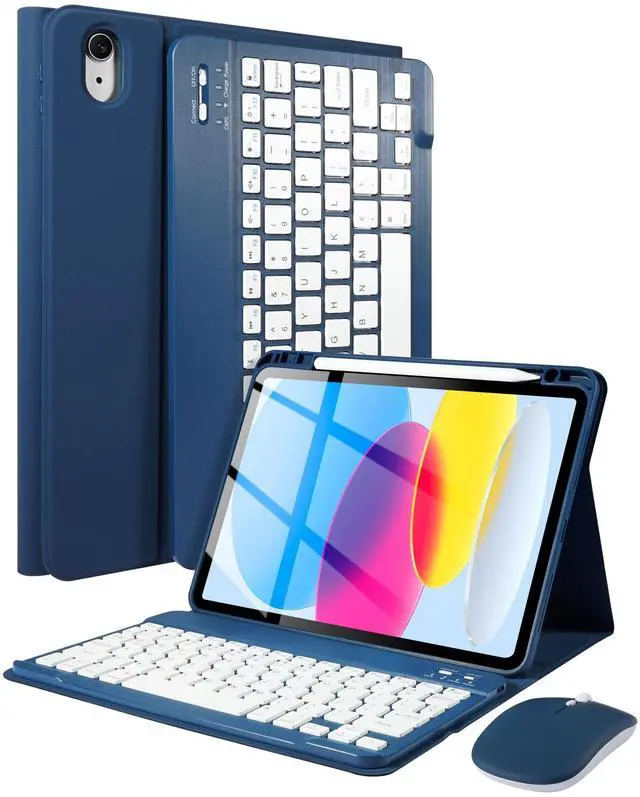
    Keyboard Case with Mouse for iPad (A16) 11th Gen 2025 /10th Gen 2022, Magnetic Case with Keyboard for iPad 11-inch (A16) / 10.9-inch 10th Generation, Thin & Light Cover with Pencil Holder, Navy Blue

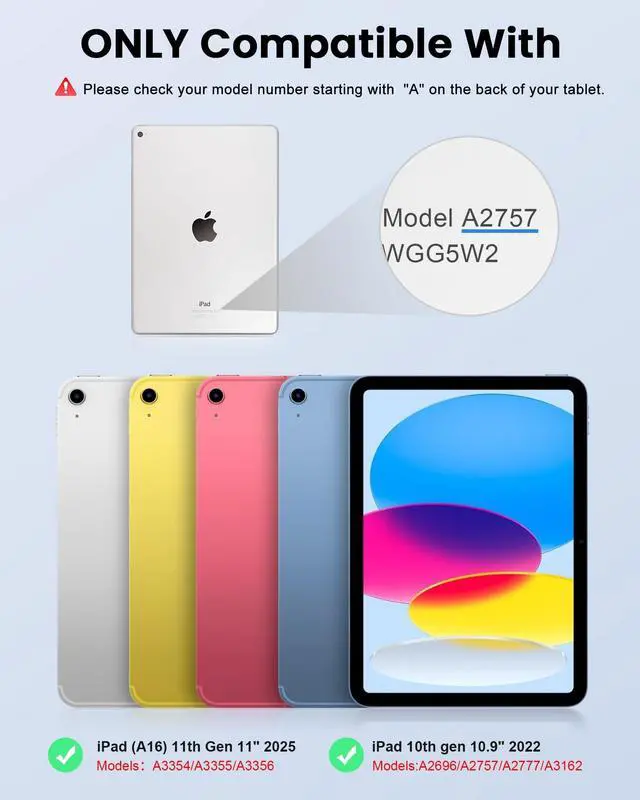
    • [Wide Compatibility]: LAMA keyboard case is designed for iPad (A16) 11th generation 11-inch 2025 (Model: A3354/A3355/A3356)and iPad 10th Generation 10.9" 2022 (A2696/A2757/A2777). It is not suitable for other 10.9 inch ipad or 11 inch ipad. NOTE: Please check the "Axxxx" logo on the rear of the iPad before ordering.or Open settings>General>About>Tap the "Mxxxx" part number to reveal the "Axxxx" model number.
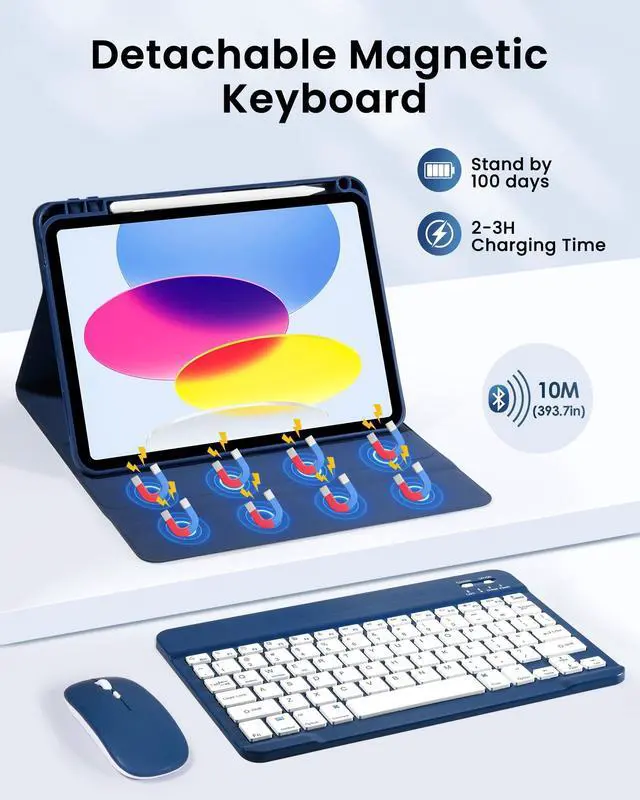
    • [Magnetic Keyboard with Mouse]: The keyboard and mouse adopt new Bluetooth chip technology to provide stable and powerful cordless connection. The working range up to 10m. This keyboard features volume control, previous, next, other media hot keys. The mouse supports Bluetooth connection and 2.4GHz USB connection, the keyboard only supports Bluetooth connection. [The mouse ONLY work with iOS iPad OS 13 and above, you can turn on Assistive Touch: Setting> Accessibility> Touch> Assistive Touch].
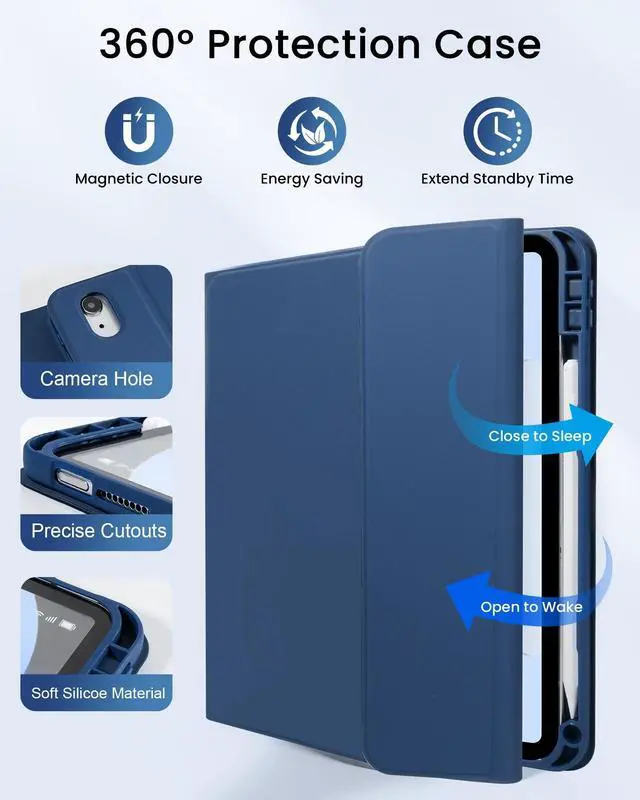
    • [Full Protective Case]: The premium composition leather exterior and soft, non-slip
    +
    +
    Overview
    Specs
    Reviews
    avatar

    Any questions? Our AI beta will help you find out quickly.

    LAMA Keyboard Case with Mouse and Pen for iPad 10th Generation 10.9 inch 2022 and 11th Generation 11 inch 2025This Keyboard Case with
    Mouse Compatible With: 10.9 inchiPad 10th
    Generation 10.9" 2022 (Model: A2696/A2757/A2777)11 inch iPad 11th (A16)
    Generation 2025(Model: A3354/A3355/A3356)Advantage of Keyboard
    Case with Mouse: 1. Utral slim magnetic detachable wireless keyboard design is convenient for carrying and using. 2. With the automatically wake up and sleep function, the keyboard case can work with other iOS, Android, and Windows devices. 3. The special function keys, like Sleep/Lock/Slide show/Home/Volume, provide you with a good typing experience. 4. With an adjustable stand, you can find the angle in landscape mode just right for you. How to Connect keyboard to iPad Tablet? 1. Power "ON" keyboard and open Bluetooth in tablet settings, long press the "Connect"button (indicator will keep twinkle) on the keyboard2. Search for "Bluetooth Keyboard" on tablet's Bluetooth interface, then click "Connect". 3.
    Mouse: Switch mouse to "Bluetooth" symbol, and seacrch the "BT 5.2 Mouse" on tablet, finished connected. 4. This mouse also can used with computer or laptop, switch the power button to" 2.4G " and plug the USB receiver in deivice.
    [Note: please check the iPad back model before purchasing.
    ]Packing List: 1 * Case for iPad 11th 2025/10th 2022 Gen (iPad not included) 1 * Keyboard1 *Mouse1 * USB Charging Cable (ONLY for the keyboard, NOT for iPad)1 * User Manual

    Warranty & Returns

    Warranty, Returns, And Additional Information

    Warranty

    • Please contact the Seller directly for warranty information. Warranty information may also be found on the Manufacturer's website.
    • CONTACT

    Return Policies

    • Return for refund within: 30 days
    • Return for replacement within: non-replaceable
    • This item is covered by VersaCom Return Policy

    Manufacturer Contact Info

    LOADING...