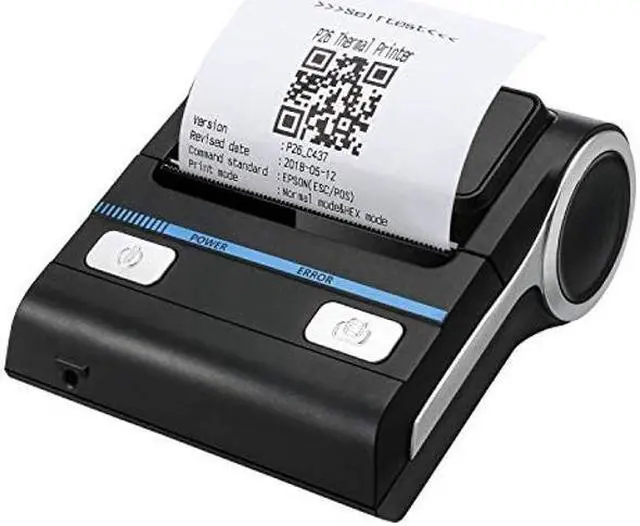
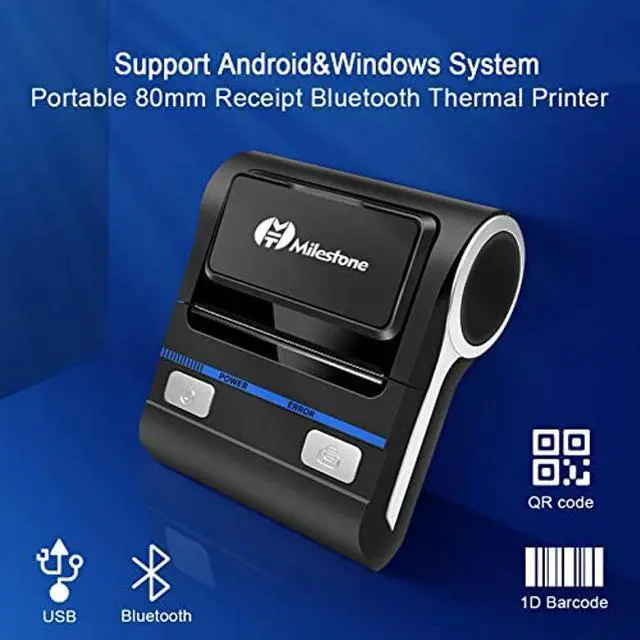
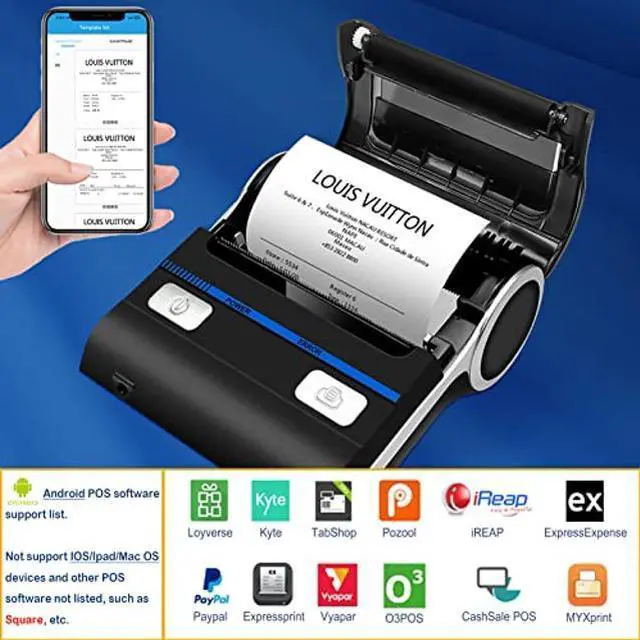
NOTE 1. Loyverse(Retail/Clothing) and Pozool (Restaurant) for android devices. For iOS system, please download " POS-PrinterV 1.0" from App store, No APP of thermal printer to print invoice and receipts so far. 2. DO NOT SUPPORT Square, Mac, TabShop, lite, PayPal Here/Credit Card Reader/izettle/FileMake Go. Please confirm with seller if receipt printer support your application before order. 3. If you have customized POS system, and would like to compatible with our receipt printer, please email us directly for technical support.
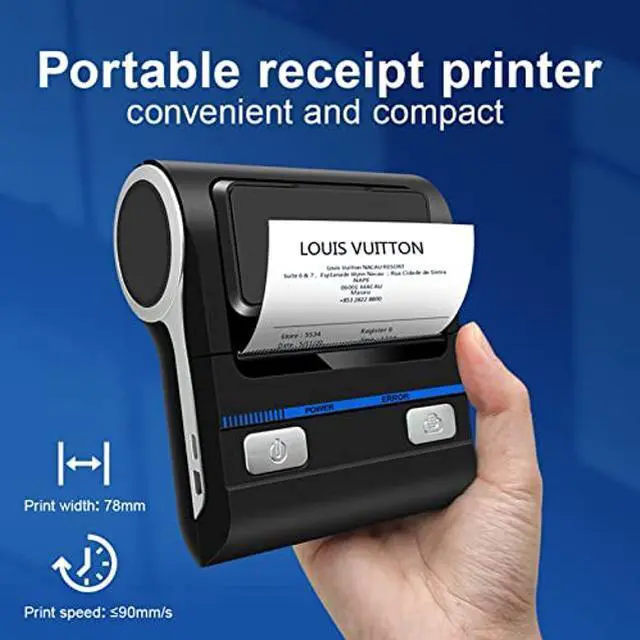
PRODUCT SPECIFICATION 1-Print mode: thermal type receipt printer 2-Print width: 72mm
3-Print density: 384 dot / line 4-Print speed: 90mm/s
5-Interface: USB+
Bluetooth 6-Paper thickness: 0.06 - 0.08 mm 7-Print command: compatible with
ESC/POS 8-Character size: 24*24
point 9-Bar code type: CODE39
10-Power adapter:
input: AC100-240V
output: DC9V/2A
11-Mechanical properties: 50KM
QUESTIONS AND ANSWERS Q: How to know the Bluetooth name and PIN for the thermal printer?
A: Print out
test page: under the Power Off status, hold down the power key and press the FEED key. Three seconds later, loosen the power key and the FEED key in order. Receipt printer's information on the test page.
Q: I cann't find any Bluetooth of small printer with my IOS system mobile phone.
A: (1) Download the app " POS-PrinterV 1.0 "; (2) Turn on Bluetooth and open the app, then click "Select Printer"; (3) Select the right one and pair. Thermal receipt printer's Bluetooth name and PIN on test page. Please don't find the Bluetooth on setting. You won't find printer Bluetooth there.