• $53.99
  • Free 30-day Returns
  • Price alert

    Best Sellers

    Newegg
    • + $8.34 Shipping
    Shop it at NeweggBusiness.

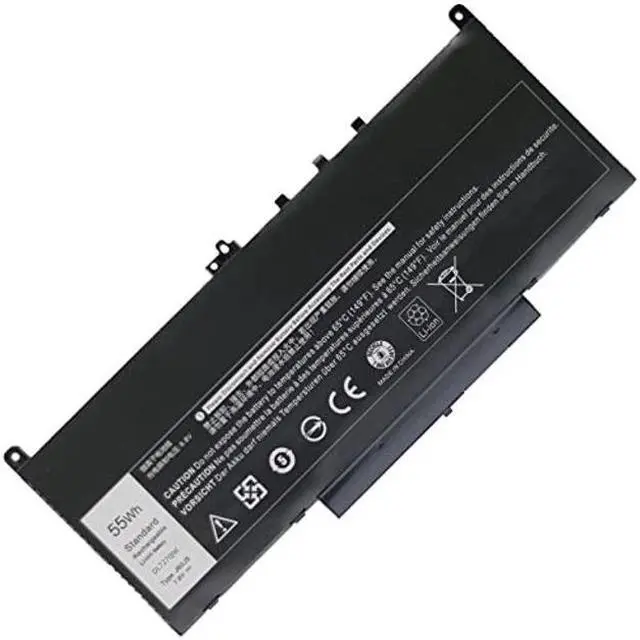
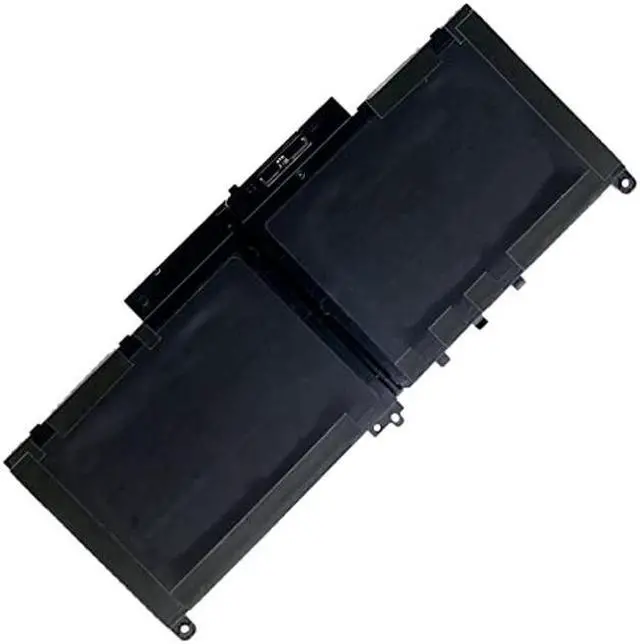
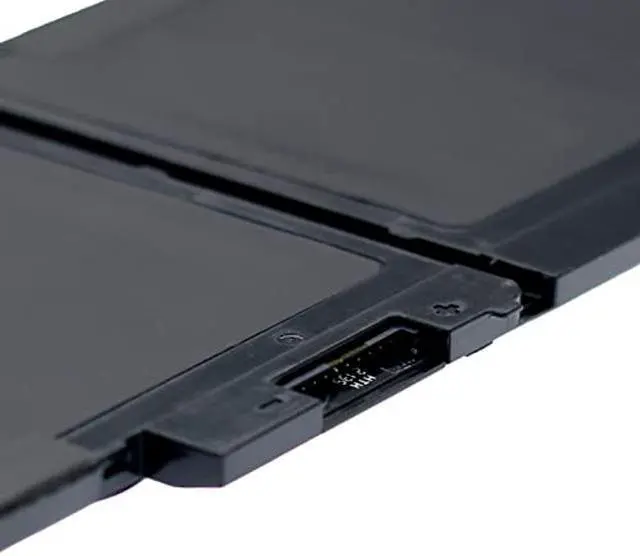
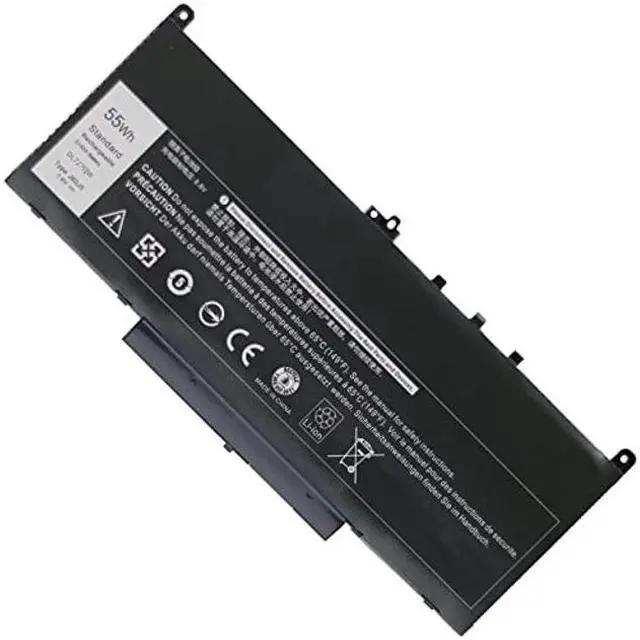
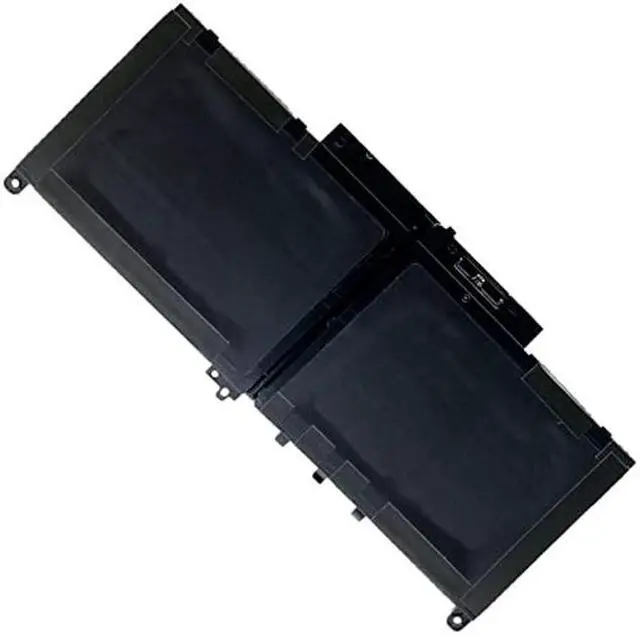
    DJMRYA J60J5 Laptop Battery for Dell Latitude E7270 P26S001 E7470 P61G001 Series Notebook R1V85 MC34Y 242WD PDNM2 0MC34Y GG4FM WYWJ2 1W2Y2 451-BBSX 451-BBSY 451-BBSU Notebook Battery 7.6V 55WH

    • Compatible Part Number:J60J5 R1V85 451-BBSX 451-BBSY 451-BBSU MC34Y 242WD 0MC34Y PDNM2
    • Perfect Compatibility As Original: Dell J60J5 Battery for Dell Latitude 12 E7270 P26S001, Dell Latitude 14 E7470 P61G001 Series Laptop. (For more models, please refer to the details page)
    • Dell J60J5 Battery - Battery Type: Li-ion Polymer; Number of Cells: 4 Cell; Voltage: 7.6V; Capacity: 55Wh;
    • Lithium Ion Premium Battery: Class A batteries can be recharged up to 500 times during the battery life. Ensure low power consumption and fast charging
    • built-in circuit protection ensures both safety and stability. CE / FCC / RoHS Certified for safety.30 Days Money Back Guarantee and 12 Months warranty. 24 x 7 email support
    +
    +
    Overview
    Specs
    Reviews
    avatar

    Any questions? Our AI beta will help you find out quickly.

    Specifications

    :
    Battery Type: Li-ion Polymer
    SKU: DL7270JW
    Voltage: 7.6V
    Capacity: 55Wh
    Condition: Brand new & High quality
    Warranty: 12 Months Warranty
    Color: Black

    Compatible Part Number:
    J60J5 R1V85 451-BBSX 451-BBSY 451-BBSU MC34Y 242WD 0MC34Y
    PDNM2 0J60J5 MC34Y 0MC34Y 1W2Y2 242WD GG4FM WYWJ2

    Compatible with Laptop Models:
    Dell Latitude 12 E7270 P26S001 Series,
    Dell Latitude 14 E7470 P61G001 Series,
    Dell Latitude 7000 E7270 12.5" Business Class Ultrabook Series,
    Dell Latitude 7000 E7470 14" Business Class Ultrabook Series.
    Dell Latitude 14 E7470 Series: Dell Latitude 14 (E7470-02R95); Dell Latitude 14 (E7470-3K0DN); Dell Latitude 14 (E7470-FFDD3); Dell Latitude 14 (E7470-6DRWG); Dell Latitude 14 (E7470-KKJHD); Dell Latitude 14 (E7470-WMKPF); Dell Latitude 14 (E7470-7F3M1).

    Laptop Battery Instruction:
    1. Discharge the new battery use to 5%(not to 0%) and then charge to 95%, and cycle 3-5 times.
    2. Do not disassemble, crush or puncture. Do not dispose of in fire or water.
    3. If you remove battery for a long time, charge more than 80% at least one time within one months.
    4. When using the battery, care should be taken to prevent exposure and moisture.

    Warranty & Returns

    Warranty, Returns, And Additional Information

    Warranty

    • Please contact the Seller directly for warranty information. Warranty information may also be found on the Manufacturer's website.
    • CONTACT

    Return Policies

    Manufacturer Contact Info

    LOADING...
    LOADING...