• $50.99
  • Free 30-day Returns
  • Price alert

    Best Sellers

    Newegg
    • + $8.34 Shipping
    Shop it at NeweggBusiness.

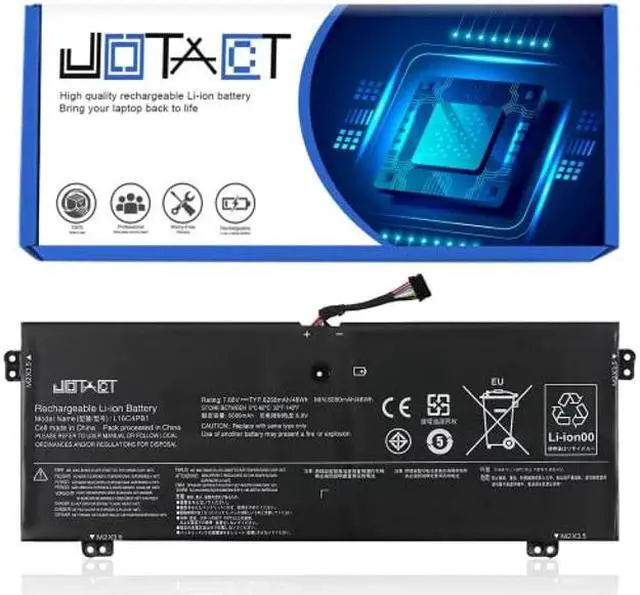
    JOTACT L16C4PB1 Laptop Battery Compatible with Lenovo Yoga 720-13IKB 730-13IKB 730-13IWL Series Notebook L16L4PB1 L16M4PB1 5B10M52738 5B10M52739 5B10M52740 5B10Q38237 5B10Q38238 7.68V 48Wh 6080mAh

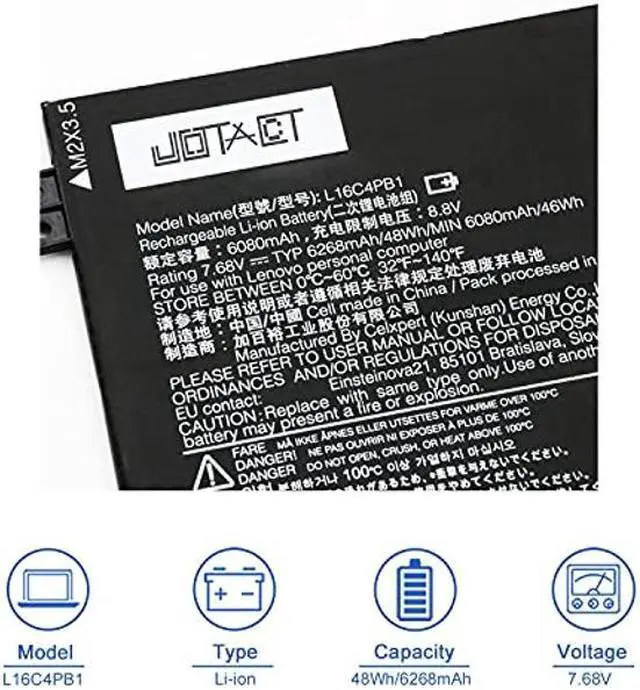
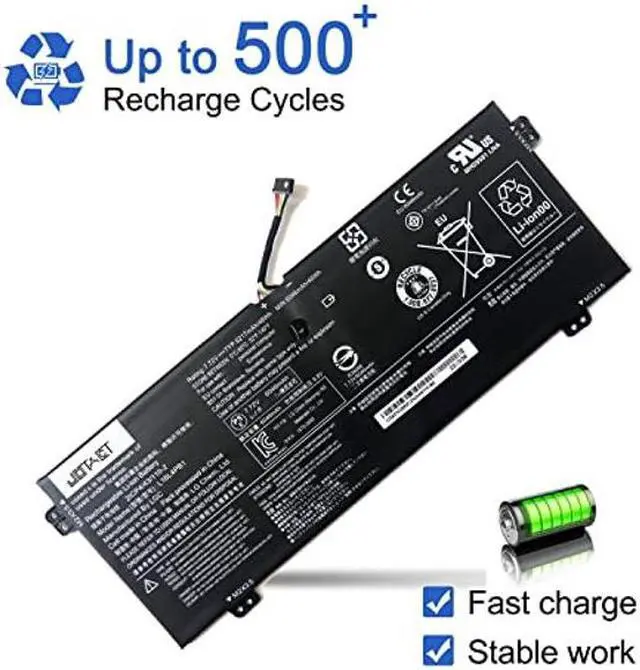
    • [(Specifications)] Item Model: L16C4PB1; Product Type: Replacement battery; Battery Type: Li-ion; Voltage: 7.68V; Capacity: 48Wh/6268mAh; Battery Life: Up to 500 recharge cycles over the life of the battery.
    • [(Compatible original Battery Code)] L16C4PB1 5B10M52739 L16L4PB1 5B10M52738 L16M4PB1 5B10M52740 2ICP4/43/110-2.
    • [(Compatible Laptop Models)] Compatible with Lenovo YOGA 720-13IKB 80X6001QGE 80X6001RGE 80X6001SGE 80X6001TGE 80X6004HHH 730-13IKB 730-13IWL Series Laptop.
    • [(Use Skills)] Before installing the replacement battery, please read the manual carefully.
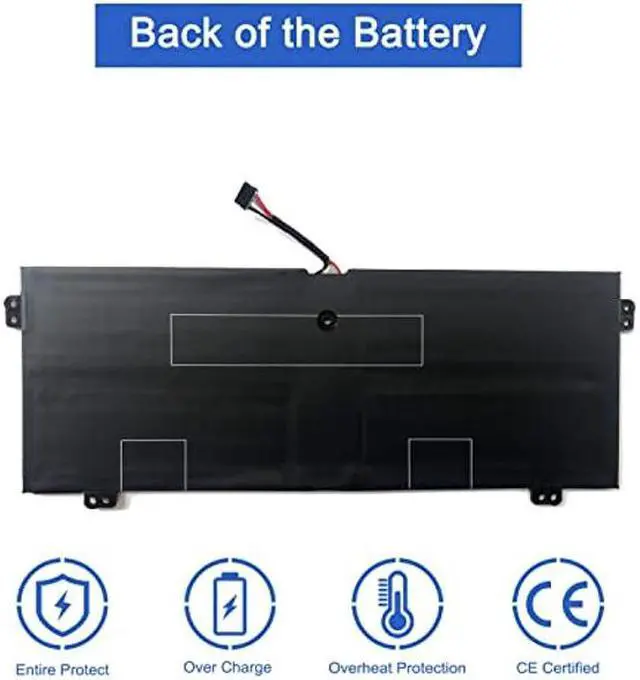
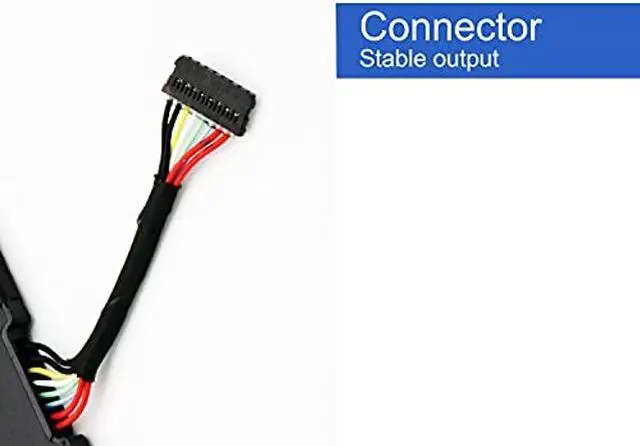
    • [(Notes)] Before placing your order, we highly suggest you to open the back case of your latptop and check out the exact part number and connector from your laptop's original battery.
    +
    +
    Overview
    Specs
    Reviews
    avatar

    Any questions? Our AI beta will help you find out quickly.

    Item Model: L16C4PB1

    Voltage: 7.68V

    Capacity: 6268mAh/48Wh

    Warranty: 12 Months Long


    Replacement Part Numbers:
    L16C4PB1 5B10M52739 L16L4PB1 5B10M52738 L16M4PB1 5B10M52740 2ICP4/43/110-2


    Compatible Laptop Models(use "Ctrl+F to find your model quickly"):
    Lenovo YOGA 720-13IKB 730-13IKB 730-13IWL Series
    Lenovo Yoga 720-13IKB Series
    Lenovo Yoga 720-13IKB 80X6
    Lenovo Yoga 720-13IKB 80X6001QGE
    Lenovo Yoga 720-13IKB 80X6001RGE
    Lenovo Yoga 720-13IKB 80X6001SGE
    Lenovo Yoga 720-13IKB 80X6001TGE
    Lenovo YOGA 720-13IKB 80X6004HHH

    Note: Only fit for yoga 720-13, yoga 730-13 Series Laptop NOT fit for yoga 720-12, 720-15, 730-15
    Series Laptop Package List: 1X L16C4PB1 battery 1X Instruction manual
    Notes: 1After installing the battery, you can try to calibrate the power management system. Discharge the new battery to 10% (not 0%), then charge and cycle 3-4 times to wake up the new battery. 2During the use of the battery, it is best not to discharge to less than 6% or turn off the computer power, otherwise it may be easily damaged and may not be fully charged. 3Do not connect the adapter for a long time when using the battery. Otherwise, the battery may be damaged. 4Avoid man-made impact, disassembly, squeeze or puncture. Do not throw it into fire or water. Avoid using the battery in an environment where the temperature is too high or too low. 5If you do not use the battery for a long time, make sure to charge the battery more than 80% per month. It is important to perform a complete discharge every two months to extend battery life.


    Warranty & Returns

    Warranty, Returns, And Additional Information

    Warranty

    • Please contact the Seller directly for warranty information. Warranty information may also be found on the Manufacturer's website.
    • CONTACT

    Return Policies

    Manufacturer Contact Info

    LOADING...
    LOADING...