Out of stock
This item is currently out of stock and it may or may not be restocked.
Sold by Newegg

Shipped by Newegg

Shop it at NeweggBusiness.

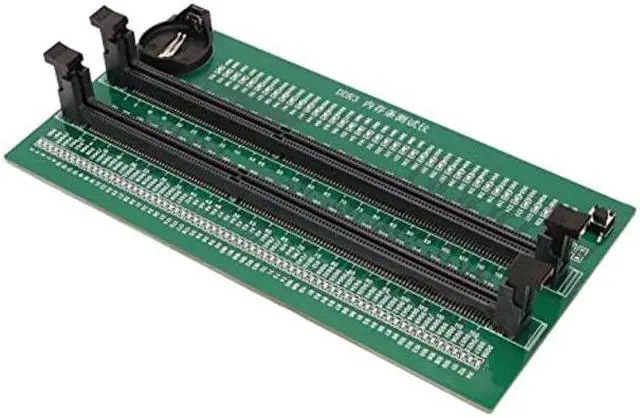
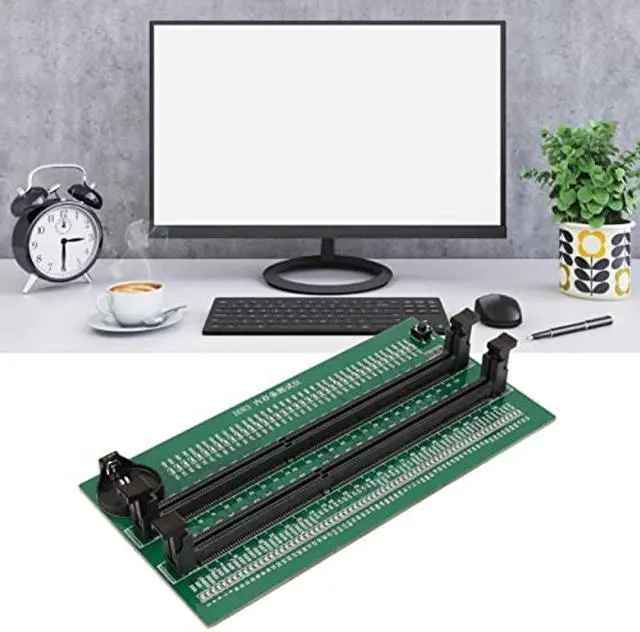
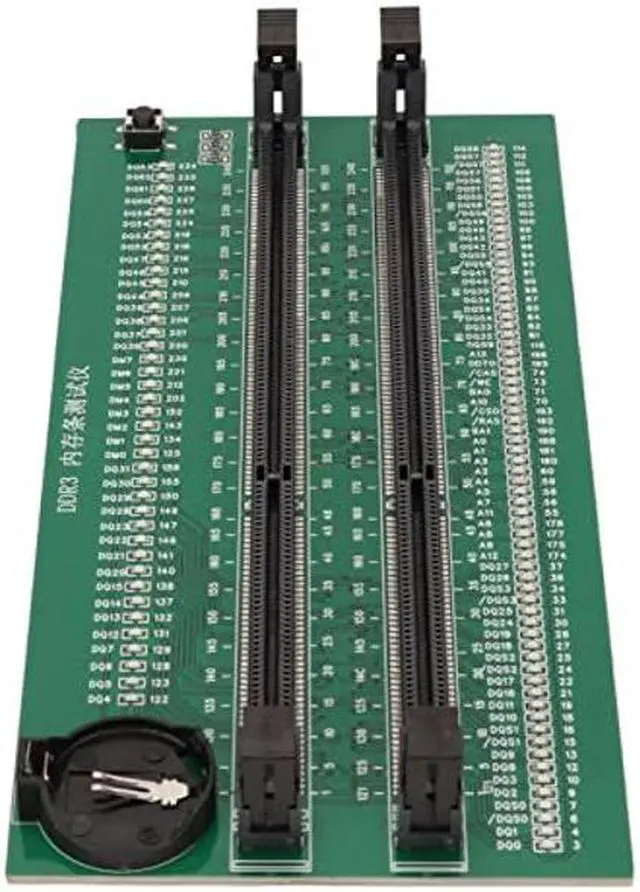
Zyyini DDR3 Memory Tester, PCB Desktop Computer DDR3 Memory Test Card with 110 LED Indicators, Easy to Use, for Desktop Computer DDR3 Memory

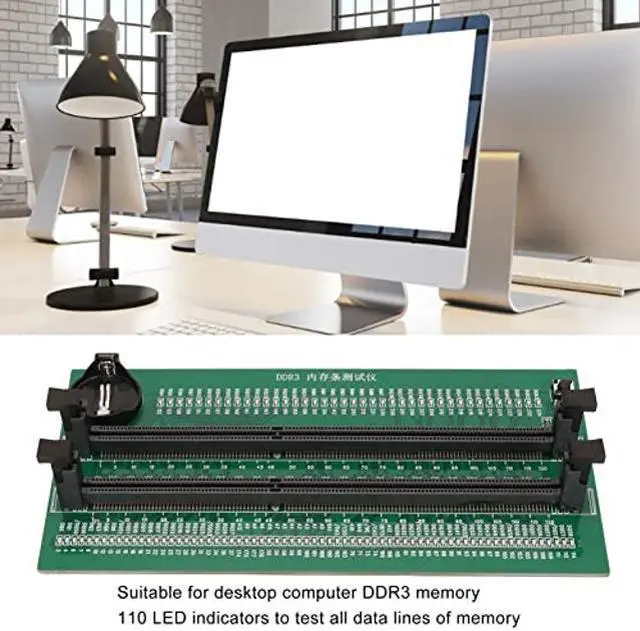
  • Applicable Scene: Desktop computer DDR3 memory test card is suitable for desktop computer DDR3 memory.
  • Computer Memory Failures: The failures of computer memory are mainly due to poor contact of the gold pins, wear and tear of the gold pins, broken PCBs, damage to the data line exclusion, open and short circuits in the video memory, and poor memory performance, etc.
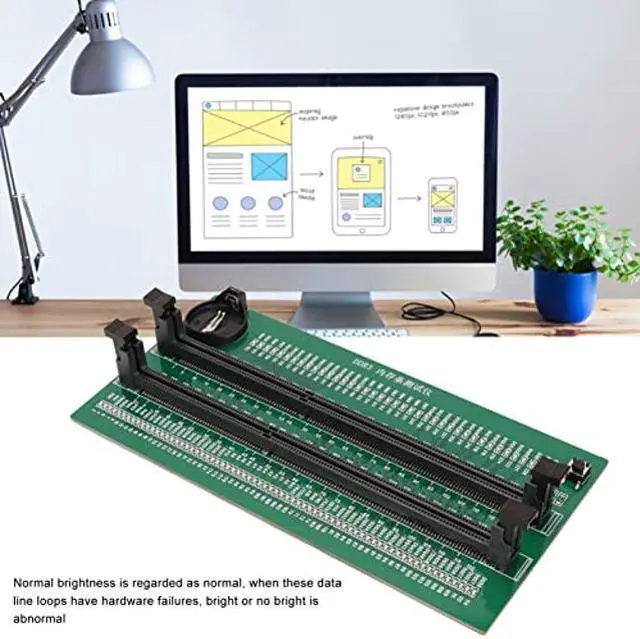
  • 110 LED Indicators: 110 LED indicators are used to test all data lines of the memory, and the normal brightness is regarded as normal. When a hardware fault occurs in the loop of these data lines, bright or no light is abnormal.
  • Uses: If the test indicator flashes, it means that the gold pin is in poor contact. If there is no indicator light, it means that the hardware has an open circuit failure. Check the wear of the gold pin, whether the exclusion is damaged, and whether the PCB is disconnected.
  • Easy To Use: Insert the CR2032 battery into the battery holder of the test card, insert the memory stick
Overview
Specs
Reviews
avatar

Any questions? Our AI beta will help you find out quickly.

Feature:

1.
Applicable Scene: Desktop computer DDR3 memory test card is suitable for desktop computer DDR3 memory.

2.
Computer Memory Failures: The failures of computer memory are mainly due to poor contact of the gold pins, wear and tear of the gold pins, broken PCBs, damage to the data line exclusion, open and short circuits in the video memory, and poor memory performance, etc.
3. 110
LED Indicators: 110 LED indicators are used to test all data lines of the memory, and the normal brightness is regarded as normal. When a hardware fault occurs in the loop of these data lines, bright or no light is abnormal.

4.
Uses: If the test indicator flashes, it means that the gold pin is in poor contact. If there is no indicator light, it means that the hardware has an open circuit failure. Check the wear of the gold pin, whether the exclusion is damaged, and whether the PCB is disconnected.

5.
Easy To Use: Insert the CR2032 battery into the battery holder of the test card, insert the memory stick to test, easy to use.

How to Use:
Insert the CR2032 battery into the battery holder of the test card and insert the memory stick to test.

Specification:
Item Type: DDR3 Memory Tester
Material: PCB
Battery Type: CR2032 Button Battery (delivered Without Battery)
Applicable: Desktop Computer DDR3 Memory Stick

Package List:
1 x DDR3 Memory Tester

Warranty & Returns

Warranty, Returns, And Additional Information

Return Policies

Manufacturer Contact Info

LOADING...