• $53.99
  • Free 30-day Returns
  • Price alert

    Best Sellers

    Newegg
    • + $8.34 Shipping
    Shop it at NeweggBusiness.

    KEYESTUDIO Basic Starter Kit for BBC Micro bit V2, Graphical Programming Built-in Bluetooth Compass, Motion Detection, LED Display Coding for Kids Teens + Battery Holder & USB Cable for Microbit

    • BBC Micro:bit Development Board V2.2 is included! New micro:bit with sound.
    • Battery holder with On-Off switch to power the micro bit which is very convenient for controlling
    • Micro:BIT is a great platform to start, you code visually with blocks and that prevents a lot of naive syntax errors
    • Technical Support: Connection Diagram, Sample Code, Using Method and User Guide are provided in our wiki page. Technical support is available via email or message.
    • It has a led matrix, compass, accelerometer and BLE, which makes it easy to reprogram as smartwatch, logging platform, gesture controller, or app controlled things.
    +
    +
    Overview
    Specs
    Reviews
    avatar

    Any questions? Our AI beta will help you find out quickly.

    Features:
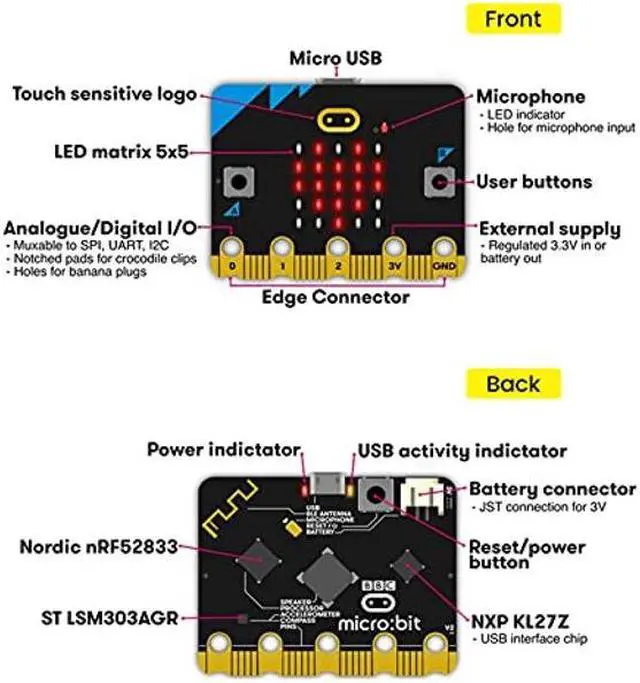
    USB and Bluetooth Low energy connectivity.
    Compass and Accelerometer.
    2 x programmable buttons.
    A 25 LED display.
    20 pin edge connector.
    A USB cable for programming.
    A battery case with lead for power supply.


    Using Method: (details on KEYESTUDIO wiki page)

    Step 1: Connection
    Connect the micro: bit to computer via a micro USB cable.
    Your micro: bit will show up on computer as a drive called 'MICROBIT'.

    Step 2: Programming
    Using micro bit MakeCode Block editor,
    write micro: bit code. You can drag and drop some example blocks and try your program on the Simulator in the Javascript Blocks Editor.
    Click the JavaScript, you can see the corresponding program code.

    Step 3: Download
    Click the Download button in the editor. This will download a 'hex' file, which is a compact format of your program that your micro: bit can read.
    Here you can name the project as LED1, then click "Save".
    Once the hex file has downloaded, copy
    it to your micro: bit just like copying a file to a USB drive. On Windows you can right click and choose "Send To-MICROBIT. "

    Step 4: Playing
    The micro: bit will pause and the yellow 5*5 LED on the back of the micro: bit will display the images while your code is programmed.
    You can power it using USB cable or battery. The battery holder need to connect two 1.5V AA batteries.


    Shipping List:
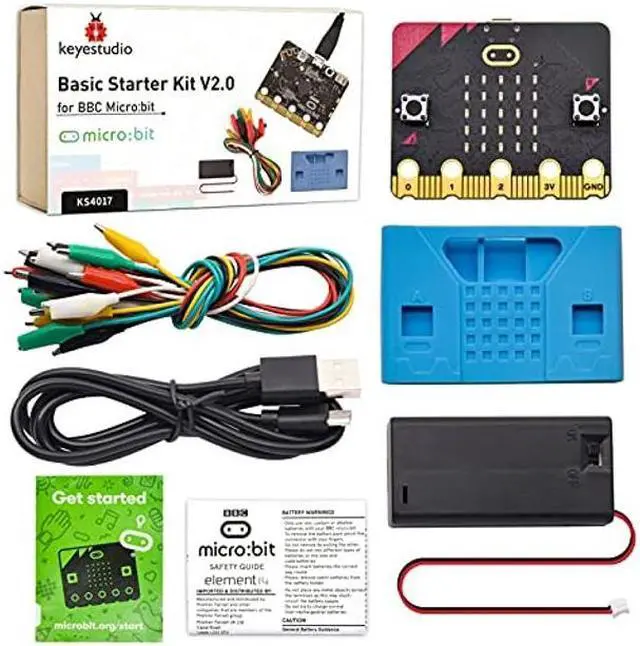
    Black USB cable L=1m *1pcs
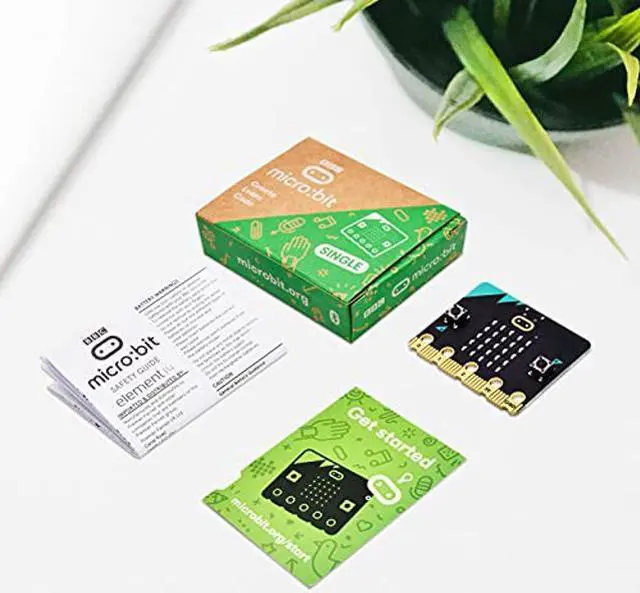
    BBC micro bit micro-controller v2*1pcs
    2-cell Battery holder *1pcs
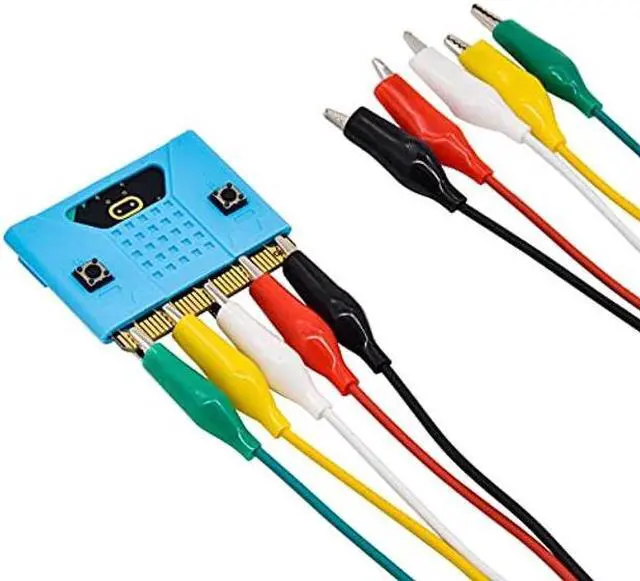
    Alligator clip line *10pcs
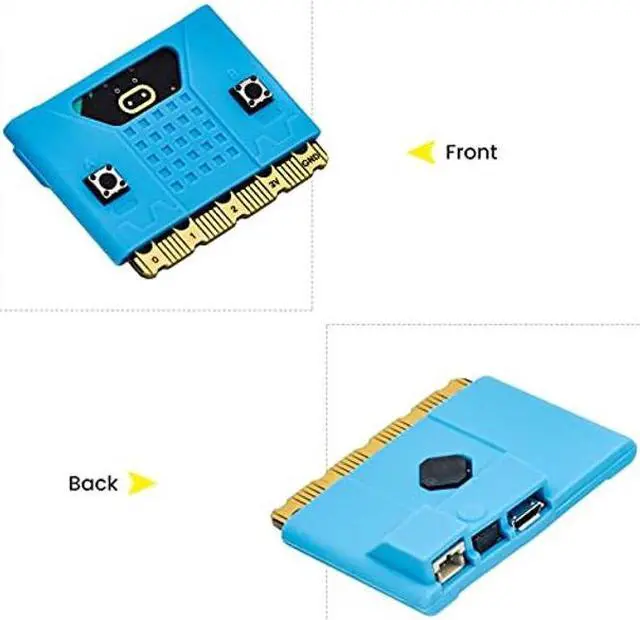
    Protective case for microbit v2*1pcs

    Warranty & Returns

    Warranty, Returns, And Additional Information

    Warranty

    • Please contact the Seller directly for warranty information. Warranty information may also be found on the Manufacturer's website.
    • CONTACT

    Return Policies

    Manufacturer Contact Info

    LOADING...
    LOADING...