You’re seeing this ad based on the product’s relevance to your search query. If you are a seller and want to participate in this program click here to learn more.
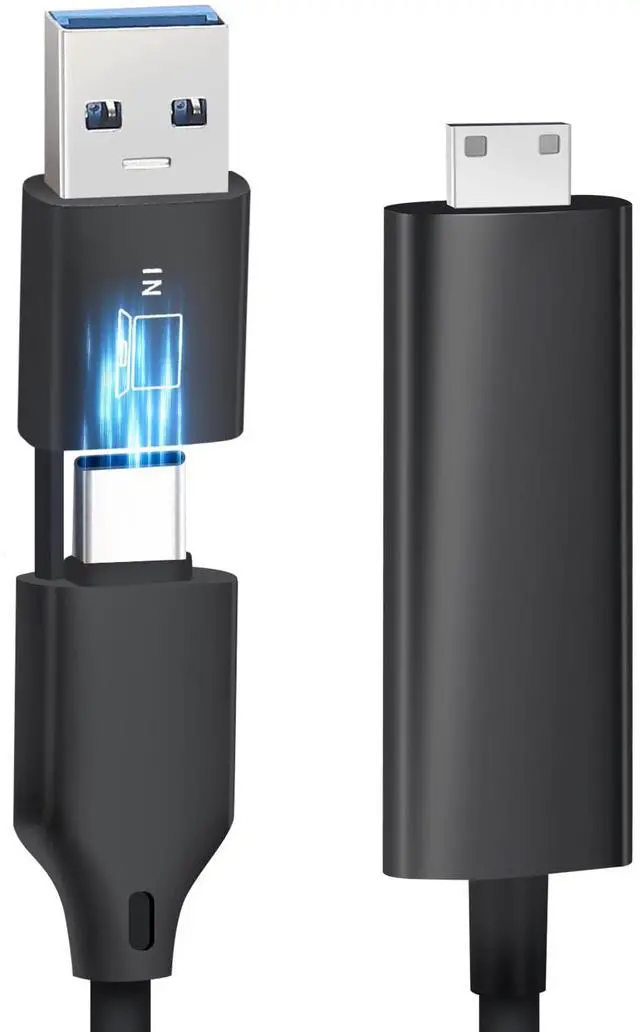
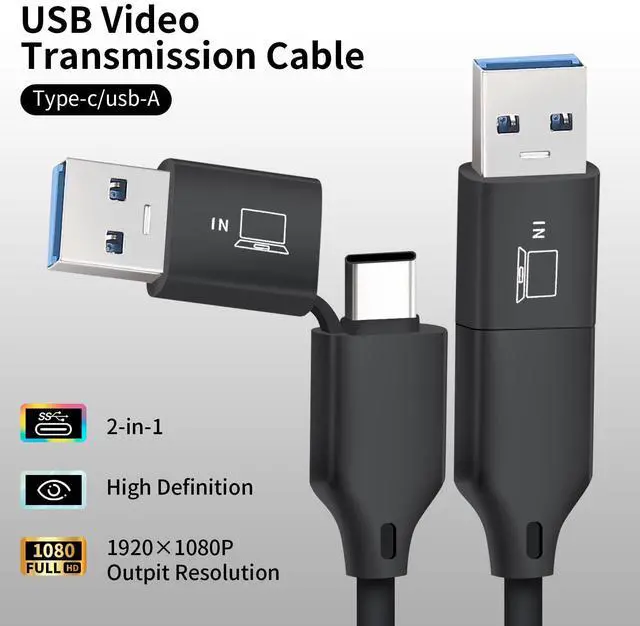
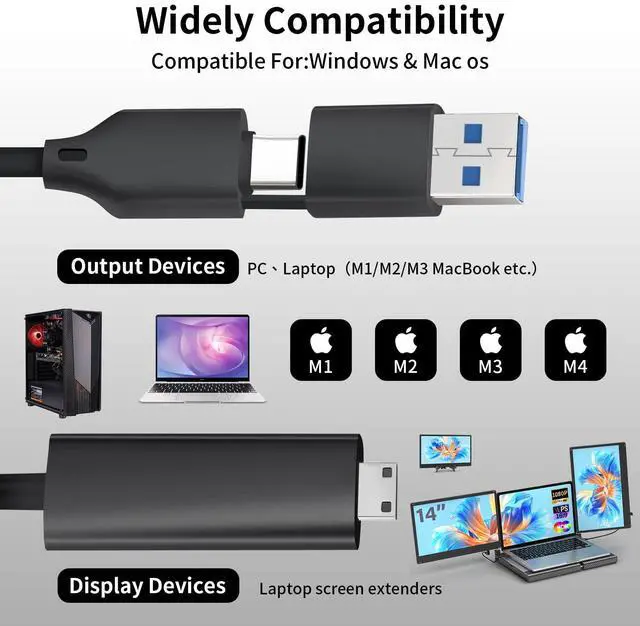
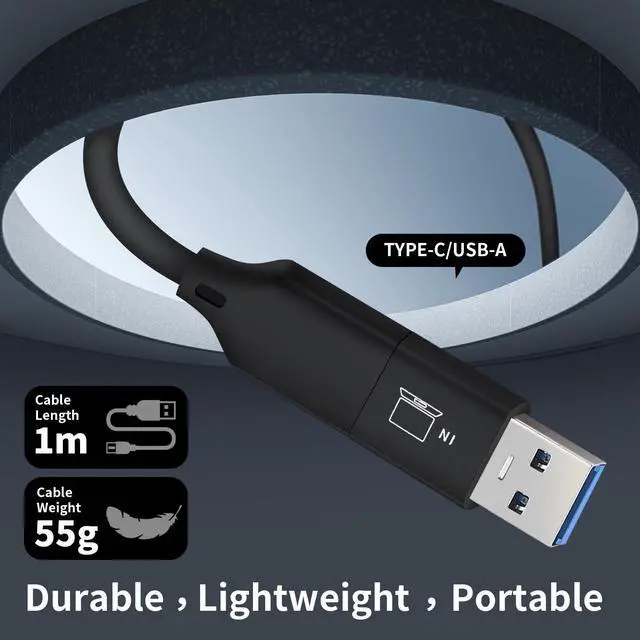
POTTMACEE 2-in-1 USB-A/C to MINI-HDMI Video Signal Conversion Cable for 14 Triple Laptop Screen Extender, Designed to Laptop Without Type-C Connect Tri-Screen, Compatible with M1/M2/M3/M4 MacBook
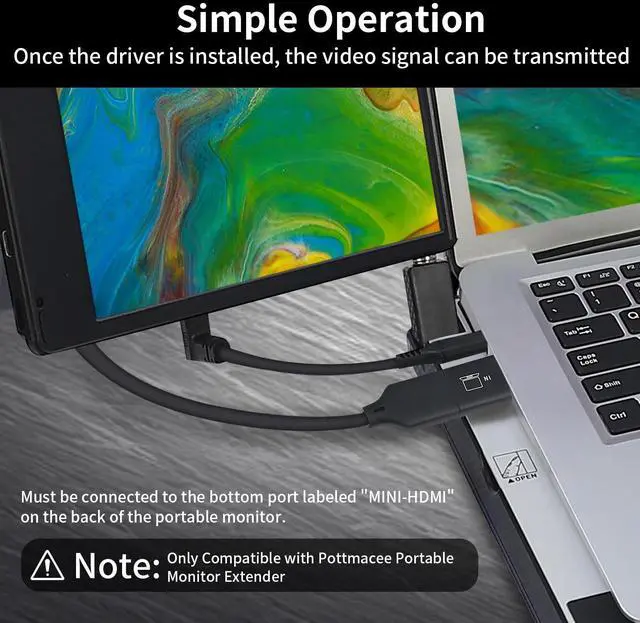
USB A/C to video signal conversion cable: POTTMACEE 2-in-1 USB-C data cable is tailor-made for M1/M2/M3/M4 MacBook. Connect it to the C port at the bottom of the second screen to provide video signal, and then connect a USB cable to provide power to this side screen. You can use tri-screen simultaneously to improve work efficiency. : Need to download driver after connecting
Installation notes: This USB to HDMI adapter cable must be installed as a driver before use. Install the driver does not require an optical drive, just connect the device to the computer, then open the removable drive, find the corresponding driver, click install and then restart the computer can be used
Solving the issue of extending two additional synchronization or differential displays for laptops that do not have full-featured Type-C port
Solving the issue of extending two additional synchronization or differential displays for laptops that do not have enough HDMI+USB A/C ports
Unive
Sponsored
You’re seeing this ad based on the product’s relevance to your search query. If you are a seller and want to participate in this program click here to learn more.