Out of stock
This item is currently out of stock and it may or may not be restocked.
Sold by Newegg

Shipped by Newegg

Shop it at NeweggBusiness.

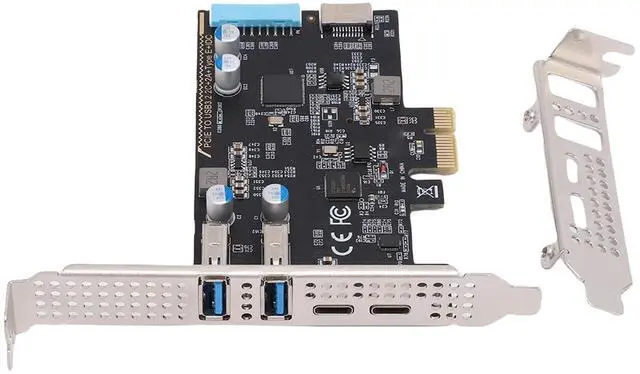
Bewinner PCIe Expansion Card, PCIE to USB 3.2 Gen 1 Card 10Gbps 2X USBC 2X USBA Ports for Desktop PC OS X, with USB Type E 19pin Interfaces

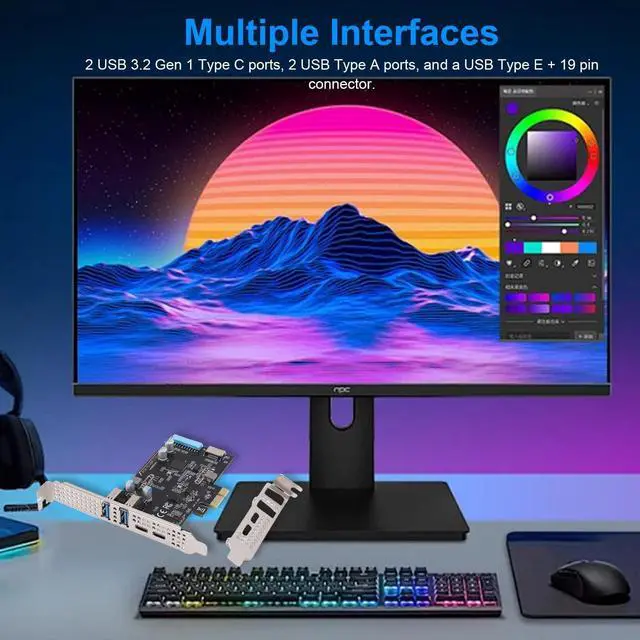
  • Multi Ports: This PCIe to USB 3.2 Gen 1 card adds 2 USB Type C and 2 USB Type A ports to your desktop, along with USB Type E and 19pin interfaces, enhancing connectivity for devices like external storage, VR headsets, and printers with 10Gbps data transfer speeds.
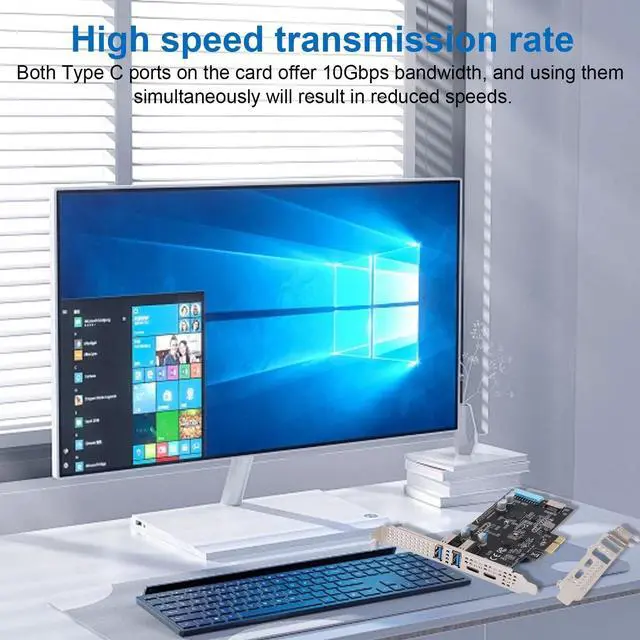
  • High Speed Data Transfer: The USB C PCIE card supports USB 3.2 Gen 1 standard, delivering 10Gbps bandwidth per Type C port, shared when used simultaneously, enabling rapid file transfers, 2GB in just 1.6 seconds, suitable for large datasets, gaming, and workloads.
  • Backward Compatibility: The PCI Express expansion card works with older PCIe 2.0 motherboards and supports for , for , and for OS X systems, offering plug and play functionality on for 10+.
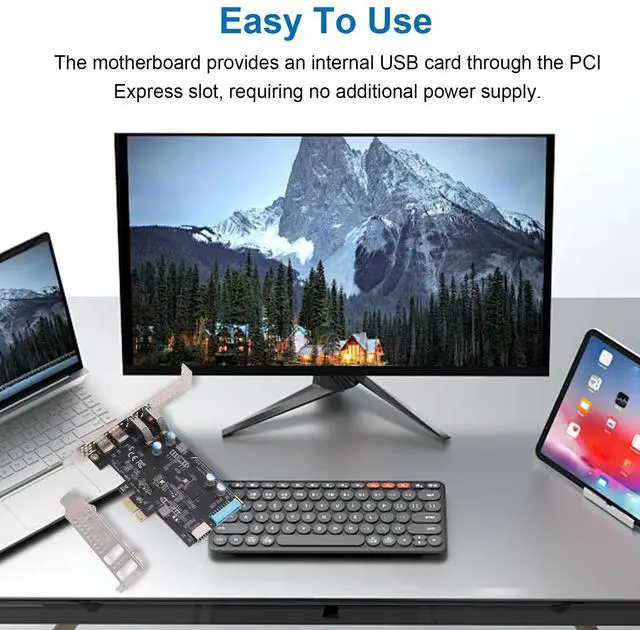
  • Stable Internal Connection: The desktop PC Internal USB hub draws power directly from the PCIe slot, ensuring stable performance without external power. Unlike external hubs, it avoids disconnection issues while maintaining consistent 10Gbps speeds for connected devices.
Overview
Specs
Reviews
avatar

Any questions? Our AI beta will help you find out quickly.

Specification: Item
Type: PCIe to USB 3.2 Gen 1
CardMaterial: PCB
Color: BlackBus
Type: PCIE
Interface Standard: USB 3.2 Gen 1Front
Interfaces: 2 x Type C, 2 x
Type ARear Interfaces: USB Type E, 19pinSystem
Compatibility: for, for, for
OS XBandwidth: 10GbpsHow to
Use: Take the product out of the packaging to use.
PackageList: 1 x PCIe To USB 3.2 Gen 1 Card1 x Low
Profile BracketNotice: 1. USB expansion cards only support data transfer and do not support PD fast charging, video signal transfer (High Definition Multimedia Interface, VGA display conversion), and USB for Thunderbolt protocol. 2. In PCIe 2.0 systems, the maximum transfer rate may be lower than PCIe 3.0 or higher versions. 3. Before installation, please make sure to turn off the computer power and disconnect the power cord. 4. When disassembling the chassis, please be aware that there may be incisive edges on the edges of the chassis to avoid scratches.

Warranty & Returns

Warranty, Returns, And Additional Information

Return Policies

Manufacturer Contact Info

LOADING...