Specification: Item
Type: CPU
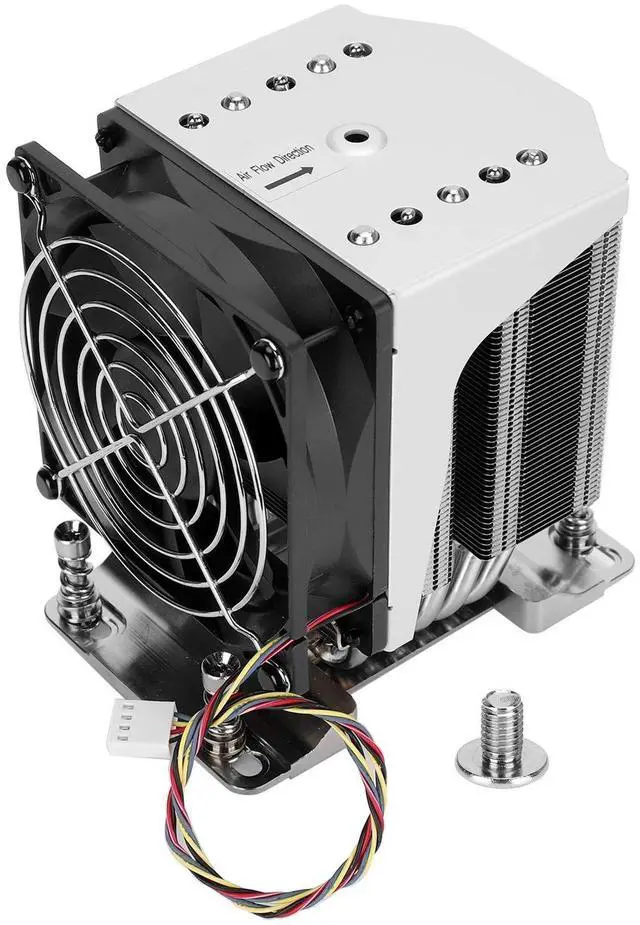
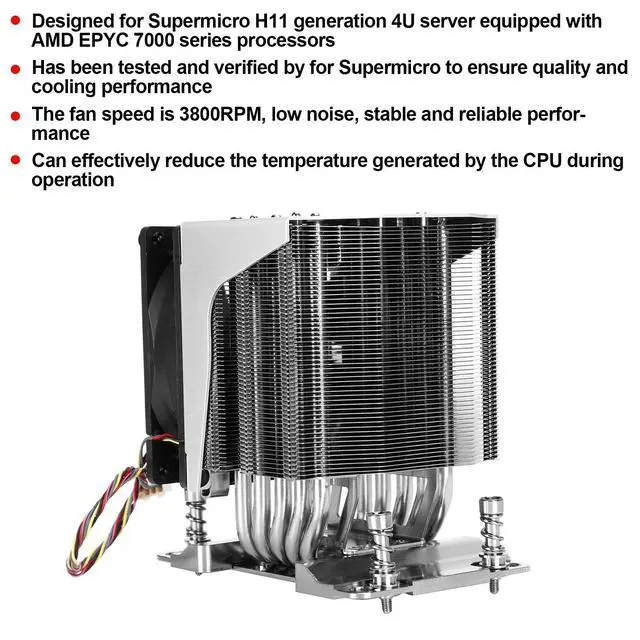
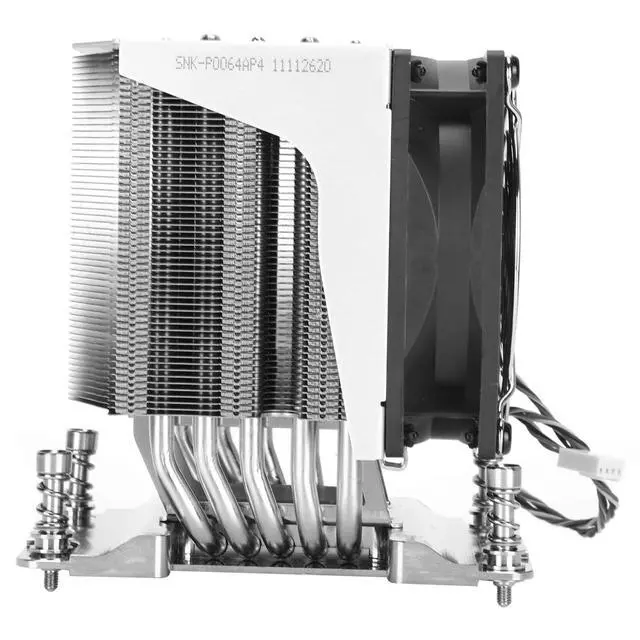
CoolerModel: SNK-P0064AP4Applicable
Motherboard: For H11 single/dual motherboardSocket
Type: Socket
SP3Applicable CPU: 7000
Series CPU Heat SinkSound (dBA): 38dBASpeed
(rpm):
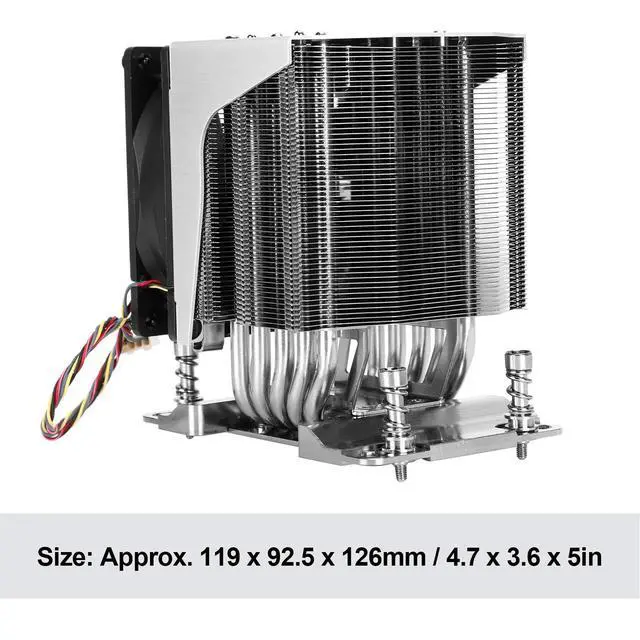
3800rpmSize: Approx. 119 x 92.5 x 126mm / 4.7 x 3.6 x 5inApplication
Scope: 4U server/workstationFan
Connector: 4PinThermal Design
Power (TDP): 180WRated
Voltage: 12VHow
To Use: 1. Before installing the radiator, please check that the radiator must be correctly aligned with the flowing direction of the system cooling air2. According to the required air flowing direction of the radiator, adjust the position of the radiator mounting screw so that it can be aligned with the relevant nut bracket so that the radiator can be installed on the stiffening frame. 3. Remove the thermal interface material (TIM) or thermal grease protective cover. The required amount of TIM has been pre-applied on the bottom of the heat sink. Check the pre-coated TIM for damage. 4. Place the heat sink directly on the top of the CPU so that the four heat sink mounting screws are aligned with the four heat sink mounting studs or nut brackets on the slot reinforcement frame and fixed on them. The radiator must be correctly aligned with the flowing direction of the system cooling air. Please note that when tightening the four radiator mounting screws, do not install the radiator cooling fan on the radiator body. 5. Use a screwdriver with a Star T20 drill bit and adjust the torsion setting of the screwdriver to 16.1 kgf-cm ( 14.0 lbf-in).
Before opening the screwdriver, make sure that the screwdriver bit is fully inserted into the hole of the heat sink mounting screw head. During the installation process, keep the heat sink mounting screws vertical. 6. Tighten the two diagonal radiator mounting screws, and rotate the screws 1 to 2 turns until they fit snugly. Do not tighten