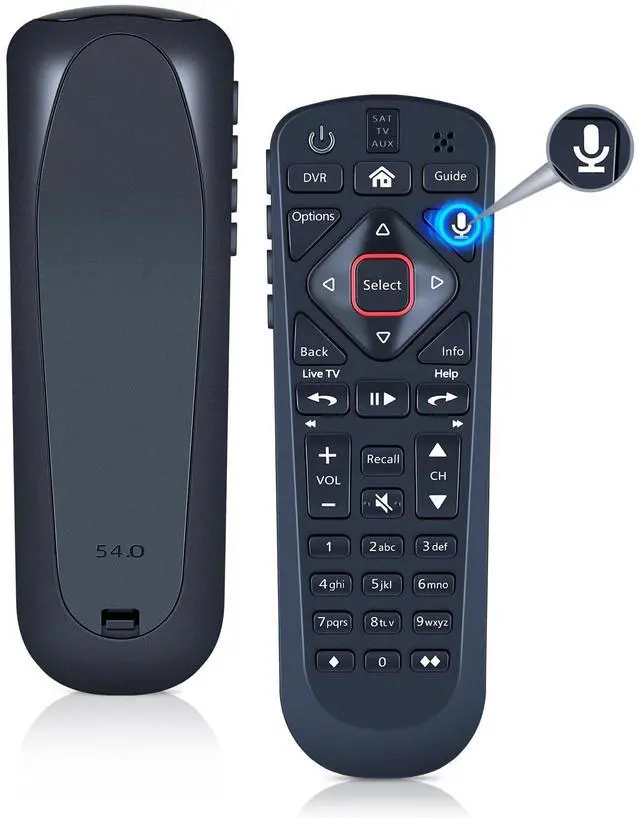
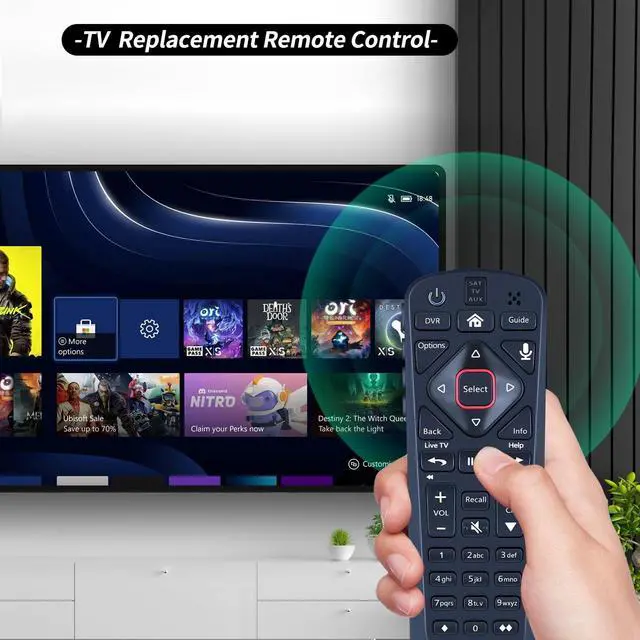
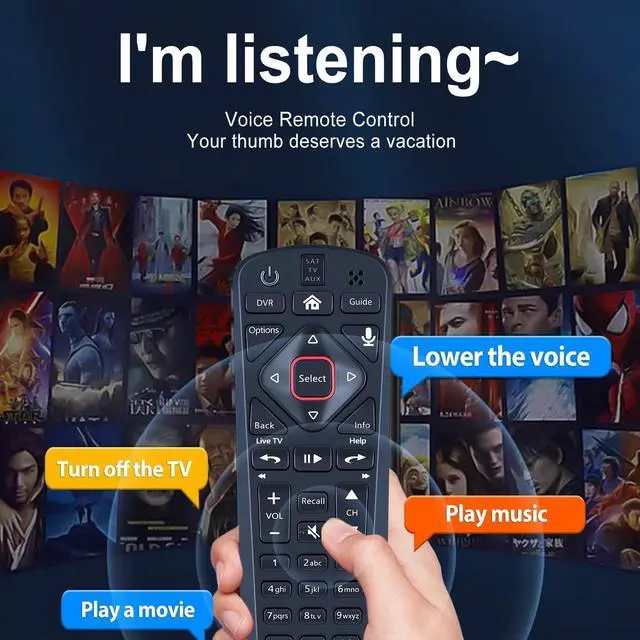
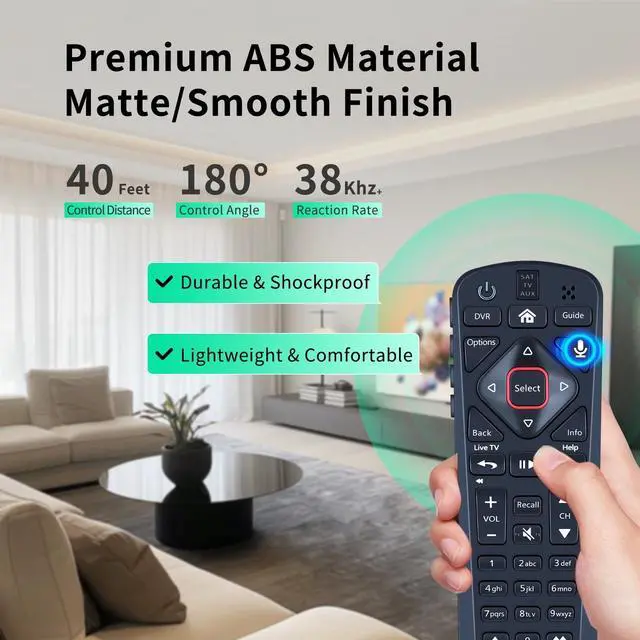
CompatibilityWDZP New Voice Remote Control Replacement Compatible with Dish Upgraded 54 Series 54.0 54.1 54.2 54.3 UHF Remote Controller
NotedTurn On Your Remote: 1) Open the front panel of your receiver, and press the [SYS INFO] button. 2) Press the [SAT] button on the side of the remote control. You will hear three beeps from the remote control, indicating it has paired with your receiver
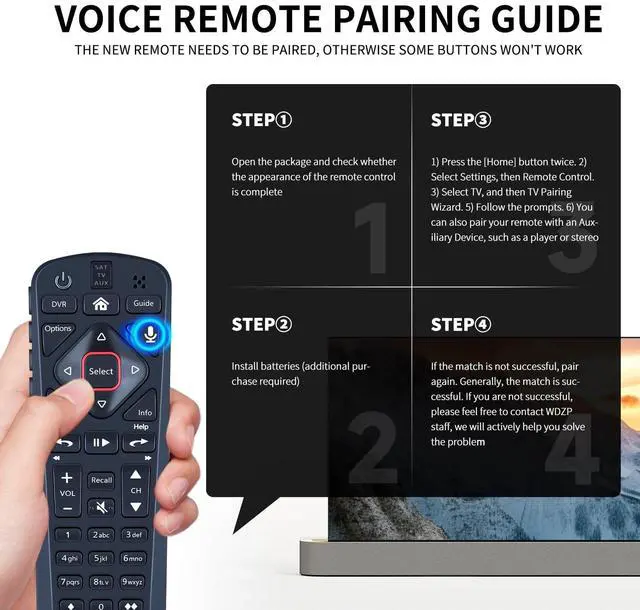
Easy PairingAdd 2 * 1.5V AAA Batteries (not included). 1) Press the [Home] button twice. 2) Select Settings, then Remote Control. 3) Select TV, and then TV Pairing Wizard. 5) Follow the prompts. 6) You can also pair your remote with an Auxiliary Device, such as a player or stereo
Unpairing method Press and hold the SAT button on the side of the remote control. After 3 seconds, the indicator light flashes. Release the keys. Press and hold the "Home" button and "Guide" at the same time, after 3 seconds, the buzzer will beep three times. Release the keys.
Lifetime Warranty & Exceptional Se
+
+
Overview
Specs
Reviews
Any questions? Our AI beta will help you find out quickly.
Try me now
WDZP New Voice Remote Control Replacement Compatible with Dish Upgraded 54 Series 54.0 54.1 54.2 54.3 UHF Remote Controller
Learn more about the Detailed Specifications
Additional Information
First Listed on Newegg
June 06, 2026
There are no reviews yet.
Do you own this product?
Warranty & Returns
Warranty, Returns, And Additional Information
Warranty
Please contact the Seller directly for warranty information. Warranty information may also be found on the Manufacturer's website.