Out of stock
This item is currently out of stock and it may or may not be restocked.
Sold by Newegg

Shipped by Newegg

Shop it at NeweggBusiness.

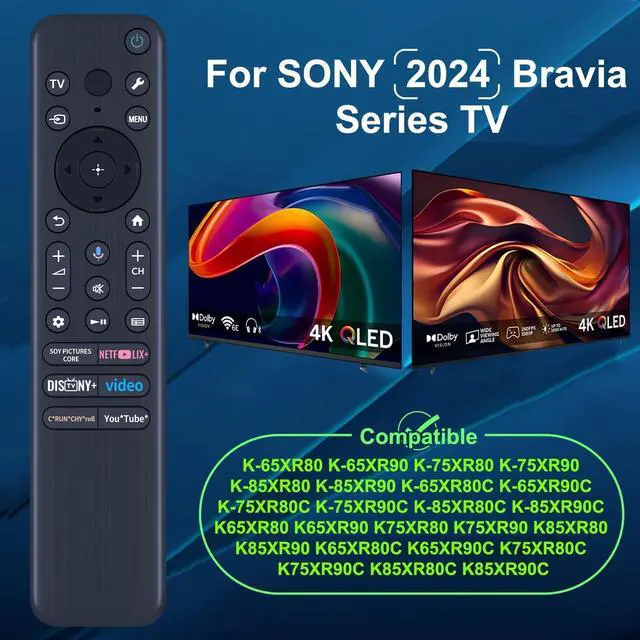
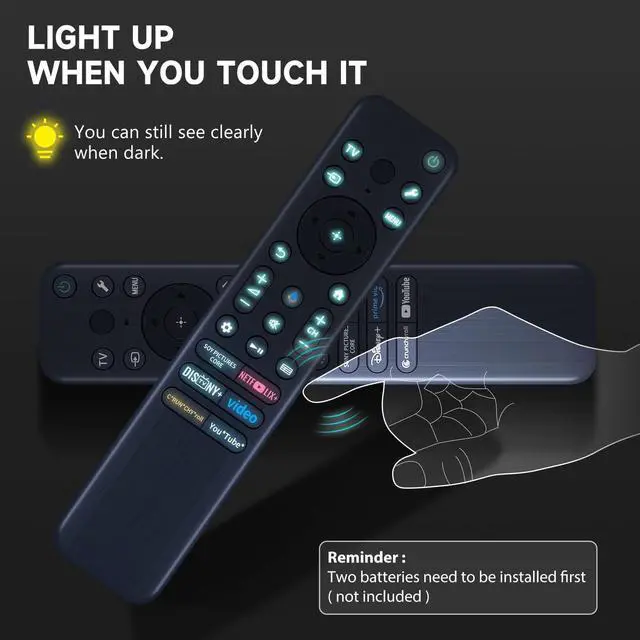
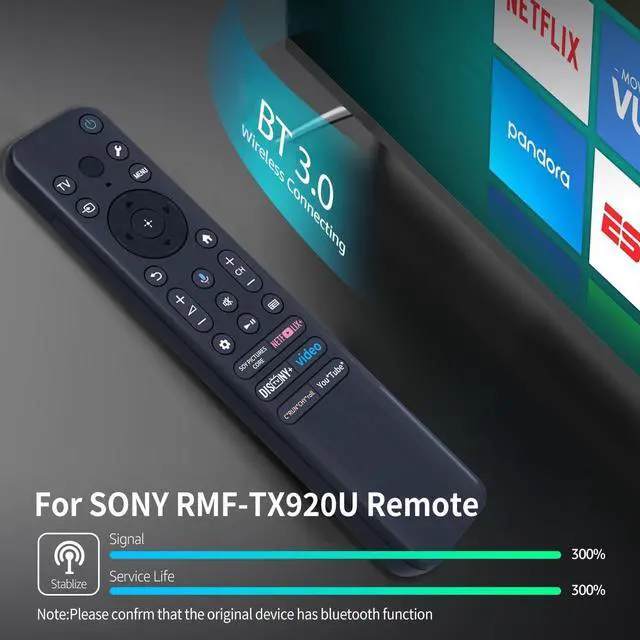
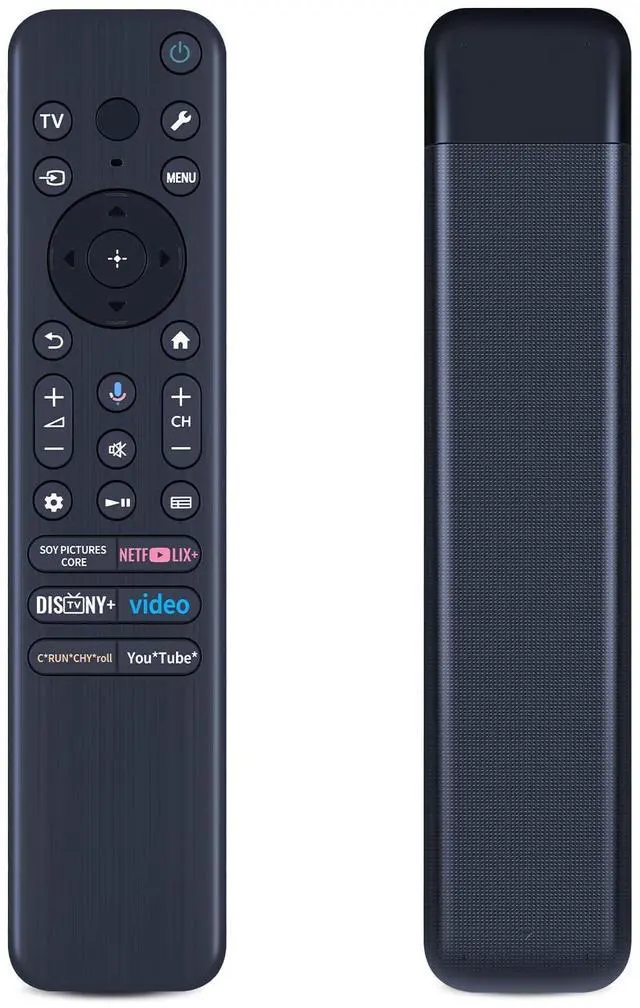
RMF-TX920U Replacement Voice Remote Control for 2024 Sony TVs, Backlit Remote Control Compatible with Sony Bravia TV Series

  • CompatibilityWork with 2024 Sony Bravia TV Series: K-65XR80 K-65XR90 K-75XR80 K-75XR90 K-85XR80 K-85XR90 K-65XR80C K-65XR90C K-75XR80C K-75XR90C K-85XR80C K-85XR90C K65XR80 K65XR90 K75XR80 K75XR90 K85XR80 K85XR90 K65XR80C K65XR90C K75XR80C K75XR90C K85XR80C K85XR90C.
  • How To Pairing New Remote Methodstep1) Press "Power" key to turn on the TV; step2) Press and Hold "Vol-" and "Voice" key together for 3-5 seconds, the indicator light flashes and enters the pairing status, after the pairing is successful, the indicator light will go out.
  • How To Connected New Remote with Paired Remotestep1) Press "HOME" key, then select "SETTING-Remote accessories". step2) Select Add accessory then press "OK" key to confirm to pair. step3) Press and hold "VOL-" and "VOICE" key together for 3-5 seconds, the indicator light flashes and enters the pairing status, after the pairing is successful, the indicator light will go out.
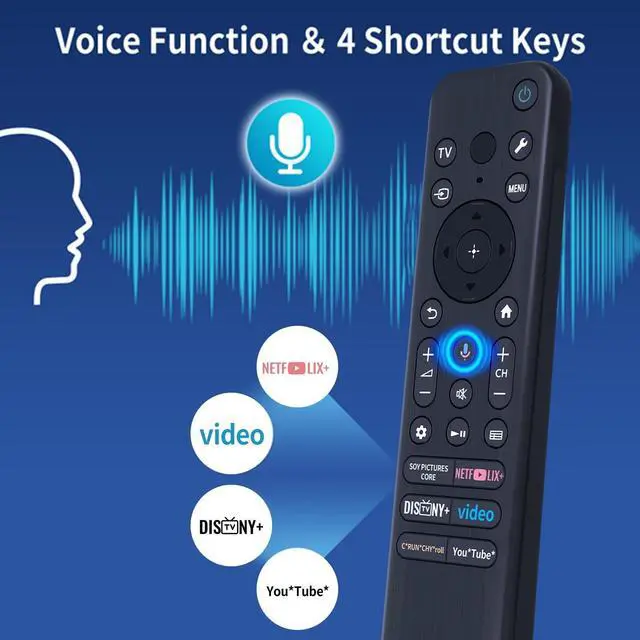
  • Voice Search FeaturesLong press the microphone button on the voice backli
Overview
Specs
Reviews
avatar

Any questions? Our AI beta will help you find out quickly.

CompatibilityWork with 2024
Sony Bravia TV Series: K-65XR80 K-65XR90 K-75XR80 K-75XR90 K-85XR80 K-85XR90 K-65XR80C K-65XR90C K-75XR80C K-75XR90C K-85XR80C K-85XR90C K65XR80 K65XR90 K75XR80 K75XR90 K85XR80 K85XR90 K65XR80C K65XR90C K75XR80C K75XR90C K85XR80C K85XR90C. ^^ How To Pairing New Remote Methodstep1) Press "Power" key to turn on the TV; step2) Press and Hold "Vol-" and "Voice" key together for 3-5 seconds, the indicator light flashes and enters the pairing status, after the pairing is successful, the indicator light will go out. ^^ How To Connected New Remote with Paired Remotestep1) Press "HOME" key, then select "SETTING-Remote accessories". step2) Select Add accessory then press "OK" key to confirm to pair. step3) Press and hold "VOL-" and "VOICE" key together for 3-5 seconds, the indicator light flashes and enters the pairing status, after the pairing is successful, the indicator light will go out. ^^ Voice Search FeaturesLong press the microphone button on the voice backlit remote control and speak your command to easily search for your favorite TV shows, launch applications, etc. The voice search function makes navigation a breeze. ^^ What's in the Box1*Voice Remote and Use
Manual (note: 2xAAA batteries are not included)

Warranty & Returns

Warranty, Returns, And Additional Information

Return Policies

LOADING...