We recommend using a keyboard cover to prevent dust, debris, and liquids from getting inside, which can cause typing delays.
Note: It only includes the ProtoArc EK01 Plus backlit Bluetooth ergonomic keyboard (mouse not included) and All keys of the keyboard are not programmable ^^
Note: Keep both your device (20% battery) and keyboard fully charged to avoid typing lag. Low battery may cause delays. If you see a flashing red light or the backlight turns off while typing, please charge the EK01 Plus keyboard to prevent typing delays ^^ Full-Size
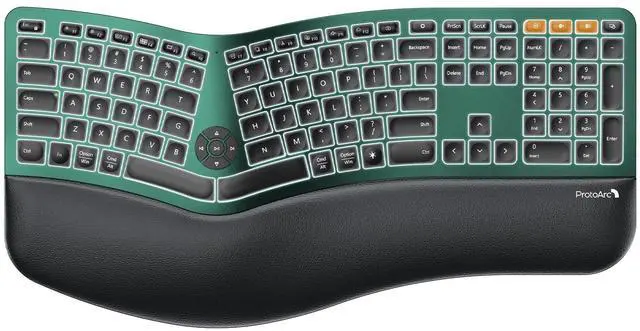
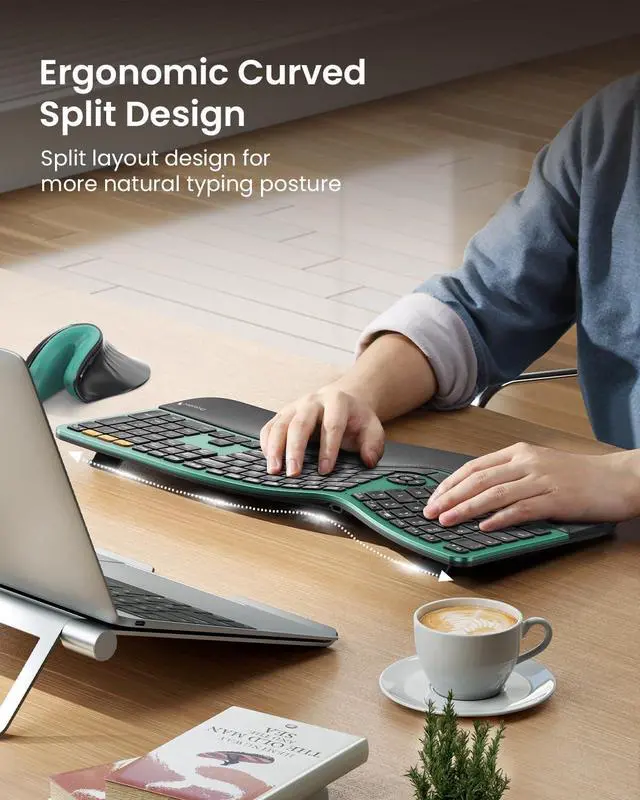
Ergonomic Comfort: The ProtoArc Ergonomic Keyboard features a unique curved split-frame design that actively reduces strain on your wrists and forearms and promotes proper posture. The scooped keys are crafted to fit your fingertips perfectly, making typing effortless and natural.
Please note: we recommend checking the dimensions before ordering to ensure an ideal fit for your workspace. (While our full-size ergonomic keyboard enhances productivity, it may occupy more desk space) ^^ Cushioned Wrist Rest &
Adjustable Tilt Feet: Experience comfort with our ergonomic keyboard. The curved wrist rest provides 54% more support to reduce wrist fatigue, ensuring comfortable typing for hours. With four adjustable tilt feet, you can choose the keyboard to three different angles, keeping your wrists relaxed whether you're sitting or standing ^^
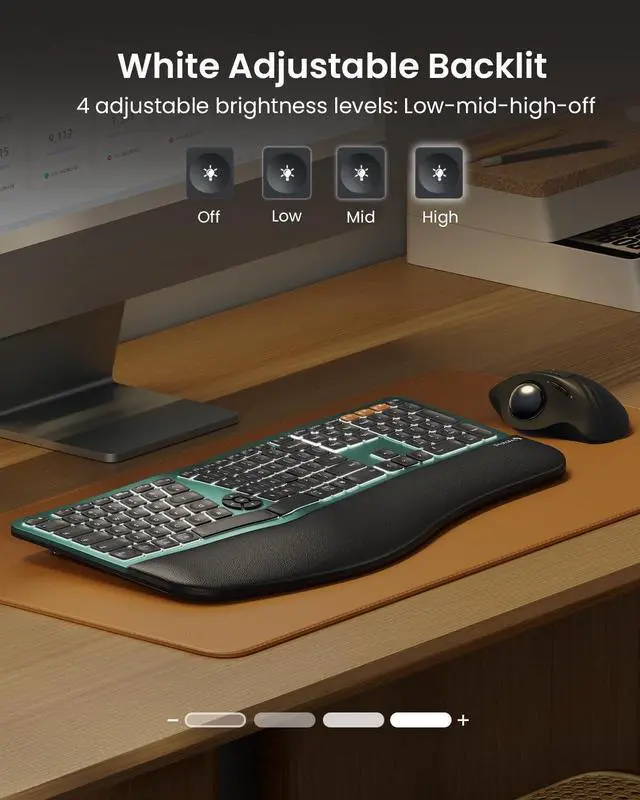
Adjustable Backlighting: The ergonomic keyboard features soft white LED backlighting with three adjustable brightness levels (Low, Mid, High), allowing you to customize your comfort in any lighting. You can also turn the backlight off entirely to conserve power. This flexibility directly impacts battery life: enjoy up to 12-13 hours in High mode, 18-20 in Medium, 34-36 in Low, and an extended 90-100 days with the backlight off ^^ Upgraded
Rechargeable Battery: Compared to the EKM01 Plus set (500mAh), the EK01 Plus keyboard features a 2000mAh battery delivering 4 times the capacity for significantly longer operating time.
After 1 minute: Backlight turns off (press any key to wake) and It automatically enters sleep mode after 60 minutes of inactivity and can be awakened with a single key press. Backlighting needs to be turned on again ^^
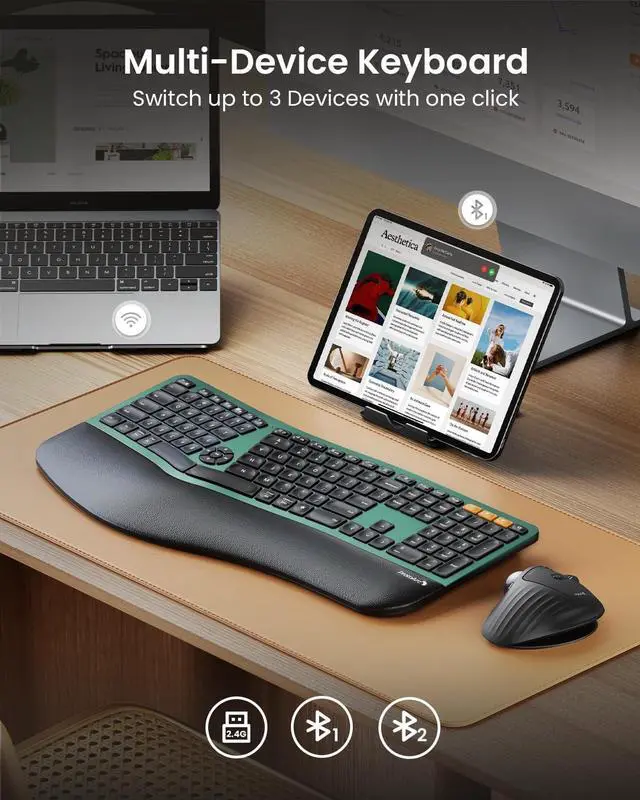
Charging Tips: For optimal performance, charge the keyboard using a computers USB port or a DC 5V 1A charger. Avoid using fast chargers or high-power adapters, as they may affect the keyboards performance ^^ In 2.4G mode, the keyboard is not compatible with the Mac OS/ IOS system, resulting in some function keys not being able to be used normally. please try switching to Bluetooth mode; By default, F1-F12 are multimedia function keys. it need to press Esc+Fn to turn off to switch to traditional key functions ^^
Learning curve: Since it takes some time to adapt to the keyboard layout when you first use our ergonomic keyboard, it may cause inconvenience to your use, We recommend that you take 1-2 weeks to get used to it, but our ergonomic design will help relieve the muscle pressure on your wrists and forearms