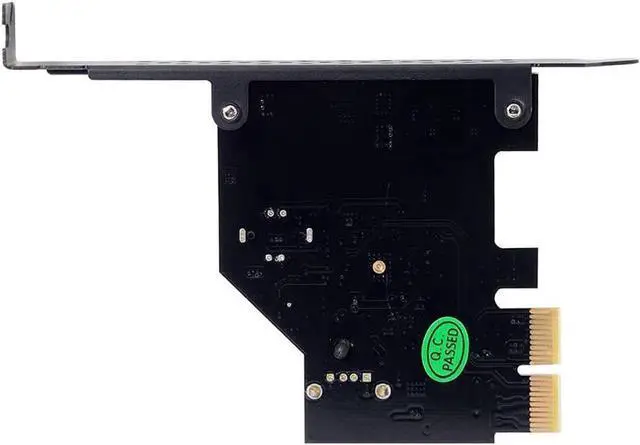
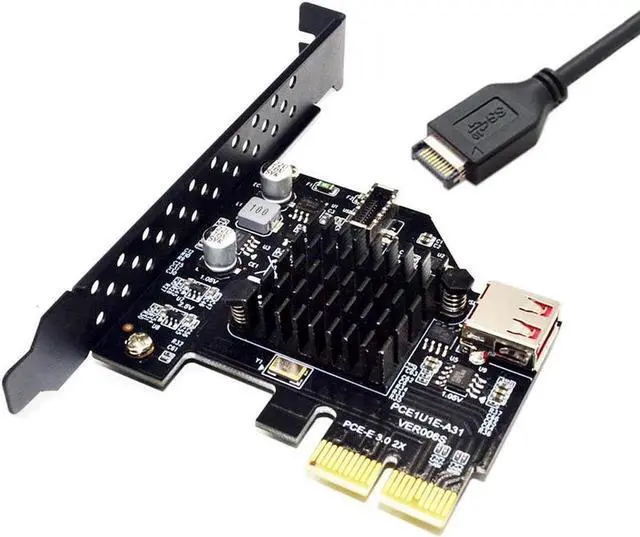
Feature
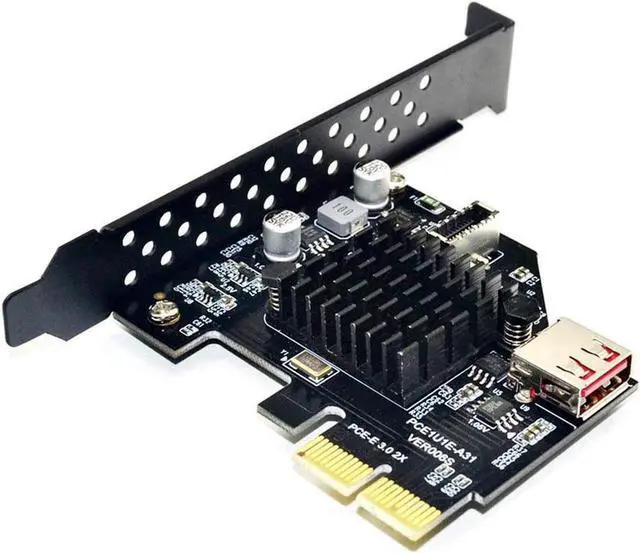
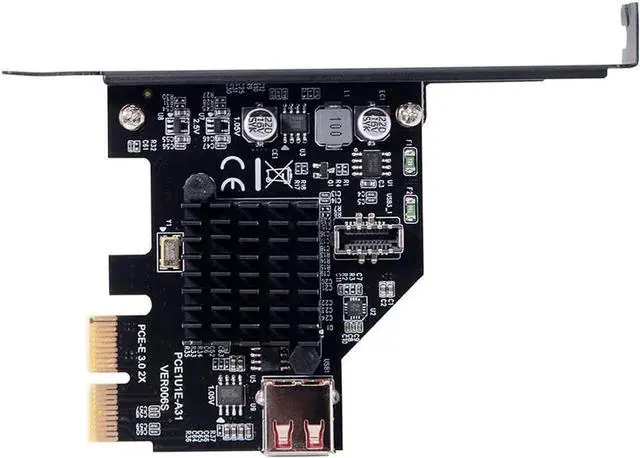
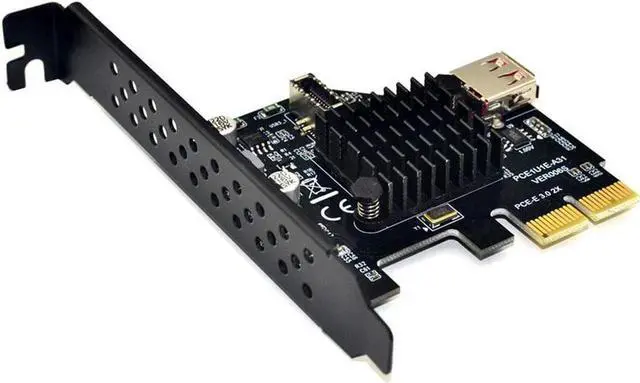
PCIe 2x to USB 3.2 motherboard header Adpater with USB 2.0 Connector
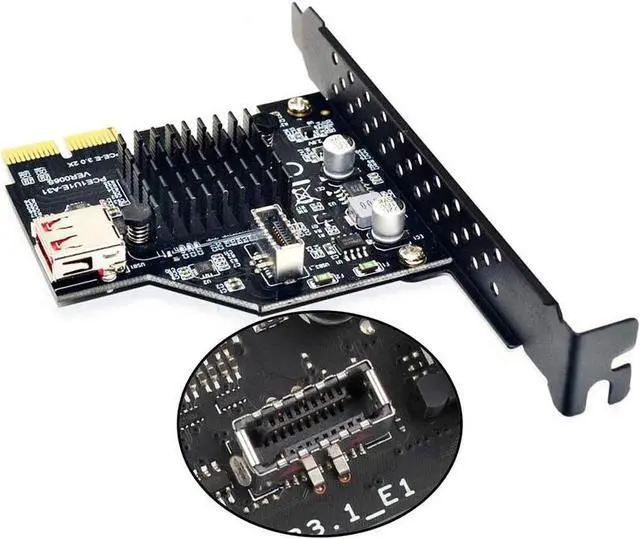
Expand PCIe slot to USB 3.2 20Pin internal header for front panel or rear panel
Build in ASMedia ASM3142 master control, Compatible with USB 3.2 Gen 2 10Gbps data transfer speed
Require the PCI-E 3.0 specification for USB 3.1 expansion, and is backward compatible with the PCI-E 2.0 specification.
Compatible with PCI-E 2X, 4X, 8X, 16X Slot, Does not work with PCIe 1X
Supports WINXP WIN7 WIN8 WIN10 and LINUX OS
Notice
Must install the card and cable step by step to avoid shorting pins and motherboard damage.
1 - Basically turn off your tower, unplug it, wait 10 seconds,
2 -, Plug the card into your motherboard PCIe Slot, requires PCIe 2x, 4x, 8x or 16x slot
3 - Turn on your Computer and install the PCIe card driver if necessary
4 - Basically turn off your tower, unplug it, wait 10 seconds again,
5 - Plug your USB 3.2 internal header equipped front panel or rear panel in. The USB 3.2 motherboard header that the card equipped is A-Key, Please make sure it's the correct orientation when you install the male end for USB C in
Doing this any other way may cause it either not being recognized, or USB drawing too much power warnings.
SPECIFICATION
Type: USB 3.2 TYPE-E Front Panel Expansion Card
Input: PCI-E 2X(Compatible with PCI-E 4X 8X 16X )
Output 1: USB 3.1 GEN2 motherboard header - Type-E A-Key
Output 2: USB 3.0 Type-A female
Data transfer speed: 10Gbps for Type-E, 480Mbps for USB 2.0 connector
Chipset: ASMEDIA ASM3142
PCI-E requirement: PCI-E 3.0 is required
OS requirement: Windows 7 / 8 /10 & Linux
Mounting: Full profile PCI slot bracket