Keys
ON/OFF: Slide the switch to turn the device ON or OFF.
Connect Key: Press this key while the power is ON to activate Bluetooth pairing mode.
Indicator Lights
Power Indicator: Lights up for 4 seconds when powered ON, then turns off. WiFi (Bluetooth)
Indicator: Flashes during pairing and turns off once connected.
CAPS Lock Indicator: Stays ON when uppercase input mode is activated.
Charge Indicator: Lights up while charging and turns off when fully charged.
Bluetooth Keyboard Connection Steps
Slide the keyboard power switch to ON (Power indicator lights up for 4 seconds, then turns off). Press the Connect key to enter Bluetooth pairing mode (Bluetooth indicator flashes). Switch ON the mouse (if applicable). Open the tablet, go to Settings > Bluetooth, and turn Bluetooth ON. Select "Bluetooth Keyboard" and the mouse device when they appear, then complete the pairing.
Shortcut Keys
FN + Android Switch to Android system FN + Windows Switch to Windows system FN + iOS Switch to Apple system
Charging Instructions
Low Battery: The Power indicator flashes when the battery is low.
Charging: Connect the USB cable; the Charge indicator lights up.
Fully Charged: The Charge indicator turns off automatically.
Backlight & RGB Light Controls
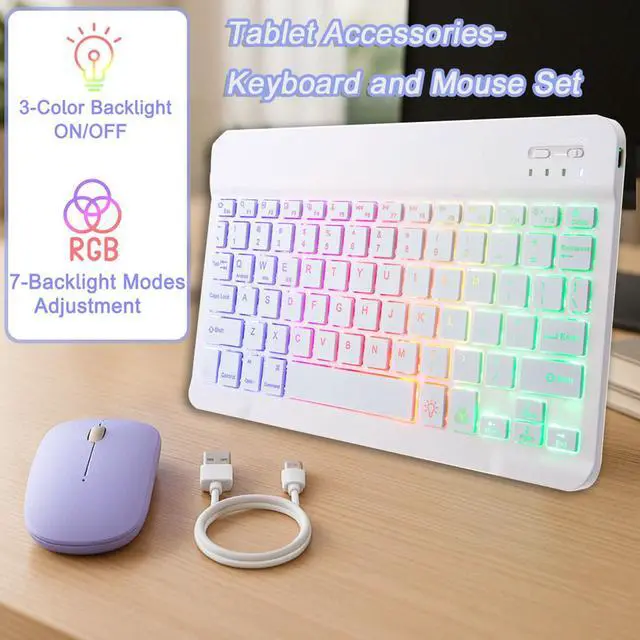
Backlight Button: Press once Turn on the backlight Press twice Switch to breathing light mode Press three times Turn off all lights
RGB Button: Adjusts the light color. (Note: Color adjustment is not available in breathing light mode. )
Keyboard
Specifications
Battery Capacity: 420mAh (long-lasting, rechargeable) Connectivity: Bluetooth
Materials
Exterior: PU leather (durable & stylish)
Inner Shell: TPU (shock-absorbent for enhanced protection)
Compatible Models
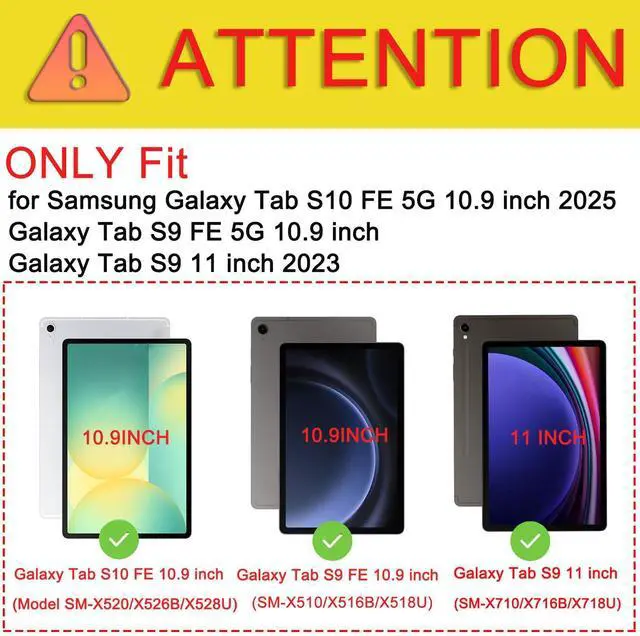
Galaxy Tab S9 FE 5G 10.9 inch (SM-X510/X516B/X518U) Galaxy Tab S10 FE 5G 10.9 inch (Model SM-X520/X526B/X528U) 2025 Galaxy Tab S9 11 inch (SM-X710/X716B/X718U) 2023 Release
Package Includes
1 × Tablet Case 1 × Wireless Bluetooth Keyboard 1 × Bluetooth Mouse 1 × User Manual
Upgrade Your Tablet Experience Today!
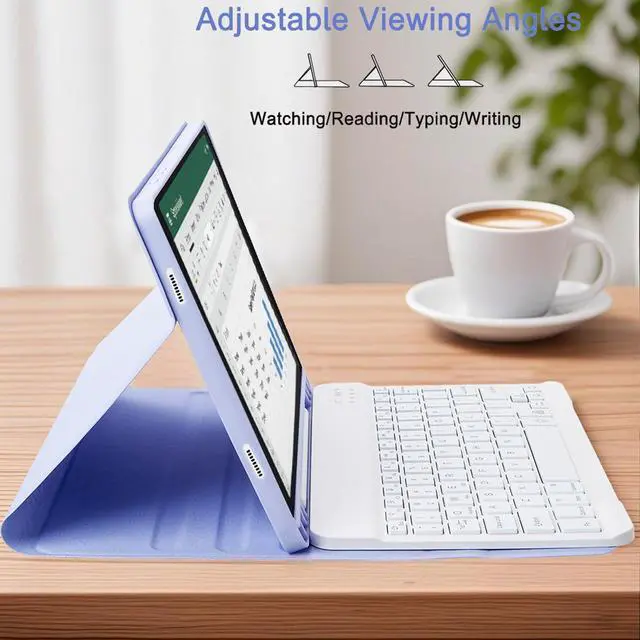
This ultimate keyboard case combo is designed to boost productivity, enhance comfort, and protect your device. Whether you're a professional, student, or creative, this all-in-one solution provides seamless typing, precise navigation, and reliable protection in a stylish and functional package.
Elevate Your Tablets Potential Work Smarter, Anywhere!