You’re seeing this ad based on the product’s relevance to your search query. If you are a seller and want to participate in this program click here to learn more.
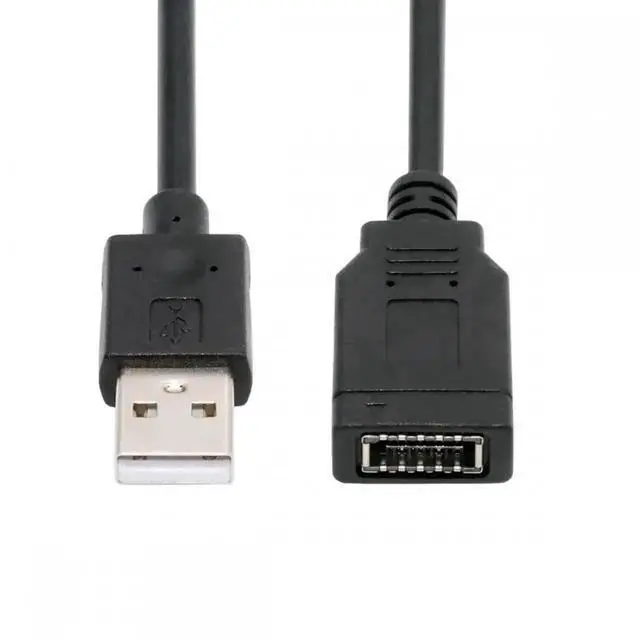
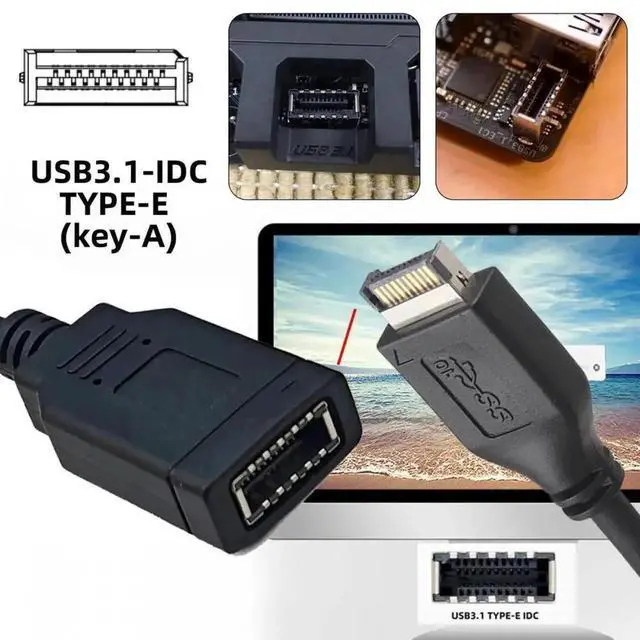
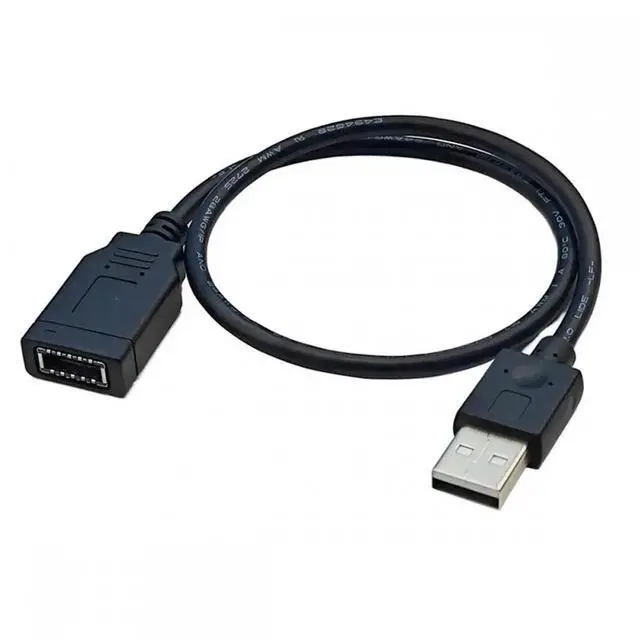
Single USB 3.1 Front Panel Socket Key-A Type-E to USB 2.0 Type-A Male Extension Cable
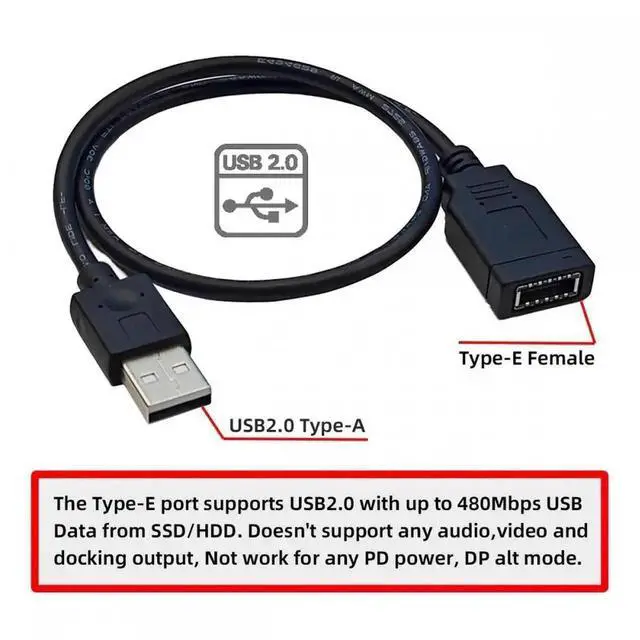
Connector1: USB 2.0 Type-A Male; Connector2: USB 3.1 Front Panel Header.
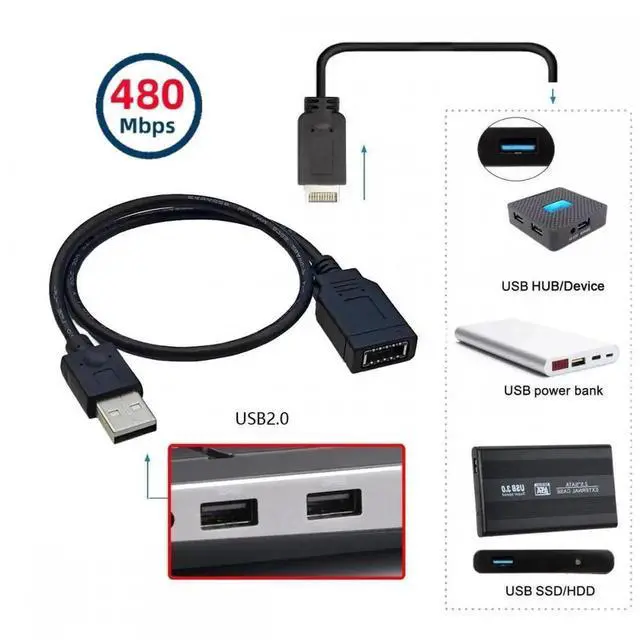
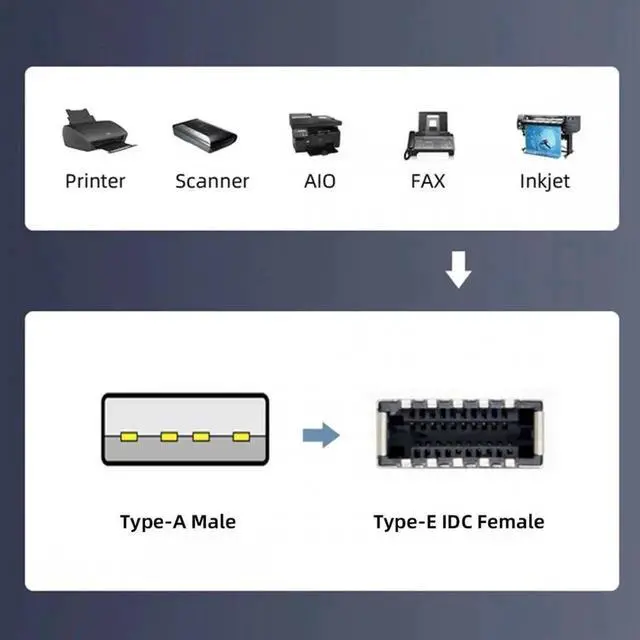
The adapter is a converter to convert the available USB 2.0Type-A Male of a computer into a USB 3.1 header.
The compact cable can be inserted directly and requires no additional attachments.Converter plug-in for the computer, Fits into any USB 2.0Type-A connector.
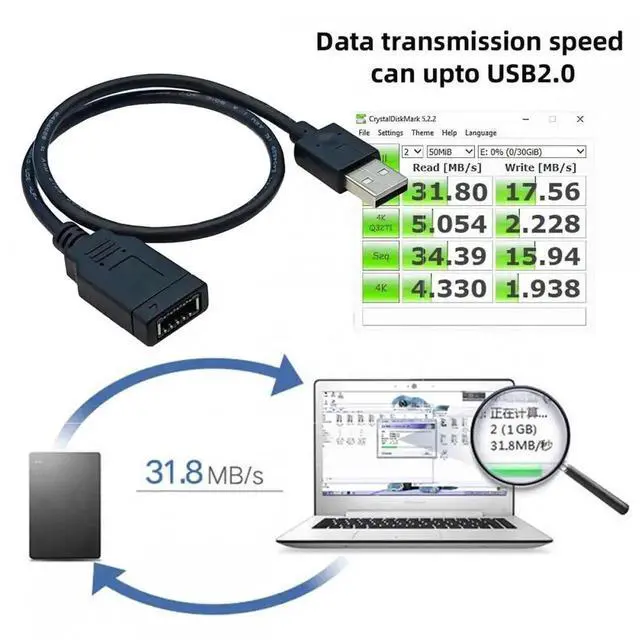
The Type-E port supportsUSB2.0 with up to 480Mbps USB Data from SSD/HDD. Doesn't support any audio,video and docking output, Not work for any PD power, DP alt mode.
USB 3.2/3.1 require a different front panel header than USB 3.0.The cable convert the available USB2.0Type-A Male of computer into a USB3.2/3.1 Type-E header.
Sponsored
You’re seeing this ad based on the product’s relevance to your search query. If you are a seller and want to participate in this program click here to learn more.
Any questions? Our AI beta will help you find out quickly.
Try me now
Single USB 3.1 Front Panel Socket Key-A Type-E to USB 2.0 Type-A Male Extension Cable
Connector1: USB 2.0 Type-A Male; Connector2: USB 3.1 Front Panel Header.
The adapter is a converter to convert the available USB 2.0Type-A Male of a computer into a USB 3.1 header.
The compact cable can be inserted directly and requires no additional attachments.Converter plug-in for the computer, Fits into any USB 2.0Type-A connector.
The Type-E port supportsUSB2.0 with up to 480Mbps USB Data from SSD/HDD. Doesn't support any audio,video and docking output, Not work for any PD power, DP alt mode.
USB 3.2/3.1 require a different front panel header than USB 3.0.The cable convert the available USB2.0Type-A Male of computer into a USB3.2/3.1 Type-E header.
Learn more about the Detailed Specifications
Additional Information
First Listed on Newegg
March 31, 2026
There are no reviews yet.
Do you own this product?
Warranty & Returns
Warranty, Returns, And Additional Information
Warranty
Please contact the Seller directly for warranty information. Warranty information may also be found on the Manufacturer's website.