

Your Browsing History




Any questions? Our AI beta will help you find out quickly.
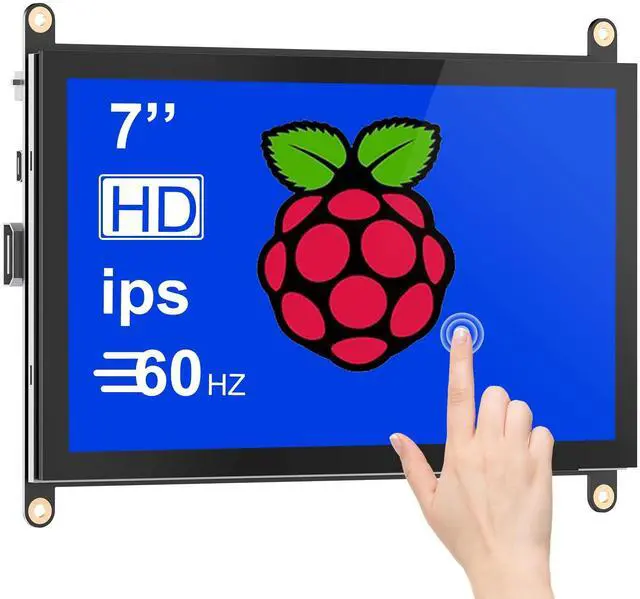
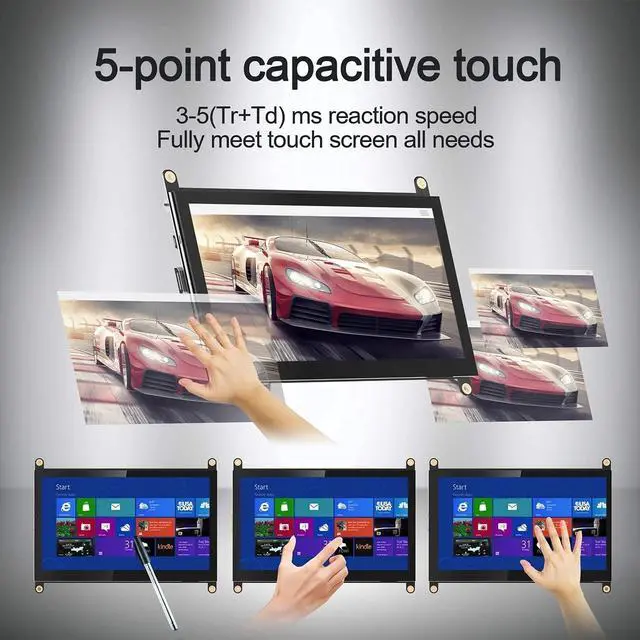
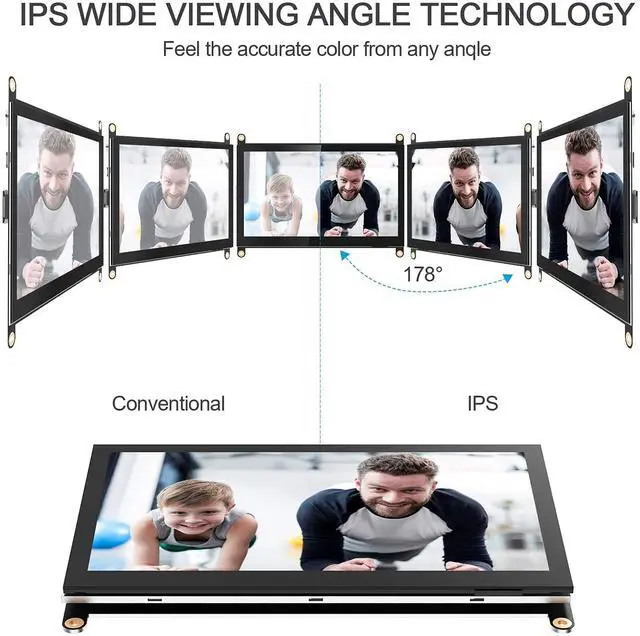
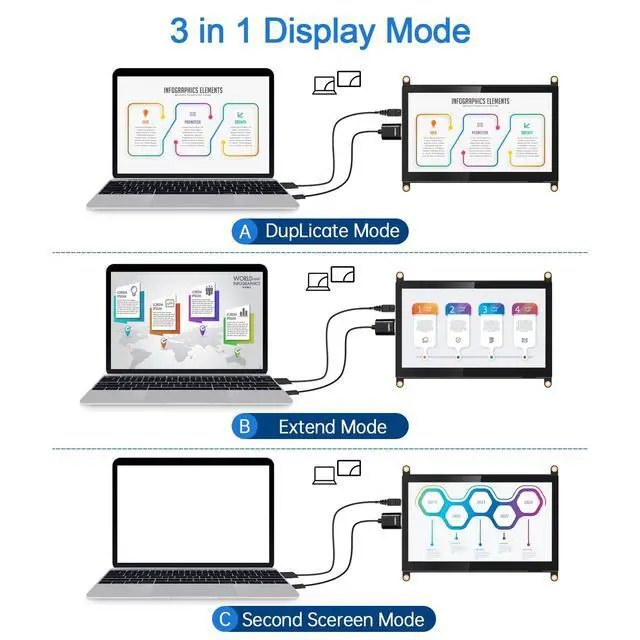
Raspberry Pi Touchscreen Monitor -- This 7-inch Raspberry Pi monitor features tempered glass and utilizes a full bonding process. It is equipped with an IPS screen and HD 1024*600 high resolution, ensuring accurate color reproduction, excellent picture quality, and vibrant colors. The 178° viewing angle is perfect for work and for viewing on-screen content with multiple people. Easy-to-Use Touch Screen -- Excellent sensitivity capacitive technology and multi-touch capability enable you to swipe, scroll, select, zoom in, zoom out, and move a cursor in just 3-5 ms. Touchscreen drivers with support for 5-finger touch and an on-screen keyboard are integrated into the Raspberry Pi OS for full functionality without a physical keyboard or mouse. Plug-and-Play Raspberry Pi Display -- Simply connect the screen to your device via the mini HDMI interface and power the Type-C touch port to enable touch function; no driver installation is required. The monitor is fairly standard in size and shape and does not need manual calibration. The screen resolution can be adjusted based on user requirements. Three Application Modes for Laptop -- Duplicate mode, extend mode, and second screen mode. Each mode provides different use effects, bringing convenience to your work and life. Right-click display settings on your laptop desktop, then choose from the three different usage modes in the multi-display settings bar according to your needs. Multi-Application Portable Monitor -- It is broadly compatible with Raspberry Pi 5, 4, 3, 2, 1, 3B+, BB, and Banana Pi. It also works with Windows 7, 8, and 10 PCs, Mac, Microsoft devices, and TVs. It is compatible with video game consoles like NS Switch, XBOX, and PS4. Other supported devices or systems include Retro Pi, NOOBS, Debian, Ubuntu, and Kodi. Note: The included HDMI-HDMI cable is for Raspberry Pi 3. For use with Raspberry Pi 4, a Micro-HDMI to HDMI cable is needed. This screen does not come with a case or a bracket