Sold by Fornierwoly

Shipped by Fornierwoly

Price alert
Shop it at NeweggBusiness.

Meet Your Seller

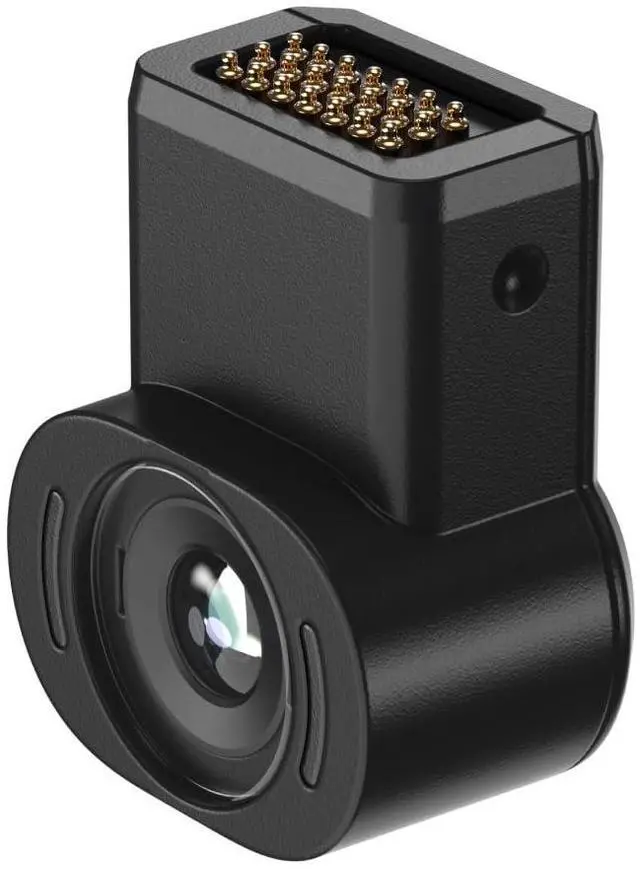
Eye, Pairing with One Series, Experience Native 6DoF Spatial Anchor, Record and Share & Blend Real + Virtual Worlds, Instant Photo & Video Capture, 12MP RGB Camera

Limited time offer, ends 07/22 By Fornierwoly

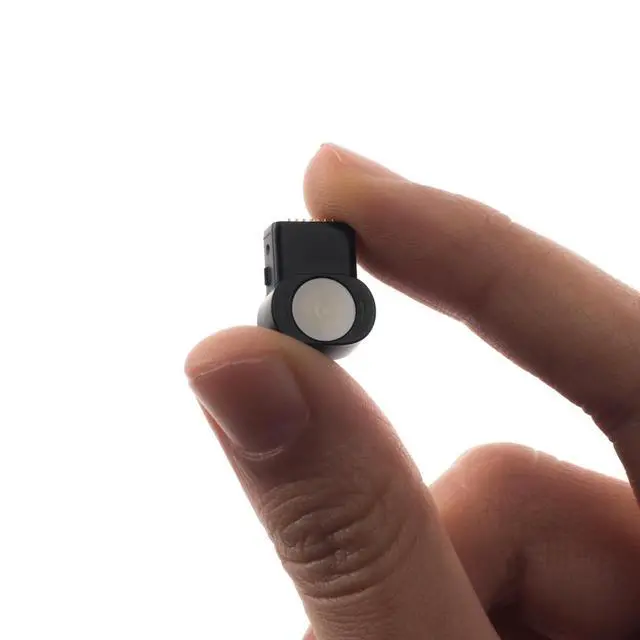
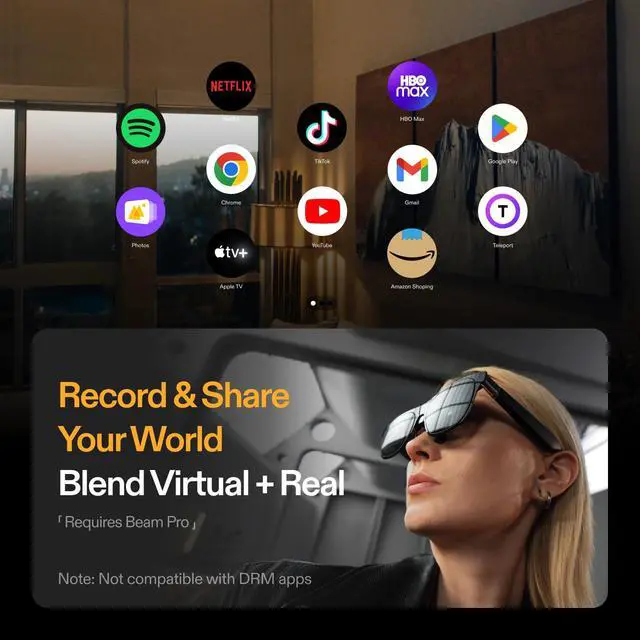
  • A Must-Have Accessory: A lightweight yet powerful micro camera, weighing only 1.5 grams, with a resolution of up to 12 megapixels. Native 6DoF Spatial Anchor Feature: When connected, the glasses enable the Spatial Anchor feature, providing a direct 6DoF spatial anchor experience. Mixed Reality Recording: Link your glasses to Beam Pro and this camera to capture both virtual and real-world content at the same time. Record and share your mixed reality adventures precisely as you view them. Note: Beam Pro Required Capture Photos & Videos: Connect and take photos/videos immediately using the button on your glasses. Files save directly onboardavoid the trouble of reaching for and unlocking your phone. Transfer them later to your phone, computer, or tablet whenever you. To attach the camera to the One Pro: Detach the rectangular cap at the bridge of the nose of the glasses, connect the camera, then in the One Pros settings, navigate to Display, and scroll down to select Spatial Anchor
+
+
Overview
Specs
Reviews
avatar

Any questions? Our AI beta will help you find out quickly.

A Must-Have Accessory: A lightweight yet powerful micro camera, weighing only 1.5 grams, with a resolution of up to 12 megapixels. Native 6DoF Spatial Anchor Feature: When connected, the glasses enable the Spatial Anchor feature, providing a direct 6DoF spatial anchor experience. Mixed Reality Recording: Link your glasses to Beam Pro and this camera to capture both virtual and real-world content at the same time. Record and share your mixed reality adventures precisely as you view them. Note: Beam Pro Required Capture Photos & Videos: Connect and take photos/videos immediately using the button on your glasses. Files save directly onboardavoid the trouble of reaching for and unlocking your phone. Transfer them later to your phone, computer, or tablet whenever you. To attach the camera to the One Pro: Detach the rectangular cap at the bridge of the nose of the glasses, connect the camera, then in the One Pros settings, navigate to Display, and scroll down to select Spatial Anchor

Warranty & Returns

Warranty, Returns, And Additional Information

Warranty

  • Please contact the Seller directly for warranty information. Warranty information may also be found on the Manufacturer's website.
  • CONTACT

Return Policies

Manufacturer Contact Info

LOADING...