

Your Browsing History




Any questions? Our AI beta will help you find out quickly.
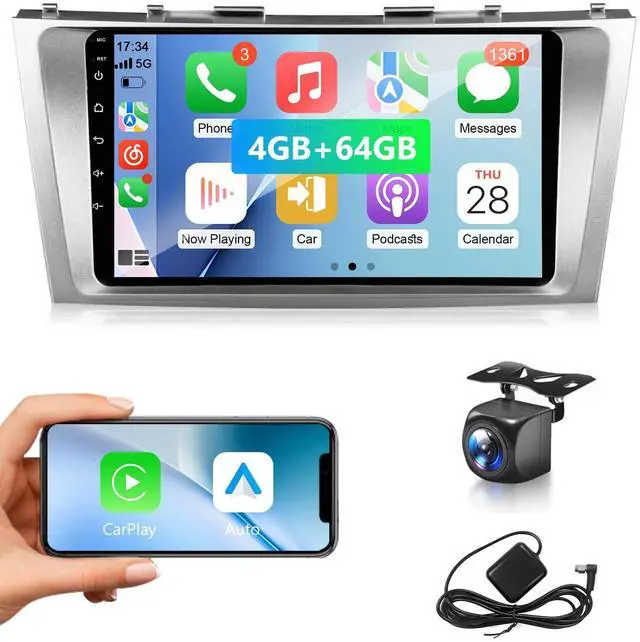
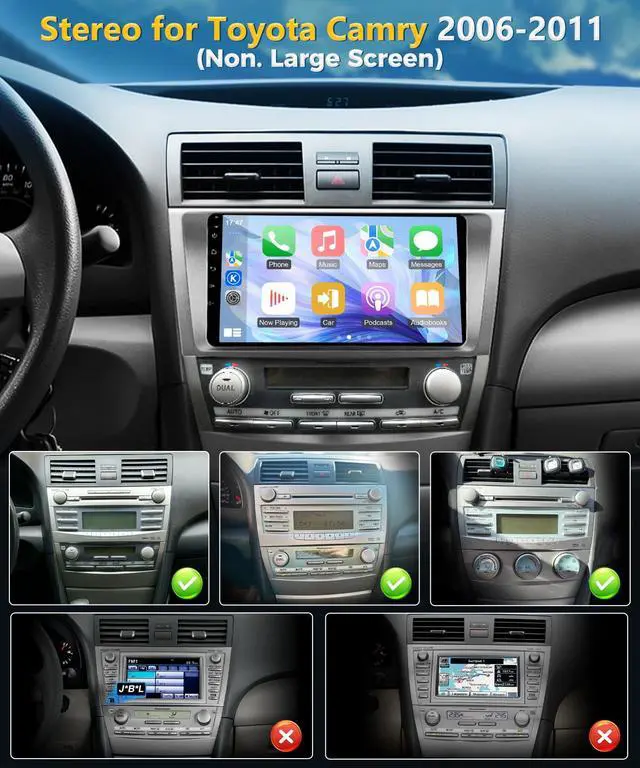
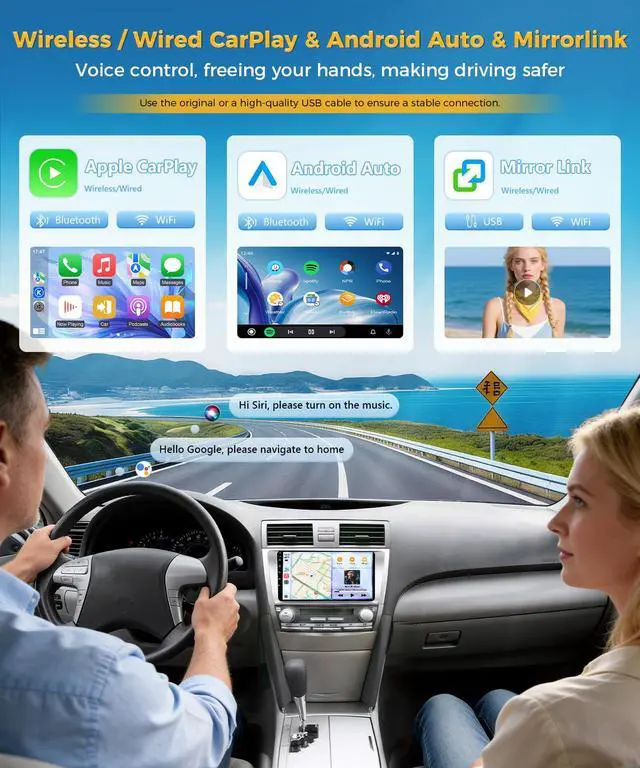
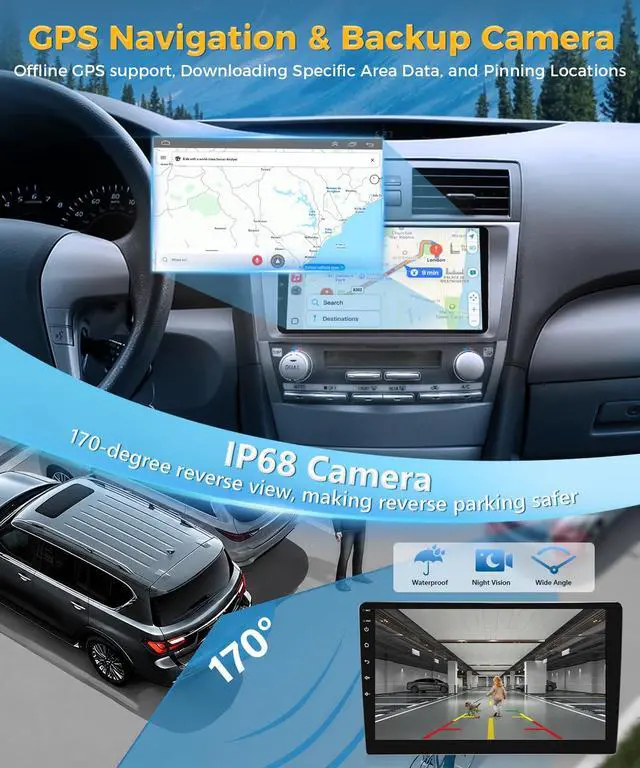
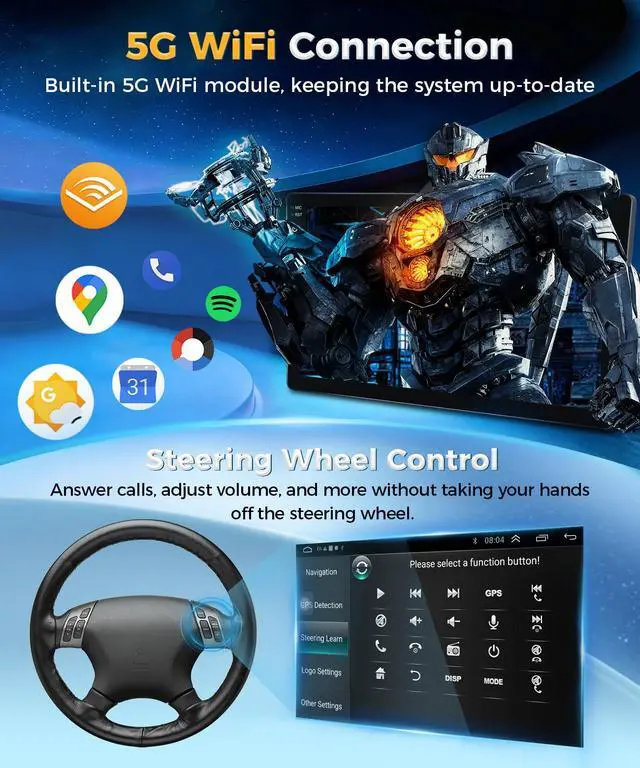
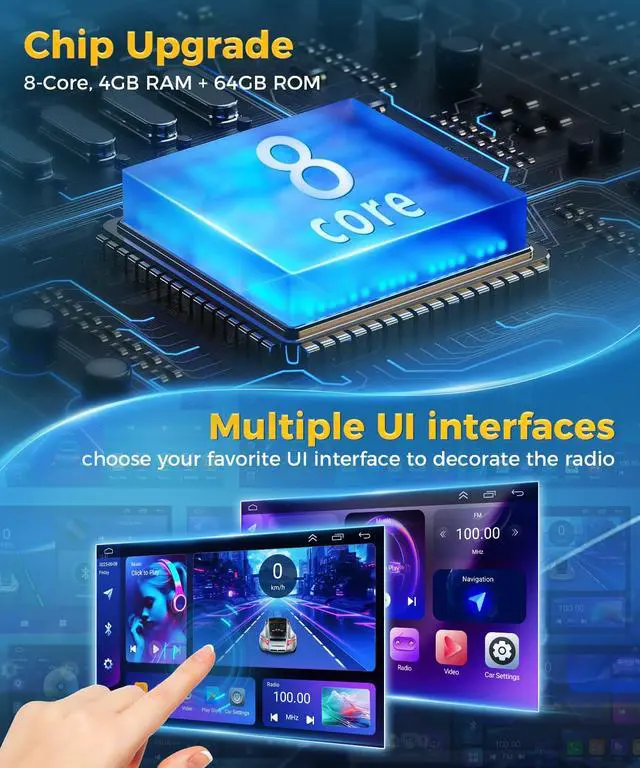
This Android screen is engineered for the Toyota Camry for the years 2006, 2007, 2008, 2009, 2010, and 2011. It does not need a large screen or extra accessories. It comes with an Android 13 system, 8-Core 4G RAM + 64G ROM, a 9-inch 2.5D 1080P HD touch screen, offline/online GPS navigation, WiFi connection, FM RDS radio & DSP, 2 USB ports, adjustable EQ, a waterproof AHD rear view camera, support for Android/iOS smartphone mirrorlink, and steering wheel control. Wireless / Wired CarPlay & Android Auto: The wireless link to phones allows for smooth use of navigation apps like Google Maps and Waze, and music apps like Spotify and Pandora. Use Siri or Google Assistant to make calls and send/receive messages, helping you concentrate on safe driving. The mirrorlink function provides real-time projection of the phone screen onto the car's display, offering a wider view. Online and Offline Maps / Backup Camera: Once linked to the network, it can access the latest traffic conditions and intelligently plan routes. Offline navigation requires pre-downloading map data, enabling stable and reliable navigation guidance even in areas with no mobile phone signal. After shifting into reverse, the screen instantly shows real-time 1080P HD video from the ultra-wide rear view camera, fully eliminating the rear blind spot. FM RDS Radio/DSP EQ HiFi: It receives clear FM broadcast signals, letting you enjoy local news, talk shows, live sports, and the latest pop music. RDS can get traffic conditions and news alerts in real time. Fitted with DSP digital audio processing technology and a 36-band professional EQ, each sound frequency can be precisely adjusted to create a HiFi auditory effect. High-definition Display: The 9-inch IPS HD touch screen is sharp and clear, with a responsive interface, delivering 1080P definition to improve your driving experience. For seamless wireless CarPlay, Android Auto, or MirrorLink connectivity, ensure that your phones corresponding feature is turned on, along with the car stereos Wi-Fi and Bluetooth. Also, connect the included Wi-Fi/Bluetooth signal enhancement cable to the matching port on the back of the stereo (needed for stable operation). When using wired CarPlay, Android Auto, or MirrorLink, always use the original USB cable to avoid unstable connections or pairing failures