• $78.00
  • Free 30-day Returns
  • Price alert

    Best Sellers

    Newegg
    • + $5.76 Shipping
    Shop it at NeweggBusiness.

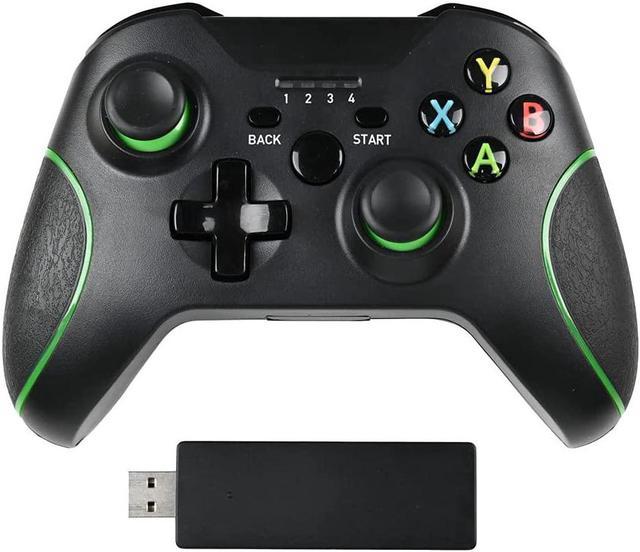
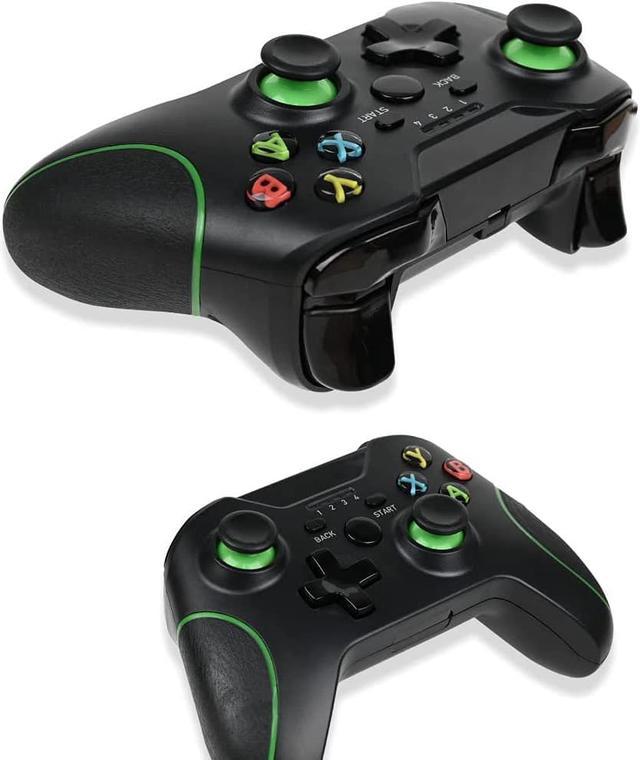
    Xbox One Wireless Controller, Zamia Game Controller Gamepad 2.4GHZ Game Controller Compatible with Xbox One/One S/One X/One Series X/S /Elite/PC Windows 7/8/10 with Built-in Dual Vibration(black)

    • HIGH-PERFORMANCE THIRD PARTY CONTROLLER - The core of the controller is identical to the official XBOX controller. This controller can be compatible with xbox one, xbox one x, Windows 10 and other platforms.
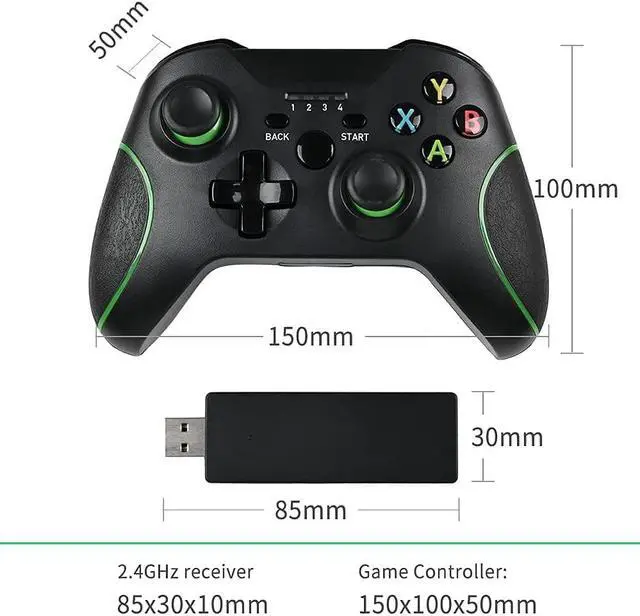
    • BRAND NEW 2.4G WIRELESS TECHNOLOGY Xbox one controller includes a brand new 2.4GHZ wireless connection function, which can connect XBOX ONE and Windows 10 system computers, help you get rid of the cable line, enjoy the wireless range of more than 30 feet.
    • ALMOST PERFECT GAME EXPERIENCE - The more sensitive joystick and enhanced arrow keys provide higher operational accuracy. The built-in dual motor and 256-level precision 3D joystick bring you the most realistic gaming experience, just as if you are in the game.
    • Dual ShockBuilt-in double shock feedback motors, perfectly fit for racing, shooting, fighting, and sports games, enhancing game experience. Bring you a consistent and maximum comfort gaming experience.
    +
    +
    Overview
    Specs
    Reviews
    avatar

    Any questions? Our AI beta will help you find out quickly.

    Pay attention Please No headphone jack
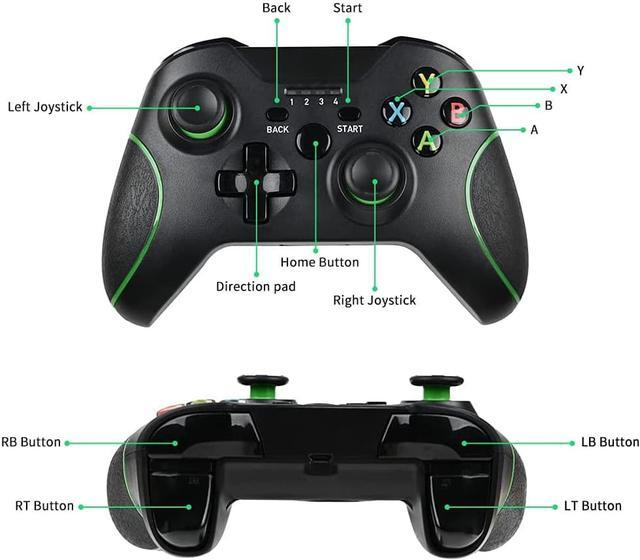
    Applixations: 1.2. 4GHZ wireless tecgnology, effective distance about 30 feet. 2. This wireless controller compatible for XBOX One console, and is compatible for PC(D-INPUT), PC360(X-INPUT)games (PC can only be used under WinlO system), PS3 console. How To Connect? 1. Connect With The Xbox One Console, Plug The Receiver Into The Usb Port Of The Host, The Receiver* S Light Will Flash, Then Press The Home Button Of The controllers, The controllers Light Will Flash, So That Is In The Connection, When The controllers Light And Receiver After The Light Is Always On, The Connection Is Successful And Can Be Used Normally On The Host. 2. Connect With The Computer. As With The Above Operation, When The Light Of The controllers And The Light Of The Receiver Are Long, The Connection Is Successful. At This Time, It Is Xbox One Mode. Long Press The Home Button For 5 seconds To Switch To "X-INPUT" And"DINPUT" Mode.


    Warranty & Returns

    Warranty, Returns, And Additional Information

    Warranty

    • Please contact the Seller directly for warranty information. Warranty information may also be found on the Manufacturer's website.
    • CONTACT

    Return Policies

    Manufacturer Contact Info

    LOADING...
    LOADING...