Your Browsing History





Any questions? Our AI beta will help you find out quickly.
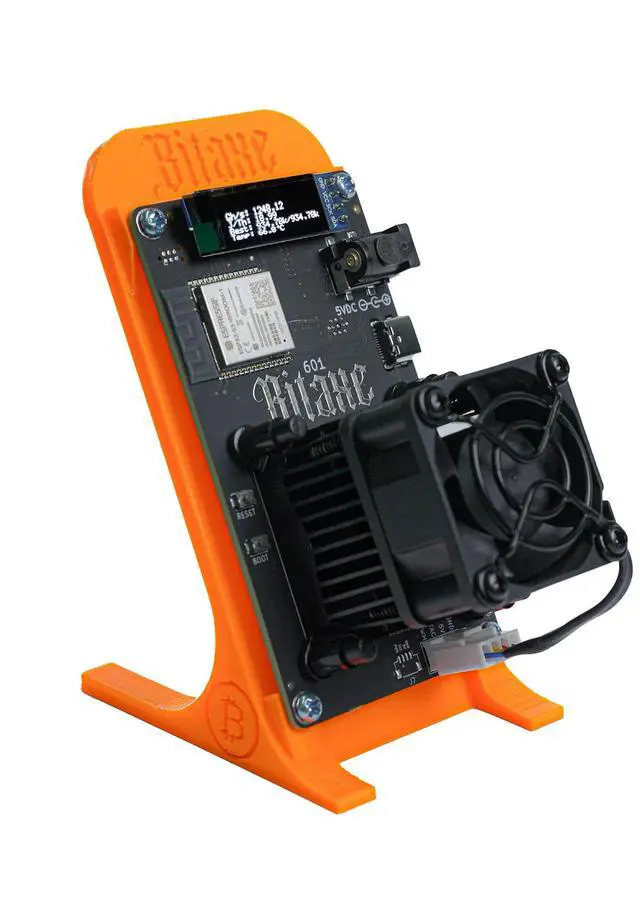
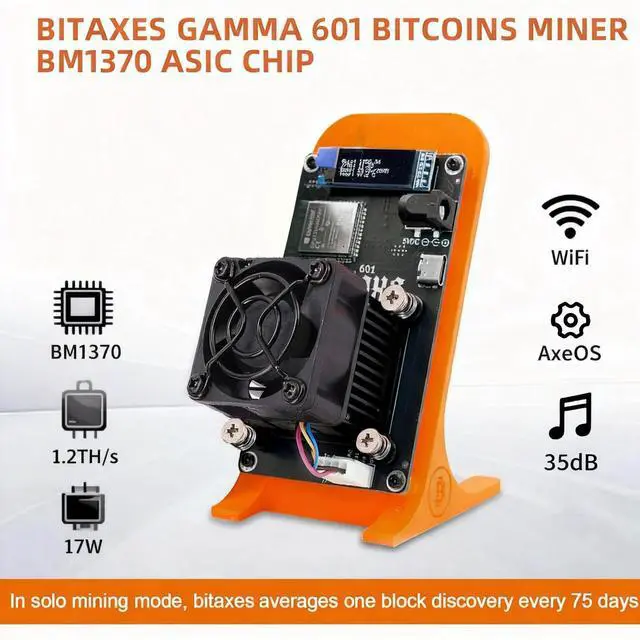
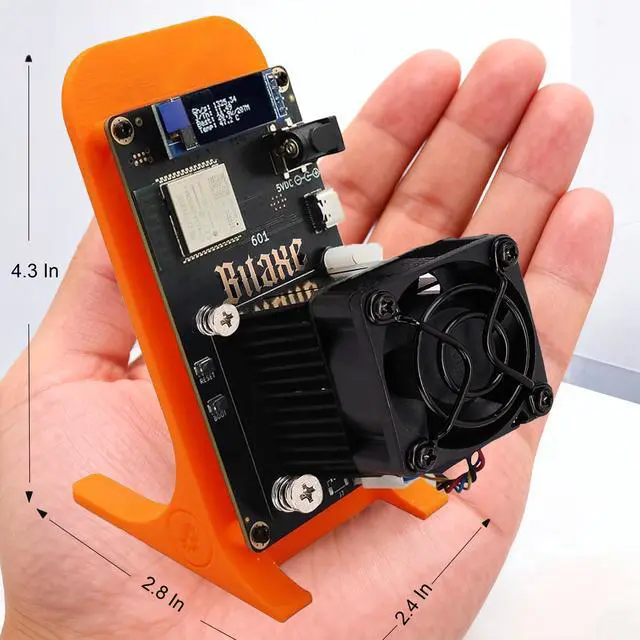
This Solo BTC Miner is a high-efficiency ASIC Bitcoin miner designed for home mining, solo miners, and crypto enthusiasts. With a 1.2 TH/s hashrate and only 17W power consumption (15 J/TH), it offers an affordable and energy-efficient way to participate in solo mining bitcoin lottery or small-scale BTC mining.
Professional-Grade Performance with BM1370 Chip
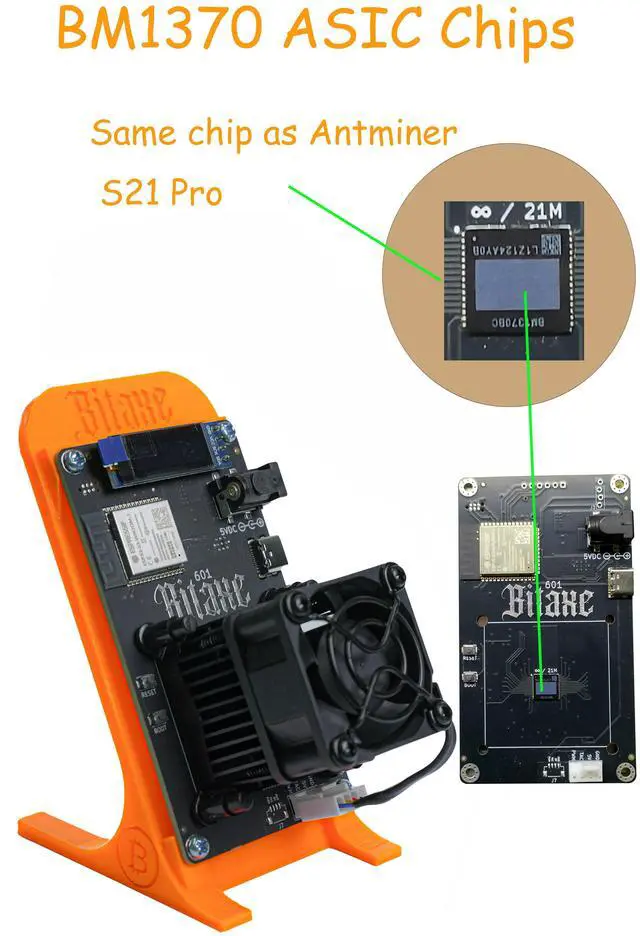
Equipped with the same BM1370 ASIC chip used in the Bitmain Antminer S21 Pro, the Bitcoin miner delivers powerful SHA-256 mining performance in a compact, open-source miner design. Whether you're a hobbyist or a serious miner, this machine provides reliable solo BTC mining capabilities.
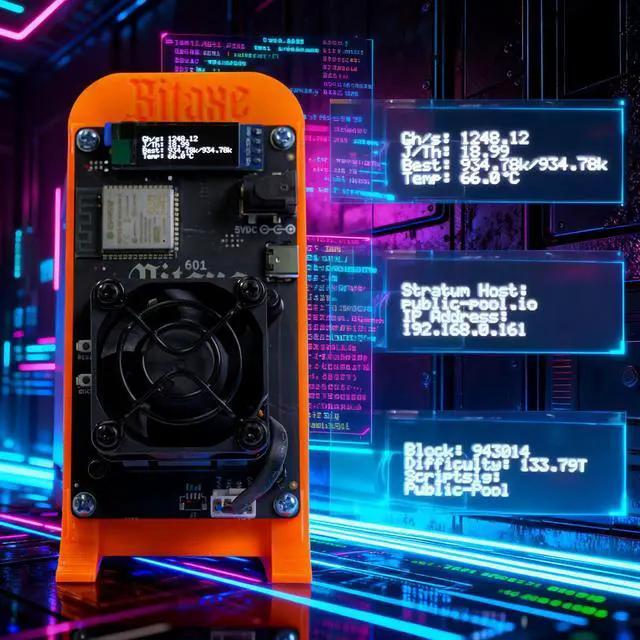
Easy Setup & Remote Management
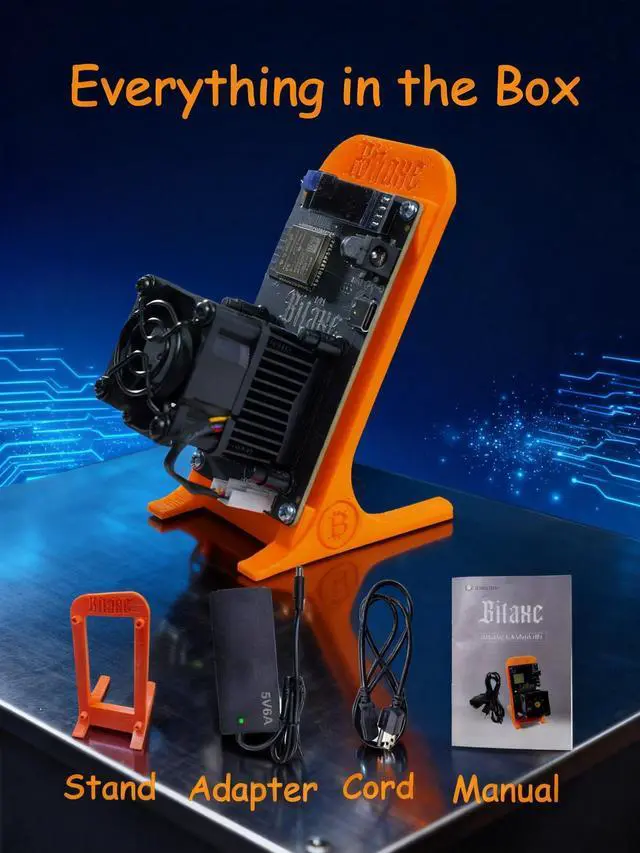
Complete Mining Kit Ready to Use
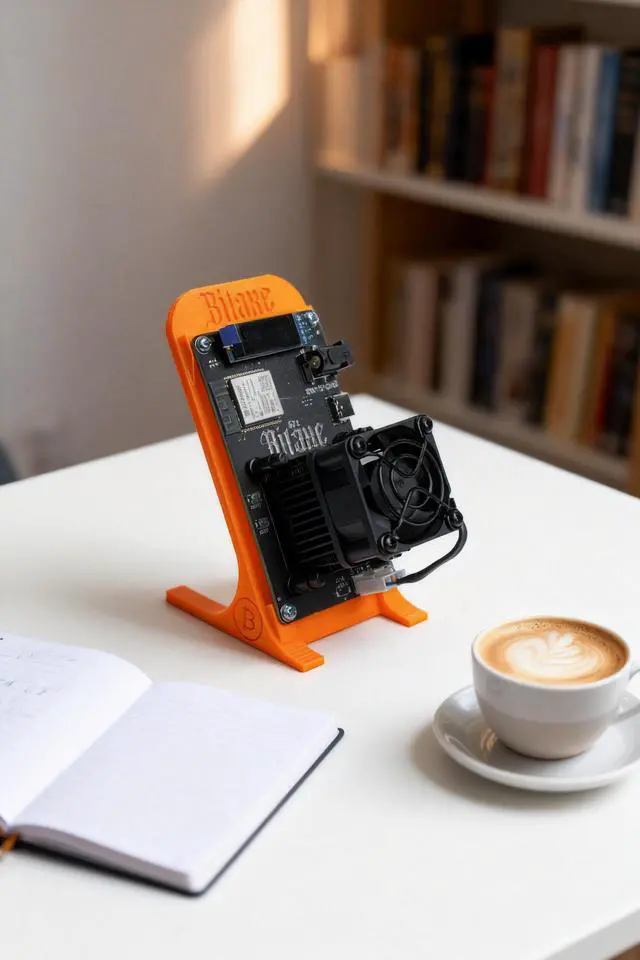
Perfect for Home & Small-Scale Mining
Frequently Asked Questions (FAQ)
Q1: I cannot connect to WiFi.
A: First, verify that your WiFi network is operating on the 2.4 GHz band. If it is confirmed to be 2.4 GHz and you still cannot connect, try restarting the device. If the issue persists, please contact customer service to obtain a diagnostic tool to resolve the problem.
Q2: Unable to connect to a mining pool.
A: Try connecting to a more stable mining pool. We recommend the following:
Q3: The device is showing an overheating warning.
A: Each device is shipped with two heat sinks. If overheating occurs, attach them to the inductors on the board. This should resolve the issue.
Q4: The cooling fan is very loud.
A: Please allow some time for the fan to stabilize. Our fans are low-noise models; once the device reaches a steady hashrate, the fan speed and therefore the noise level will gradually decrease.
Q5: Hashrate is below the expected target.
A: You can adjust the frequency settings through the management dashboard. For specific parameter recommendations, please consult customer service.
Q6: Unable to flash firmware.
A: Our firmware has been optimized to a certain degree. If you need to flash or update the firmware, please contact customer service to obtain the proper flashing tool.
Q7: After connecting to WiFi, I cannot access the configuration page.
A: Check your router's IP allocation settings to ensure the device has been assigned a valid address. If the problem persists, perform a firmware refresh to clear the cache.
Q8: The device arrived with visible physical damage.
A: Please contact us immediately. We will hold the shipping carrier accountable and ensure your rights as a customer are fully protected. Customer satisfaction is always our top priority.
Q9: The screen is not displaying anything, but the fan is running normally.
A: This does not necessarily indicate a total hardware failure. In most cases, it is only a microcontroller (MCU) issue affecting the display module. Please contact us and we will send you a replacement screen.