





Easy to set up, you can instantly watch your favorite TV programs and enjoy the endless fun they bring you!

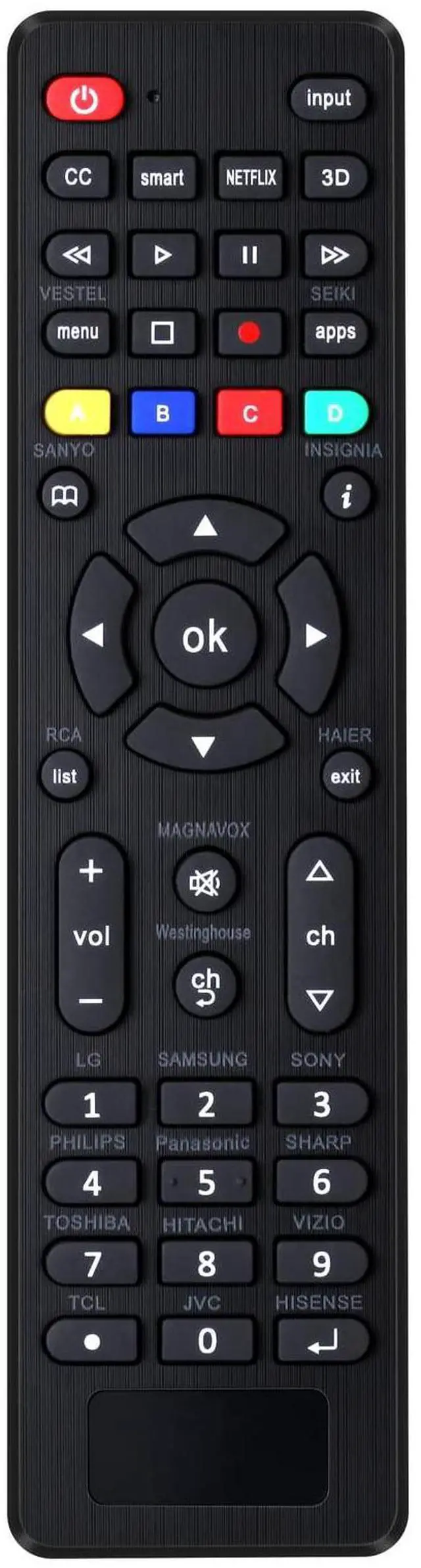
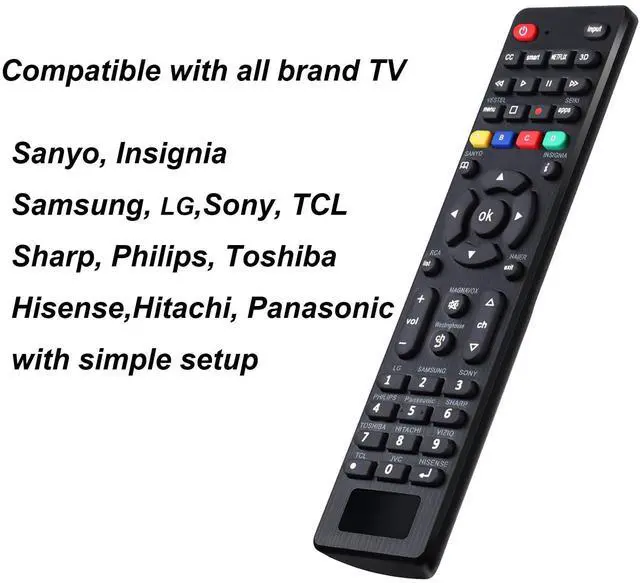
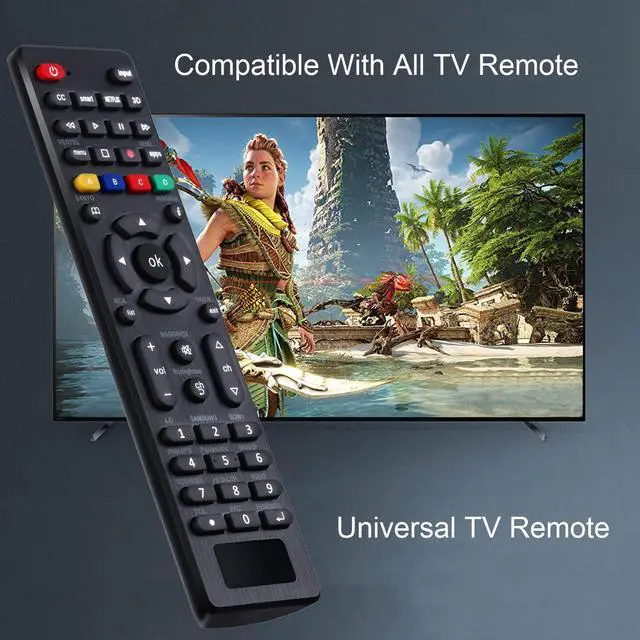
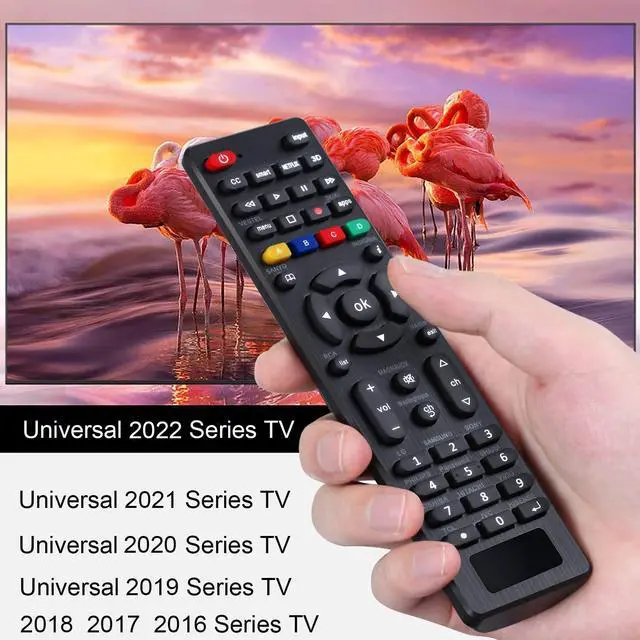
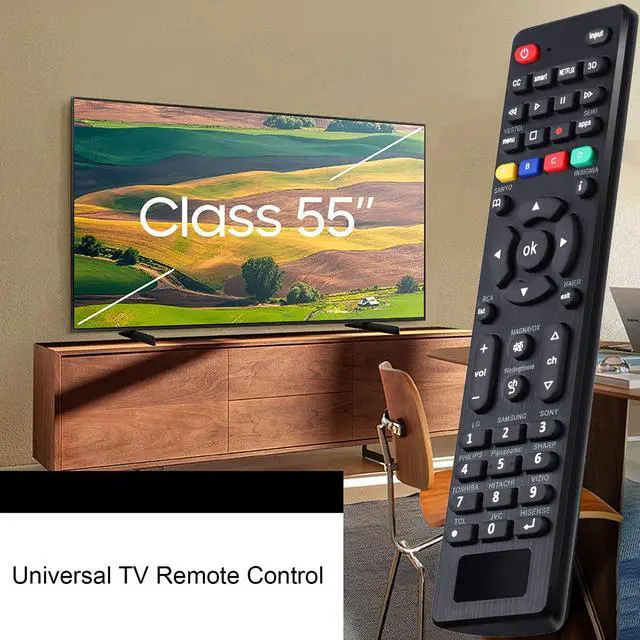
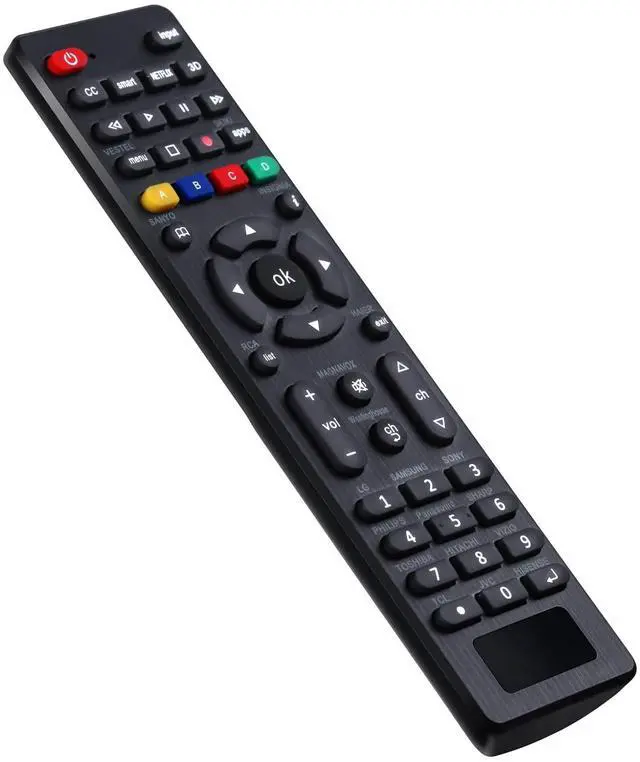
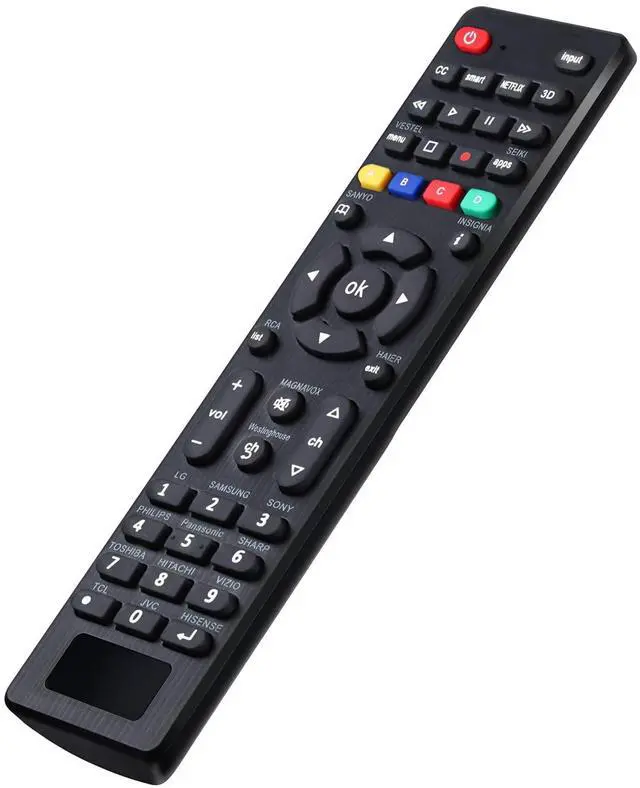
- This universal remote control LCD/LED TV remote controller (RC-G008) can directly replacement the remote controls of more than ten TV brands, for Samsung,for TCL,for LG,for Philips,for Vizio,for Sharp,for Sony,for Panasonic,for Sanyo,for JVC,for Toshiba,for Hitachi,forHaier,for Westinghouse,for Insignia,for RCA etc.
- Two setting methods
1. Set up by code: (1) Press "Mute +power" buttons together for 3 sec until led light is lit,then release it.
(2) Input your 3 digit TV_CODE form code list.If the code is right,the LED light will go off. If the code is wrong, the LED light will still be on. If this happens,try to enter the code again as there may have been an error the first time.
(3)Please check the function of Remote. If it doesn't work well, please you can try one of the other codes and repeat the process from step 1.
NOTE:During setting process,if no key is pressed in 10 seconds it will exit automatically.
2.Brand search:
1)Turn on TV.Press the button of the corresponding brand for 5 sec, the LED flashes three times,then the setting is completed.
Default Mode:
- Under the default setting,RC-G008 can directly control many brands,include LG/SAMSUNG/SONY/PHILIPS/PANASONIC/SHARP TV.
- Restore to the initial setting,please and hold the [OK]+[0]buttons about 3sec, the LED light will be blink four times,now it is in initial setting.
Easy to set up, you can instantly watch your favorite TV programs and enjoy the endless fun they bring you!
- This universal remote control LCD/LED TV remote controller (RC-G008) can directly replacement the remote controls of more than ten TV brands, for Samsung,for TCL,for LG,for Philips,for Vizio,for Sharp,for Sony,for Panasonic,for Sanyo,for JVC,for Toshiba,for Hitachi,forHaier,for Westinghouse,for Insignia,for RCA etc.
- Two setting methods
1. Set up by code: (1) Press "Mute +power" buttons together for 3 sec until led light is lit,then release it.
(2) Input your 3 digit TV_CODE form code list.If the code is right,the LED light will go off. If the code is wrong, the LED light will still be on. If this happens,try to enter the code again as there may have been an error the first time.
(3)Please check the function of Remote. If it doesn't work well, please you can try one of the other codes and repeat the process from step 1.
NOTE:During setting process,if no key is pressed in 10 seconds it will exit automatically.
2.Brand search:
1)Turn on TV.Press the button of the corresponding brand for 5 sec, the LED flashes three times,then the setting is completed.
Default Mode:
- Under the default setting,RC-G008 can directly control many brands,include LG/SAMSUNG/SONY/PHILIPS/PANASONIC/SHARP TV.
- Restore to the initial setting,please and hold the [OK]+[0]buttons about 3sec, the LED light will be blink four times,now it is in initial setting.