


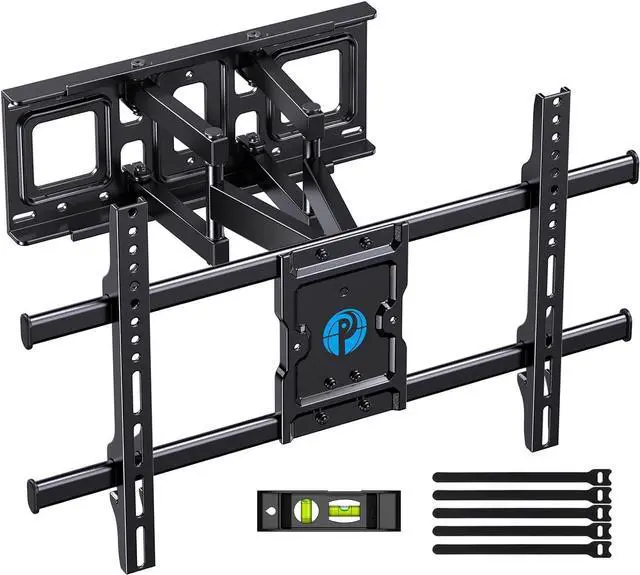


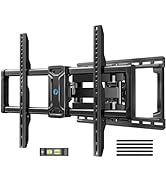
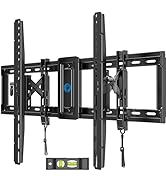
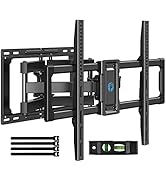
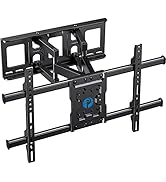
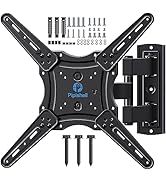
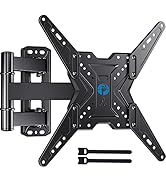
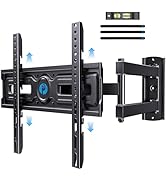
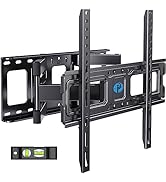
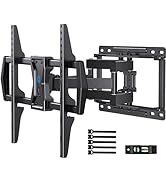
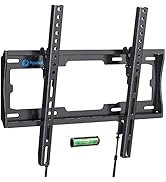
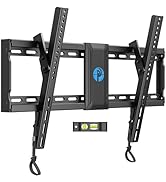
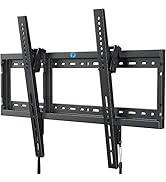
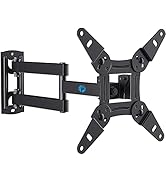
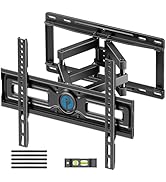
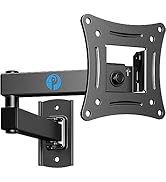
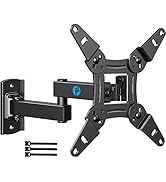


Pipishell Full Motion TV Wall Mount
Merchant Video

Will my TV fit this mount?
Your TV is compatible with this mount as long as it meets three criteria:
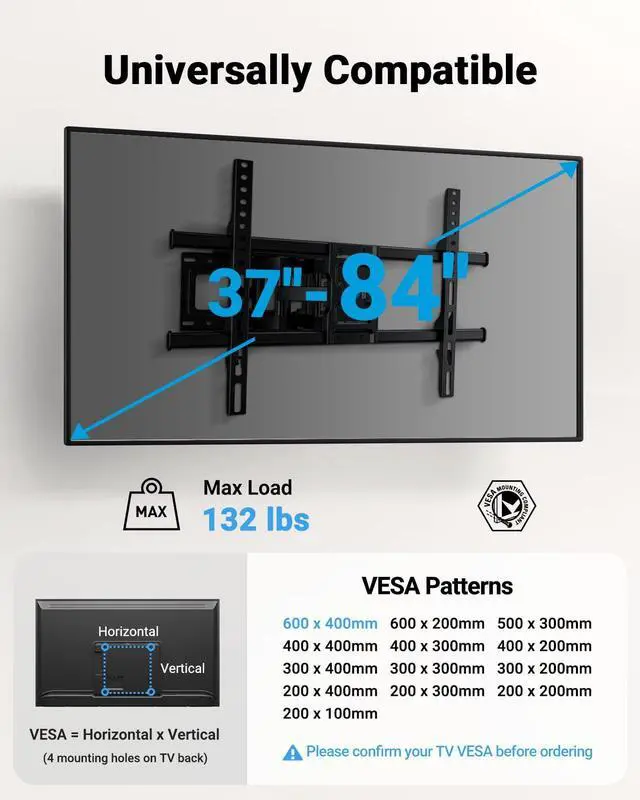
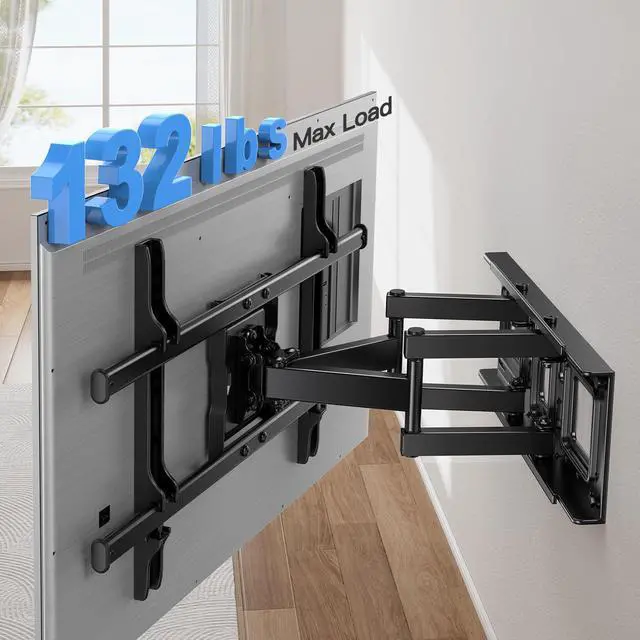
screen size between 37 and 75 inches, weight no more than 132 lbs, and feature a VESA mounting hole pattern of 200×100 mm (7.87"×3.94") to 600×400 mm (23.62"×15.75").
What is VESA?
VESA refers to the distance between the four mounting holes on the back of the TV (measure horizontal and vertical distances in millimeters),
and this mount supports patterns from 200×100 mm to 600×400 mm.
Is it compatible with 24-inch wooden stud spacing?
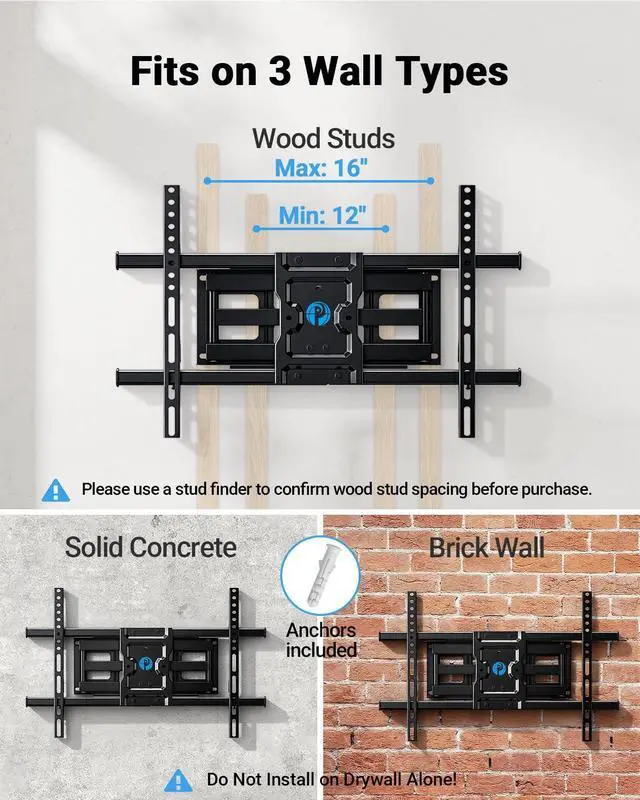
No, it cannot be directly installed on 24-inch wooden stud spacing—use a stud finder to check,
as it works with 8-inch, 12-inch, and 16-inch spacing, and we recommend a wooden stud adapter for 24-inch spacing.
Can it be installed on drywall or metal studs?
No, this mount is designed for wooden studs, brick walls, or concrete walls. Do not mount on drywall alone or metal stud.
What if the mount blocks the TV's cable ports?
If the mount blocks any ports, use the included spacers and screws to create space for the cables.


Pipishell Full Motion TV Wall Mount
Merchant Video

Will my TV fit this mount?
Your TV is compatible with this mount as long as it meets three criteria:
screen size between 37 and 75 inches, weight no more than 132 lbs, and feature a VESA mounting hole pattern of 200×100 mm (7.87"×3.94") to 600×400 mm (23.62"×15.75").
What is VESA?
VESA refers to the distance between the four mounting holes on the back of the TV (measure horizontal and vertical distances in millimeters),
and this mount supports patterns from 200×100 mm to 600×400 mm.
Is it compatible with 24-inch wooden stud spacing?
No, it cannot be directly installed on 24-inch wooden stud spacing—use a stud finder to check,
as it works with 8-inch, 12-inch, and 16-inch spacing, and we recommend a wooden stud adapter for 24-inch spacing.
Can it be installed on drywall or metal studs?
No, this mount is designed for wooden studs, brick walls, or concrete walls. Do not mount on drywall alone or metal stud.
What if the mount blocks the TV's cable ports?
If the mount blocks any ports, use the included spacers and screws to create space for the cables.
Step 1: Attach TV Plate to TV
Note: Don't use electric drill.
Step 2: Attach Wall Plate to Wall
Note: This TV wall mount fits for use in wood stud and solid concrete wall. DO NOT install into drywall alone.
Step 3: Hang TV to Wall Plate
Pipishell Mount for Your Home
TV Mount for TVs Up to 82 Inch
TV Mount for TVs Up to 60 Inch
Pipishell TV Wall Mount
Small TV Mount UP to 32 Inch