

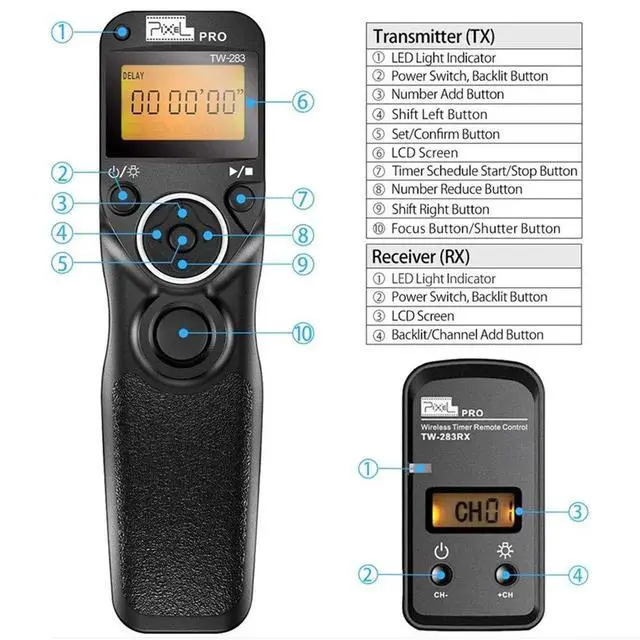
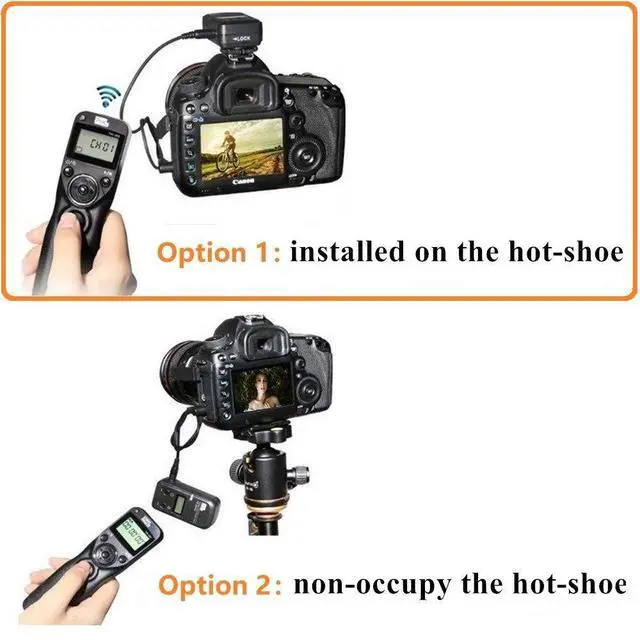



Pixel TW283 Wireless Remote Control with Timer for Canon Digital SLR Cameras
No matter how good your camera is, it's the actual shot that matters--and sometimes that means needing to time things just right, especially if the photographer also plans to be in the shot. While most cameras have a built-in timer, using the Pixel wireless remote lets you pick your moment--its 80-meters wireless range gives you the flexibility to snap the shutter right when you need it, even if you're not behind the camera. It features no directionality, 80M+ remote distance and ultra-powerful anti-interference ability. With 30 channels for options,it can avoid interference caused by other similar devices.
Professional features
When capturing the beautiful moments of sunrise and sunset and flowers bloom and fade, you don't need to wait for the whole time. You can set delay timer, exposure time, interval time, number of shoots, repeat shooting interval time and repeat times.
Intervalometer for Canon, replace Canon RS-80N3
Camera shutter remote TW283-N3 compatible with Canon EOS R1, EOS R5 Mark II, EOS R3, EOS R5, EOS R5 C, 6D MARK II, 1D X Mark II, 1DX Mark III, 1D X, 1DS Mark III, 1DS Mark II, 1Ds, 1D Mark IV, 1D Mark III, 1D Mark II-N, 1D Mark II, 1D, 1D C, 5D Mark II, 5D Mark III, 5D Mark IV, 5DS, 5DS R, 5D, 6D, 7D, 7D Mark II, 50D, 40D, 30D, 20D, 10D, D2000, D60, D30, EOS-1V, EOS-3
Item Included:
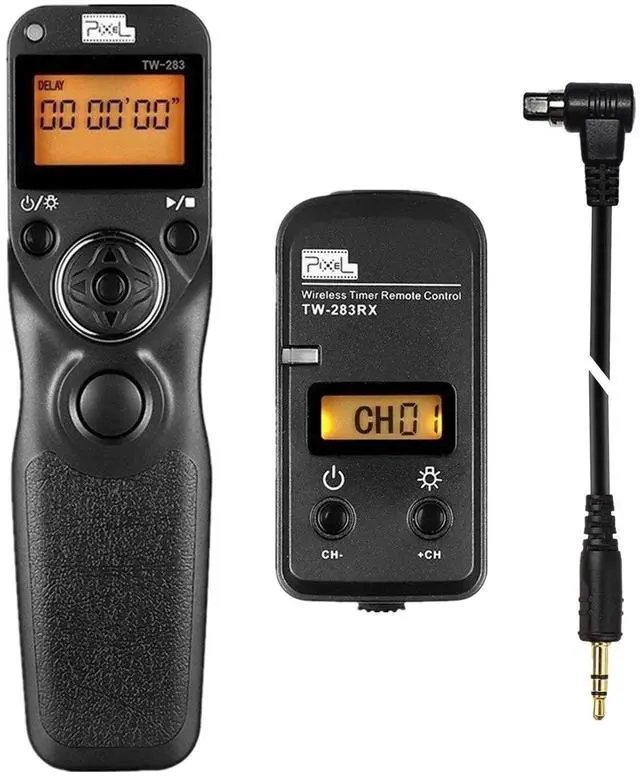
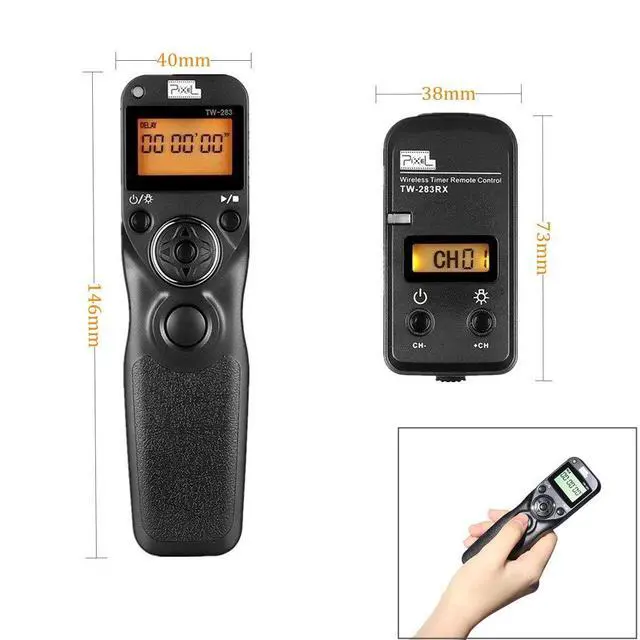
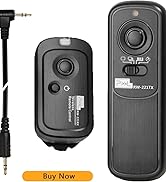
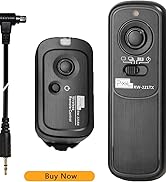
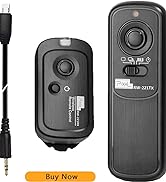
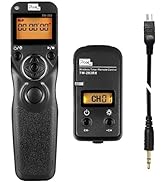
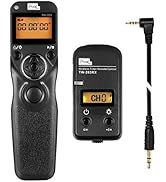
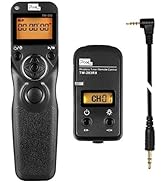
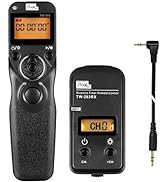
- TW-283 Transmitter x 1
- TW-283 Receiver x 1
- Shutter Connecting Cable N3 x 1
- User Manual x 1
Please note: batteries are not included in the packing.
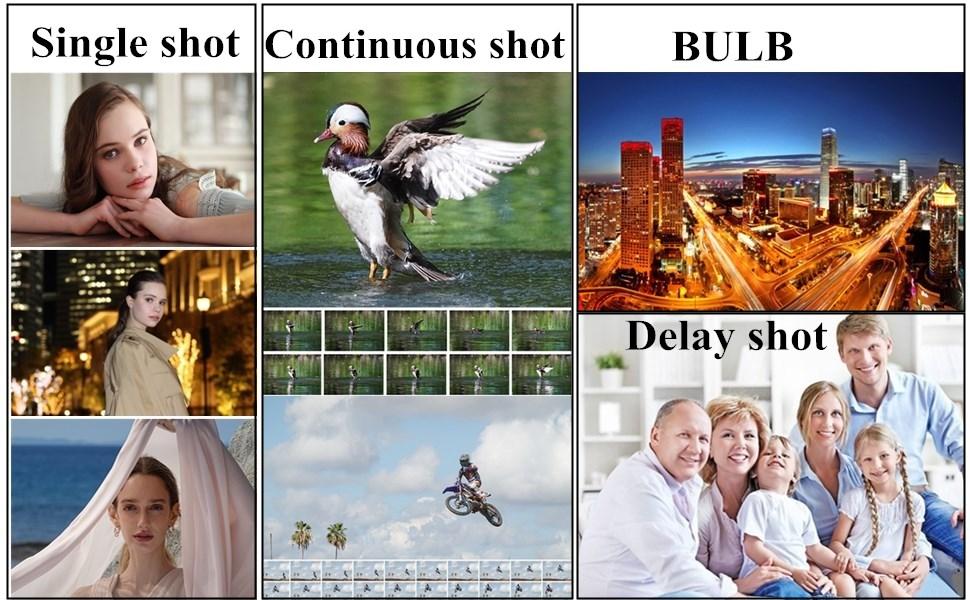
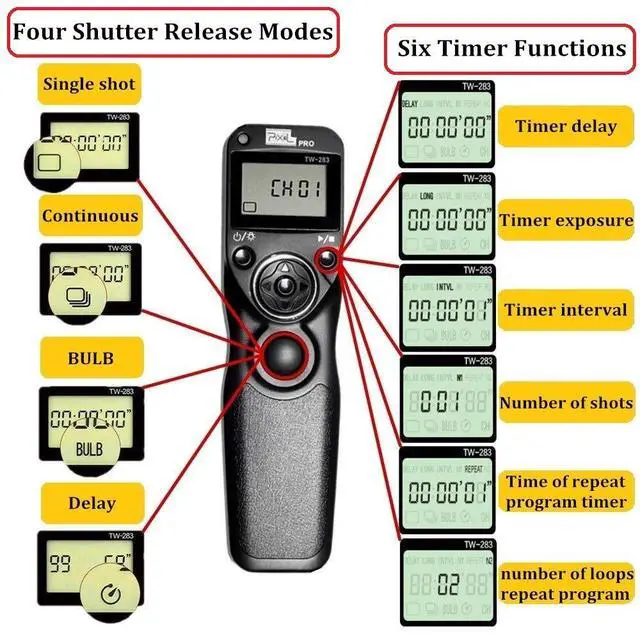
Four shutter release modes
1. Single shooting
- Put transmitter in single shot mode; Put camera in single shot mode; Press shutter button on transmitter
2. Continuous shooting
- Put transmitter in continuous mode; Put camera in continuous mode/high speed continuous shot mode; Press and hold shutter button on transmitter
3. Bulb (long exposure)
- Put transmitter in bulb mode; Put camera in bulb mode; Press shutter button on transmitter once to start; Press shutter button on transmitter again to end
4. Delay shooting
- Put transmitter in delay mode;
- Delay Shooting Setting can set delay time and number of shots. Delay time: alters from 1s to 59s. Number of shots: alters from 1 to 99.
To set
- Press center button on transmitter; Adjust number of shots (left) and delay time before starting to shoot (right)
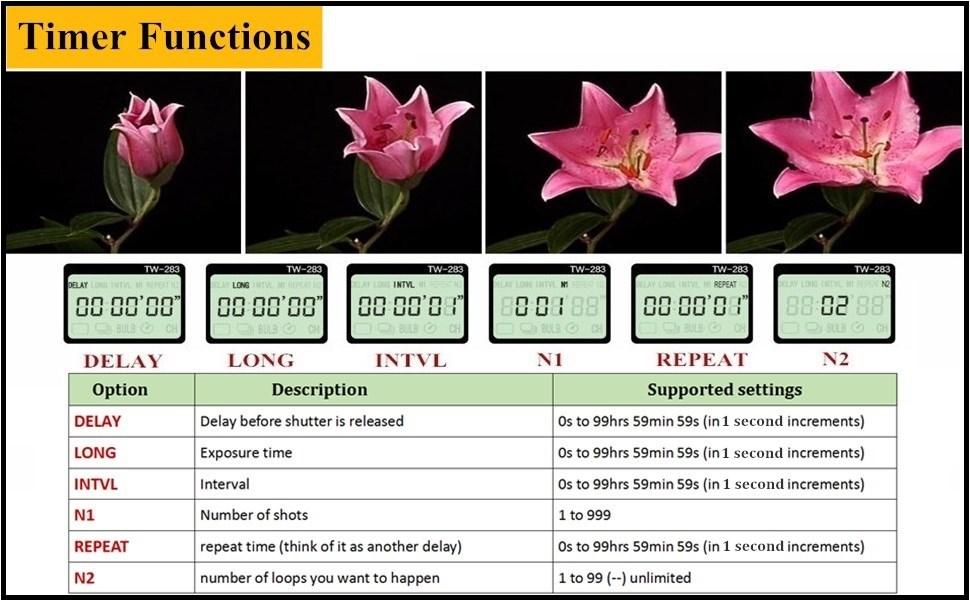
Timer Functions
- Put transmitter in timer mode (any of the top modes)
- Put camera in single shot mode
- Focus and put the lens in manual focus
To set
- Set the delay to the time before the first shot
- Set the long to 0 seconds (this is really only useful for bulb shooting, or to shoot multiple shots in the long interval)
- Set the interval to the time between shots
- Set the N1 to the number of shots you want to take
- Set the repeat to the amount of time you want to wait before doing everything again (think of it as another delay)
- Set the N2 to the number of loops you want to happen. Double dash (--) means loop forever
To shoot
- Press the play/stop button on the transmitter to start
- Press that button again to end
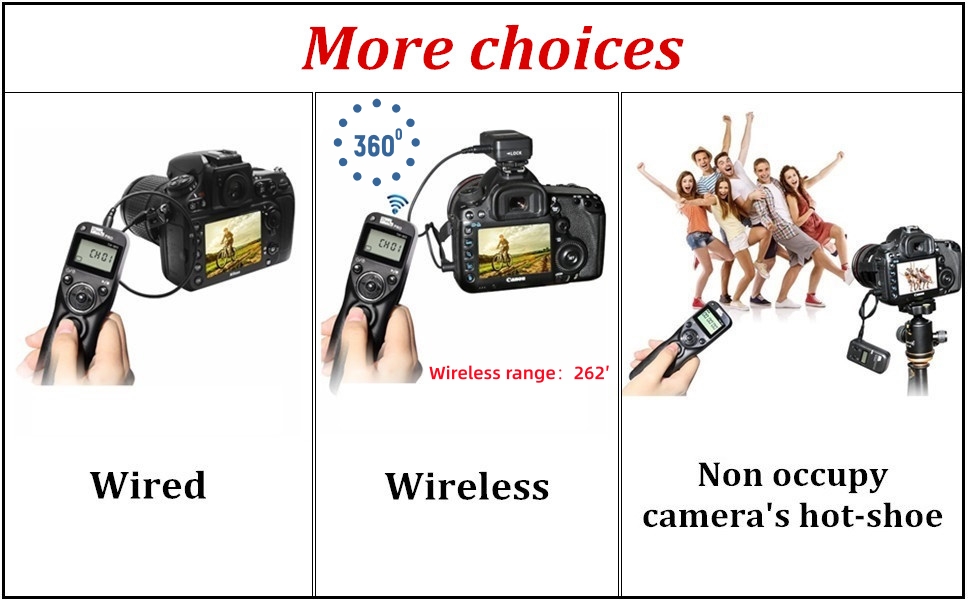
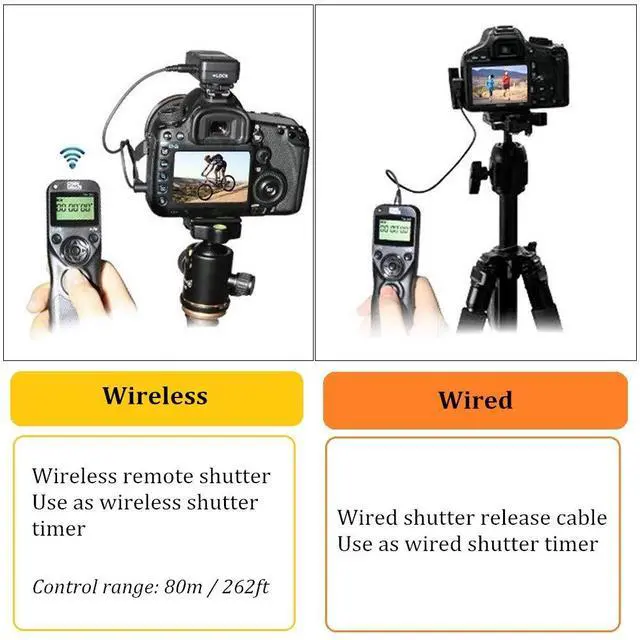
- 2.4GHz Wireless Technology: 360° available, wireless up to 80m / 262ft
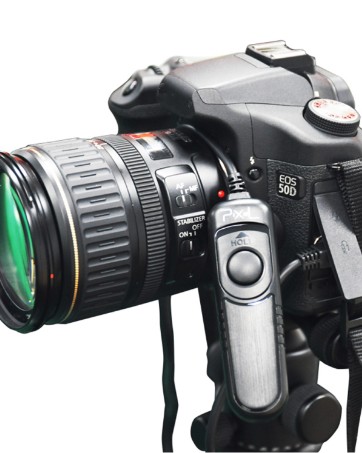
- 2 in 1 Design: Can be used as a wireless or wired remote control
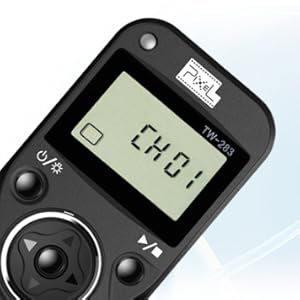
LCD Display
- With LCD display, very convenient to get accurate shooting modes setting information.
- It's easy and clear to handle.
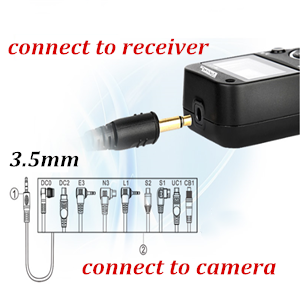
Interchangeable connecting cable
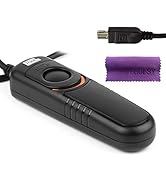
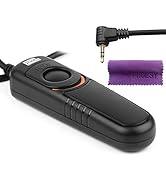
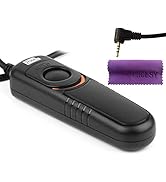
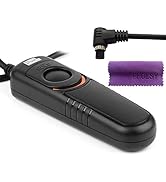
Only need to replace the connecting cable to fit different brands cameras.
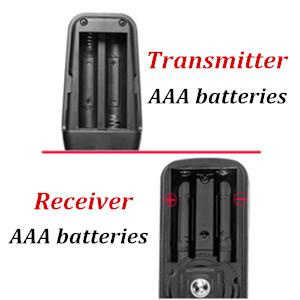
Please note:
- Please use four new AAA batteries.
- And install batteries correctly to the compartment according to the + and - terminal of the batteries.
- If the LED light doesn't flash, it should be the batteries reversed the direction. Please check and make sure install the batteries correctly.
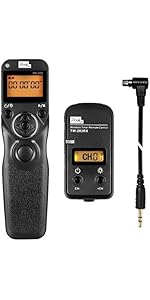 Pixel Timer Shutter Release TW283-N3 Wireless Remote Control Compatible with ... | 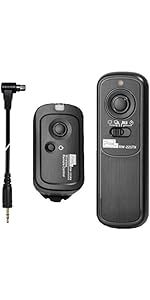 Pixel Digital Wireless Remote Shutter Release Switch N3 Compatible with Canon... | 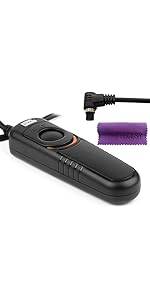 Pixel Remote Shutter Switch N3 Shutter Release Cable Compatible with Canon EO... | |
|---|---|---|---|
| Customer Reviews | — | — | — |
| Price | — | — | — |
| Intervalometer remote shutter | ? | no data | no data |
| Wireless remote control | ? | ? | no data |
| Wired Shutter Release Cable | no data | no data | ? |

Camera Accessories
Good partner for photography!
Best in class camera accessories, with superior capabilities.




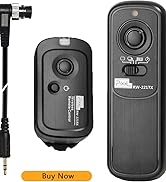



Pixel TW283 Wireless Remote Control with Timer for Canon Digital SLR Cameras
No matter how good your camera is, it's the actual shot that matters--and sometimes that means needing to time things just right, especially if the photographer also plans to be in the shot. While most cameras have a built-in timer, using the Pixel wireless remote lets you pick your moment--its 80-meters wireless range gives you the flexibility to snap the shutter right when you need it, even if you're not behind the camera. It features no directionality, 80M+ remote distance and ultra-powerful anti-interference ability. With 30 channels for options,it can avoid interference caused by other similar devices.
Professional features
When capturing the beautiful moments of sunrise and sunset and flowers bloom and fade, you don't need to wait for the whole time. You can set delay timer, exposure time, interval time, number of shoots, repeat shooting interval time and repeat times.
Intervalometer for Canon, replace Canon RS-80N3
Camera shutter remote TW283-N3 compatible with Canon EOS R1, EOS R5 Mark II, EOS R3, EOS R5, EOS R5 C, 6D MARK II, 1D X Mark II, 1DX Mark III, 1D X, 1DS Mark III, 1DS Mark II, 1Ds, 1D Mark IV, 1D Mark III, 1D Mark II-N, 1D Mark II, 1D, 1D C, 5D Mark II, 5D Mark III, 5D Mark IV, 5DS, 5DS R, 5D, 6D, 7D, 7D Mark II, 50D, 40D, 30D, 20D, 10D, D2000, D60, D30, EOS-1V, EOS-3
Item Included:
- TW-283 Transmitter x 1
- TW-283 Receiver x 1
- Shutter Connecting Cable N3 x 1
- User Manual x 1
Please note: batteries are not included in the packing.
Four shutter release modes
1. Single shooting
- Put transmitter in single shot mode; Put camera in single shot mode; Press shutter button on transmitter
2. Continuous shooting
- Put transmitter in continuous mode; Put camera in continuous mode/high speed continuous shot mode; Press and hold shutter button on transmitter
3. Bulb (long exposure)
- Put transmitter in bulb mode; Put camera in bulb mode; Press shutter button on transmitter once to start; Press shutter button on transmitter again to end
4. Delay shooting
- Put transmitter in delay mode;
- Delay Shooting Setting can set delay time and number of shots. Delay time: alters from 1s to 59s. Number of shots: alters from 1 to 99.
To set
- Press center button on transmitter; Adjust number of shots (left) and delay time before starting to shoot (right)
Timer Functions
- Put transmitter in timer mode (any of the top modes)
- Put camera in single shot mode
- Focus and put the lens in manual focus
To set
- Set the delay to the time before the first shot
- Set the long to 0 seconds (this is really only useful for bulb shooting, or to shoot multiple shots in the long interval)
- Set the interval to the time between shots
- Set the N1 to the number of shots you want to take
- Set the repeat to the amount of time you want to wait before doing everything again (think of it as another delay)
- Set the N2 to the number of loops you want to happen. Double dash (--) means loop forever
To shoot
- Press the play/stop button on the transmitter to start
- Press that button again to end
- 2.4GHz Wireless Technology: 360° available, wireless up to 80m / 262ft
- 2 in 1 Design: Can be used as a wireless or wired remote control
LCD Display
- With LCD display, very convenient to get accurate shooting modes setting information.
- It's easy and clear to handle.
Interchangeable connecting cable
Only need to replace the connecting cable to fit different brands cameras.
Please note:
- Please use four new AAA batteries.
- And install batteries correctly to the compartment according to the + and - terminal of the batteries.
- If the LED light doesn't flash, it should be the batteries reversed the direction. Please check and make sure install the batteries correctly.
Pixel Timer Shutter Release TW283-N3 Wireless Remote Control Compatible with ... | Pixel Digital Wireless Remote Shutter Release Switch N3 Compatible with Canon... | Pixel Remote Shutter Switch N3 Shutter Release Cable Compatible with Canon EO... | |
|---|---|---|---|
| Customer Reviews | — | — | — |
| Price | — | — | — |
| Intervalometer remote shutter | ? | no data | no data |
| Wireless remote control | ? | ? | no data |
| Wired Shutter Release Cable | no data | no data | ? |
Camera Accessories
Good partner for photography!
Best in class camera accessories, with superior capabilities.


Camera shutter remote control
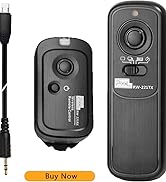
Pixel shutter remote control
Intervalometer shutter remote
Intervalometer shutter remote
Shutter release cable
Shutter release cable
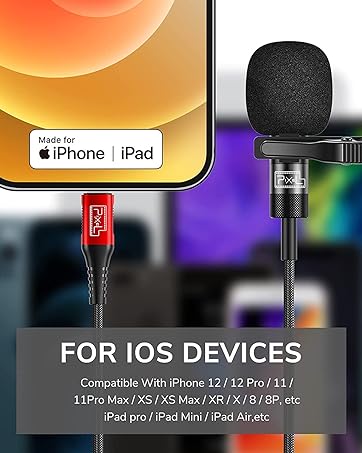
Lavalier microphone for iphone

Lavalier microphone for iphone
