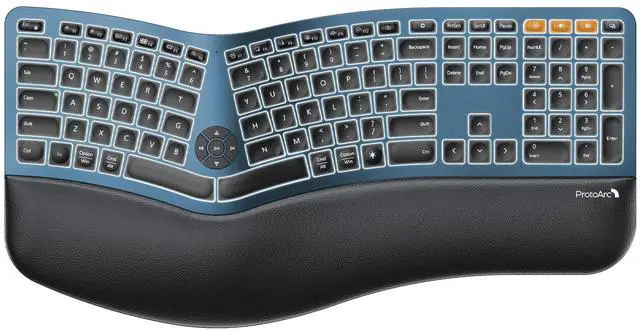
EK01 Plus Full Size Backlit Wireless Ergonomic Keyboard with Wrist Rest for Windows/Mac/Android
System Requirement:
It is widely compatible with Windows 8/10 or above, Mac OS X 10.12 or above, Android 4.3 or above, as well as Microsoft systems
Packing Included:
1* Backlit Bluetooth Ergo Keyboard
1* USB Receiver
1* Type-C Charging Cable
1* User Manual
Product information
| Brand | |
| Compatible Devices | Laptop, PC, Tablet, Windows/Mac/Android |
| Connectivity Technology | Bluetooth |
| Keyboard Description | Multimedia |
| Recommended Uses For Product | Business, Everyday Use, Multimedia, Personal |
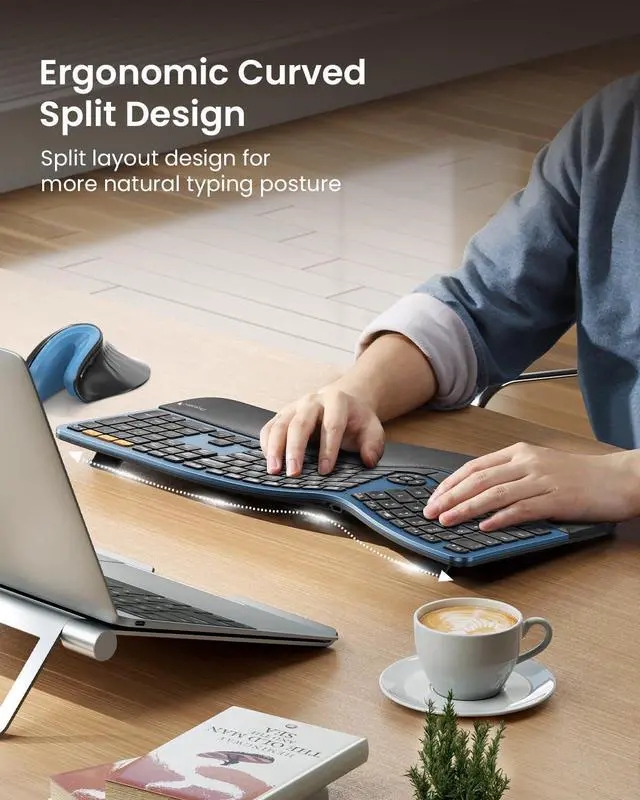
| Special Feature | Backlit, Ergonomic, Full Size, Multi-Device, Rechargeable |
| Color | Blue |
| Keyboard backlighting color support | Single Color |
| Style | Modern |
| Product Dimensions | 19.69"L x 10.43"W x 1.57"H |
| Item Weight | 3.69 pounds |
| Manufacturer | |
| Item model number | EK01 Plus |
| Date First Available | October 2, 2024 |
Additional Features
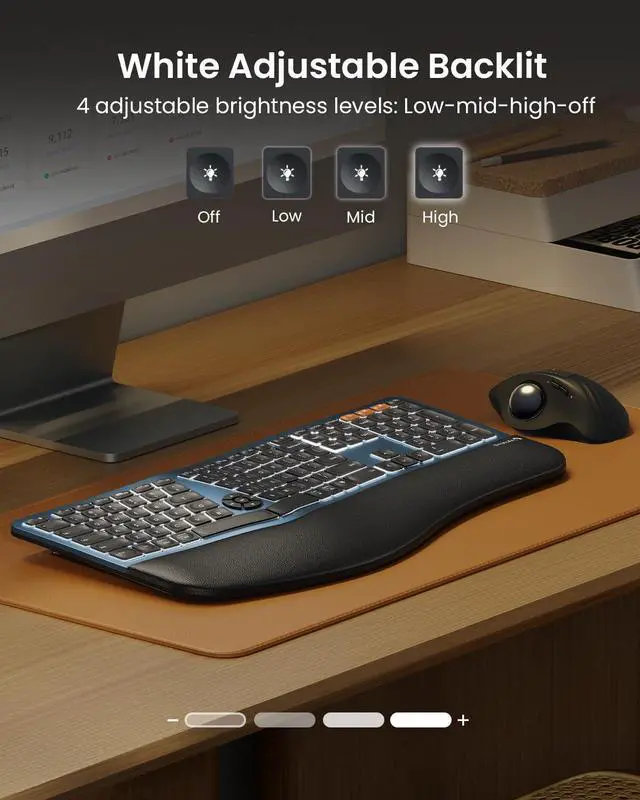
- Note: The keyboard backlight adjusts based on inactivity periods to conserve power: After 1 minute: Backlight turns off (press any key to wake); After 60 minutes: Enters deep sleep mode with backlight disabled (press any key to wake the keyboard within 3 seconds, then manually turn on the backlight)
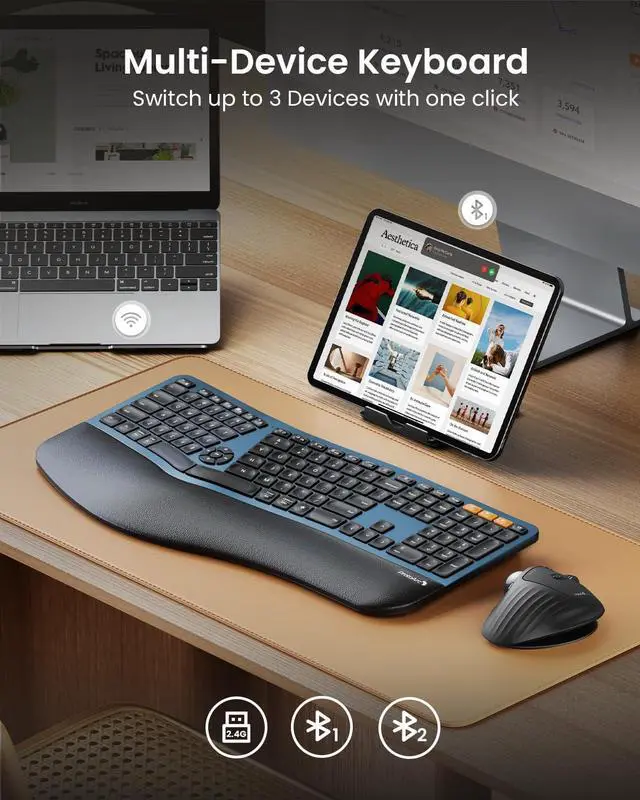
- Seamless 3 Device Switching: Switch between devices effortlessly. With Bluetooth and 2.4G USB connectivity, this wireless keyboard can pair with up to three devices simultaneously. A simple key press lets you jump between your laptop, tablet, and computer. Its compatible with Windows 8/10 or above, Mac OS X 10.12 or above, Android 4.3 or above, and Microsoft systems. (The keyboard cannot be connected via wire)
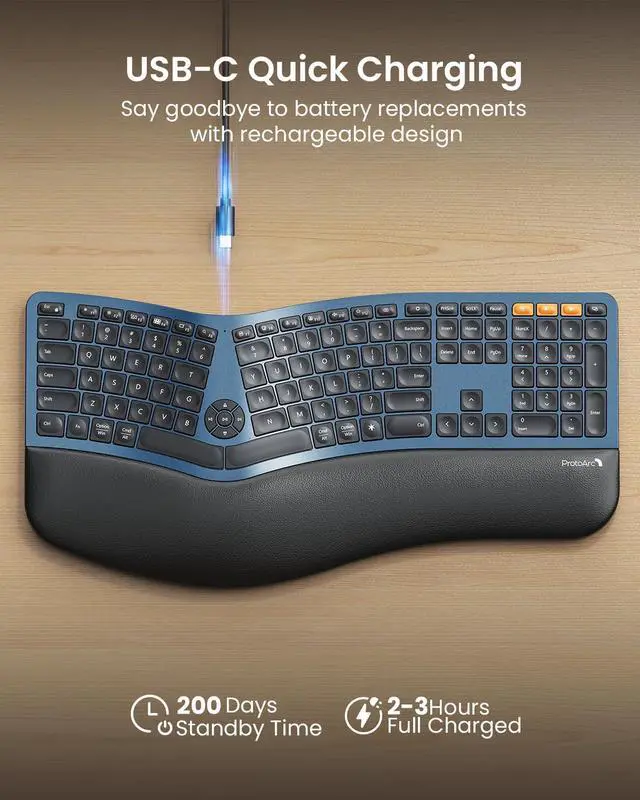
- USB-C Fast Charging: The ergo keyboard is equipped with a large 2000mAh rechargeable battery, offering extended working hoursespecially with the backlight turned off. Focus on your tasks without worrying about frequent charging.(The USB charging cable can only be used for charging, not for wired connection)
- Charging Tips: For optimal performance, charge the keyboard using a computers USB port or a DC 5V 1A charger. Avoid using fast chargers or high-power adapters, as they may affect the keyboards performance. (All keys of the keyboard are not programmable)
- In 2.4G mode, the keyboard is not compatible with the Mac OS/ IOS system, resulting in some function keys not being able to be used normally. please try switching to Bluetooth mode; By default, F1-F12 are multimedia function keys. it need to press Esc+Fn to turn off to switch to traditional key functions