


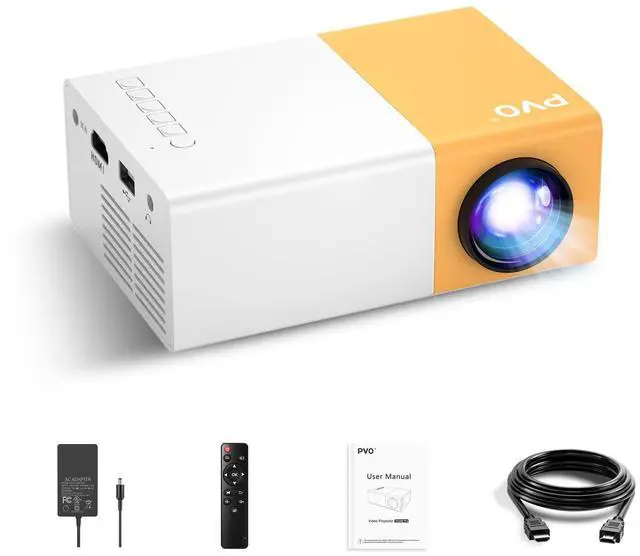
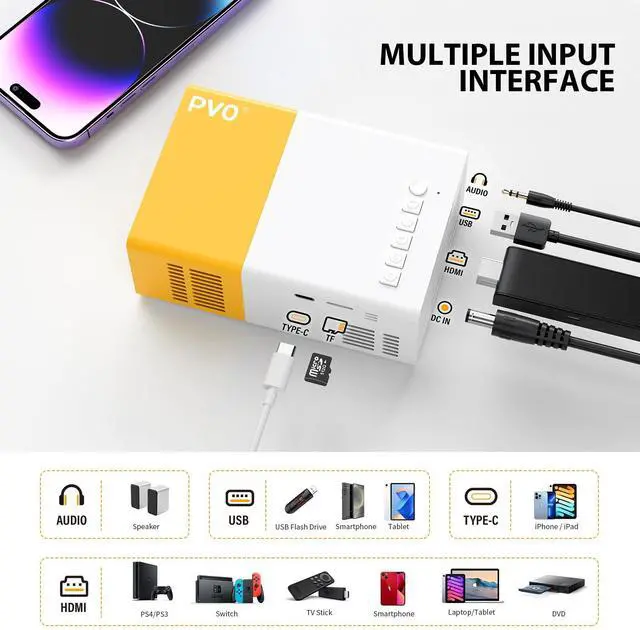
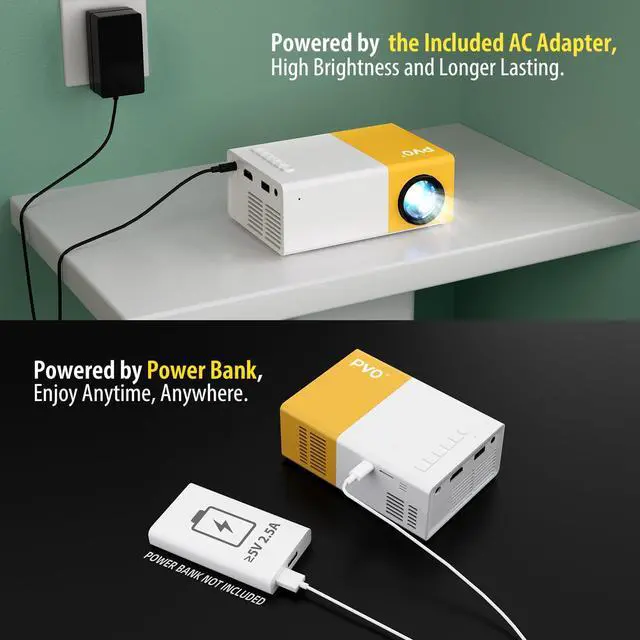


PVO has been specializing in the development, production and sales of home projectors with more than 20 years of research and development experience.
We create quality technology video projectors through innovation, passion and teamwork. Our R&D team continues to innovate and lead the projector industry, committed to providing our customers with an exceptional viewing experience.







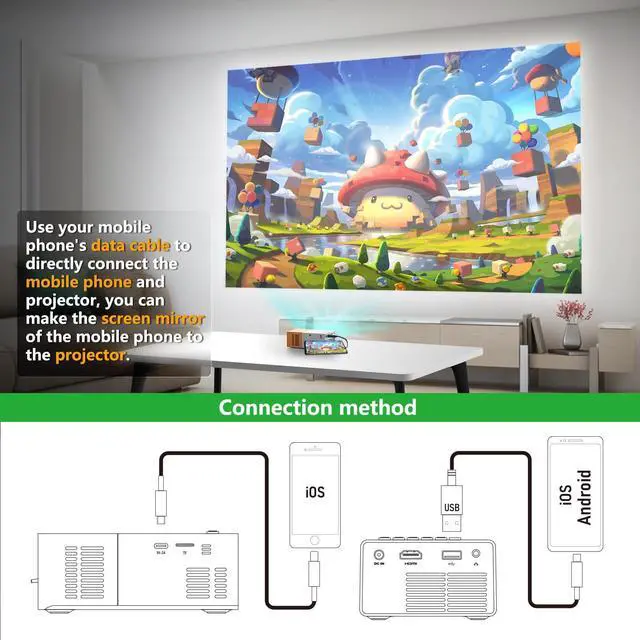
Data Cable Mirroring
1. iOS Devices: After connecting the projector with Apple's official data cable, a pop-up will ask if you trust the device. Click "Trust" to mirror your iOS screen.
2. Android Devices: See the video below for instructions.
Android Wired Screen Mirroring Guide (Data Cable Connection Method)
Note: The main UI may vary across different projector versions, but the functions and operation steps remain the same.
Mirroring via data cable requires an APP. The APP mentioned in the video is for reference only; you may search for other apps. (The APP "hccast" is currently available for download via Google Play Store.)
If concerned about app security, screen mirroring via HDMI is also supported. Use an official HDMI adapter of Android devices to connect to the projector.
Android Device Wired Screen Mirroring
Merchant Video


Data Cable Mirroring
1. iOS Devices: After connecting the projector with Apple's official data cable, a pop-up will ask if you trust the device. Click "Trust" to mirror your iOS screen.
2. Android Devices: See the video below for instructions.
Android Device Wired Screen Mirroring
Merchant VideoAndroid Wired Screen Mirroring Guide (Data Cable Connection Method)
Note: The main UI may vary across different projector versions, but the functions and operation steps remain the same.
Mirroring via data cable requires an APP. The APP mentioned in the video is for reference only; you may search for other apps. (The APP "hccast" is currently available for download via Google Play Store.)
If concerned about app security, screen mirroring via HDMI is also supported. Use an official HDMI adapter of Android devices to connect to the projector.
PVO has been specializing in the development, production and sales of home projectors with more than 20 years of research and development experience.
We create quality technology video projectors through innovation, passion and teamwork. Our R&D team continues to innovate and lead the projector industry, committed to providing our customers with an exceptional viewing experience.