

Out of stock
This item is currently out of stock and it may or may not be restocked.
Sold by Newegg

Shipped by Newegg

Shop it at NeweggBusiness.

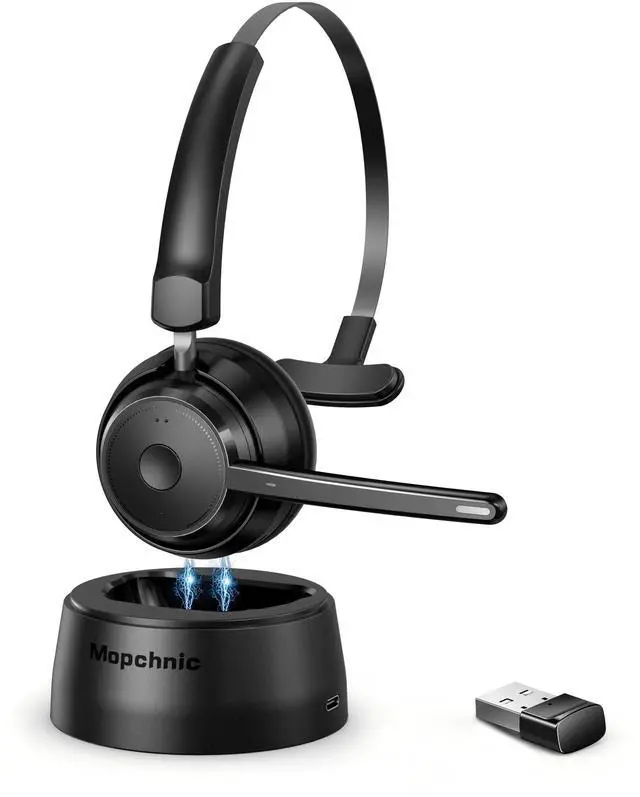
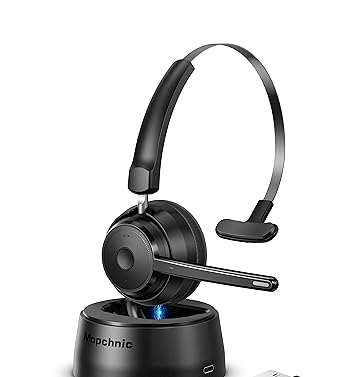
Mopchnic Bluetooth Headset, Wireless Headphone with AI Noise-Canceling Microphone On Ear Wireless Headset with USB Dongle for Computer Office

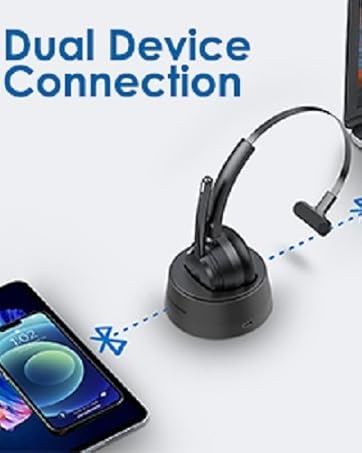
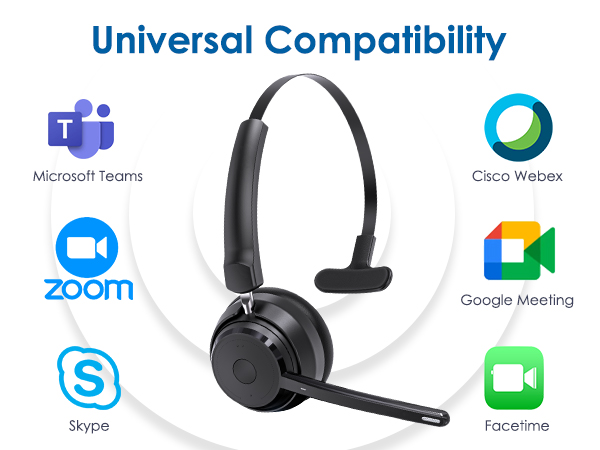
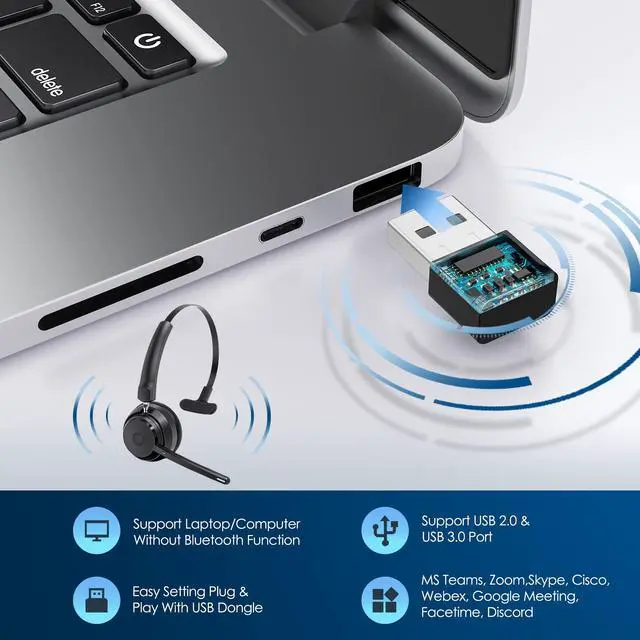
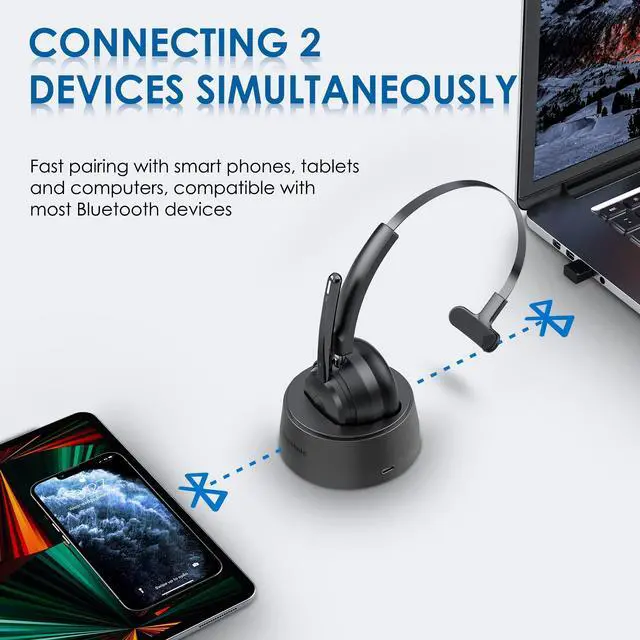
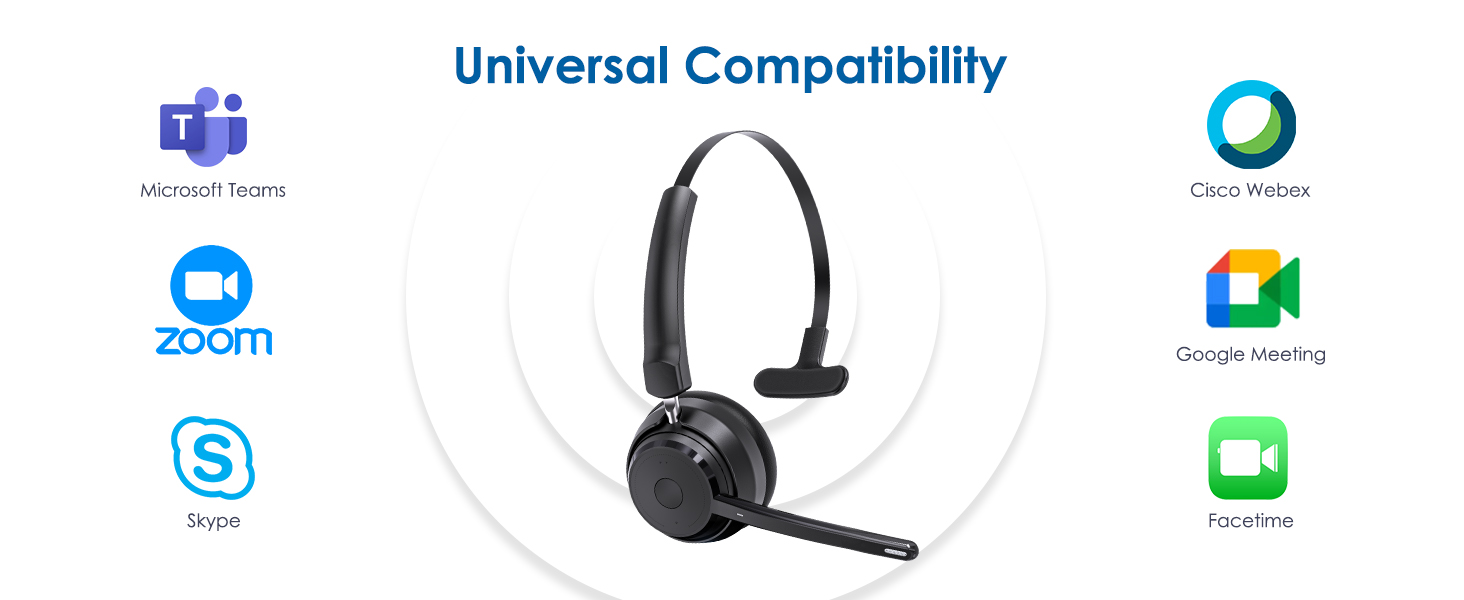
  • BLUETOOTH UNIVERSAL COMPATIBLEThe Mopchnic wireless headset adapts the latest Bluetooth version 5.0, which provides more stable connection and its compatible with cell phones, laptops, computers and other Bluetooth devices. You can use the USB dongle to connect to devices that dont have Bluetooth capabilities
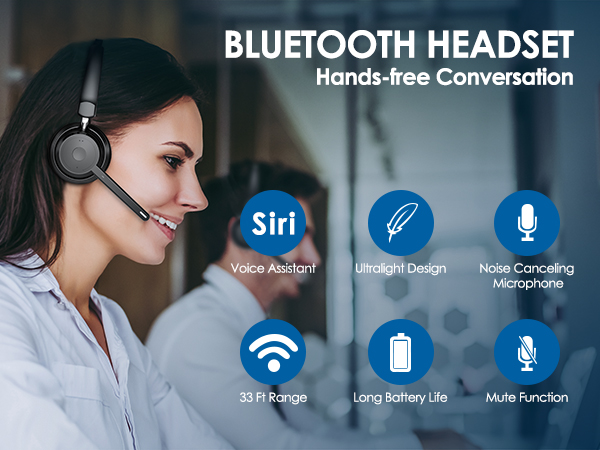
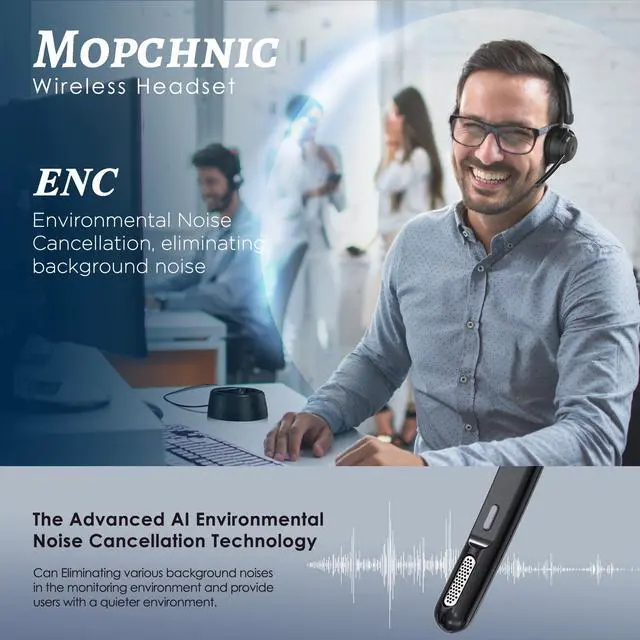
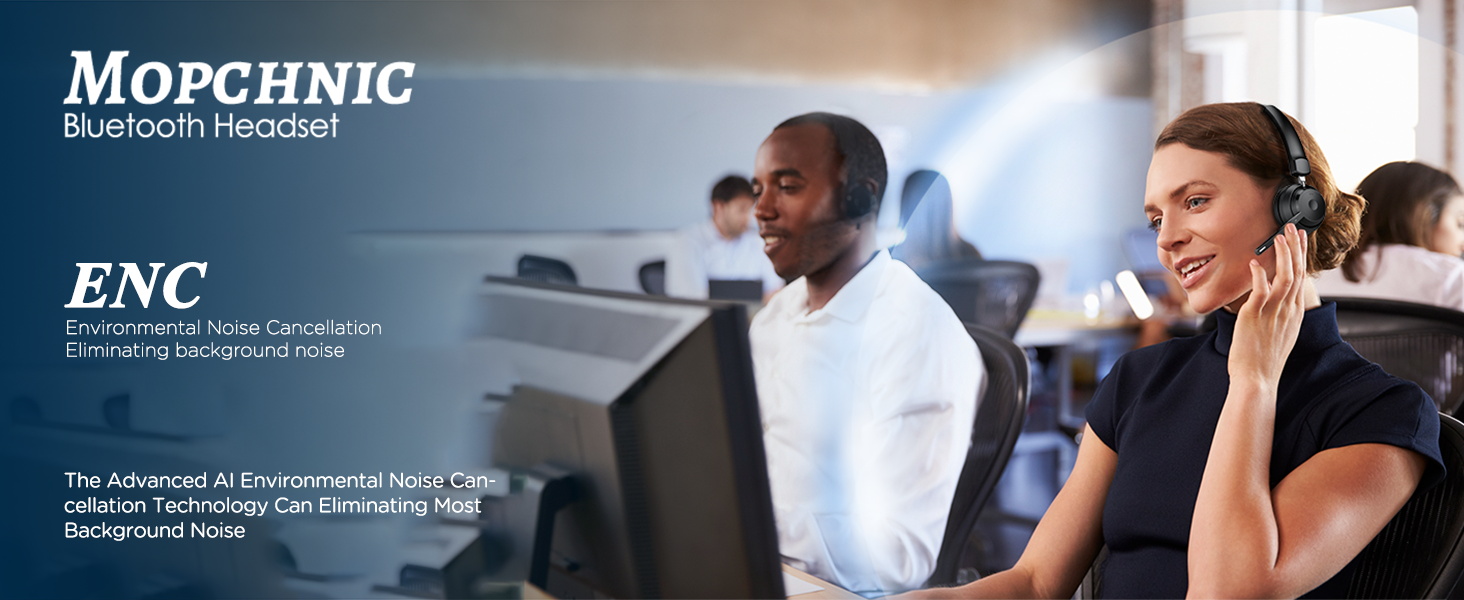
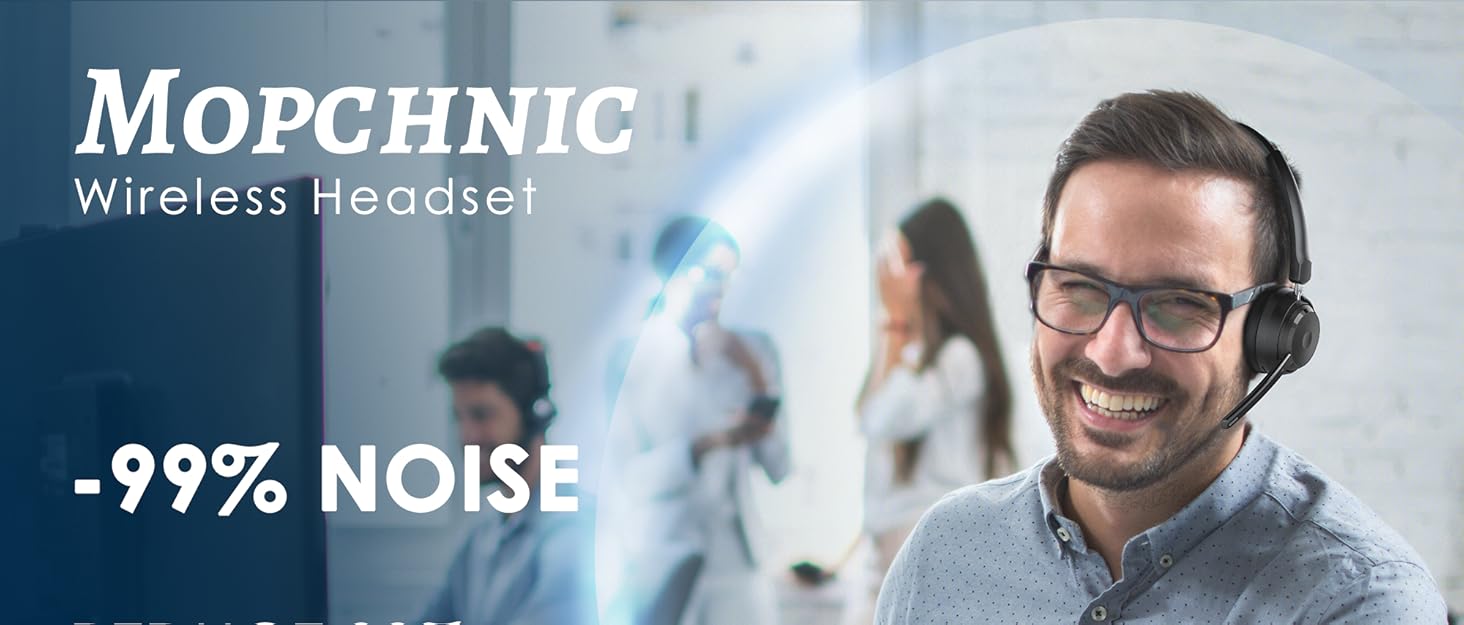
  • AI Noise-Canceling MicrophoneOur wireless headset is equipped with an advanced AI noise-canceling microphone, which can effectively block background noise in noisy environments. This Bluetooth headset provides an immersive high-fidelity audio experience, perfect for call centers, online classes, front desk reception and more.
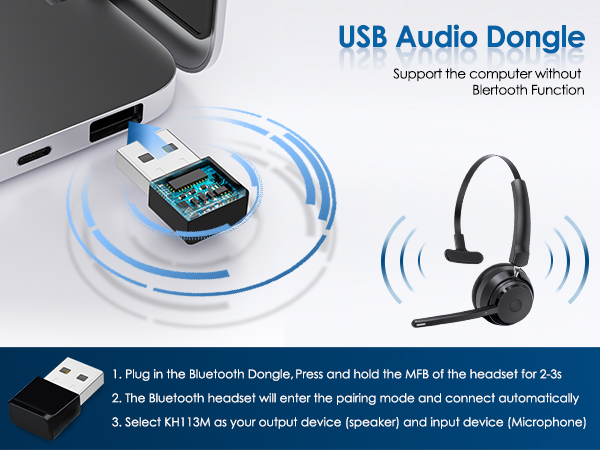
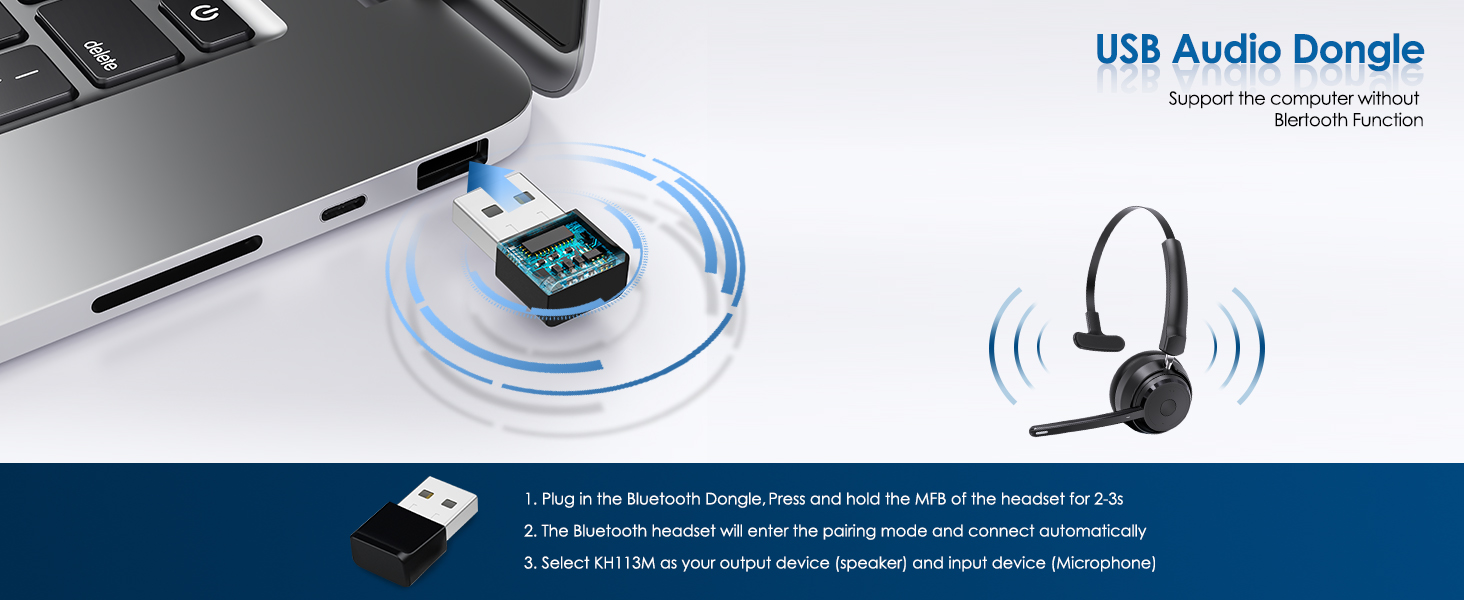
  • BLUETOOTH USB DONGLE INCLUDEDThis Bluetooth headset comes with a USB dongle in the package, you can use our Bluetooth headset on a computers without Bluetooth function, just plug the USB dongle into your PC, turn on the Bluetooth headset, they will pair automatically. Perfect for call centers, offices, remote work, online classes, Skype, Zoom, Google Meetings, and more
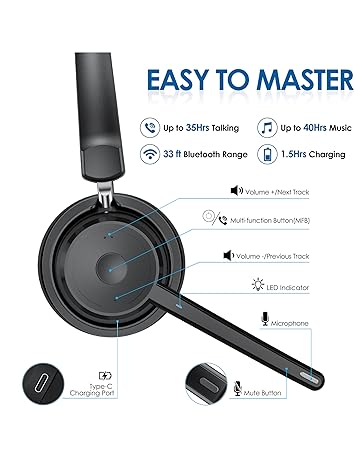
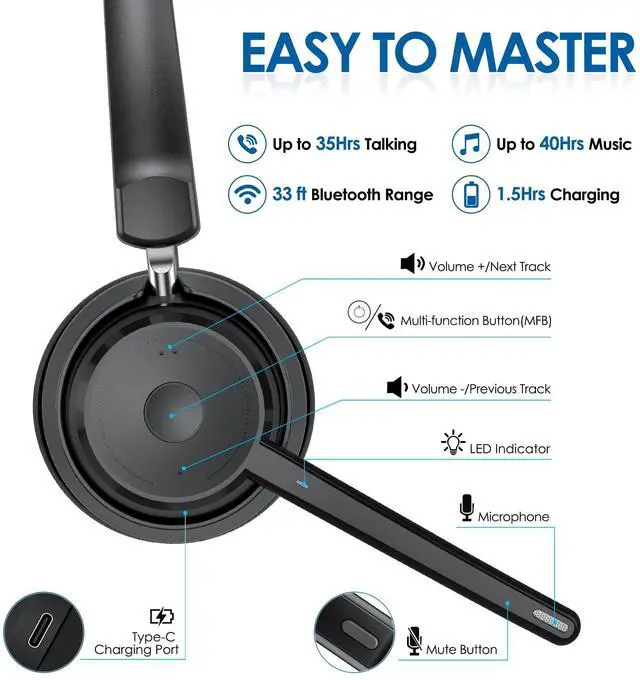
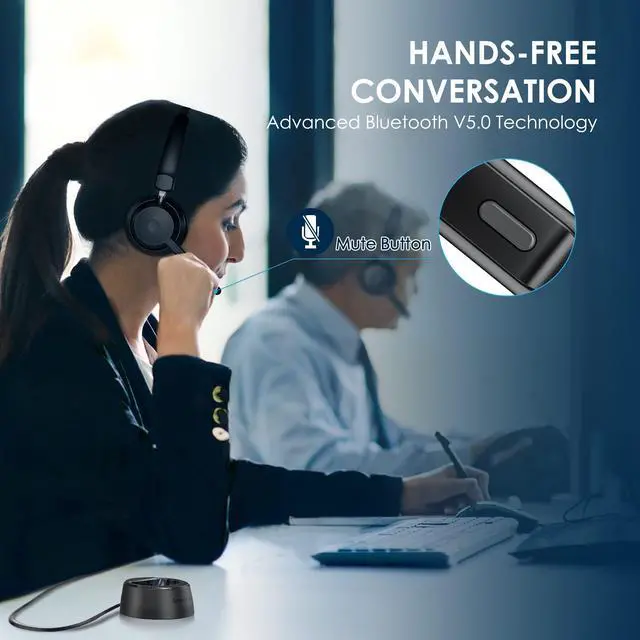
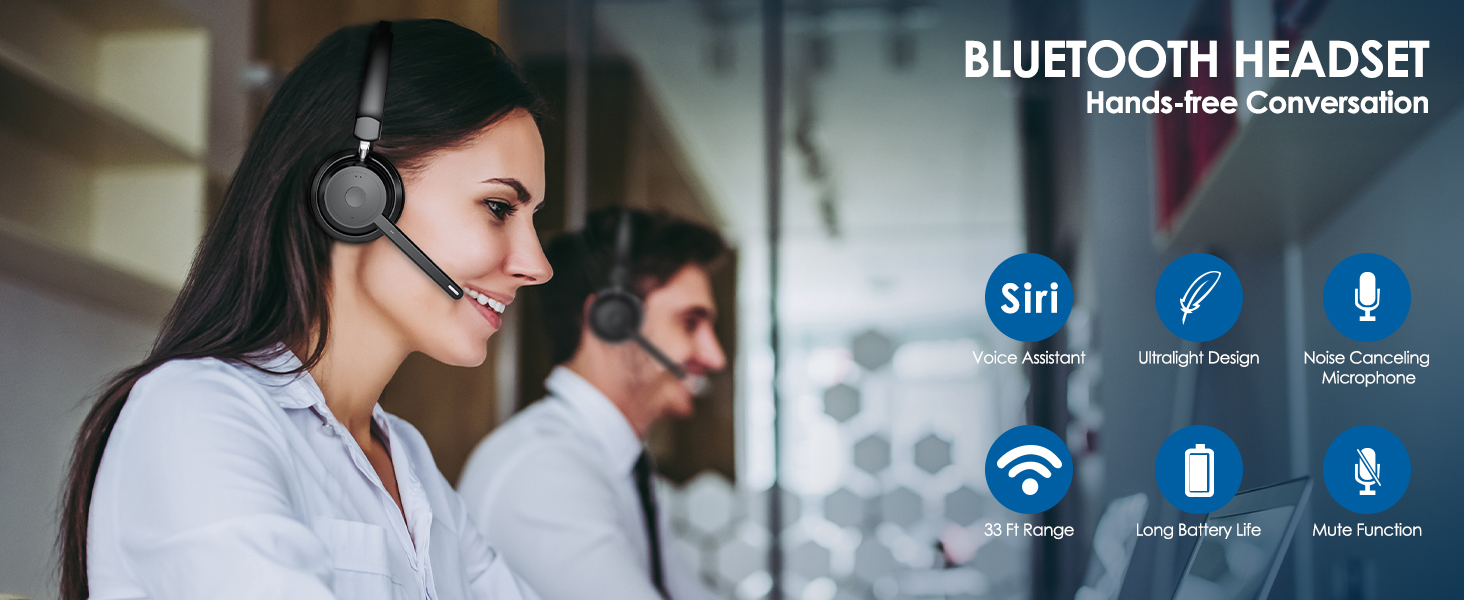
  • SUPPORT SIRI AND MUTE FUNCTION This Bluetooth Headset supports Siri voice assistant and mute function. The independent MUTE button on the microphone is at your fingertips. Voice prompt mute on/off. The Mute button works only during a call. One key to turn on/off the Bluetooth headset and enter pairing mode, single click to answer, reject and hang up calls. Note: MFB can only pick up mobile phone calls. Mute function only active during calls or meetings
Overview
Specs
Reviews
avatar

Any questions? Our AI beta will help you find out quickly.

1
Bluetooth headset
1
1
1
1
  • Yes, this Bluetooth headset is compatible with cell phones, laptops, computers.

  • In the off state, press and hold MFB for 5-6 seconds to power on and enter pairing status,the LED flashes white and red alternately. Search and click to connect "KH113M" on your cell phone.

  • The Bluetooth headset can only answer calls on cell phones. The MFB may not work when connected to a computer or landline phone due to software compatibility.

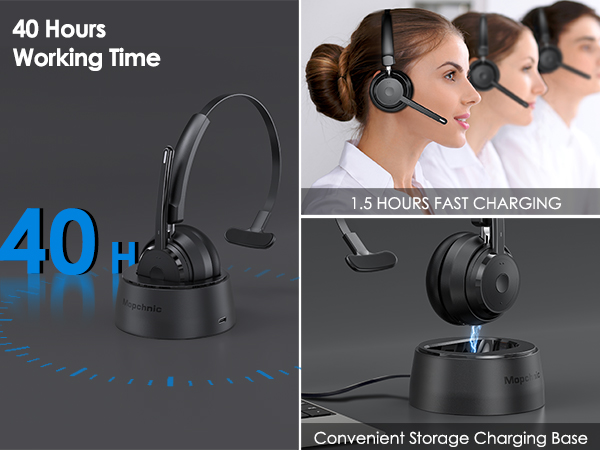
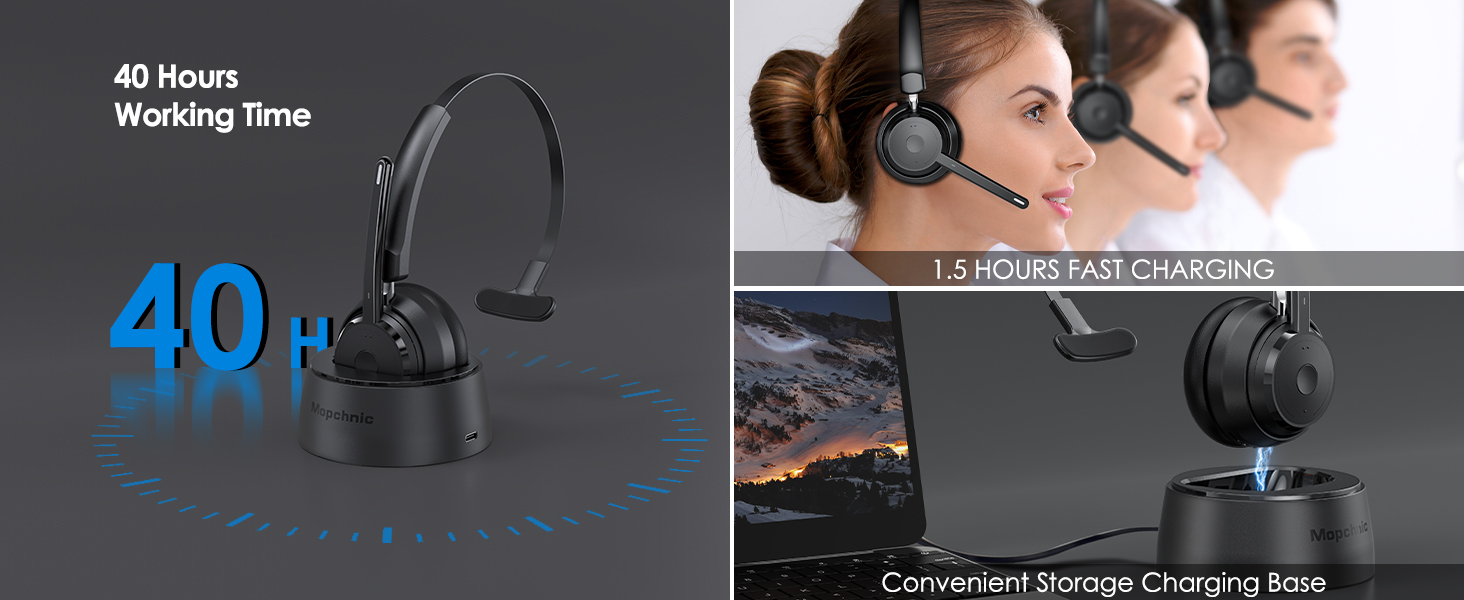
  • You can charge the product through the charging base or Type-C charging cable. During charging, please keep the charging base and charging cable connected.

  • Hi, yes you can click the mute button the the microphone to mute the cell phone calls.
1
1
1
1
1
1
  • Yes, this Bluetooth headset is compatible with cell phones, laptops, computers.

  • In the off state, press and hold MFB for 5-6 seconds to power on and enter pairing status,the LED flashes white and red alternately. Search and click to connect "KH113M" on your cell phone.

  • The Bluetooth headset can only answer calls on cell phones. The MFB may not work when connected to a computer or landline phone due to software compatibility.

  • You can charge the product through the charging base or Type-C charging cable. During charging, please keep the charging base and charging cable connected.

  • Hi, yes you can click the mute button the the microphone to mute the cell phone calls.
Mopchnic Bluetooth Headset, Wireless Headphone with AI Noise-Canceling Microphone On Ear Wireless Headset with USB Dongle for Computer Office

Warranty & Returns

Warranty, Returns, And Additional Information

Return Policies

LOADING...