


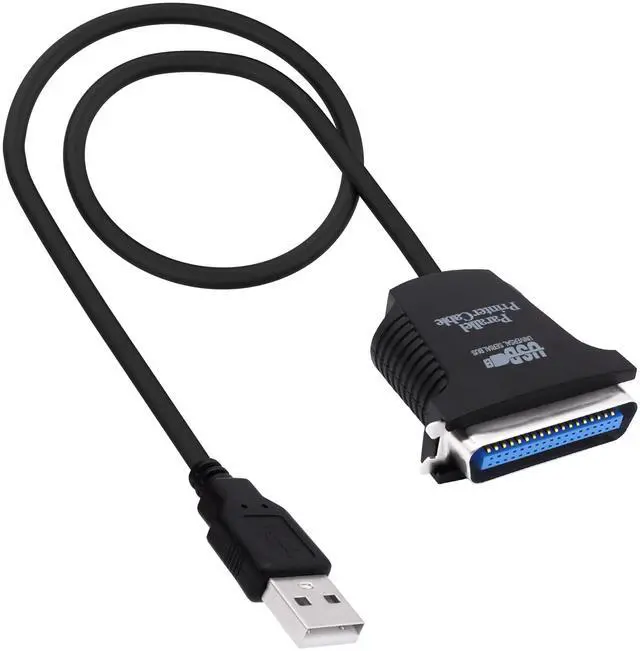


CybNemo USB to Parallel Printer Cable USB 2.0 Type A Male to CN36 Pin Male Parallel IEEE 1284 Centronics 36PIN Printer Adapter Cable

Centronic 36-pin, converts 36-pin parallel printer ports to USB; Easily hooks up and works with laptops that have a parallel port.
USB 2.0 connector, This adapter requires an open USB 2.0 port and printer with a CN36 connector.

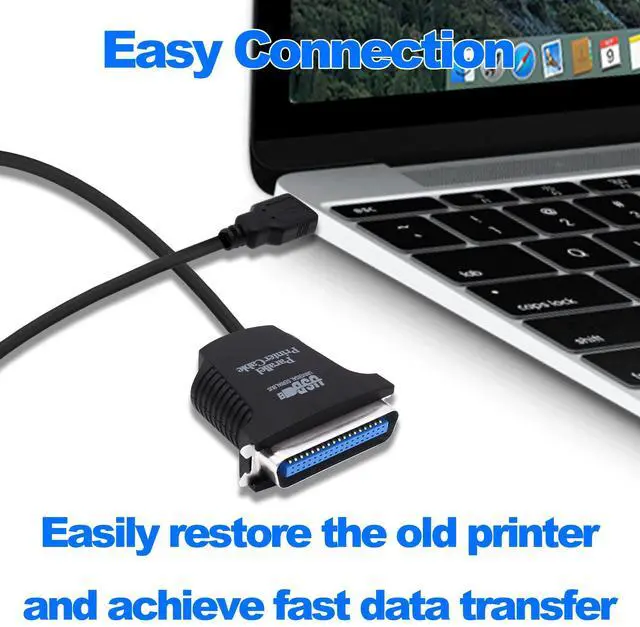
Easy Connection
USB to parallel port printer cable supports easy connection between USB and scanners/printers, as well as bidirectional parallel interface printing standards; It is possible to connect a computer USB interface with transfer function to an old printer with 36 pin parallel, easily restoring the old printer and achieving fast data transfer.

USB 2.0 Type A Male to CN36 Pin Male Parallel IEEE 1284 Centronics 36PIN Printer Adapter Cable
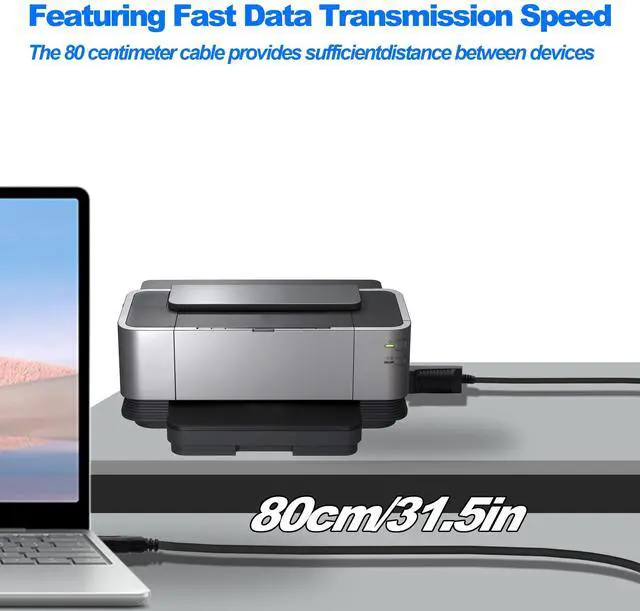
USB to parallel printer adapter has fast data transfer speed, and the 80 centimeter long cable provides sufficient distance between devices to establish a strong connection and achieve fast printing.
USB to Parallel Printer Adapter Cable

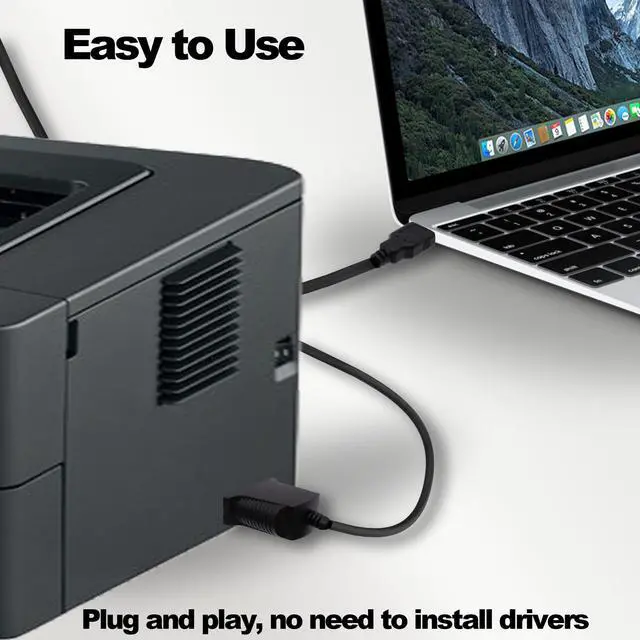
Plug and play, no driver installation required, easy to install, supports hot swapping, and can be easily set up without any accessories, making printing easier.
USB 2.0 to CN36 Centronics Parallel Cable

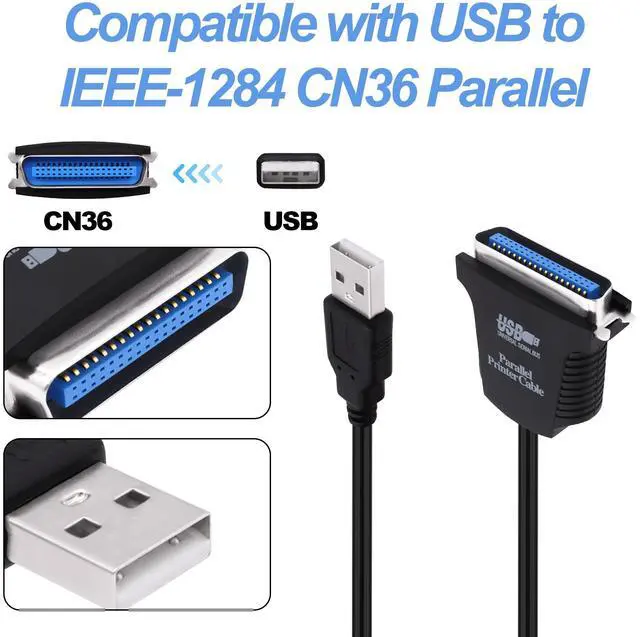
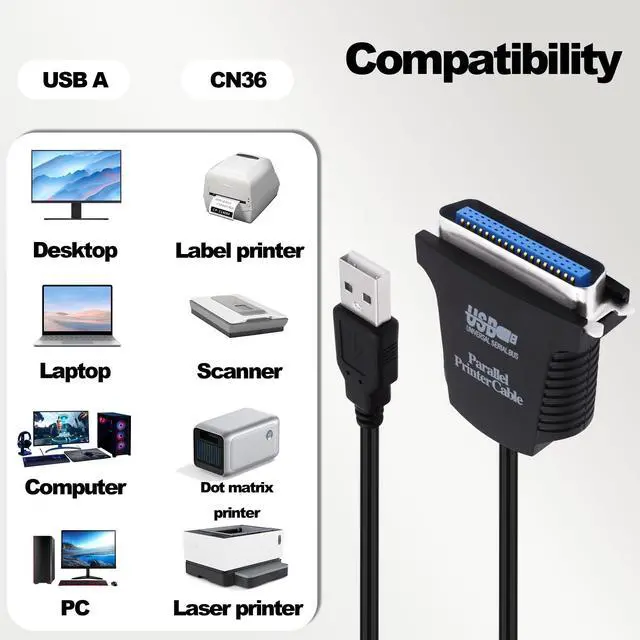
Suitable for devices with USB Type A ports, such as PCs, computers, laptops, desktops, etc; It is also compatible with printers with CN36 connectors, such as scanners, laser printers, dot matrix printers, label printers, etc

USB to Parallel IEEE 1284 36 Pin Printer Cable Adapter Converter
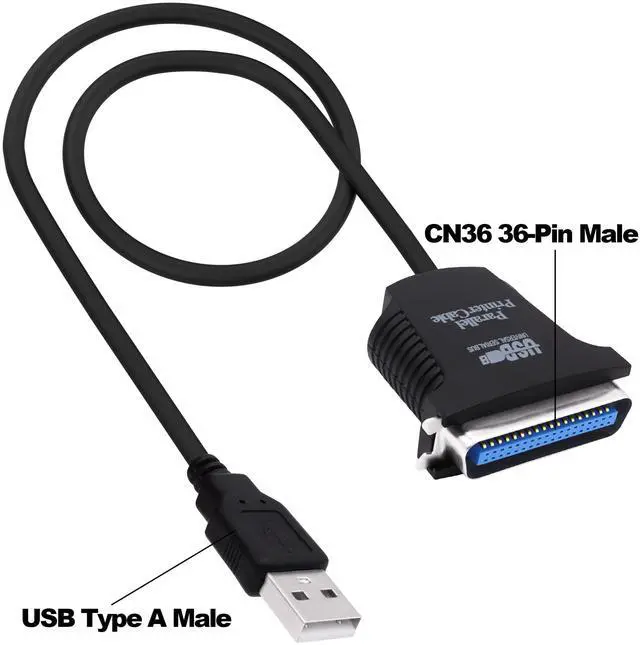
Product Name: USB to Parallel IEEE 1284 36 Pin Printer Cable Adapter Converter
Connector A: USB Type A Male
Connector B: Centronics 36 (CN36) Male
Cable Length: approx 80cm
Package Included:
1 x USB to 36 Pin Parallel Printer Cable
CybNemo USB to Parallel Printer Cable USB 2.0 Type A Male to CN36 Pin Male Parallel IEEE 1284 Centronics 36PIN Printer Adapter Cable
Centronic 36-pin, converts 36-pin parallel printer ports to USB; Easily hooks up and works with laptops that have a parallel port.
USB 2.0 connector, This adapter requires an open USB 2.0 port and printer with a CN36 connector.
Easy Connection
USB to parallel port printer cable supports easy connection between USB and scanners/printers, as well as bidirectional parallel interface printing standards; It is possible to connect a computer USB interface with transfer function to an old printer with 36 pin parallel, easily restoring the old printer and achieving fast data transfer.
USB 2.0 Type A Male to CN36 Pin Male Parallel IEEE 1284 Centronics 36PIN Printer Adapter Cable
USB to parallel printer adapter has fast data transfer speed, and the 80 centimeter long cable provides sufficient distance between devices to establish a strong connection and achieve fast printing.
USB to Parallel Printer Adapter Cable
Plug and play, no driver installation required, easy to install, supports hot swapping, and can be easily set up without any accessories, making printing easier.
USB 2.0 to CN36 Centronics Parallel Cable
Suitable for devices with USB Type A ports, such as PCs, computers, laptops, desktops, etc; It is also compatible with printers with CN36 connectors, such as scanners, laser printers, dot matrix printers, label printers, etc
USB to Parallel IEEE 1284 36 Pin Printer Cable Adapter Converter
Product Name: USB to Parallel IEEE 1284 36 Pin Printer Cable Adapter Converter
Connector A: USB Type A Male
Connector B: Centronics 36 (CN36) Male
Cable Length: approx 80cm
Package Included:
1 x USB to 36 Pin Parallel Printer Cable