





Technology changes life
To date, our full range of home and commercial solutions has been widely used around the world, helping millions of people build professional and trusted customer relationships.

Protect your family's safety all day long

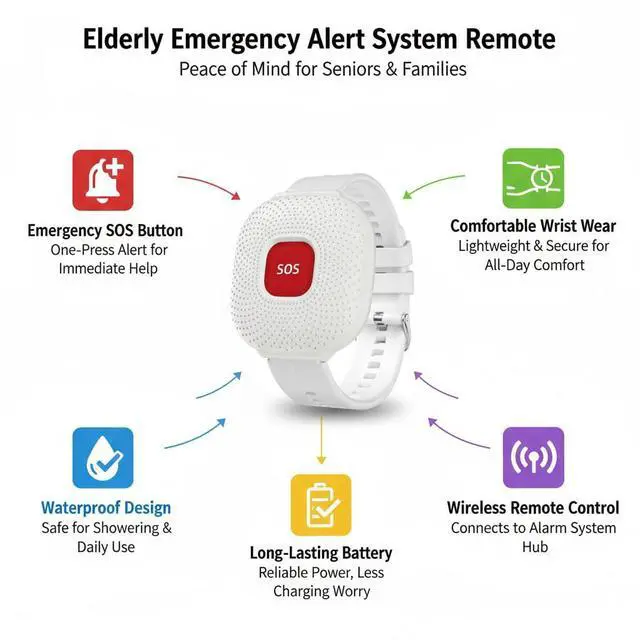
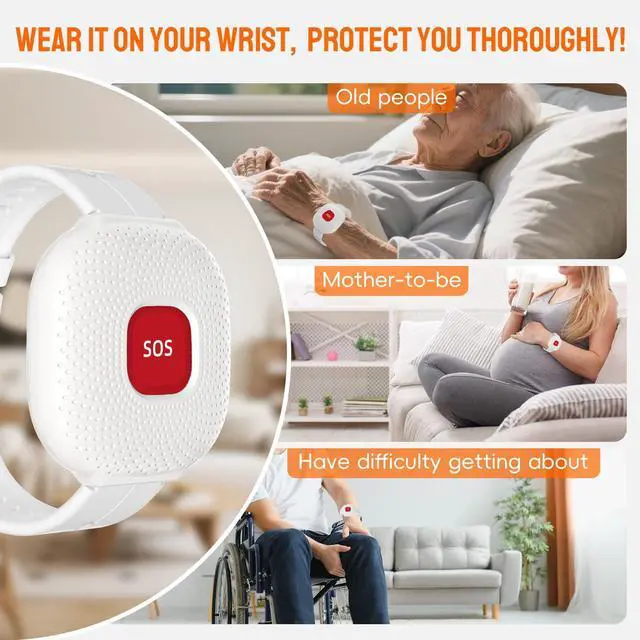
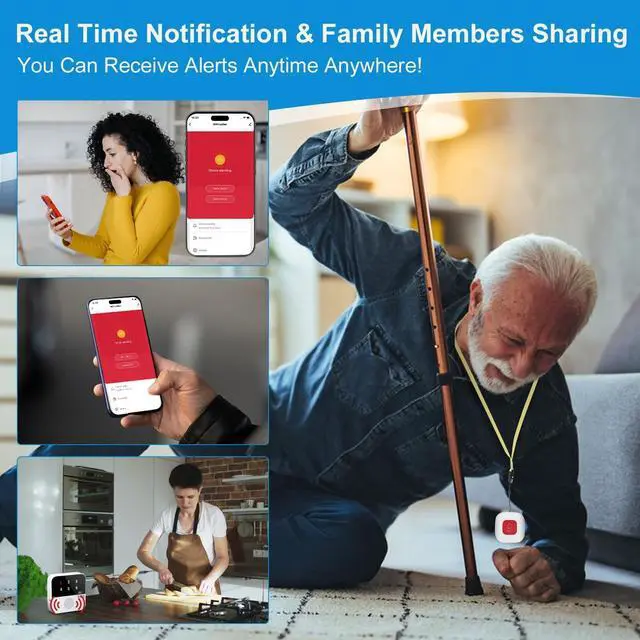
More Care for The Elderly

Excellent After-Sales Service, we will provide you with excellent after-sales service.


Do I have to pay a monthly fee for this device?
App notifications are free. A subscription is required if you want to receive SMS or phone call notifications.
Are these devices easy to set up and use?
Yes! They’re super easy to use.
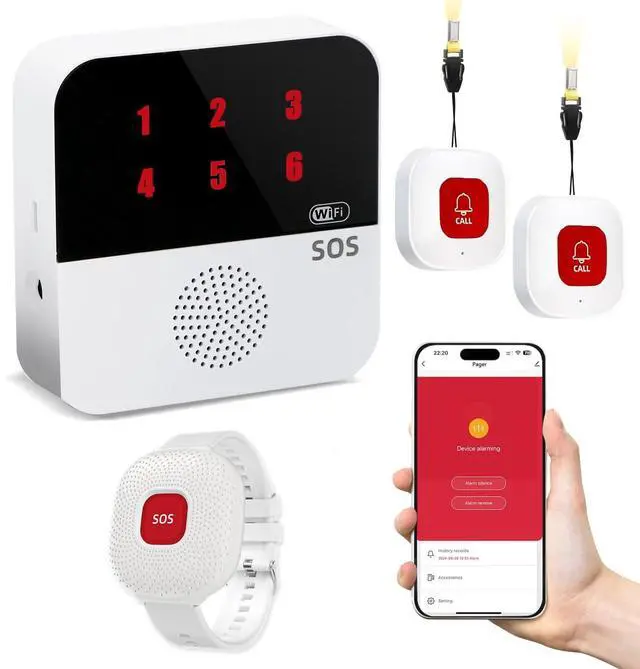
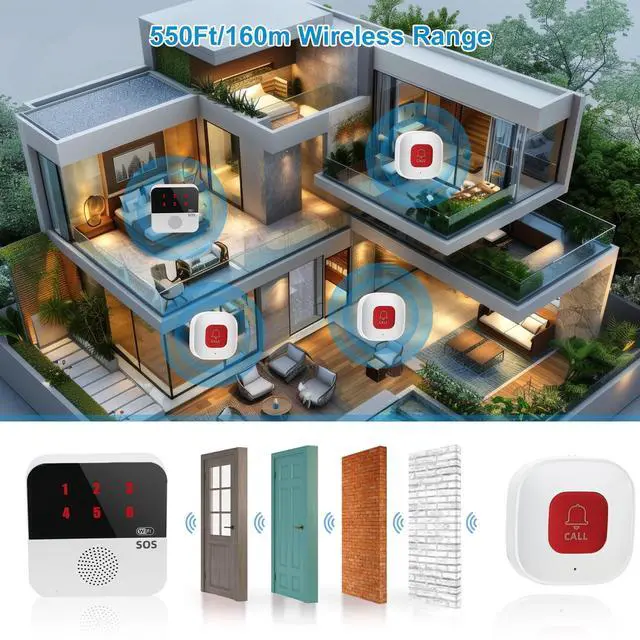
The receiver and call button are already paired — just plug in the receiver with a USB cable and you’re good to go.
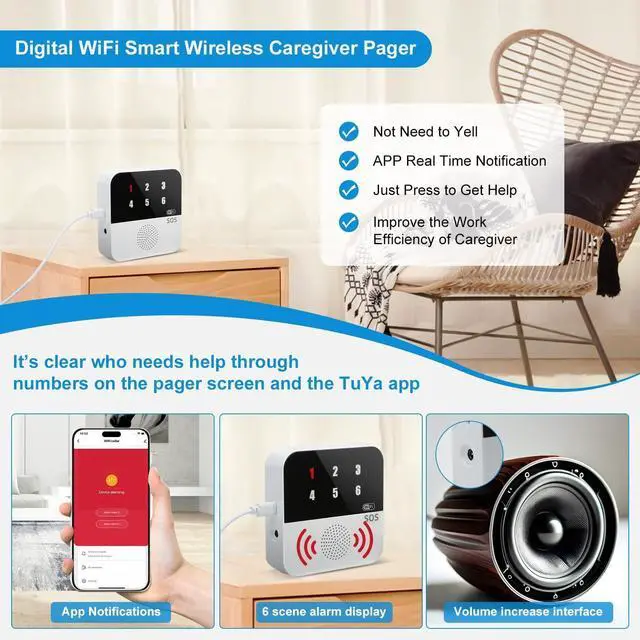
If you’d like to get app notifications, download the app and follow the setup guide in the manual.
Can I connect this device to my 5G Wi-Fi at home?
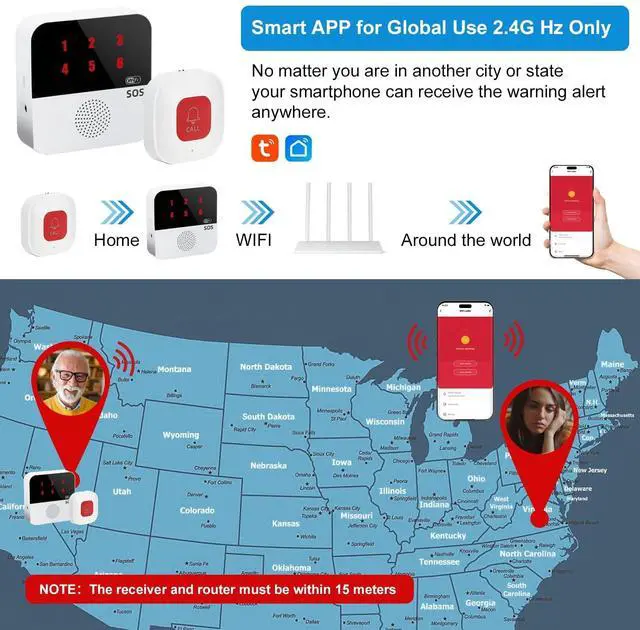
No, this device only supports 2.4G Wi-Fi. You can check on your router whether it’s 2.4G or 5G. If it’s a 5G Wi-Fi network, the Wi-Fi name usually includes “5G.” There are also instructions in the user manual on how to set up a 2.4G Wi-Fi connection.
Do I have to install the app on my phone? Where can I get it?
Yes! Just scan the Pairing information on the back of the device or in the user guide to download the app.
You can also find it by searching “Tuya Smart” or “Smart Life” in the App Store.
My phone isn’t getting app notifications — what should I do?
Open the app, tap “Me” ? “Settings” ? “App Notifications.”
If your phone’s system notifications for the app are off, you’ll see a reminder at the top to allow them — just tap “Enable.”
Technology changes life
To date, our full range of home and commercial solutions has been widely used around the world, helping millions of people build professional and trusted customer relationships.
Protect your family's safety all day long
More Care for The Elderly
Excellent After-Sales Service, we will provide you with excellent after-sales service.


Do I have to pay a monthly fee for this device?
App notifications are free. A subscription is required if you want to receive SMS or phone call notifications.
Are these devices easy to set up and use?
Yes! They’re super easy to use.
The receiver and call button are already paired — just plug in the receiver with a USB cable and you’re good to go.
If you’d like to get app notifications, download the app and follow the setup guide in the manual.
Can I connect this device to my 5G Wi-Fi at home?
No, this device only supports 2.4G Wi-Fi. You can check on your router whether it’s 2.4G or 5G. If it’s a 5G Wi-Fi network, the Wi-Fi name usually includes “5G.” There are also instructions in the user manual on how to set up a 2.4G Wi-Fi connection.
Do I have to install the app on my phone? Where can I get it?
Yes! Just scan the Pairing information on the back of the device or in the user guide to download the app.
You can also find it by searching “Tuya Smart” or “Smart Life” in the App Store.
My phone isn’t getting app notifications — what should I do?
Open the app, tap “Me” ? “Settings” ? “App Notifications.”
If your phone’s system notifications for the app are off, you’ll see a reminder at the top to allow them — just tap “Enable.”