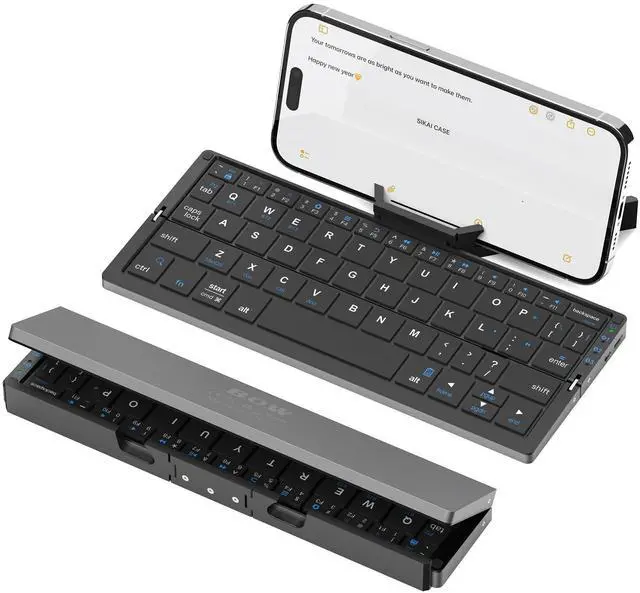
Foldable Bluetooth Keyboard with Magnetic Stand,Aluminum Alloy Quiet Mini Bluetooth Keyboard Portable Lightweight Travel Keyboard Rechargeable Pocket Portable Keyboard for Tablet,iPad, Phones
Product information
| Brand | |
| Compatible Devices | Laptop, Smartphone, Tablet |
| Connectivity Technology | Bluetooth |
| Keyboard Description | Flexible |
| Recommended Uses For Product | Travel |
| Special Feature | Foldable, Lightweight, Portable |
| Color | Black |
| Keyboard backlighting color support | Single Color |
| Style | Modern |
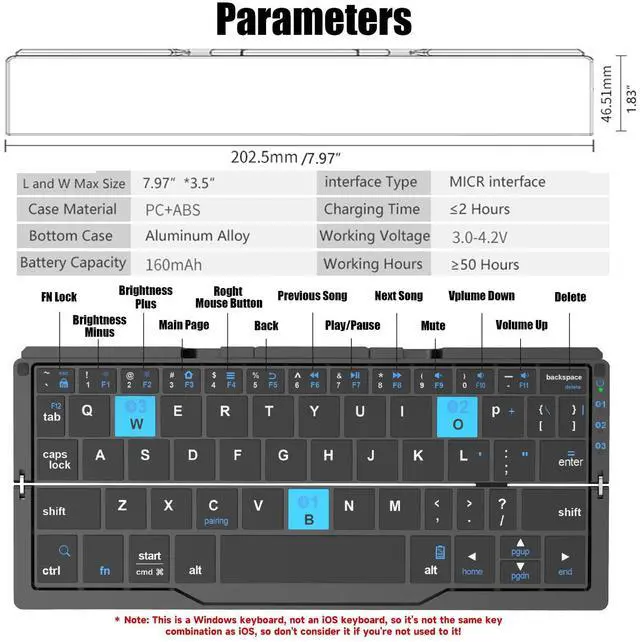
| Product Dimensions | 7.97"L x 3.5"W x 1.83"H |
| Item Weight | 8.8 ounces |
| Manufacturer |
| Date First Available | May 16, 2023 |
Additional Features
- [160mAh Wireless Rechargeable Portakeys Keyboard]Built-in rechargeable lithium battery, 2 hours of charging time provides up to 45 hours of continuous typing or up to 90 days of standby time. With a full charge, it is enough for your short business trip or vacation. The foldable mini keyboard also features an energy-saving mode that puts you to sleep after ten minutes of inactivity and wakes you up with a single click.
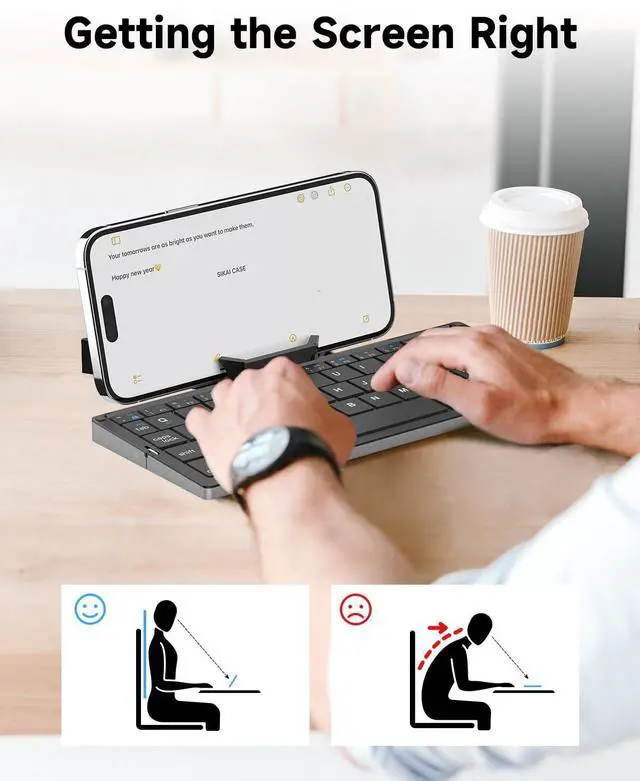
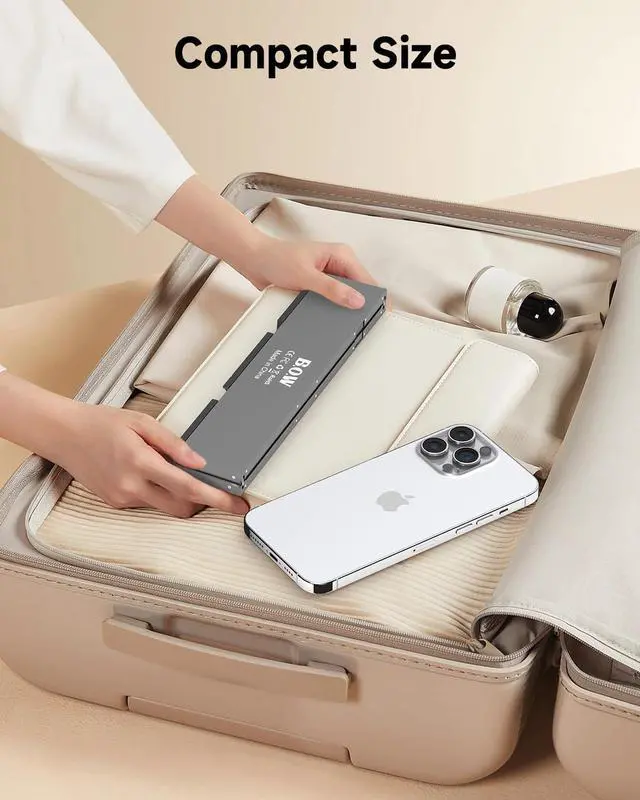
- [Mini Bluetooth Keyboard Includes phone tablet stand]The innovative magnetic folding design fits easily in your handbag, duffel bag or bag. Size when folded together (when folded): 7.97"x1.83"; Open size:7.97"x3.51". Weighing only 250 grams, you can even put it in your jacket pocket and unfold it everywhere:in a cafe or on a picnic blanket by the lake.Magnetic bracket (be careful: just suck the role of the bracket, the magnetic force is not very big please do not adsorb other items)
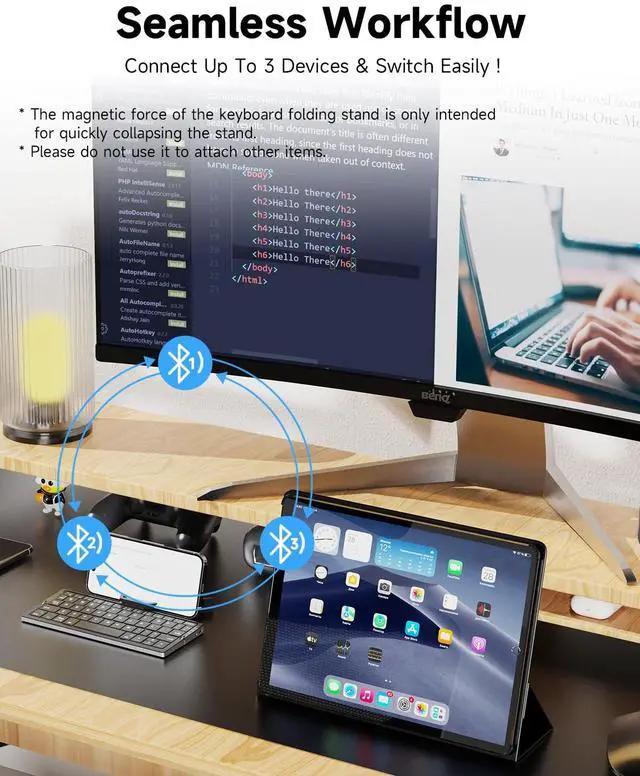
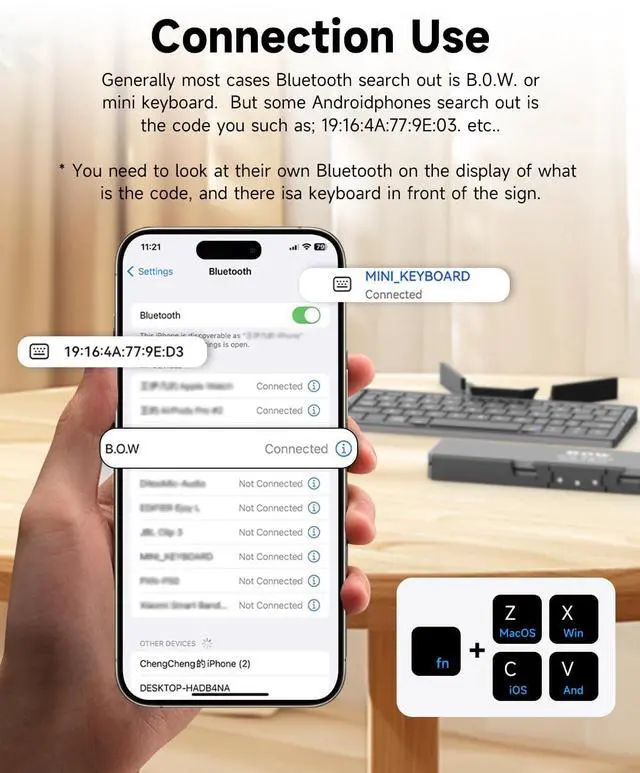
- [ How to use After-sales service]: 1. How to use: Keyboard open] Pairing mode:1,Press Fn and Bluetooth 1/Bluetooth 2/Bluetooth 3 at the same time to put the keyboard into pairing mode. 2, Turn on the Bluetooth on your device.3,Click the name of this keyboard"B.O.W"in the Bluetooth device list. - 4, Once the Bluetooth connection is established, the message "Connected" will be displayed.
- Please note; when connecting Bluetooth, generally most cases Bluetooth search out is B.O.W. However, some Android phones search out is the code for example; 19:16:4A:77:9E:D3, etc., you need to look at their own Bluetooth on the display of what is the code, and there is a keyboard in front of the sign before you can connect!Not suitable for placing too thick cell phone cases for cell phones and ipads with cases, please note that