





Lavales combines echnology with sound quality, engineering with a passion for music. We are constantly innovating our products, including Bluetooth headphones and adapters, to deliver superior performance.
Driven by the concept of "Wireless Sound, Infinite Possibilities", we rigorously test each product to ensure the quality of the product. We're committed to pushing the boundaries of wireless audio so you can explore sound without limitations.
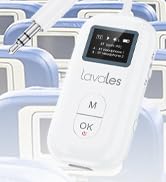
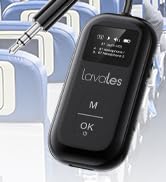
Transmitter Receiver for Plane
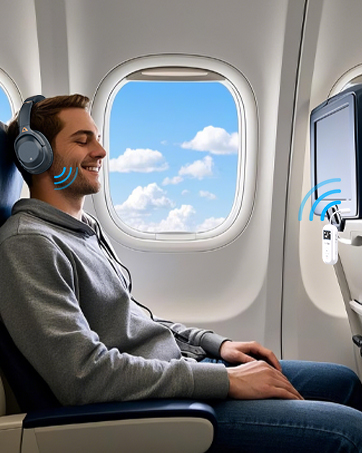
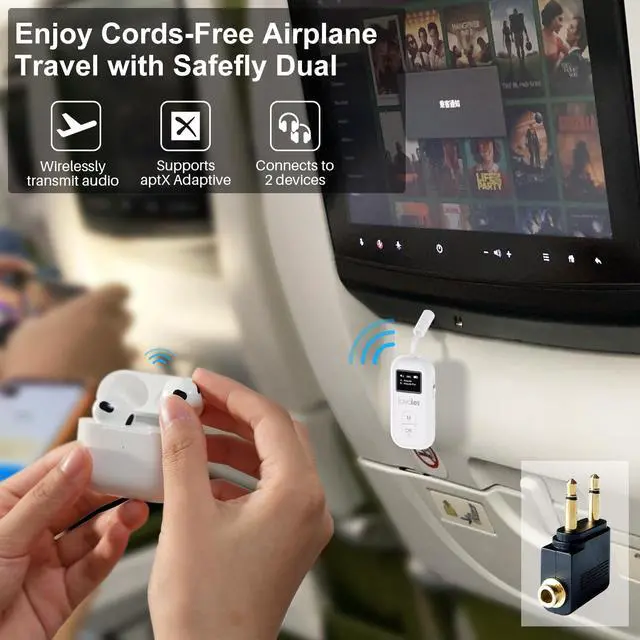
In-flight Entertainment
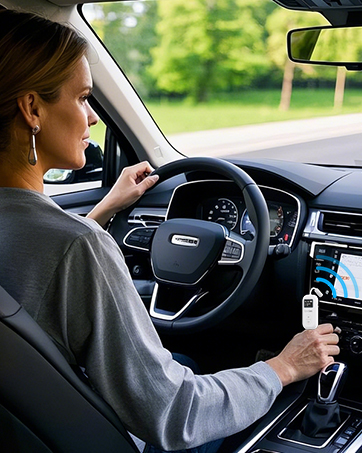
Activate Your Car Stereo
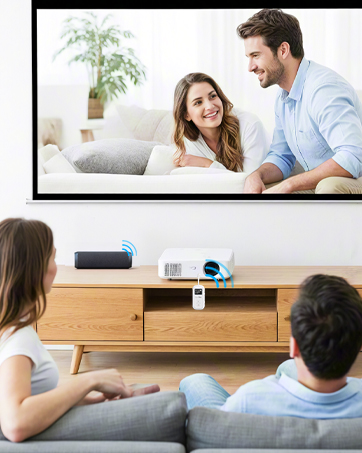
100ft Long Distance
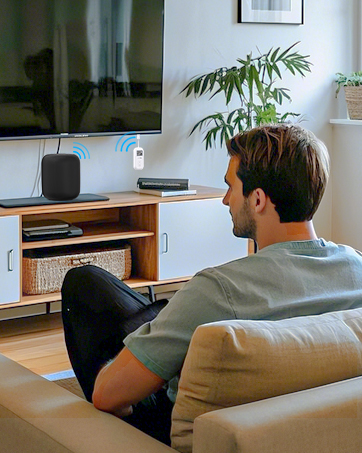
Low Latency Audio Transmission
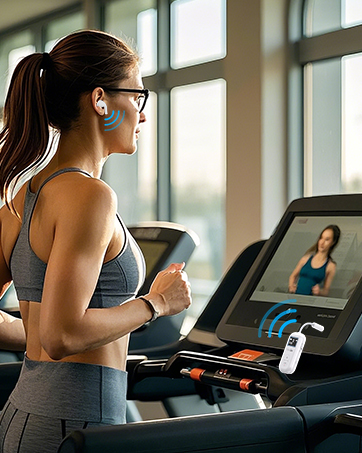
Never Run out of Battery Life
Safefly Pro Bluetooth Transmitter Receiver
Merchant VideoNotice:
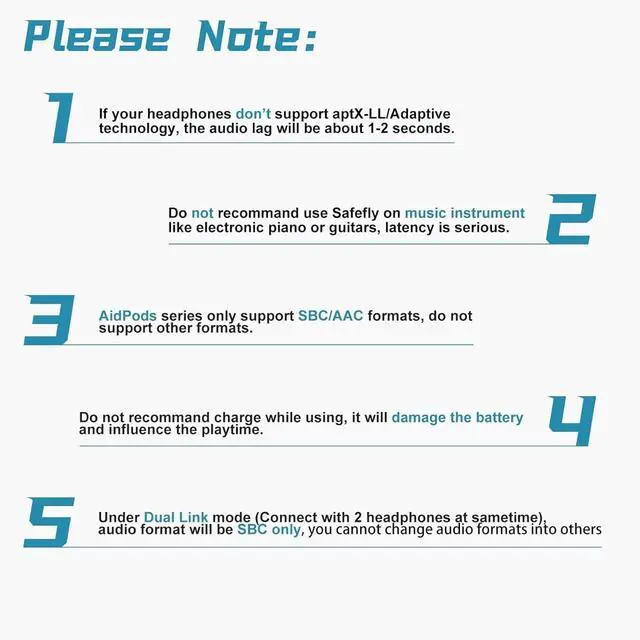
- The Safefly Pro Bluetooth transmitter receiver is mainly used for Bluetooth transmission between headphones and common audio equipment. It does NOT support professional music performance and musical instrument transmission (Eg: guitar, piano), and is not compatible with hearing aids and cigarette lighters.
- The Safefly Pro is compatible with AirPods, but it is INCOMPATIBLE with AirPods Pro 2nd Gen/AirPods Max.


Never Worry about Power Status
Battery life over 25 hours, the SafeFly Pro has you covered even on the longest flights. You can still use the SafeFly Pro while it's charging.

Enjoy Cordless Workout
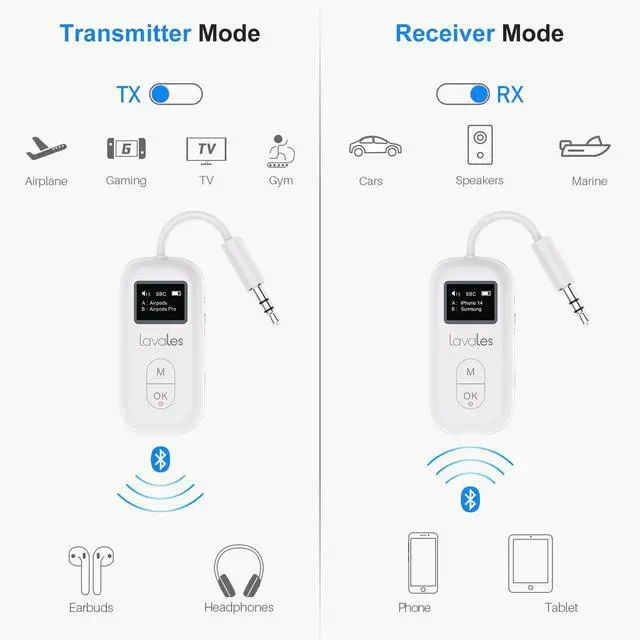
Stream audio from your gym equipment effortlessly by using your AirPods, earbuds, or wireless headphones without the hassle of cords.

Transmit Audio to a Car Stereo
Connect to your rental car without having to sync your entire phone. Design for old vehicles or classic cars that do not have Bluetooth capabilities.

Stream to Legacy Devices
Stream music on your boat with SafeFly Pro. It also allows you to stream to any non-Bluetooth devices that you love and don't want to replace.
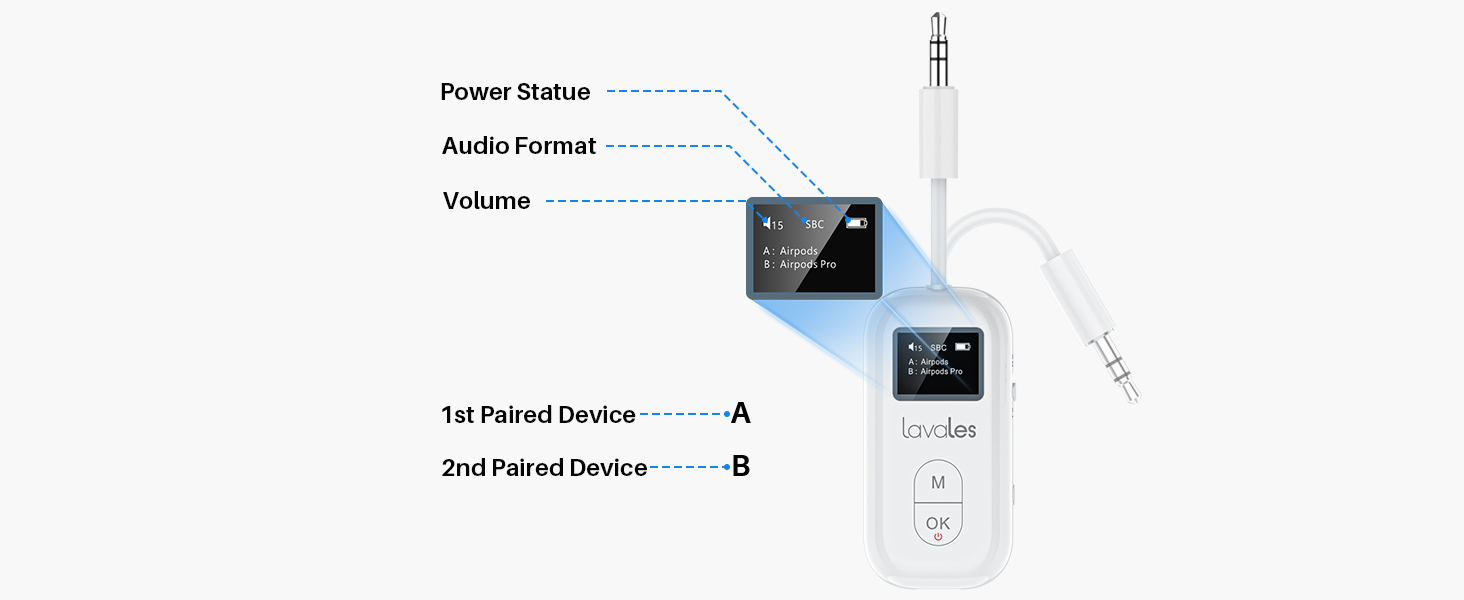
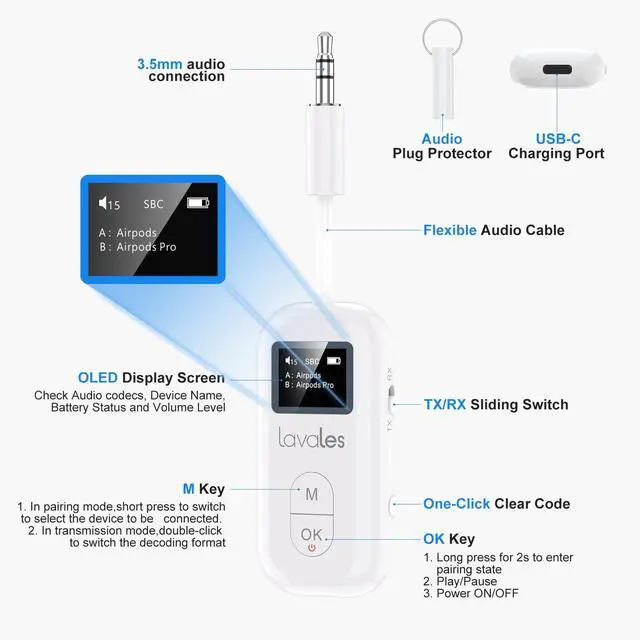
All stuff shows on the screen, make connection easier than ever.
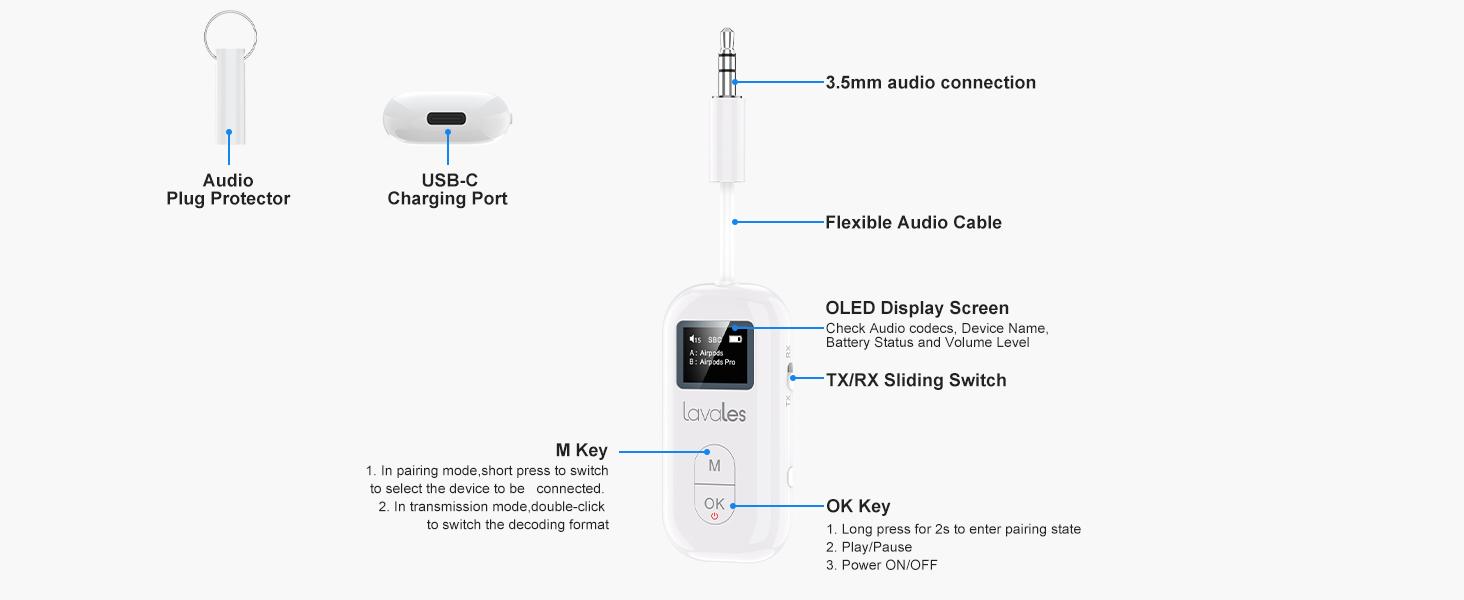
Don't forget charge it for 2 hours before use it.
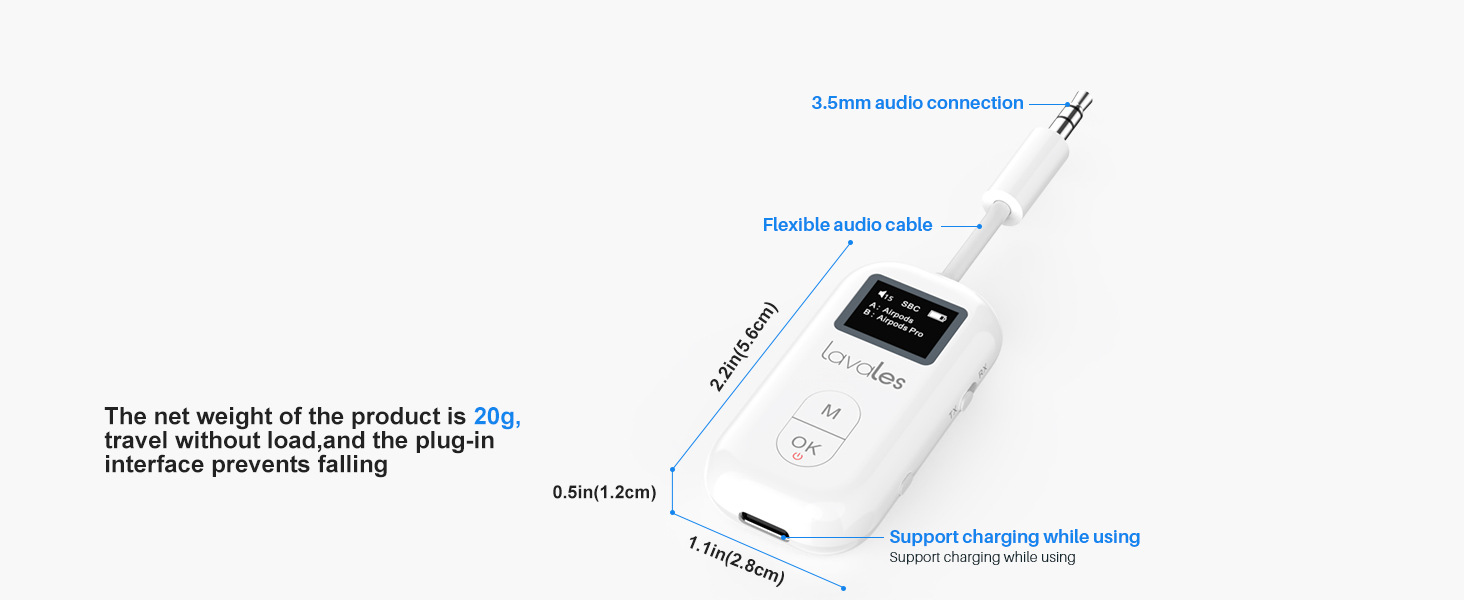
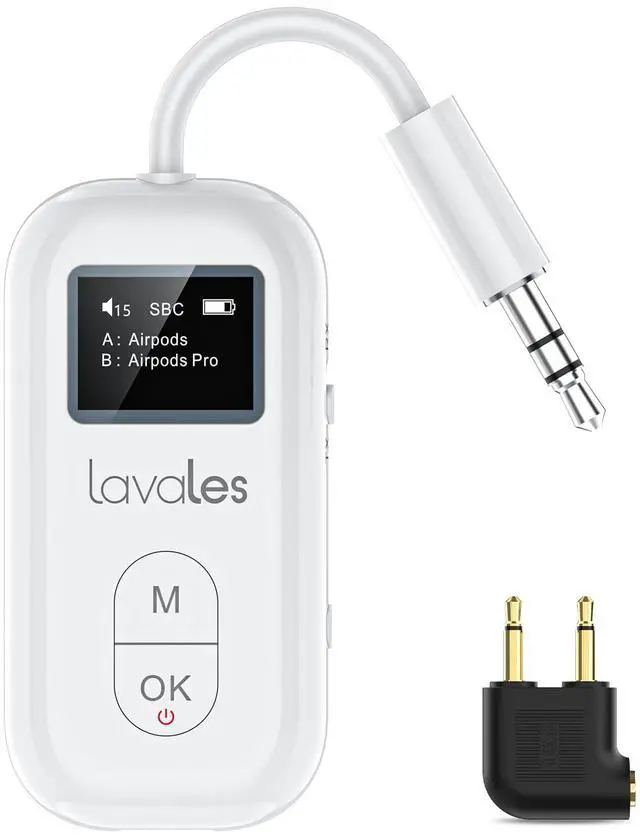
20 gram weight with key chain make it your airplane travel must have.
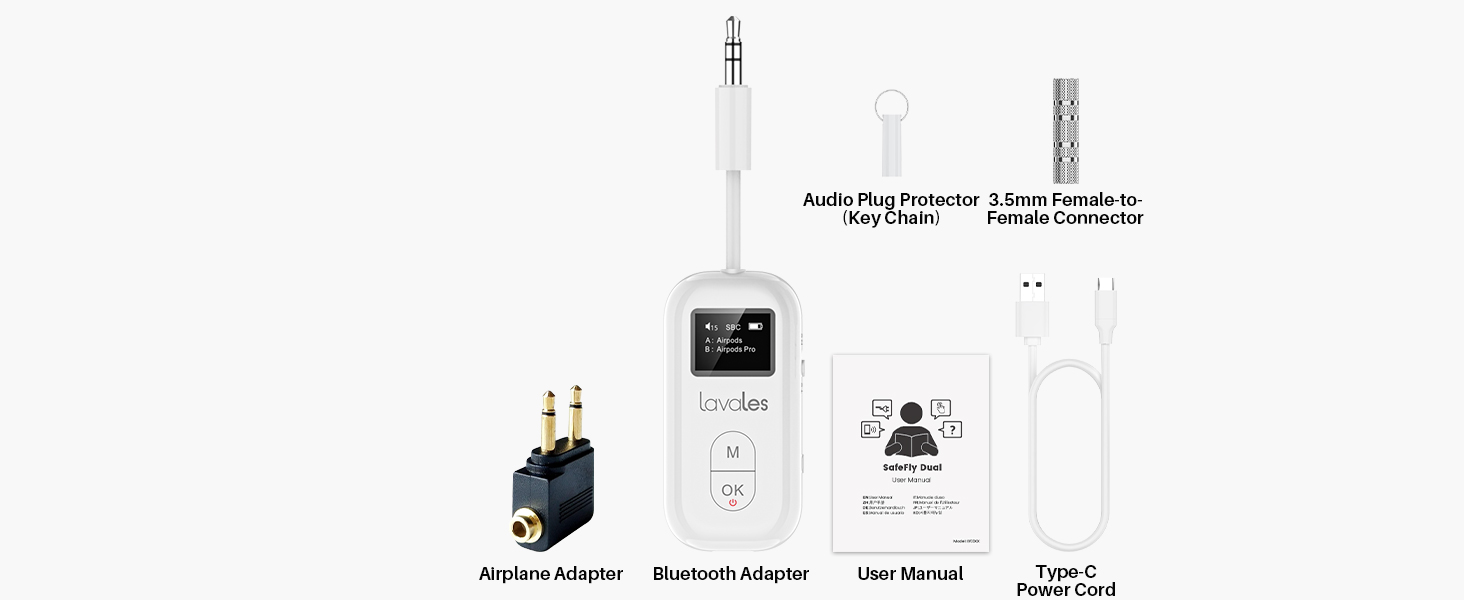
Come with 3.5mm connector and airplane headphone adapter incase you need them.

Tip: Turn off your phone's Bluetooth before you begin pairing to avoid interference when pairing
How to Set Up the SafeFly with AirPods

STEP 1: AirPods Pairing
- Put AirPods in their case and open lid
- Press and hold button on the back of the AirPods case until the light on the front flashes white

STEP 2: Turn Safefly Pro On
- Slide the switch to TX, Safefly screen will show "Connecting".
- Long Press OK button for 2 seconds, screen will show "Searching"

STEP 3: Link to Audio Source
- Use “M” buttons to choose Headphone/AirPods, press OK button to connect.
- Plug the SafeFly into the 3.5 mm audio source and enjoy wireless audio.

STEP 4: SafeFly for travel!
- Doubel Press M button to change audio format to SBC.
- Using Low Latency function require your headphones also support low latency technology
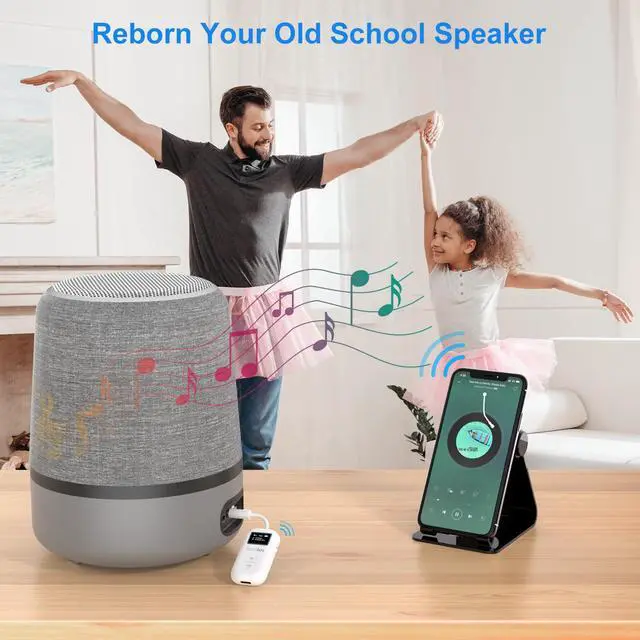
How to Reborn Your Wired Speaker with SafeFly

STEP 1: Switch to RX Mode
- Slide mode switch to RX
- Long Press OK button for 2s
- Sceen will show out Pairing

STEP 2: Turn On Bluetooth
- Turn on your smartphone bluetooth and find SafeFly Pro.
- Click to pair with SafeFly Pro.

STEP 3: Make Sure Paired
- SafeFly will show your phone's bluetooth name once paired.
- If your smartphone support aptX formats, you can change codec via your phone's setting.

STEP 4: Plug to Speakers
- Plug it to your wired speaker/car/boat etc.
- Play and enjoy music wirelessly.
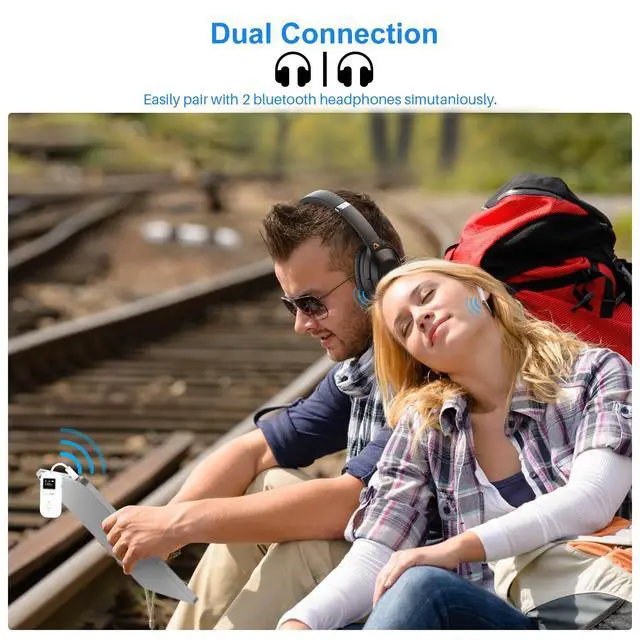
- It can pair with 2 phones, but only support 1 play at sametime.
Safefly Pro Bluetooth Transmitter Receiver
Merchant VideoNotice:
- The Safefly Pro Bluetooth transmitter receiver is mainly used for Bluetooth transmission between headphones and common audio equipment. It does NOT support professional music performance and musical instrument transmission (Eg: guitar, piano), and is not compatible with hearing aids and cigarette lighters.
- The Safefly Pro is compatible with AirPods, but it is INCOMPATIBLE with AirPods Pro 2nd Gen/AirPods Max.

Never Worry about Power Status
Battery life over 25 hours, the SafeFly Pro has you covered even on the longest flights. You can still use the SafeFly Pro while it's charging.
Enjoy Cordless Workout
Stream audio from your gym equipment effortlessly by using your AirPods, earbuds, or wireless headphones without the hassle of cords.
Transmit Audio to a Car Stereo
Connect to your rental car without having to sync your entire phone. Design for old vehicles or classic cars that do not have Bluetooth capabilities.
Stream to Legacy Devices
Stream music on your boat with SafeFly Pro. It also allows you to stream to any non-Bluetooth devices that you love and don't want to replace.


All stuff shows on the screen, make connection easier than ever.
Don't forget charge it for 2 hours before use it.
20 gram weight with key chain make it your airplane travel must have.
Come with 3.5mm connector and airplane headphone adapter incase you need them.
Tip: Turn off your phone's Bluetooth before you begin pairing to avoid interference when pairing
How to Set Up the SafeFly with AirPods
STEP 1: AirPods Pairing
- Put AirPods in their case and open lid
- Press and hold button on the back of the AirPods case until the light on the front flashes white
STEP 2: Turn Safefly Pro On
- Slide the switch to TX, Safefly screen will show "Connecting".
- Long Press OK button for 2 seconds, screen will show "Searching"
STEP 3: Link to Audio Source
- Use “M” buttons to choose Headphone/AirPods, press OK button to connect.
- Plug the SafeFly into the 3.5 mm audio source and enjoy wireless audio.
STEP 4: SafeFly for travel!
- Doubel Press M button to change audio format to SBC.
- Using Low Latency function require your headphones also support low latency technology
How to Reborn Your Wired Speaker with SafeFly
STEP 1: Switch to RX Mode
- Slide mode switch to RX
- Long Press OK button for 2s
- Sceen will show out Pairing
STEP 2: Turn On Bluetooth
- Turn on your smartphone bluetooth and find SafeFly Pro.
- Click to pair with SafeFly Pro.
STEP 3: Make Sure Paired
- SafeFly will show your phone's bluetooth name once paired.
- If your smartphone support aptX formats, you can change codec via your phone's setting.
STEP 4: Plug to Speakers
- Plug it to your wired speaker/car/boat etc.
- Play and enjoy music wirelessly.
- It can pair with 2 phones, but only support 1 play at sametime.
Lavales combines echnology with sound quality, engineering with a passion for music. We are constantly innovating our products, including Bluetooth headphones and adapters, to deliver superior performance.
Driven by the concept of "Wireless Sound, Infinite Possibilities", we rigorously test each product to ensure the quality of the product. We're committed to pushing the boundaries of wireless audio so you can explore sound without limitations.
Transmitter Receiver for Plane
In-flight Entertainment
Activate Your Car Stereo
100ft Long Distance
Low Latency Audio Transmission
Never Run out of Battery Life