






Tenda
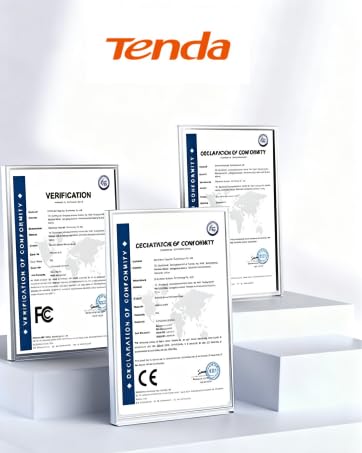
Founded in 1999, Tenda technology is the recognized leading supplier of networking devices.
- We continuously pursue the high-quality products,comprehensive user experience and operational efficiency.
- The company relentlessly builds amazing products to let everyone in the world enjoy a better life through Tenda technology.



Tenda WiFi Extender A18Pro
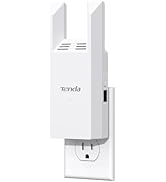
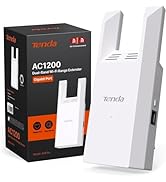
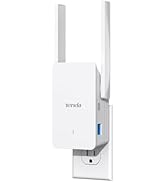
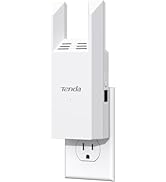
Tenda WiFi Extender

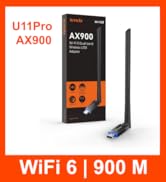
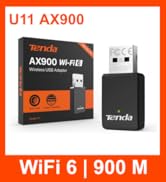
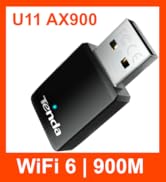
Tenda WiFi Adapter
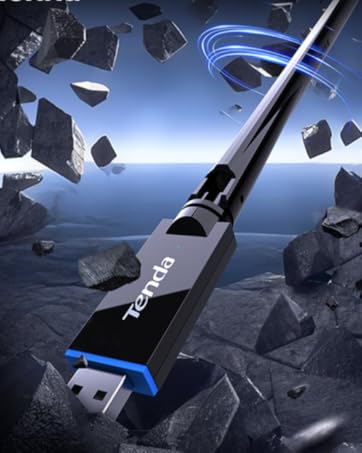
Tenda WiFi Adapter U11Pro


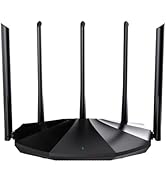
Tenda Router
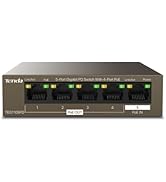
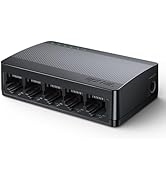
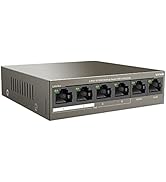
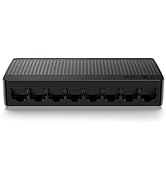
Tenda Switch
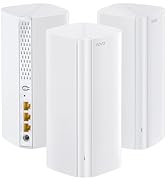
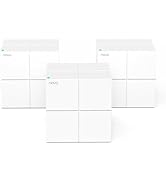
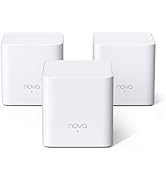
Tenda Mesh



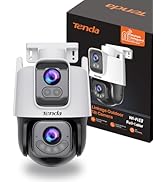
Tenda Camera

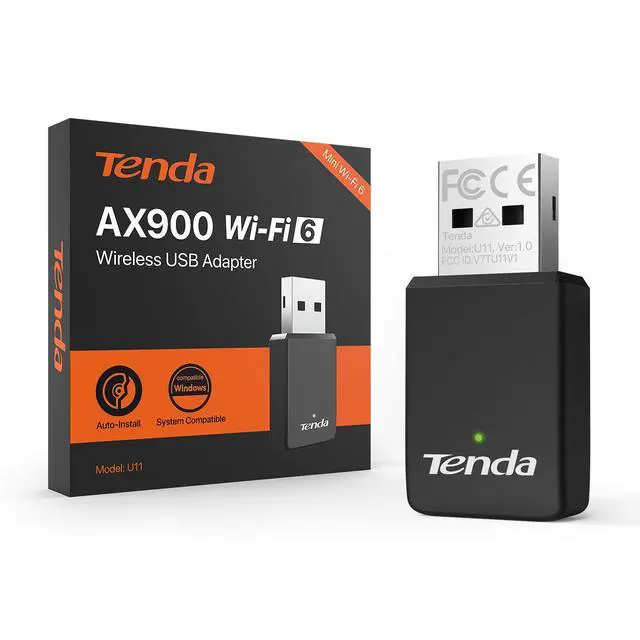
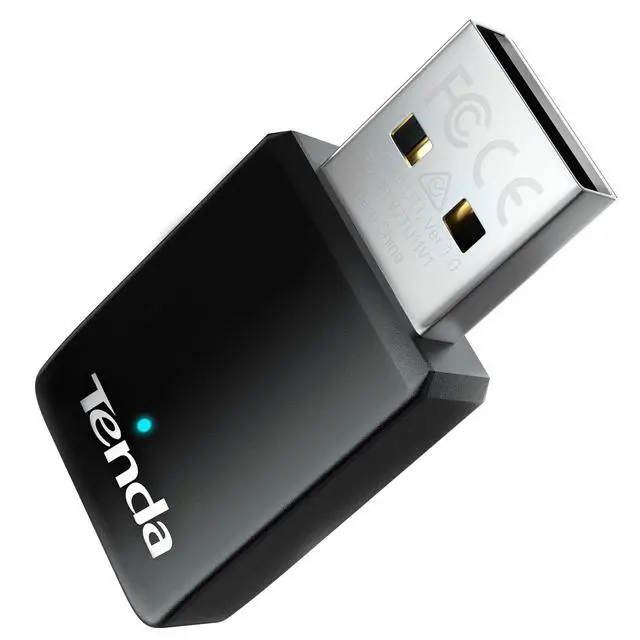
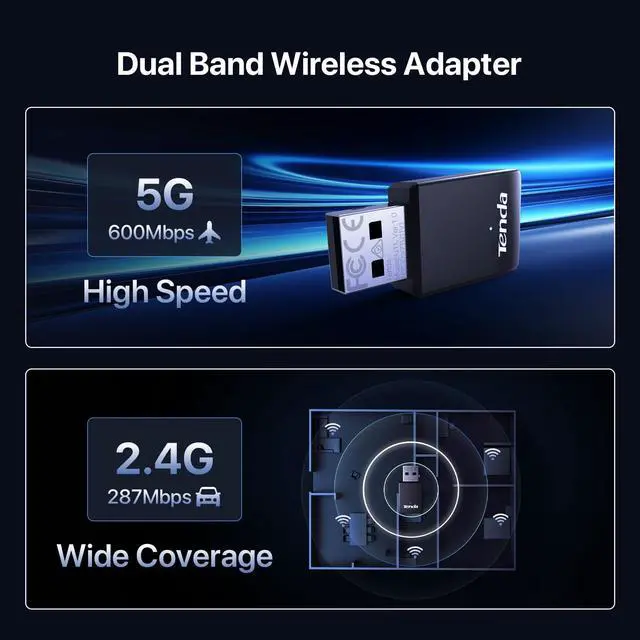
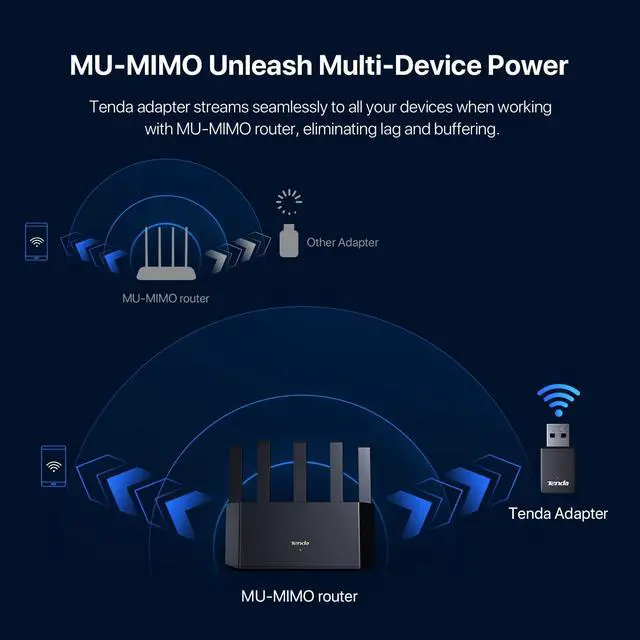
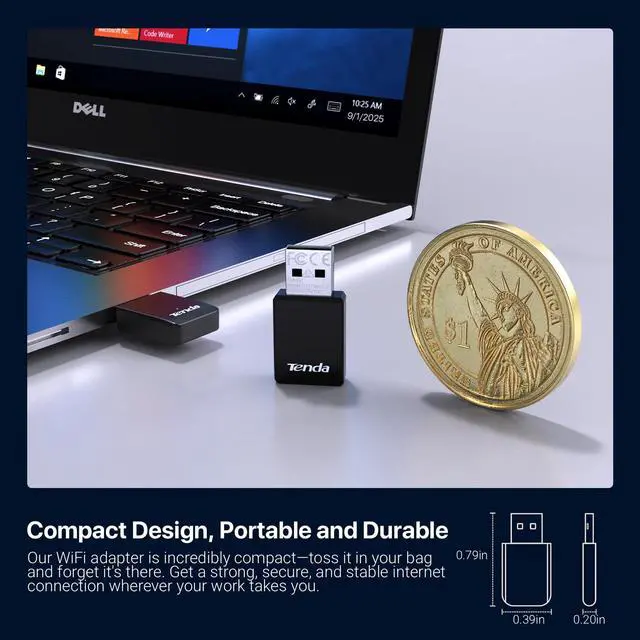
Tenda WiFi 6 Adapter U11
Merchant Video


What ?????????????? is the Wi-Fi adapter U11 compatible with?
Support Windows 7/10/11.
?????? ???????????????? ?????? ????/????????????????.??/??.??/???? ???? ??????????
Where can I find the ???????????????????????? ?????????? or have ???????????????????? ???????????????????
You can use the code printed on the product ?????? to access the guide.You also can simply visit our ???????????????? ??????????????. There, you’ll find detailed answers to common questions with helpful ???????????? ?????? ????????????
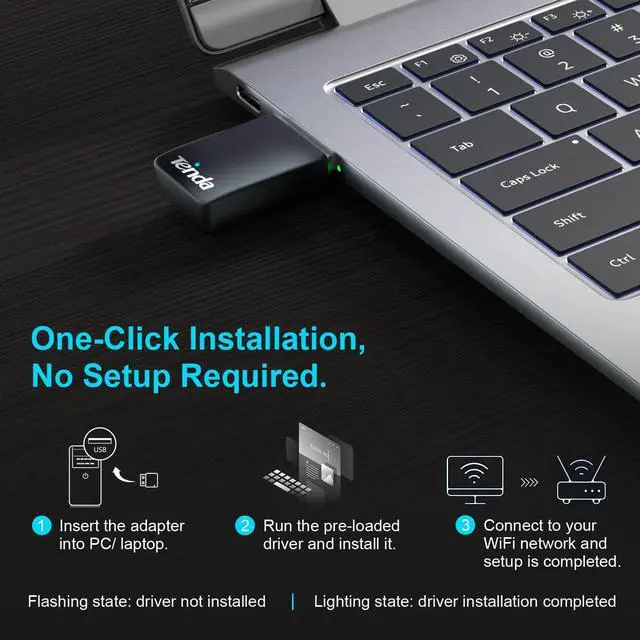
What should I do if the ???????????????????????? ???????????? doesn’t pop up after inserting the wireless adapter?
Solution 1: Manually open Computer USB Drive(X:)
and install the adapte
Solution 2: Uninstall the previous driver and install the new driver
Tenda Wi-Fi Extender
 A18 Pro|WiFi 5|AC1200 |  R10|WiFi 4|N300 |  R10-BK|WiFi 4|N300 |  A18|WiFi 5|AC1200 |  A23|WiFi 6|AX1500 |  A33|WiFi 6|AX3000 | |
|---|---|---|---|---|---|---|
Customer Reviews | — | — | — | — | — | — |
2.4 GHz Speed | 300 Mbit/s | 300 Mbit/s | 300 Mbit/s | 300 Mbit/s | 300 Mbit/s | 574 Mbit/s |
5 GHz Speed | 867 Mbit/s | 867 Mbit/s | / | / | 1201 Mbit/s | 2402 Mbit/s |
Ethernet Port | 1 * Gigabit Port | 1 * Fast Ethernet Port | 1 * Fast Ethernet Port | 1 * Fast Ethernet Port | 1 * Gigabit Port | 1 * Gigabit Port |
Antennas | 2 * 3dBi Antennas | 2 * 3dBi Antennas | 2 * 3dBi Antennas | 2 * 3dBi Antennas | 2 * 5dBi Antennas | 2 * 5dBi Antennas |
WPS – Easy Setup | ? | ? | ? | ? | ? | ? |
Signal LED | ? | ? | ? | ? | ? | ? |
App Control | ? | ? | ? | ? | ? | ? |
Access Point Mode | ? | ? | ? | ? | ? | ? |
Fire-Resistant Material | ? | ? | ? | ? | ? | ? |
Tenda WiFi 6 Adapter U11
Merchant Video


What ?????????????? is the Wi-Fi adapter U11 compatible with?
Support Windows 7/10/11.
?????? ???????????????? ?????? ????/????????????????.??/??.??/???? ???? ??????????
Where can I find the ???????????????????????? ?????????? or have ???????????????????? ???????????????????
You can use the code printed on the product ?????? to access the guide.You also can simply visit our ???????????????? ??????????????. There, you’ll find detailed answers to common questions with helpful ???????????? ?????? ????????????
What should I do if the ???????????????????????? ???????????? doesn’t pop up after inserting the wireless adapter?
Solution 1: Manually open Computer USB Drive(X:)
and install the adapte
Solution 2: Uninstall the previous driver and install the new driver
Tenda Wi-Fi Extender
A18 Pro|WiFi 5|AC1200 | R10|WiFi 4|N300 | R10-BK|WiFi 4|N300 | A18|WiFi 5|AC1200 | A23|WiFi 6|AX1500 | A33|WiFi 6|AX3000 |
|---|---|---|---|---|---|
| Customer Reviews | |||||
| — | — | — | — | — | — |
| 2.4 GHz Speed | |||||
| 300 Mbit/s | 300 Mbit/s | 300 Mbit/s | 300 Mbit/s | 300 Mbit/s | 574 Mbit/s |
| 5 GHz Speed | |||||
| 867 Mbit/s | 867 Mbit/s | / | / | 1201 Mbit/s | 2402 Mbit/s |
| Ethernet Port | |||||
| 1 * Gigabit Port | 1 * Fast Ethernet Port | 1 * Fast Ethernet Port | 1 * Fast Ethernet Port | 1 * Gigabit Port | 1 * Gigabit Port |
| Antennas | |||||
| 2 * 3dBi Antennas | 2 * 3dBi Antennas | 2 * 3dBi Antennas | 2 * 3dBi Antennas | 2 * 5dBi Antennas | 2 * 5dBi Antennas |
| WPS – Easy Setup | |||||
| ? | ? | ? | ? | ? | ? |
| Signal LED | |||||
| ? | ? | ? | ? | ? | ? |
| App Control | |||||
| ? | ? | ? | ? | ? | ? |
| Access Point Mode | |||||
| ? | ? | ? | ? | ? | ? |
| Fire-Resistant Material | |||||
| ? | ? | ? | ? | ? | ? |
Tenda
Founded in 1999, Tenda technology is the recognized leading supplier of networking devices.
- We continuously pursue the high-quality products,comprehensive user experience and operational efficiency.
- The company relentlessly builds amazing products to let everyone in the world enjoy a better life through Tenda technology.
Tenda WiFi Extender A18Pro
Tenda WiFi Extender
Tenda WiFi Adapter
Tenda WiFi Adapter U11Pro
Tenda Router
Tenda Switch
Tenda Mesh
Tenda Camera