




We are always committed to providing high-quality audio and video solutions, where you can find a variety of converter devices that reflect our innovation, passion and reliability. Our company embraces innovation with the greatest passion, and it is our wonderful vision to create a better life by gaining the recognition and trust of our customers through continuous technical product development.
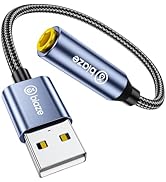
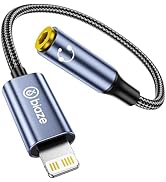
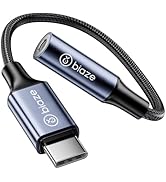
Headphone Jack Adapter
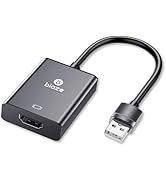
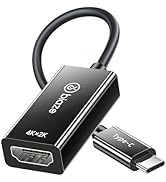
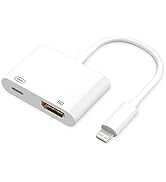
HD Audio Video Adapter
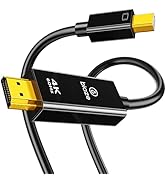
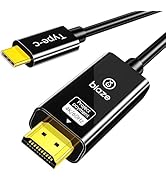
![biaze Lightning to HDMI Cable [6ft] 1080P HD Screen Mirroring Adapter with Charging Port - PVC Co...](//c1.neweggimages.com/sellingpilot/modules/product/a-plus/7e80dc57afd84e40296fef0f502275849cc09c9645819340acbd7af7e8853c19.jpg)
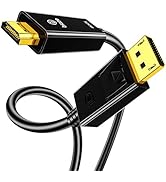
HD Cable
How did we get started?
The meaning of our existence is to create an exclusive private warehouse for you and your family.
What is the purpose of our service?
We are committed to providing innovatively designed and fully functional products, you create a better and more convenient life.
What makes us different?
You can enjoy high-quality products at the most affordable prices. We have a stylish design and a diverse product chain, providing consumers with a variety of handy tools, rather than just selling a single type of product, which is also the highlight of our ability to stand out in the market.

![biaze Lightning to HDMI Cable [6ft] 1080P HD Screen Mirroring Adapter with Charging Port - PVC Co...](http://c1.neweggimages.com/sellingpilot/modules/product/a-plus/7e80dc57afd84e40296fef0f502275849cc09c9645819340acbd7af7e8853c19.jpg)
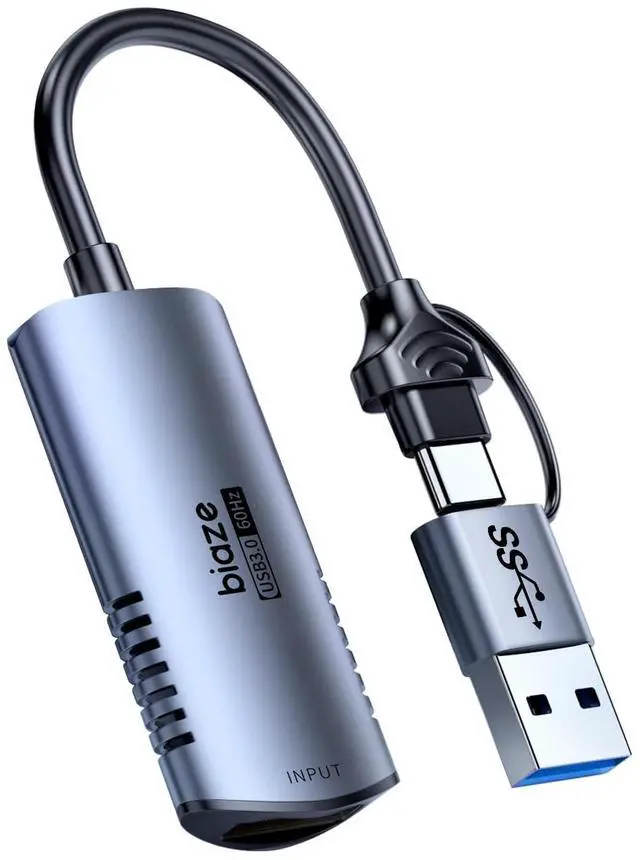
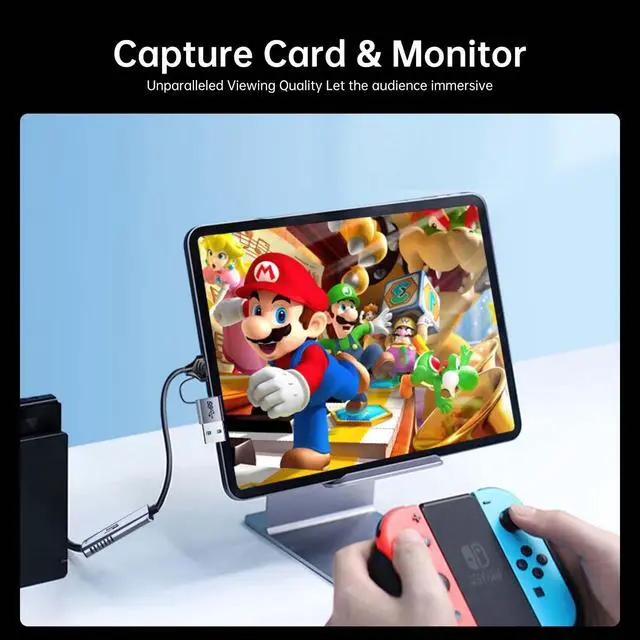
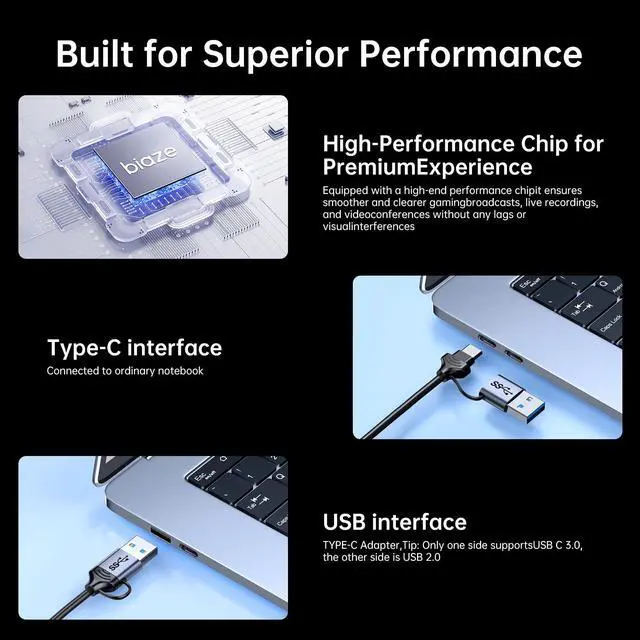
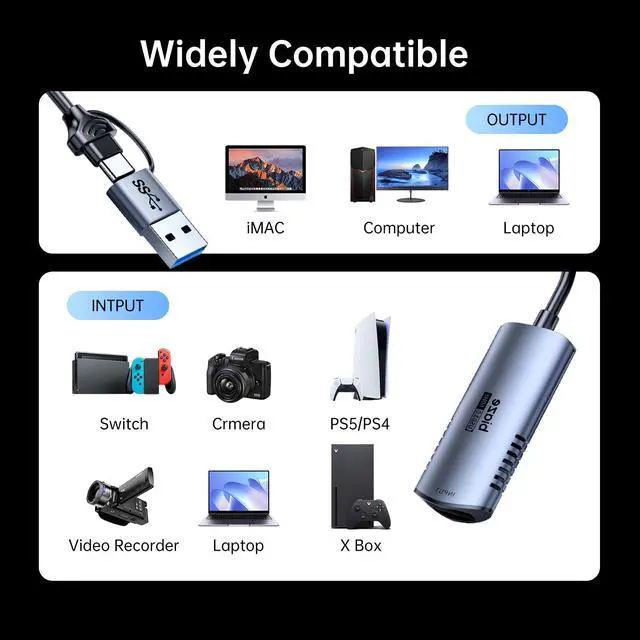
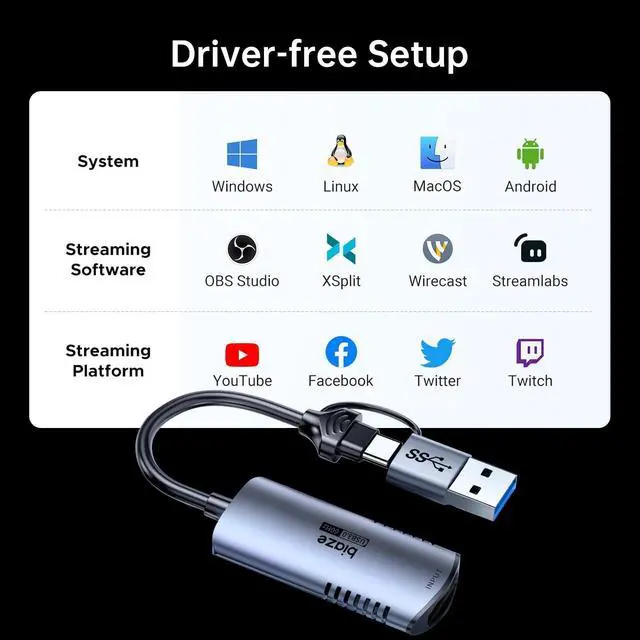
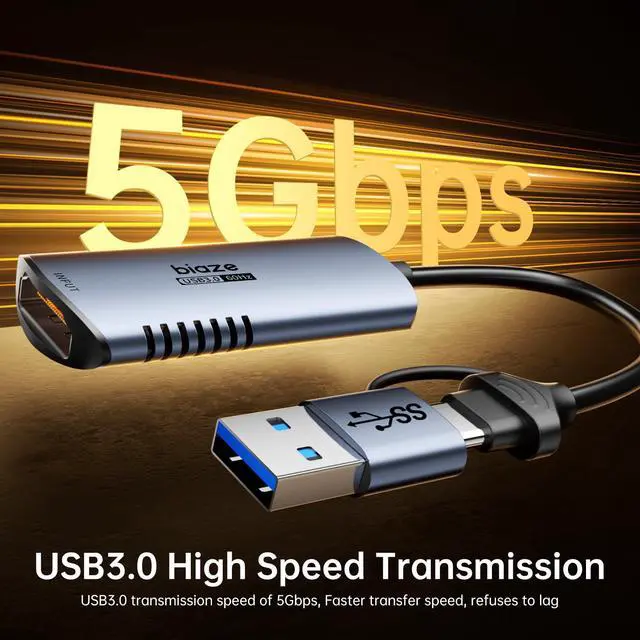
4K 60Hz HDMI to USB C/USB Video Capture Card


Manual for MacOS
Connected the product to the USB 3.0 port of your computer, then you will see a 'Allow Accessory Connection' dialog box poped out, please click 'Allow'.
After Allowed, you will see a 'USBDISPLAY' disk driver on your desktop, double click to open it and you will see see one folder and two files.
Double click the file named 'UsbDisplay_macOS' and follow the lead to install the driver for MacOS system.
After successfully installed the driver, reboot your system and then a 'Record Screen' dialog box will poped out.
Click 'Open System Settings' button to enter the 'Screen Recording and System Recording' dialog box, click to turn on 'MacUsbDisplay' and then click the 'Modify Settings' button to complete the driver installation.
Adjust the resolution parameters, open the 'System Preferences' in the 'Display' option to select the 1920*1080 resolution, display normally and start to enjoy.
Any problem please reach to Biaze for solution!
4K 60Hz HDMI to USB C/USB Video Capture Card


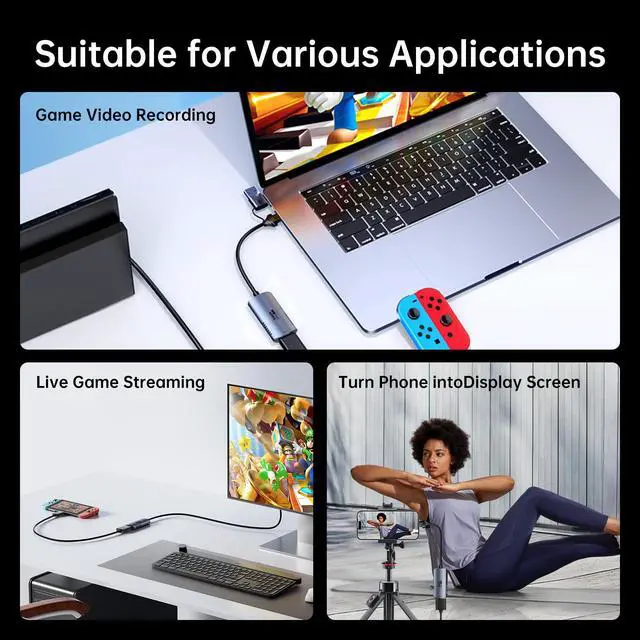
Suitable for Multiple Applications


Manual for MacOS
Connected the product to the USB 3.0 port of your computer, then you will see a 'Allow Accessory Connection' dialog box poped out, please click 'Allow'.
After Allowed, you will see a 'USBDISPLAY' disk driver on your desktop, double click to open it and you will see see one folder and two files.
Double click the file named 'UsbDisplay_macOS' and follow the lead to install the driver for MacOS system.
After successfully installed the driver, reboot your system and then a 'Record Screen' dialog box will poped out.
Click 'Open System Settings' button to enter the 'Screen Recording and System Recording' dialog box, click to turn on 'MacUsbDisplay' and then click the 'Modify Settings' button to complete the driver installation.
Adjust the resolution parameters, open the 'System Preferences' in the 'Display' option to select the 1920*1080 resolution, display normally and start to enjoy.
Any problem please reach to Biaze for solution!
We are always committed to providing high-quality audio and video solutions, where you can find a variety of converter devices that reflect our innovation, passion and reliability. Our company embraces innovation with the greatest passion, and it is our wonderful vision to create a better life by gaining the recognition and trust of our customers through continuous technical product development.
Headphone Jack Adapter
HD Audio Video Adapter
HD Cable
How did we get started?
The meaning of our existence is to create an exclusive private warehouse for you and your family.
What is the purpose of our service?
We are committed to providing innovatively designed and fully functional products, you create a better and more convenient life.
What makes us different?
You can enjoy high-quality products at the most affordable prices. We have a stylish design and a diverse product chain, providing consumers with a variety of handy tools, rather than just selling a single type of product, which is also the highlight of our ability to stand out in the market.