



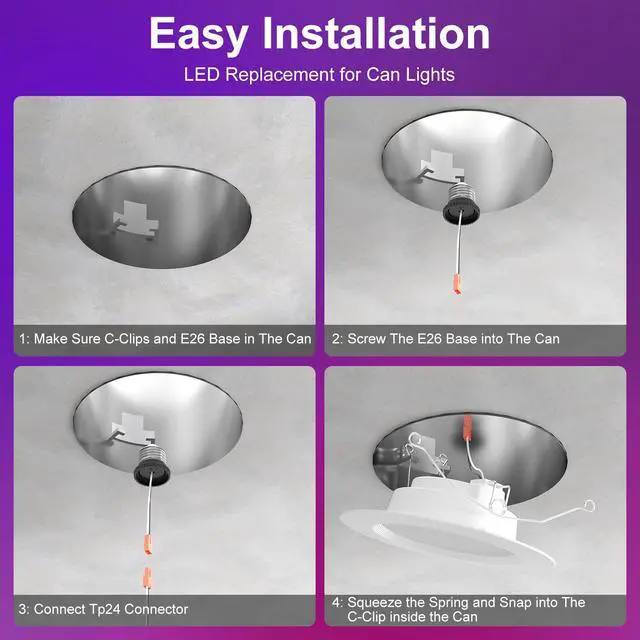


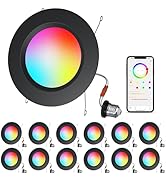
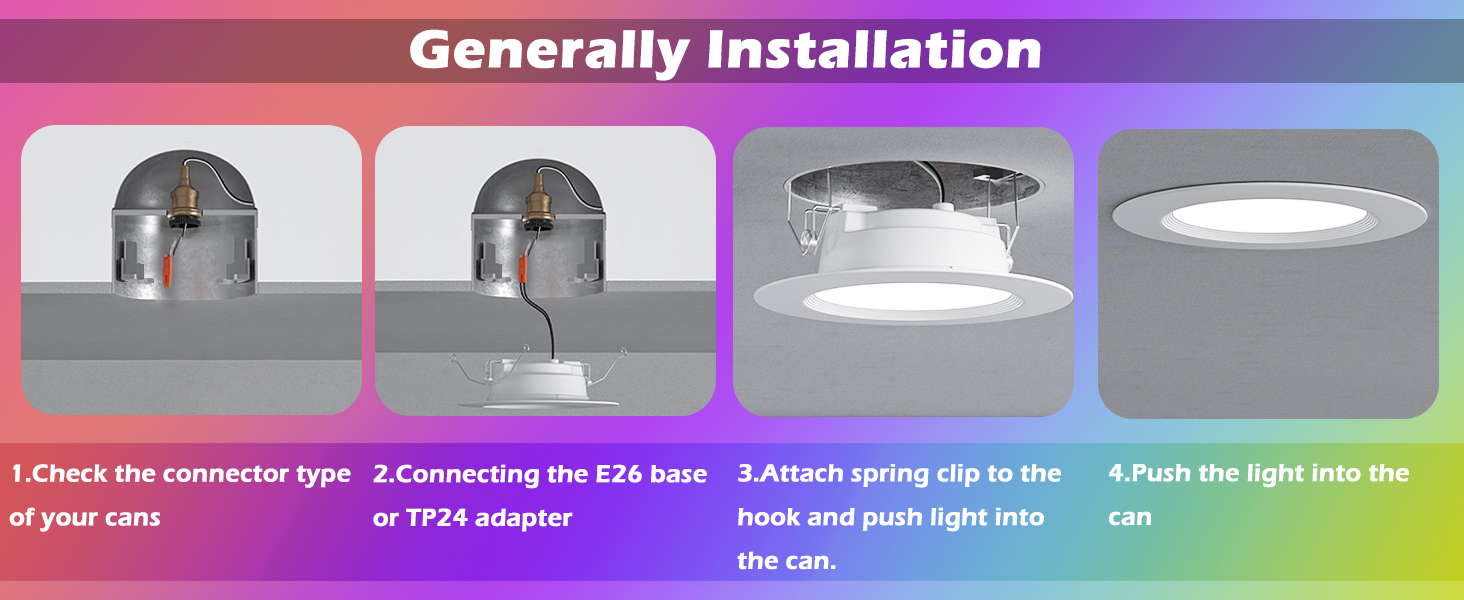
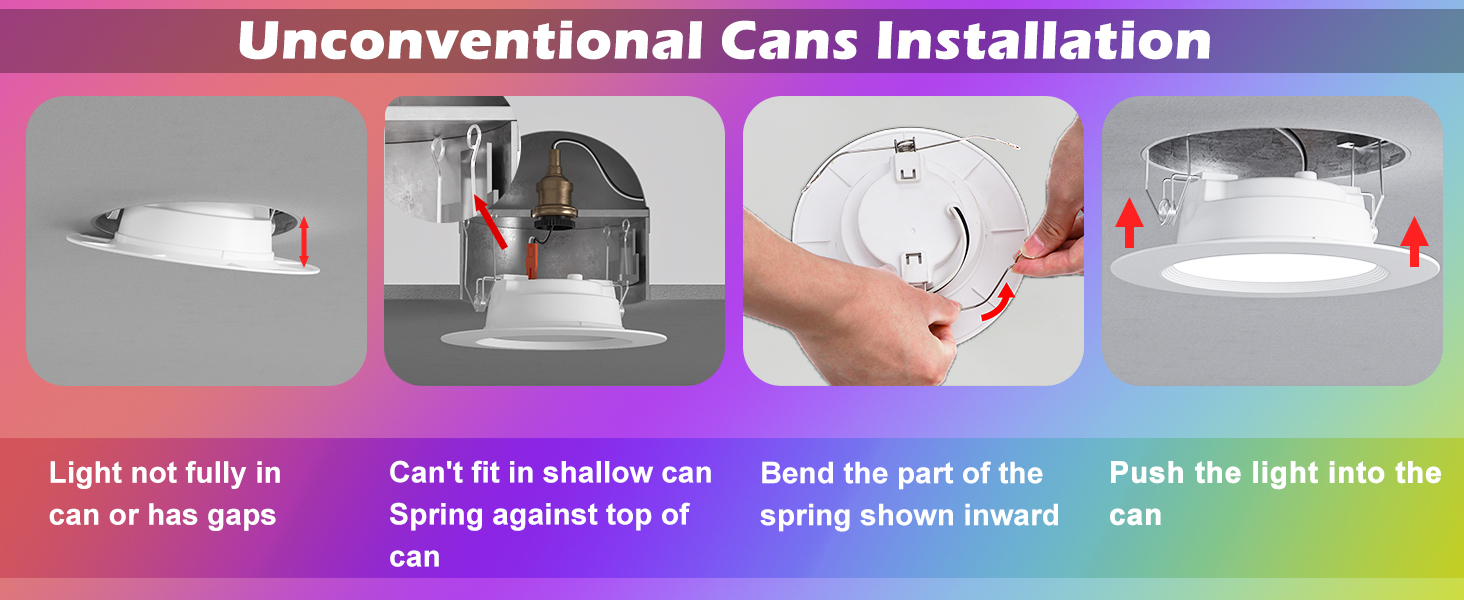
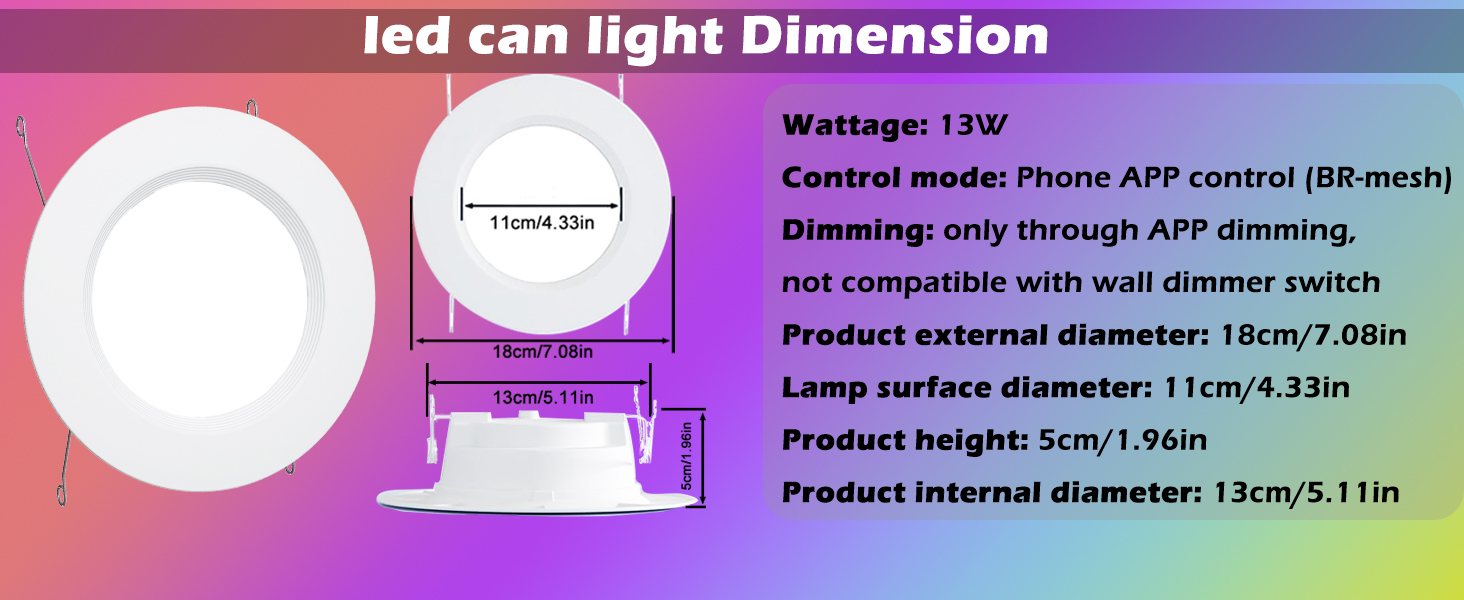
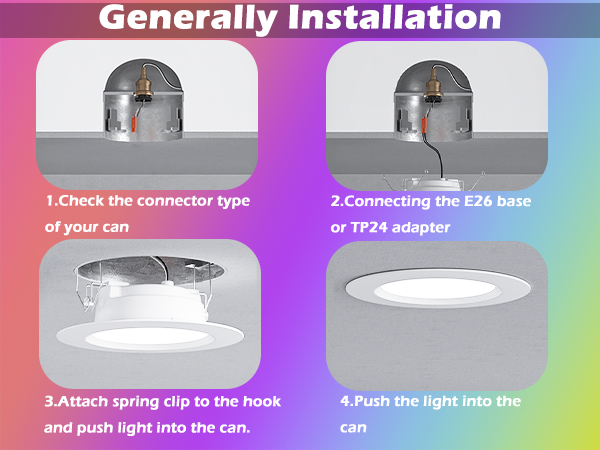
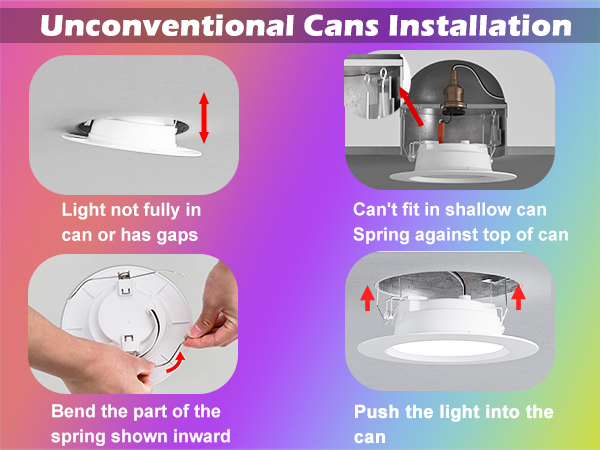
How to Install a 5/6 inch Can Light
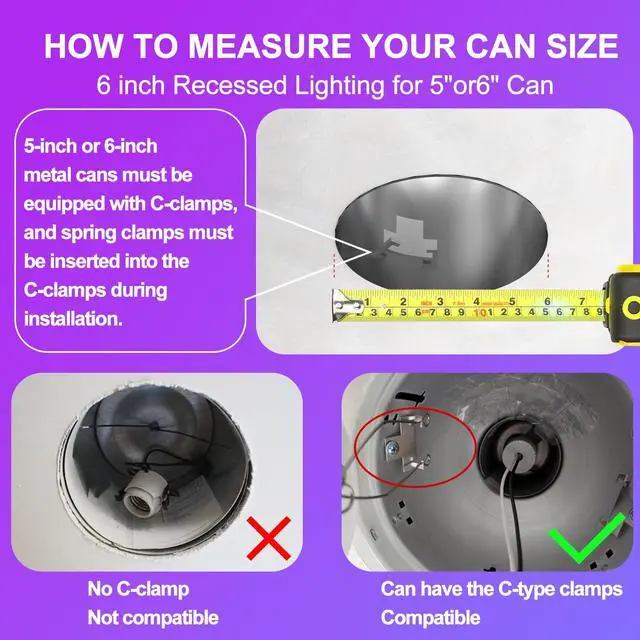
1. Check that your can size is 5/6 inches and that it have C-clamps.
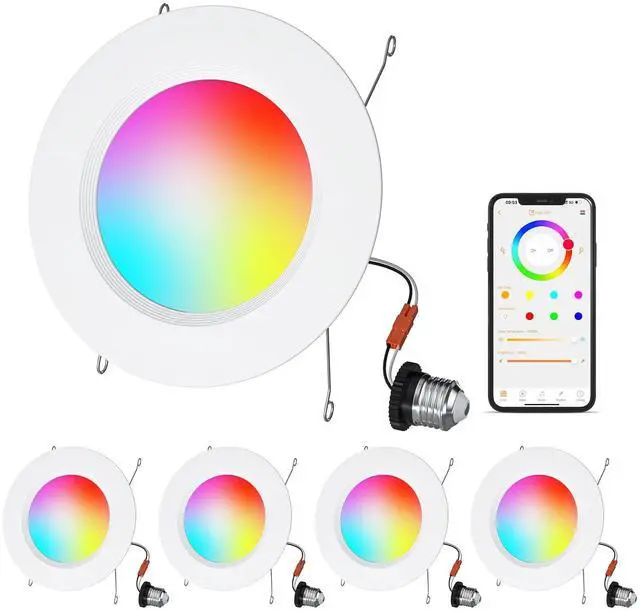
2. Connect the connection cable (E26 or TP24 interface) to the can light.
3. Insert the wire into the C-clamp on the can.
4. Push it upward into the can.
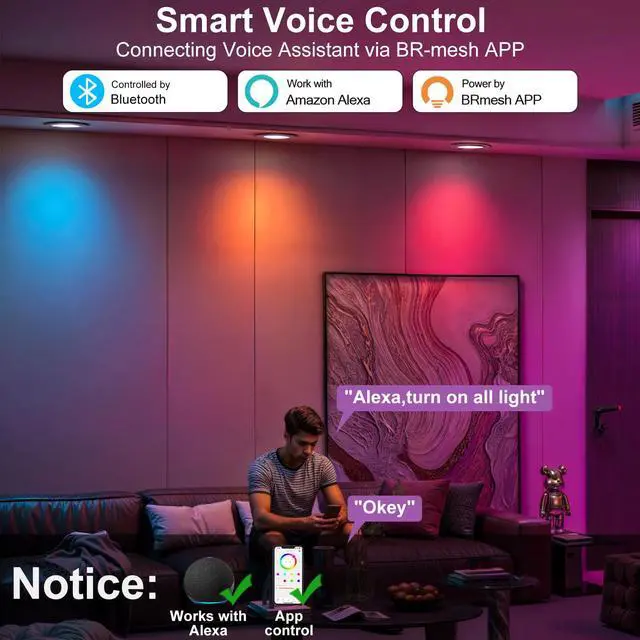
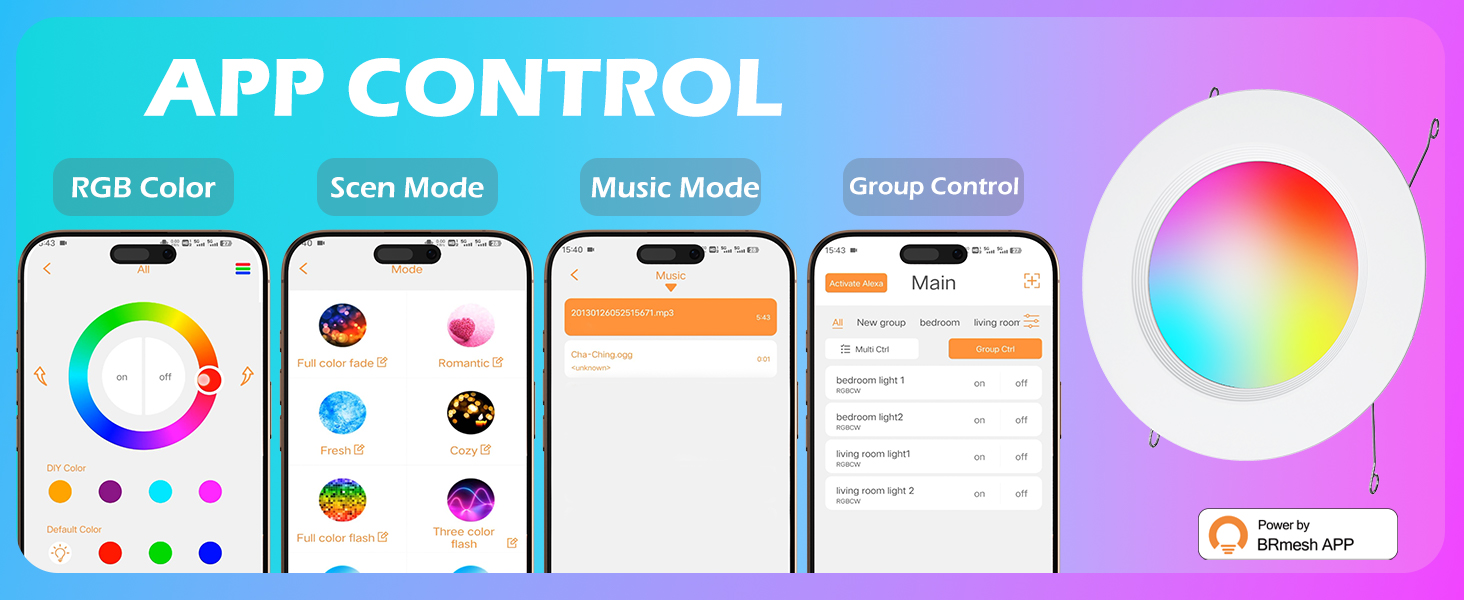
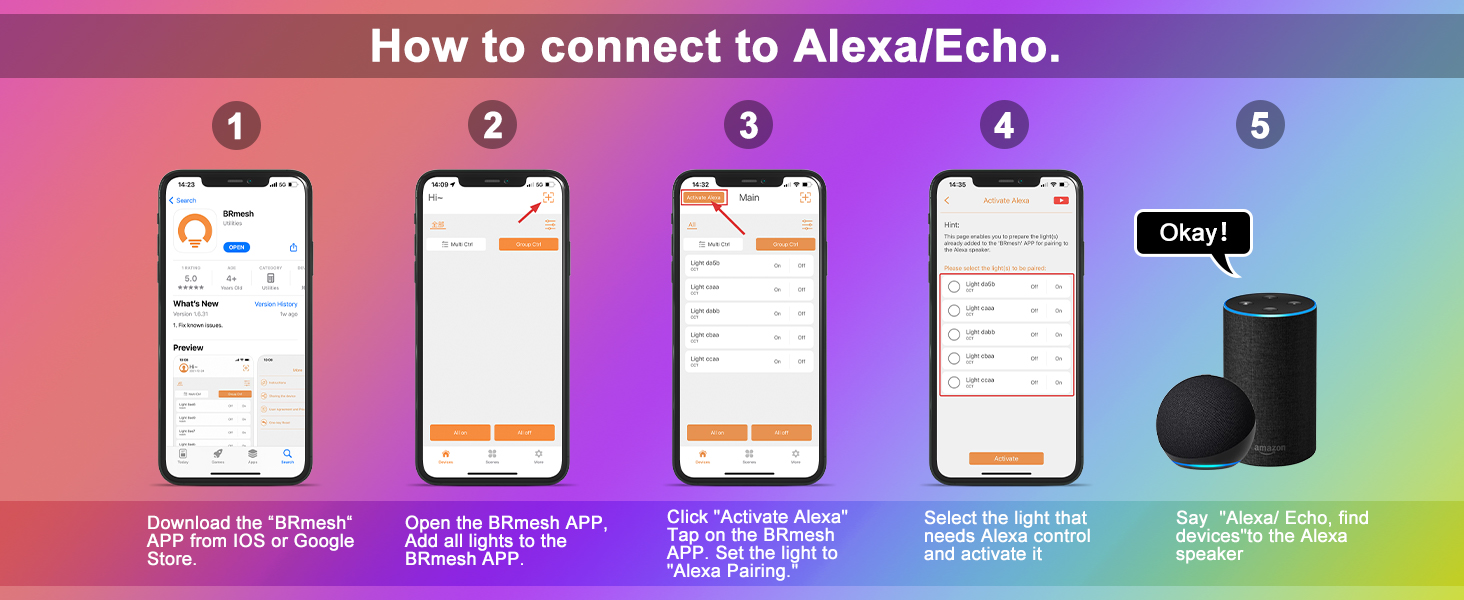
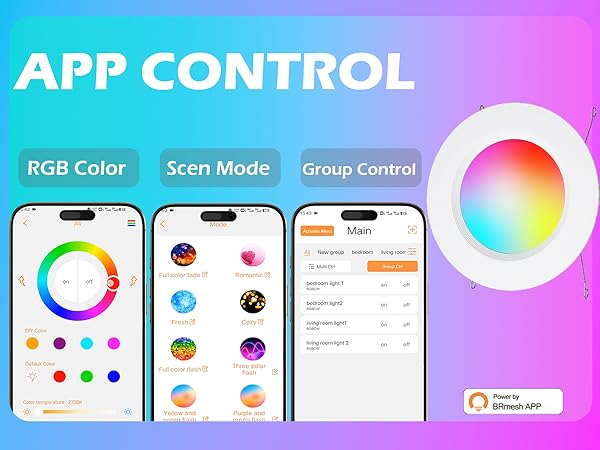
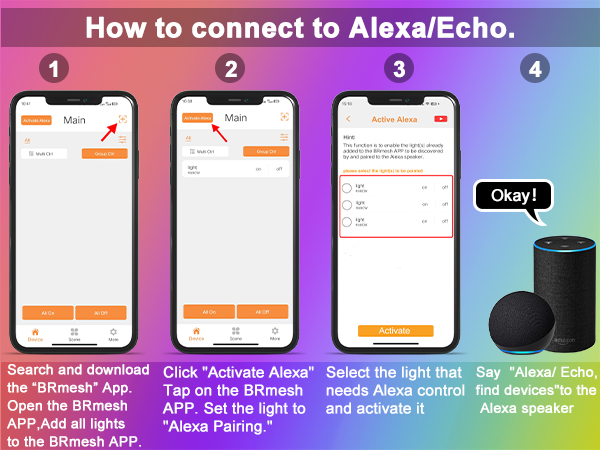
Light connected to BRmeshAPP
1. Search for the “BRmesh” app in the app store and download it.
2. Install your lighting fixtures and connect them to the power supply.
3. Turn on your phone's Bluetooth and add the device according to the video instructions.
4. Rename the device for easy control and identification in the future.
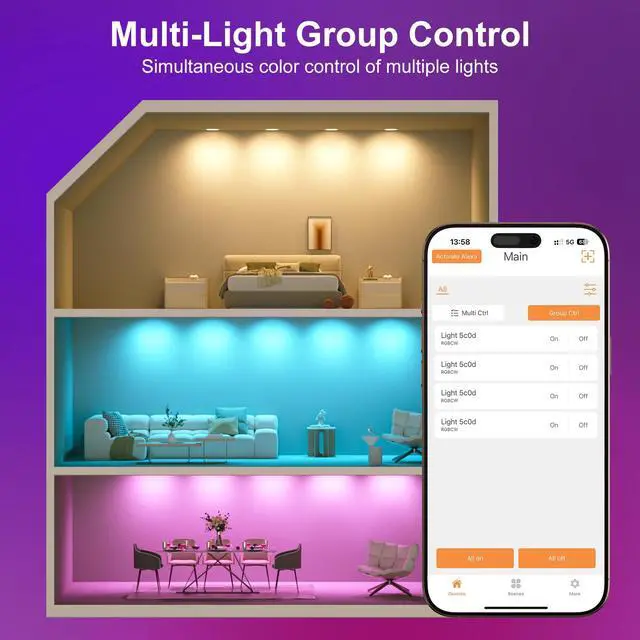
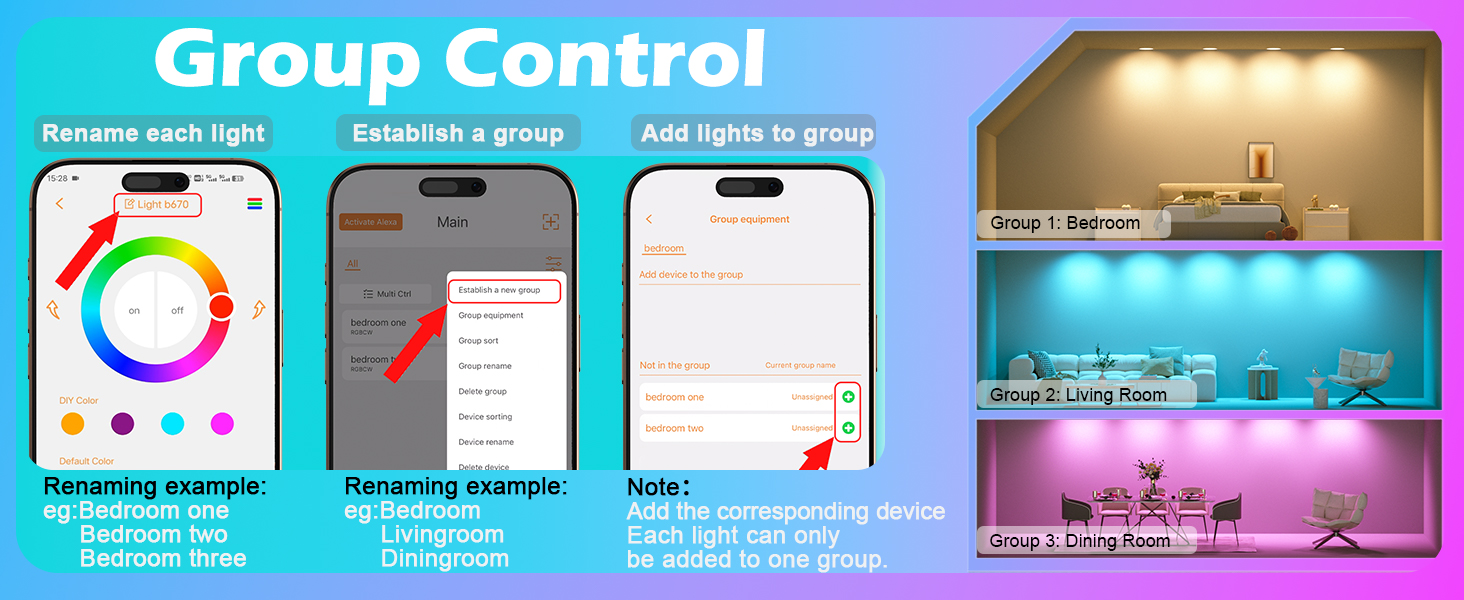
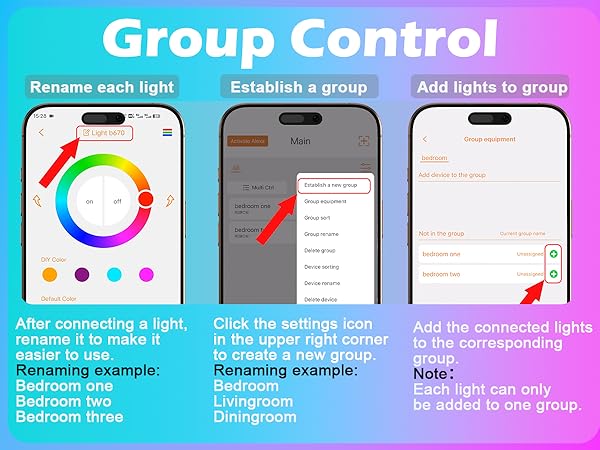
How to control multiple lights in a group
1. Rename each device.
2. Renaming examples: (bedroom 1) (bedroom one) (bedroom light 1)
3. Create a new group and rename it. eg:(bedroom)(livingroom)(dinning room)
4. Add the lights to a group.
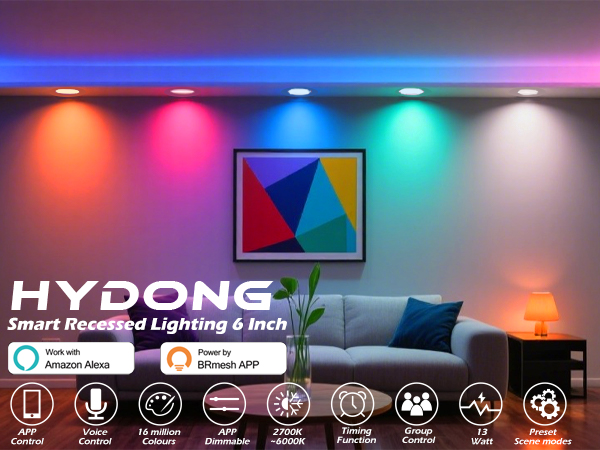
Product Specifications and Parameters
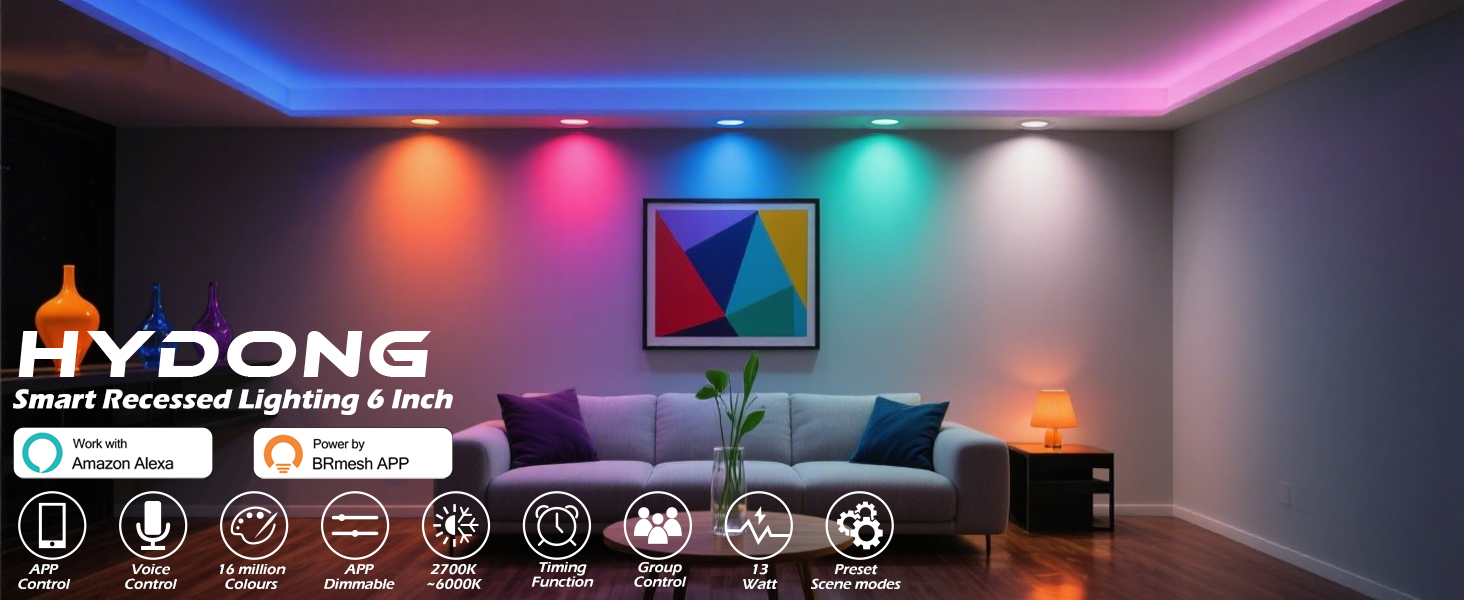
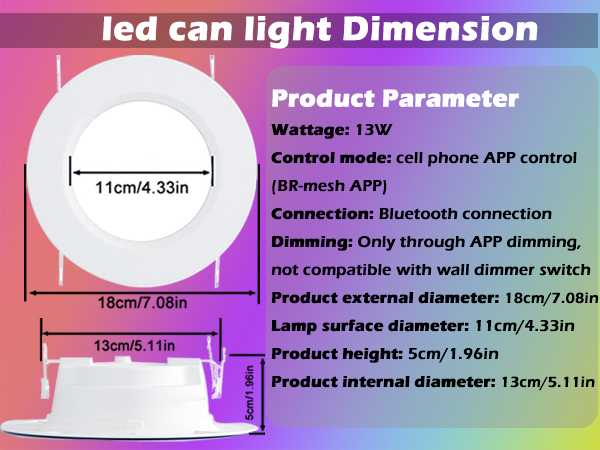
| Product Application | Used for retrofitting recessed lighting fixtures in cans |
|---|---|
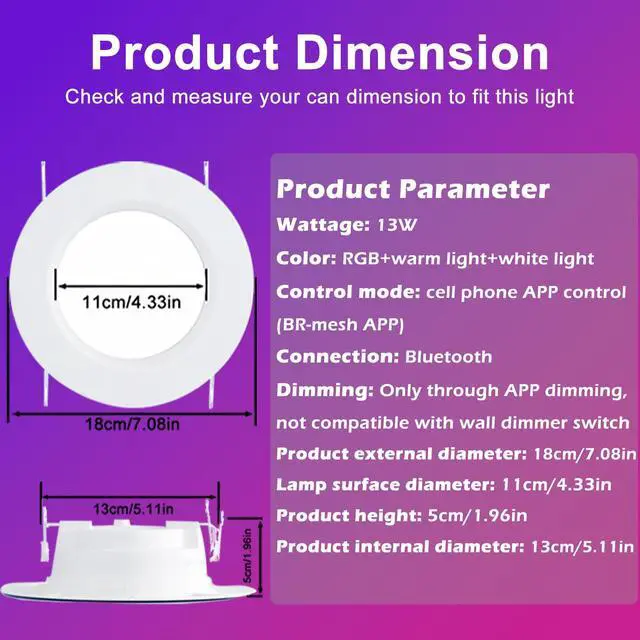
| Wattage | 13W |
| Voltage | 120V |
| Lighting Fixture Type | LED |
| Light Connection Method | Mobile app + Bluetooth connection |
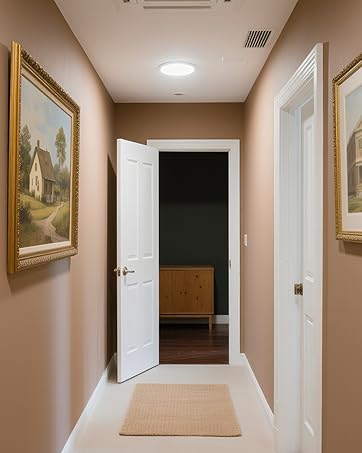
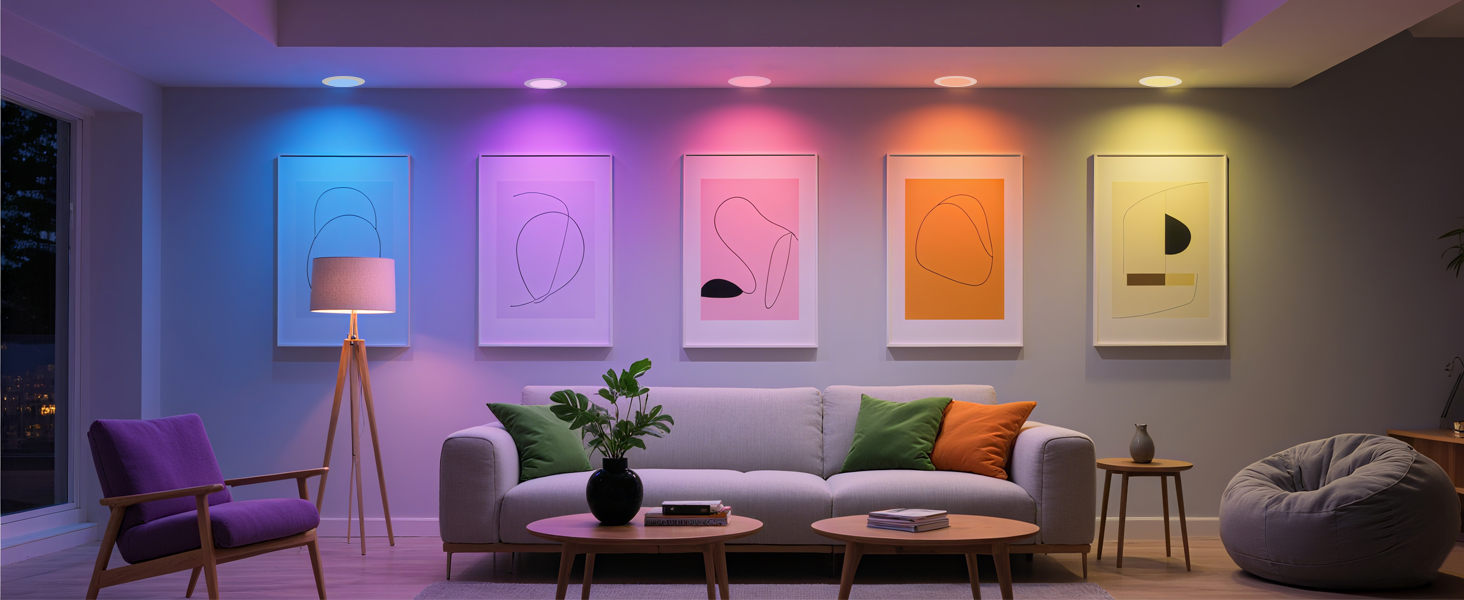
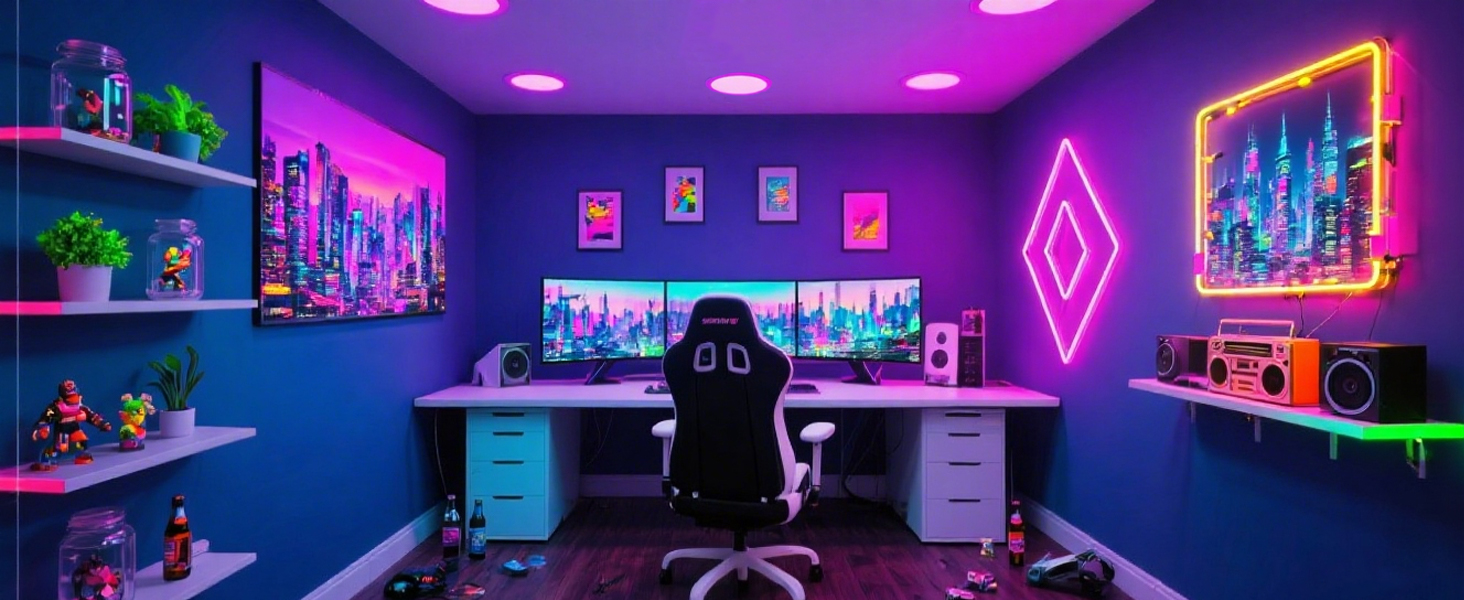
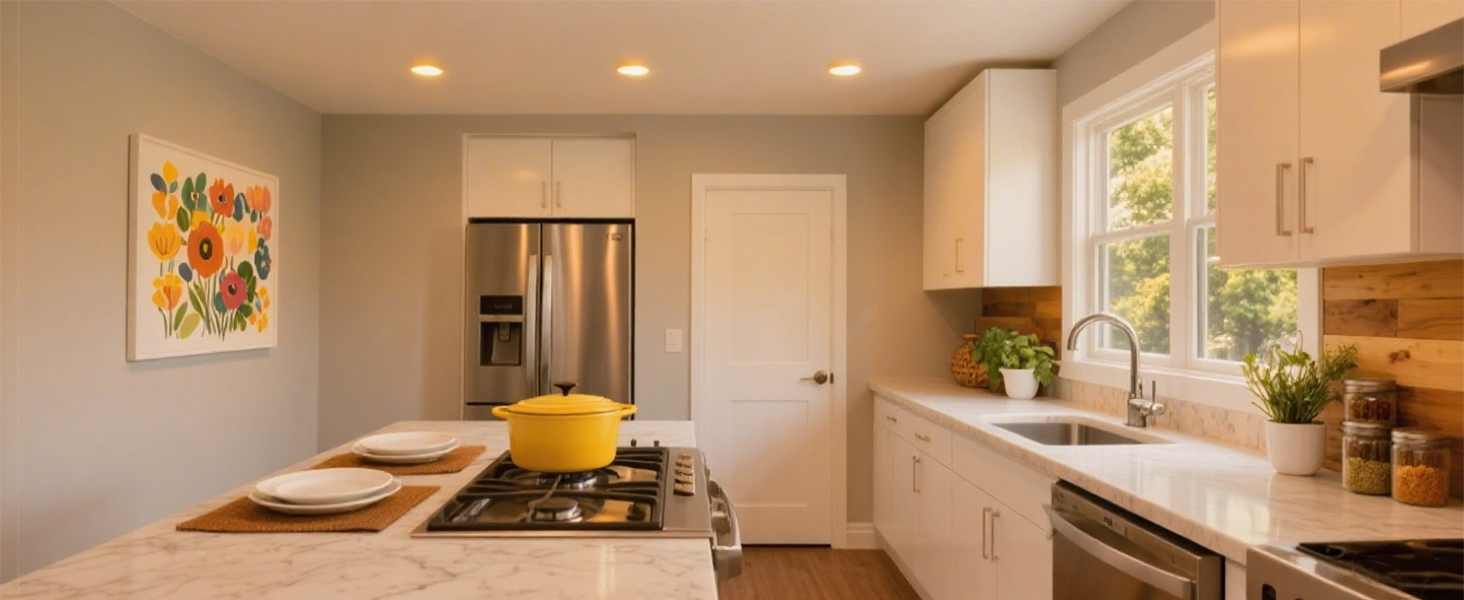
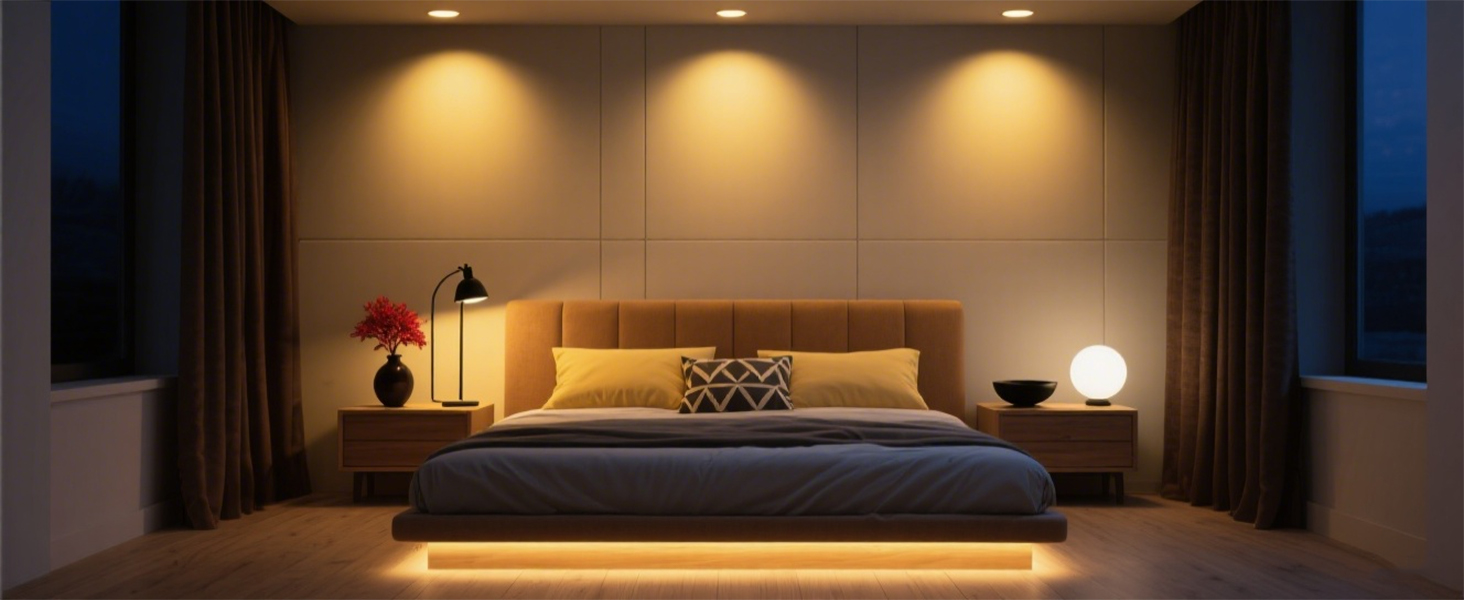
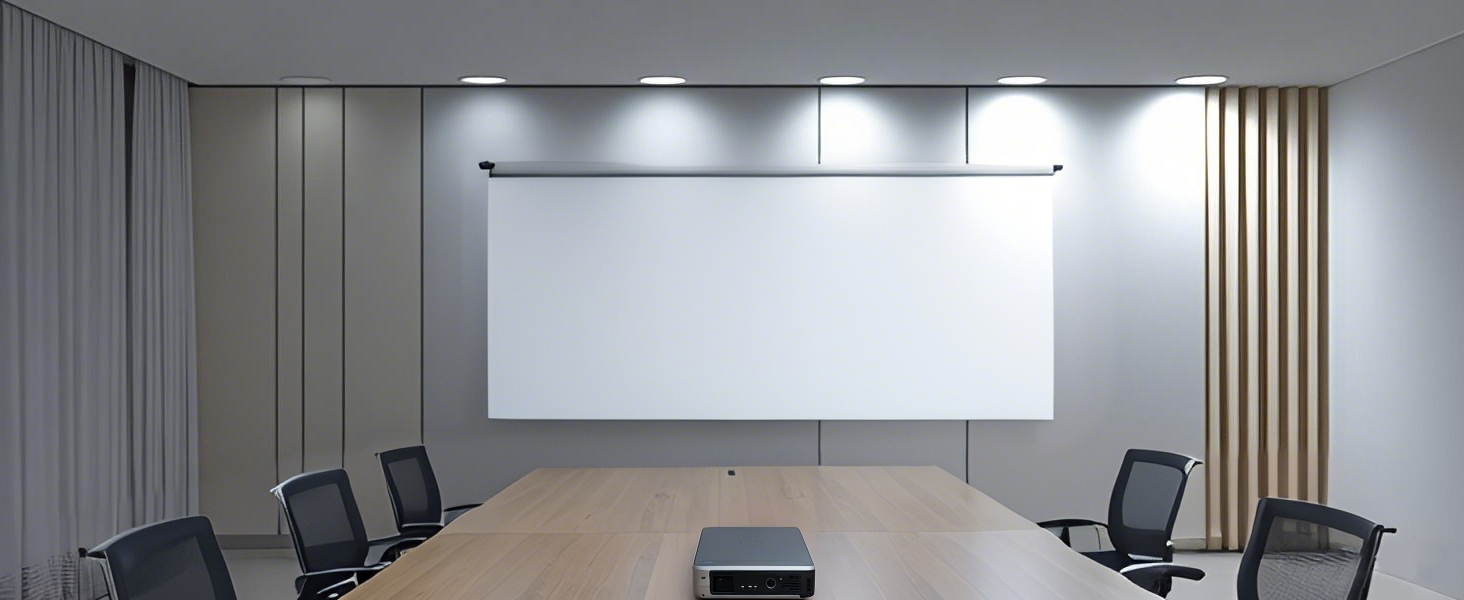
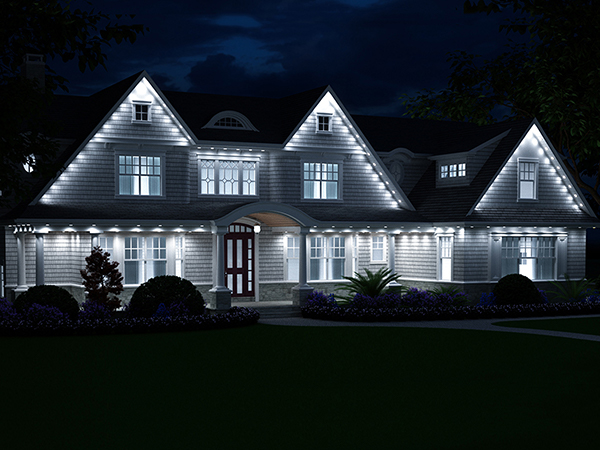
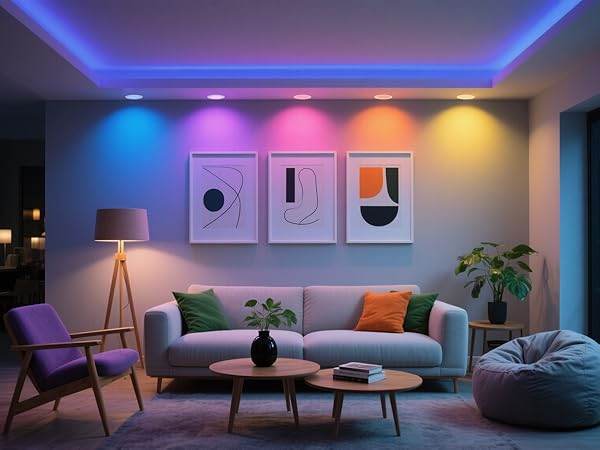
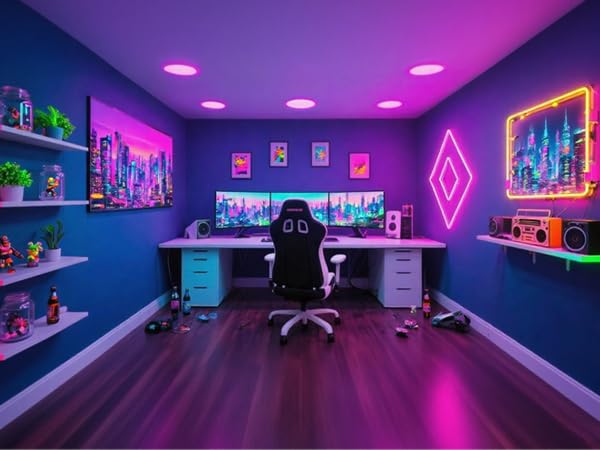
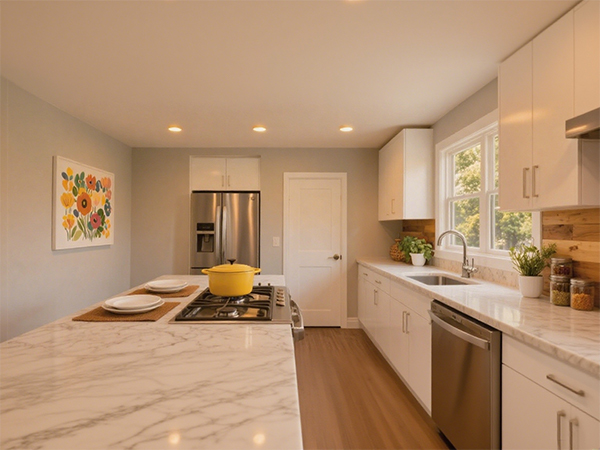
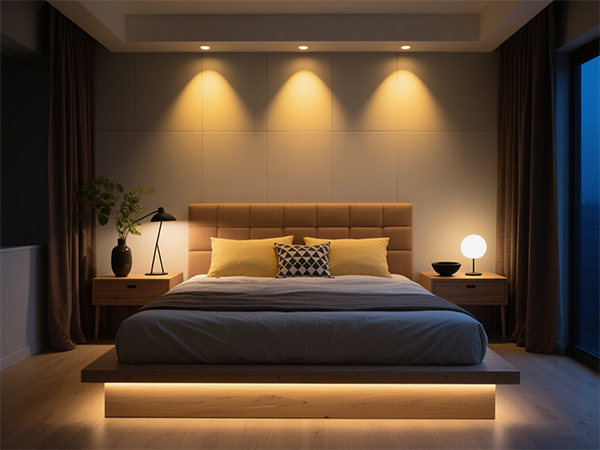
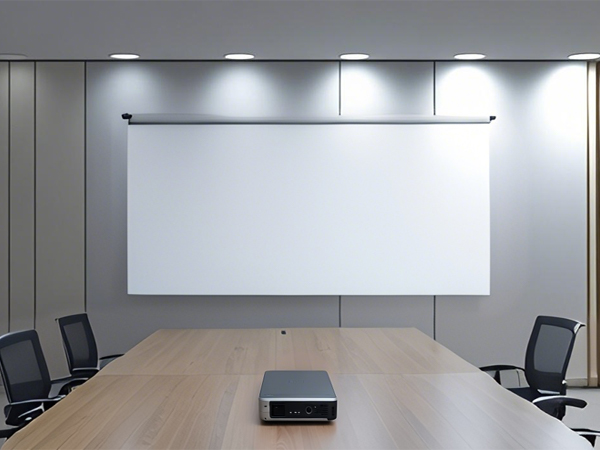
| Applicable Scenarios | Bedroom, living room, kitchen, meeting room, office |
| Installation Method | Use the iron wire of the lighting fixture to connect to the (C-clamp) of the can to complete the installation. |
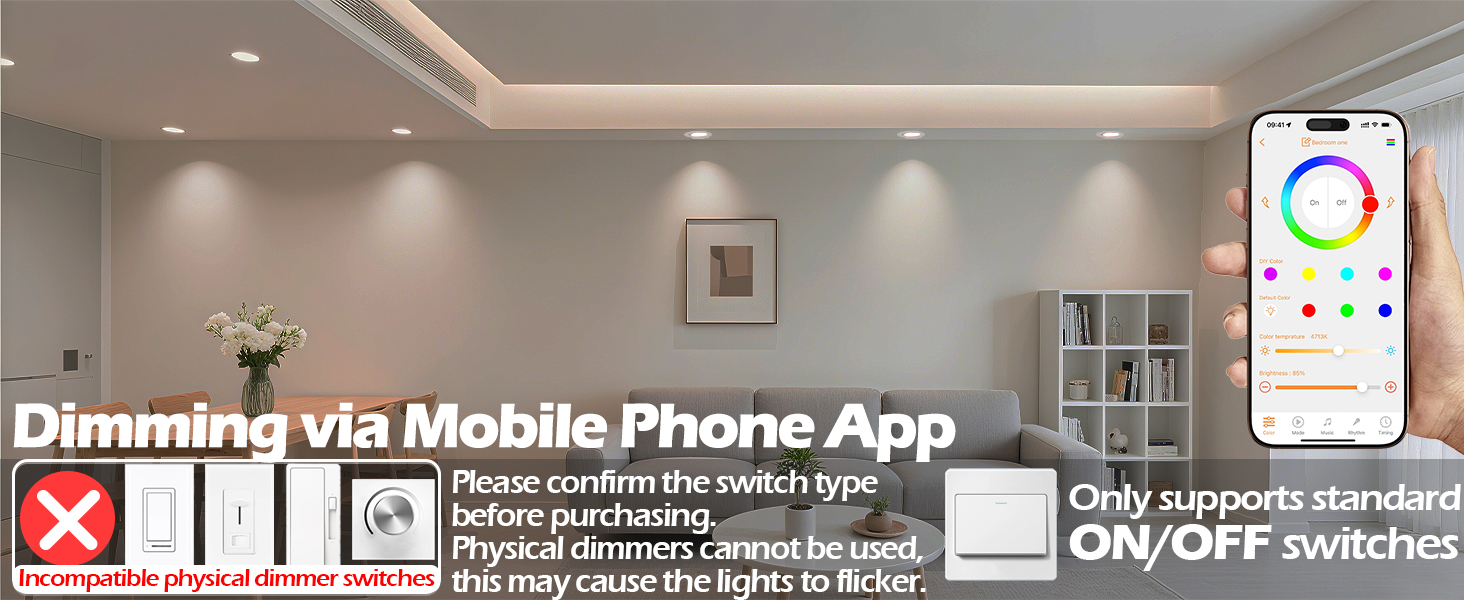
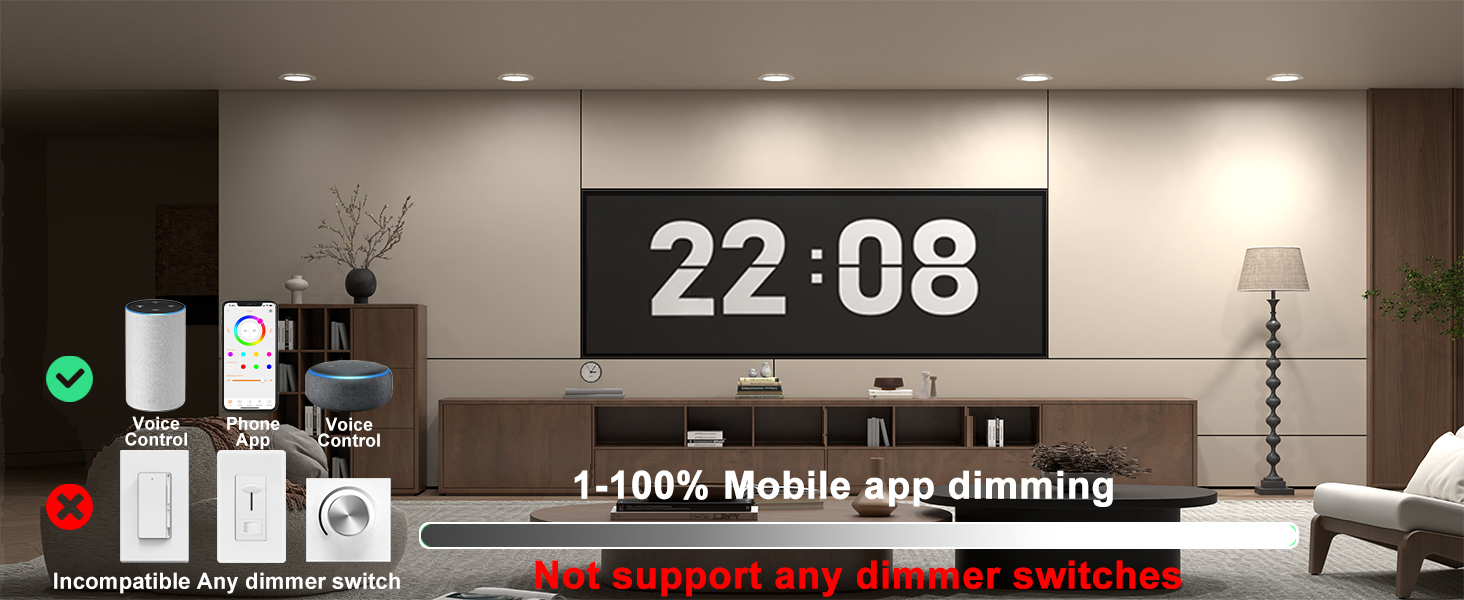
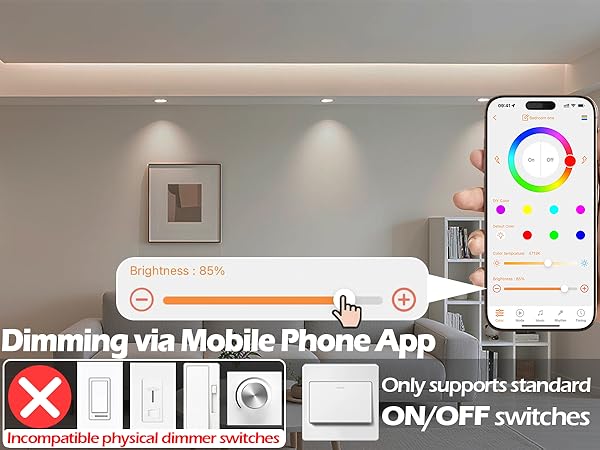
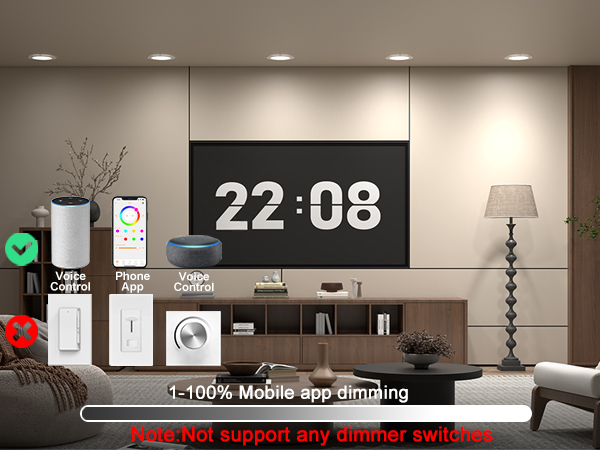
| Dimming | Not dimmable; incompatible with any wall dimmers or dimming switches |
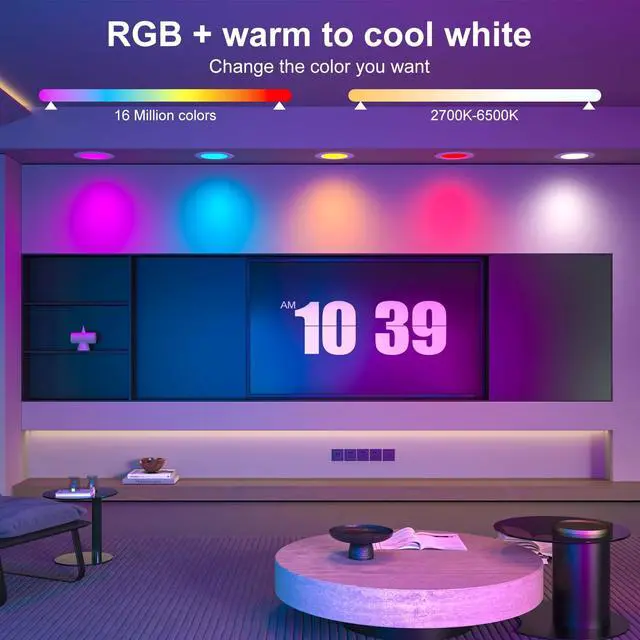
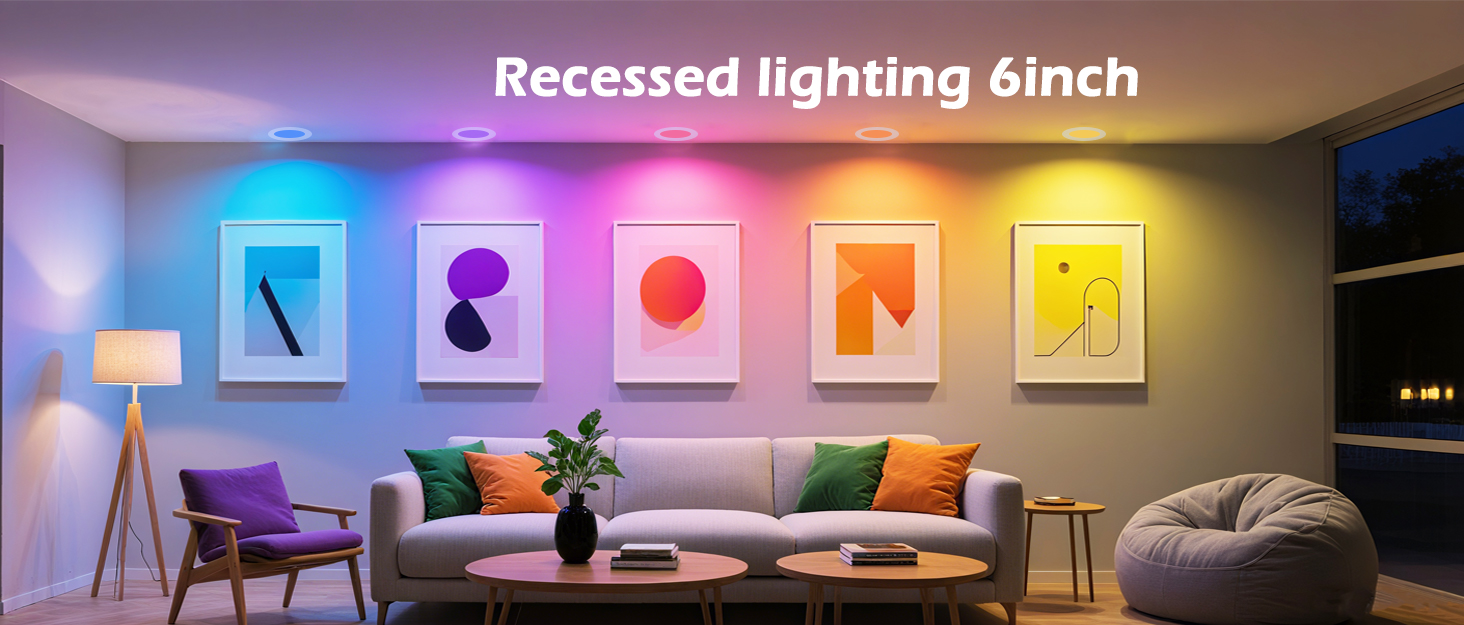
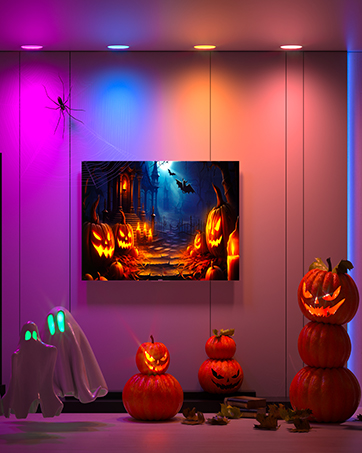
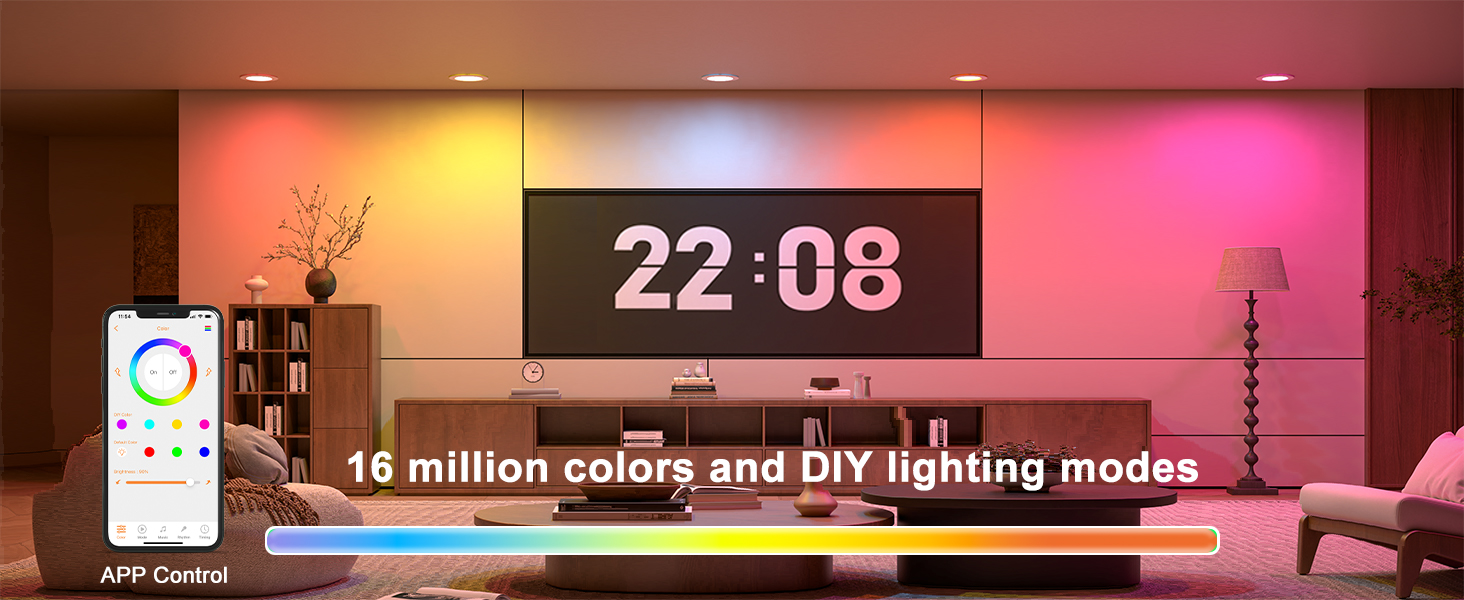
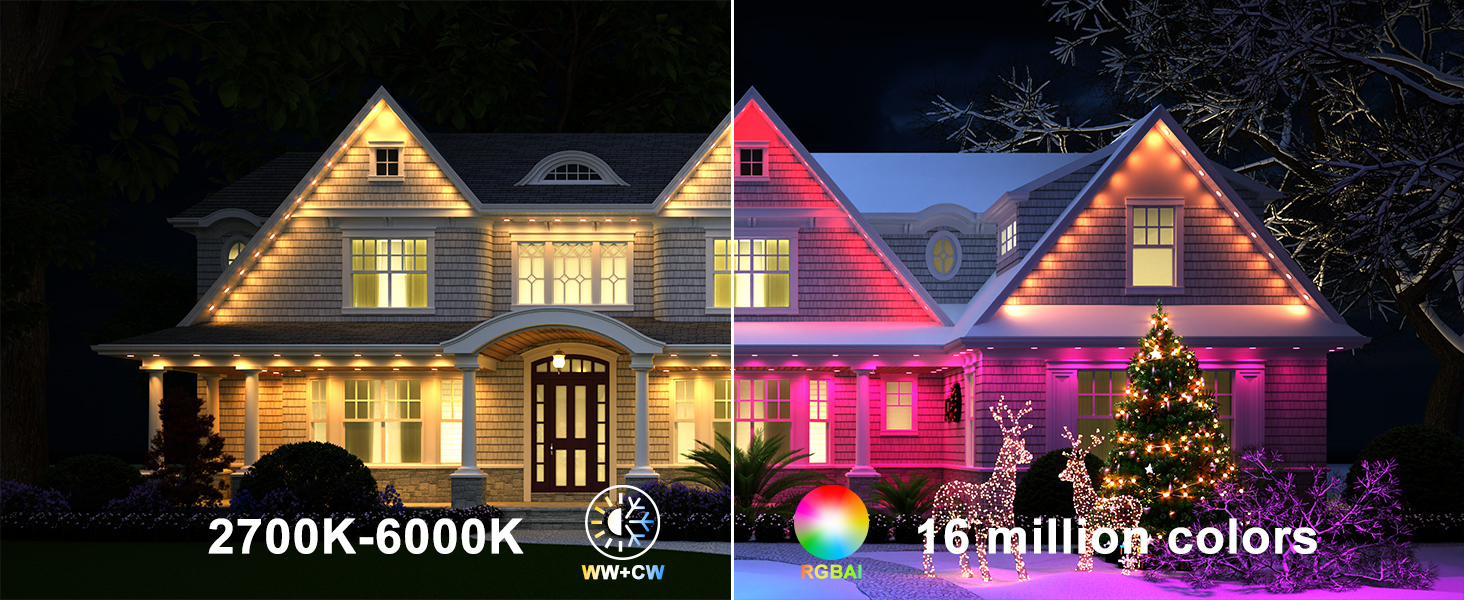
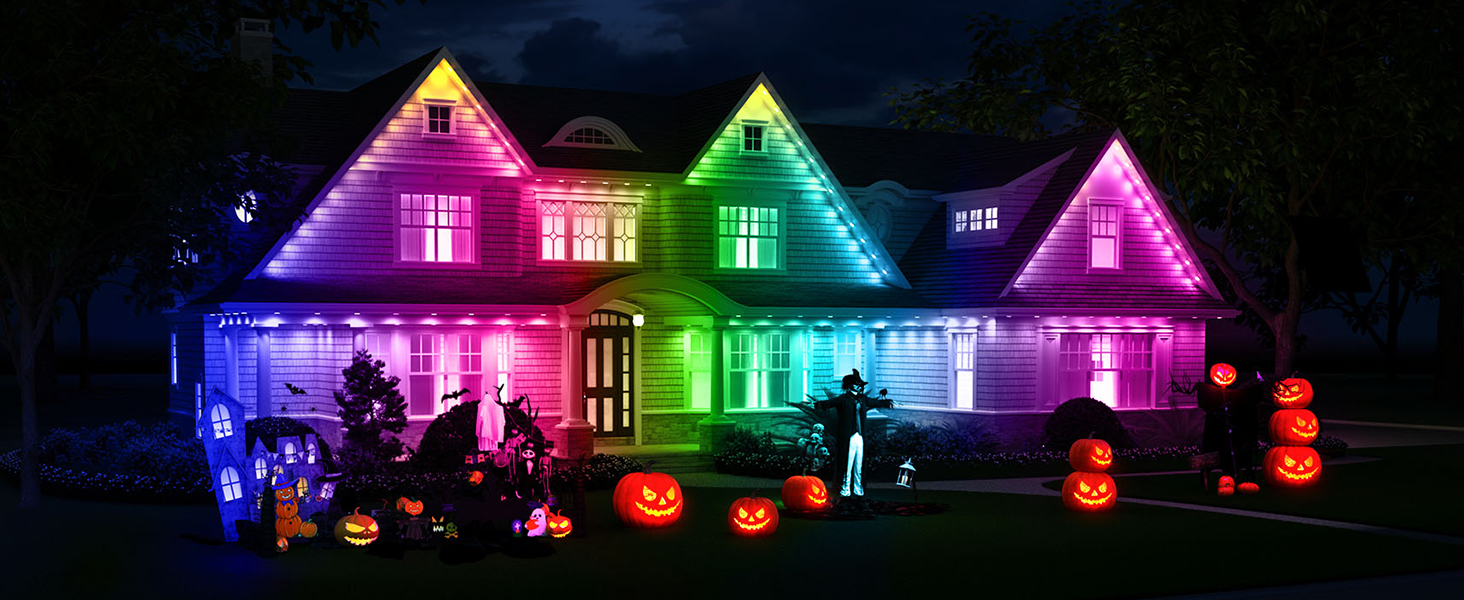
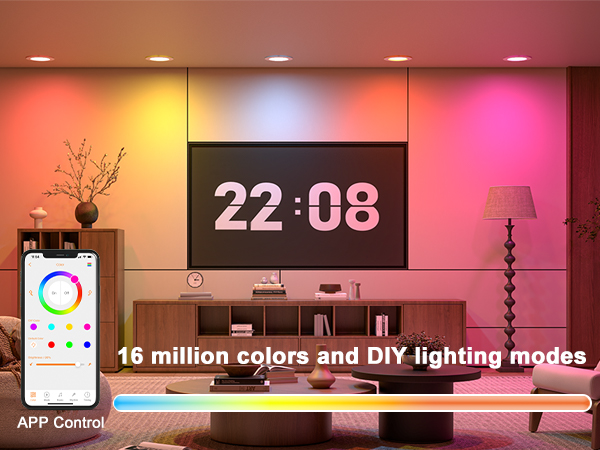
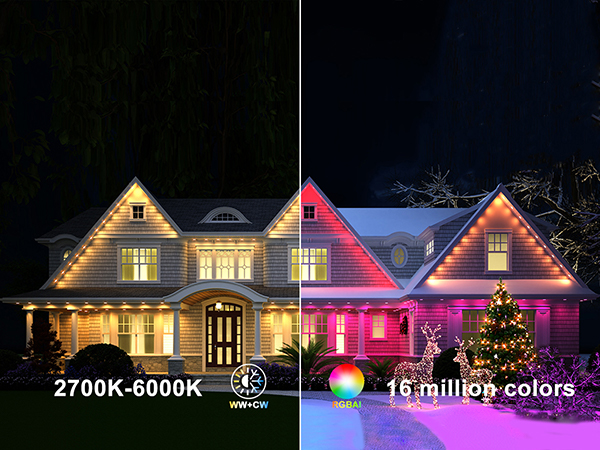
| Light Color | RGB color lighting + warm light + white light |
| Connection Control Range | Depends on the distance between the mobile phone Bluetooth and the lighting fixture |
| Applicable Can Types | 1. With an E26 lighting fixture interface or TP24 interface 2. With a pair of C-clamps (mandatory) |
| Lighting Fixture Shape | Round |
Smart lighting fixture
