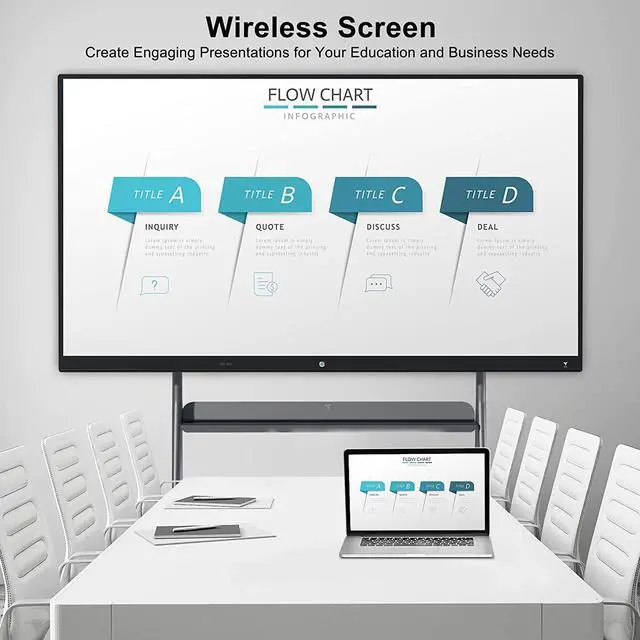
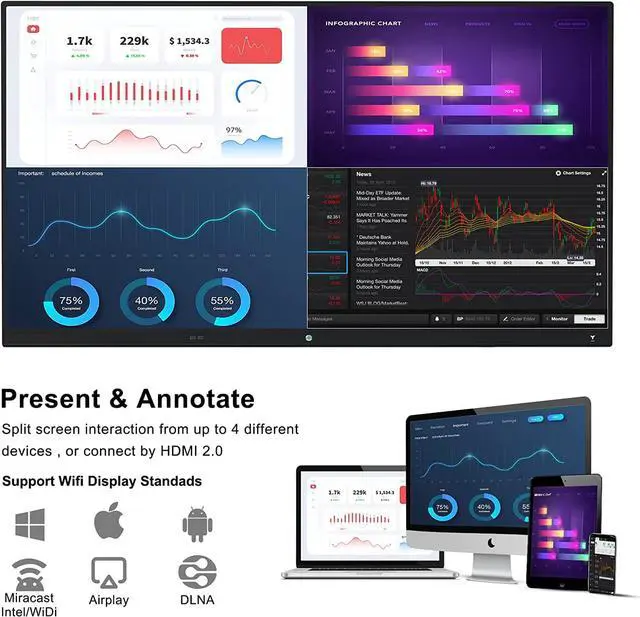
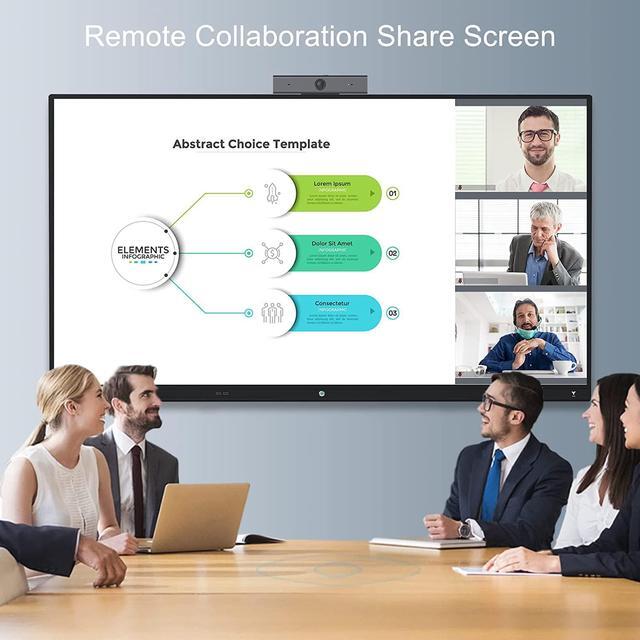
Screen Sharing System, Multi-Screen Interactivity
Scene 1: Connect touch monitor's hotspot wirelessly for screen projection
Connect the touch monitor's hotspot
When use computer or Android mobile phone for screen projection, refer to the guide of the screen sharing system to download the screen-sharing apllication
Select the current touch screen's hotspot to make a smooth multi-screen projection
Scene 2: use 2.4G wireless connection or external wired connected router for screen projection
Please connect your Android phone or computer and the receiving device to the same router
When use computer or Android mobile phone for screen projection, refer to the guide of the screen sharing system to download the screen-sharing apllication
Select the current touch screen's hotspot to make a smooth multi-screen projection