


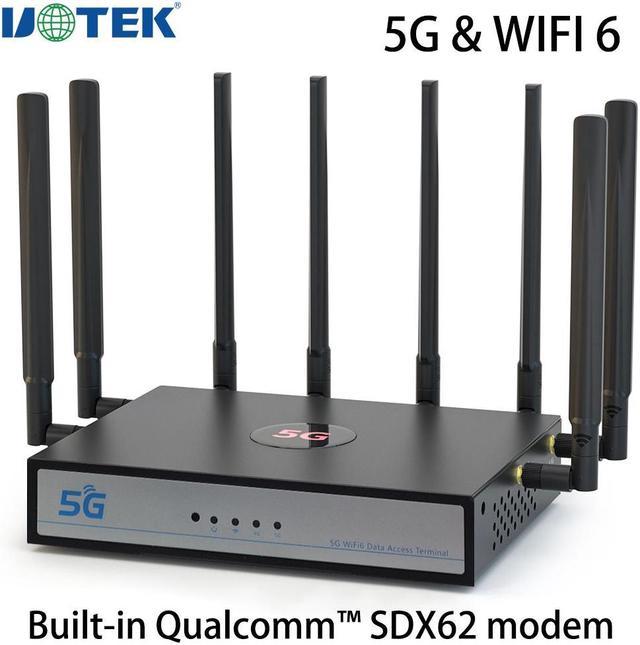


WiFi6 * Backward compatible with WiFi5
5G Standards: 3GPP Release 15
The CPE is compatible with NSA/SA dual-mode, suits to all network types all over the world, it means you just plug and play it and enjoy the ultra-fast broadband connection at any places.
CPE Wireless Router Applications
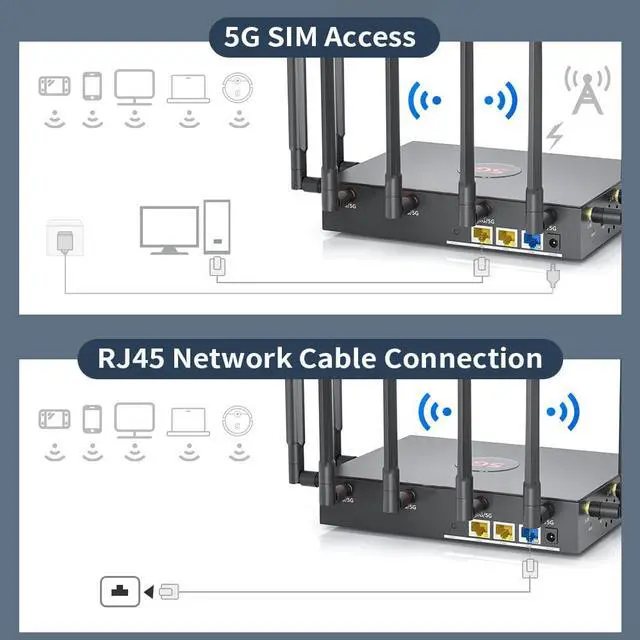
As long as there is 5G signal coverage, you can plug in the card to get high-speed WIFI, no need to go through the tedious procedures of moving to the network, office/exhibition/shop/rental can be quickly and flexibly set up network.
5G NSA/SA:
n1/n2/n3/n5/n7/n8/n12/n13/n14/n18/n20/n25/n26/n28/n29/n30/n38/n40/n41/n48/n66/n70/n71/n75/n76/n77/n78/n79
Notice:
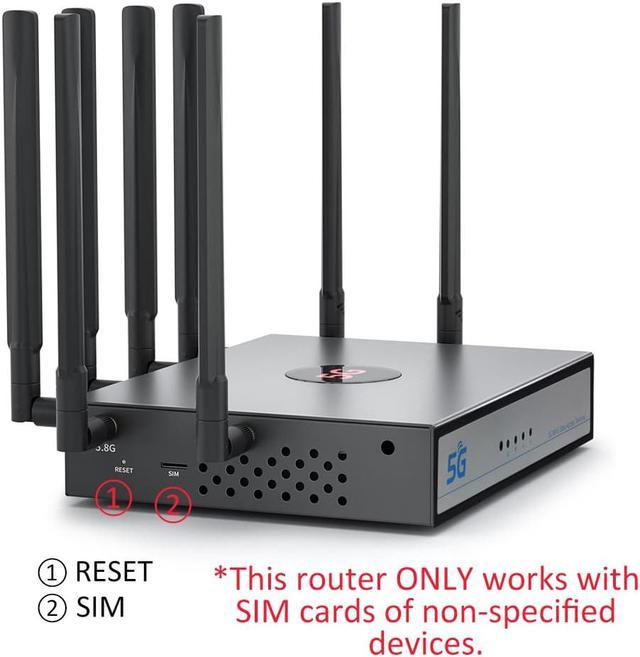
The router ONLY works with SIM cards of non-specified devices.(This means some SIM cards only works with routers which must be provided by SAME mobile carrier,so pls check your SIM card)

New architecture design of the router chip, data processing capacity and operational efficiency has been greatly improved.

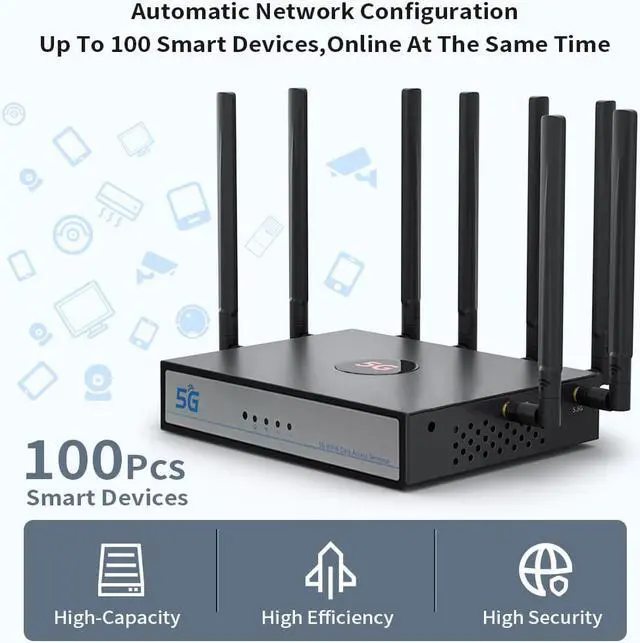
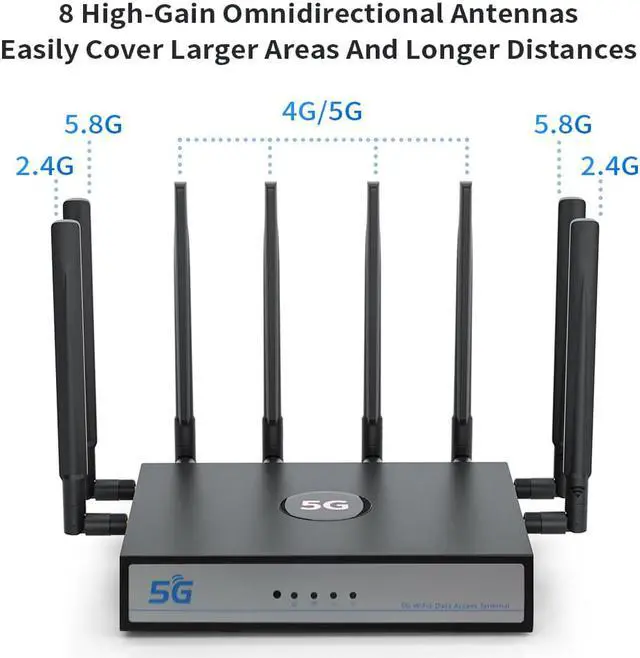
More Spatial Flow! Greater Capacity! Dual-band 4 spatial streams, bandwidth up to 1800Mbps, 8 external high-performance Wifi antennas, standby volume on line 100 units.

New future security technology, built-in upgrade firewall, MAC address filtering, WIFI encryption authentication and other security protection.

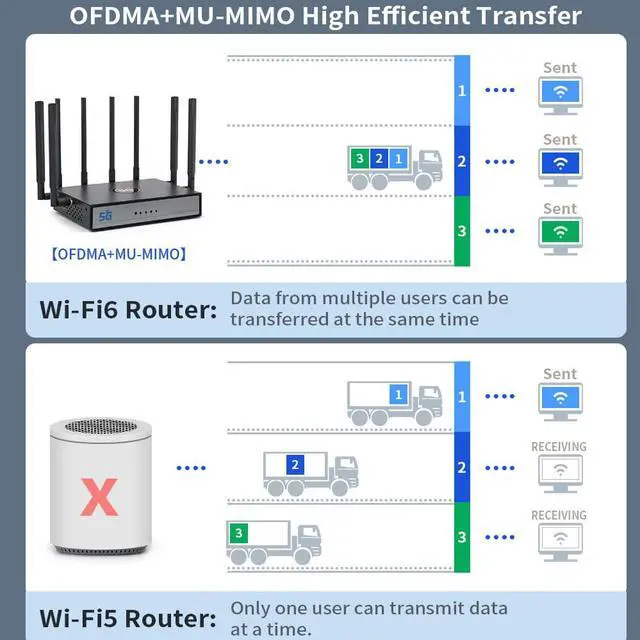
Fast surfing even with multiple devices.
Insert the SIM card to access gigabit Internet, it is also supported by OFDMA technology, which makes network latency lower and surfing more smoothly.
Interfaces:
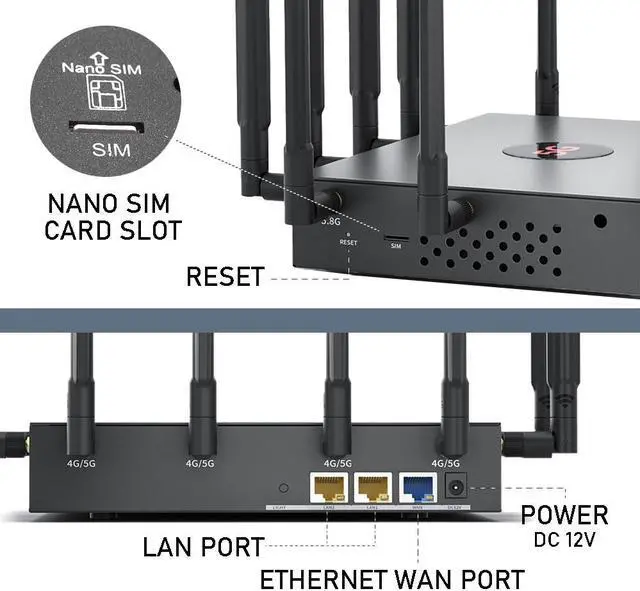
2*10/100/1000M LAN, 1*10/100/1000M WAN, 1* 12V 2A DC power input, 1 reset button, 1 SIM card slot

You can freely choose the MESH networking method through wired backhaul and wireless backhaul to meet the simple deployment in various indoor scenarios. Seamless roaming feature ensures a more stable wireless connection while you are on the move.

Low latency and play smoothly.
Stable connection of multiple devices at the same time, each device can smoothly access the Internet to ensure user experience.

1. Connect the antennas one by one according to the number of holes on the back and side of the router and the number on the bottom of the antenna.
2. Insert the SIM card first, and then plug in the power supply, as hot plugging is not supported.
3. Enter the default password to make sure your smartphone or computer is connected to the router WiFi: 5G_CPE.
4. Enter the router URL from your browser, enter your account number and password, and set the APN for the same carrier as your card.
5. If no other settings are required, you can access the Internet normally.


FAQs
Q: Does it work with AT&T/T-Mobile/Verizon cards?
A: As shown, AT&T/T-Mobile cards are supported for the most part, as long as the card allows for use with devices other than those provided by the carrier.
SPECIAL NOTE: The Verizon SIM card has 5G bands that we do not include, please replace it with an AT&T or T-mobile SIM card.
Q: Does it support setting IMEI and TTL for particular carriers?
A: Yes.
Q: Does it support setting VPN?
A: Yes.
Q: What is the size of the inserted card?
A: Nano SIM card, 12*9mm.
Q: How to recover 5G Intelligent Routing System ?
A: It is better to restore the device to factory state when you encounter the following situations:
a)You can't login to the management page of 5G Intelligent Routing System, the password is lost or access is denied.
b)You cannot join the WiFi network, even you can find the WiFi network name.
c) The 5G Intelligent Routing system is unstable, with frequent packet loss, network delay or even automatic reboot. The correct steps are:
Keep the device on and press the "Reset" button for about 10 seconds. The device will automatically reboot upon successful reset.