• $89.99
  • Free 30-day Returns
  • Sold by HR Selects

    Shipped by HR Selects

    Price alert
    Shop it at NeweggBusiness.

    Meet Your Seller

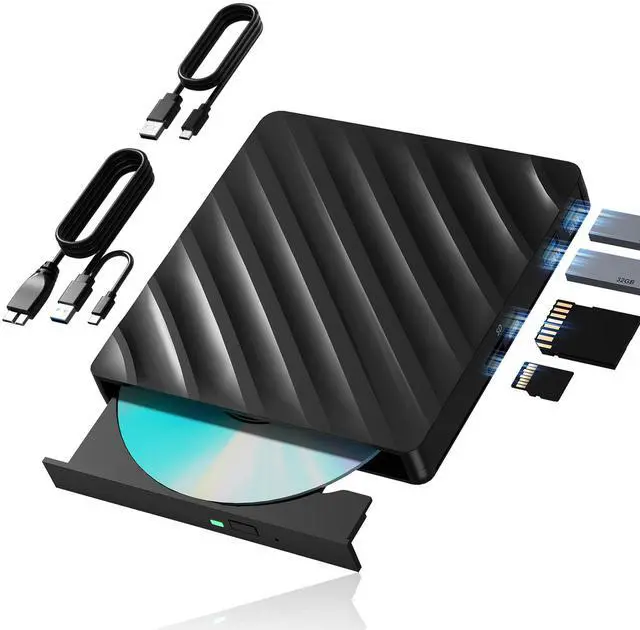
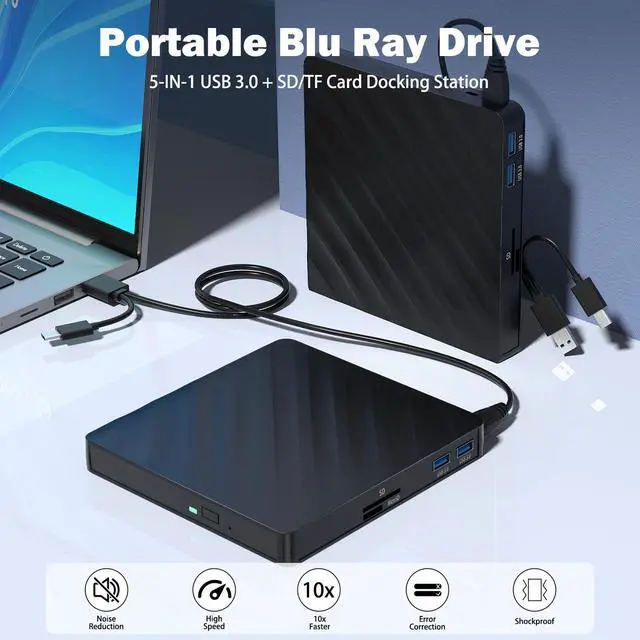
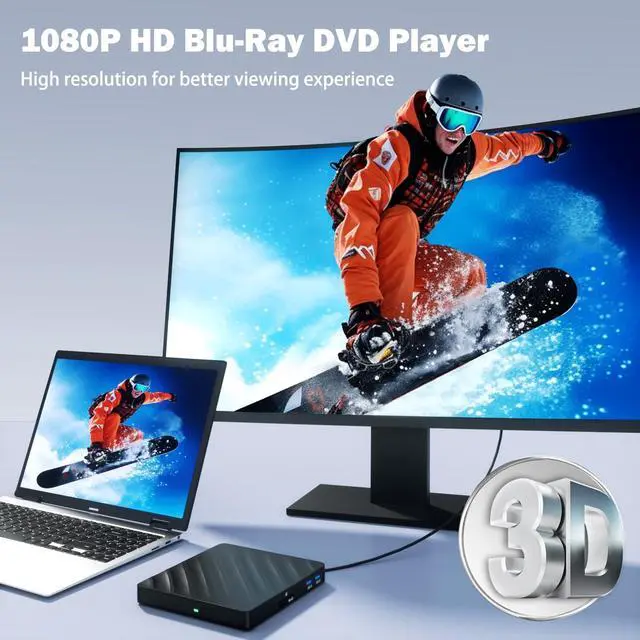
    5 in 1 External Blu Ray Drive with Extension Data Cable, Portable Blu Ray Player with USB 3.0 Type-C , CD DVD Burner 3D Blu Ray with SD/TF Port, Blu Ray Drive Compatible with Windows Laptop Desktop

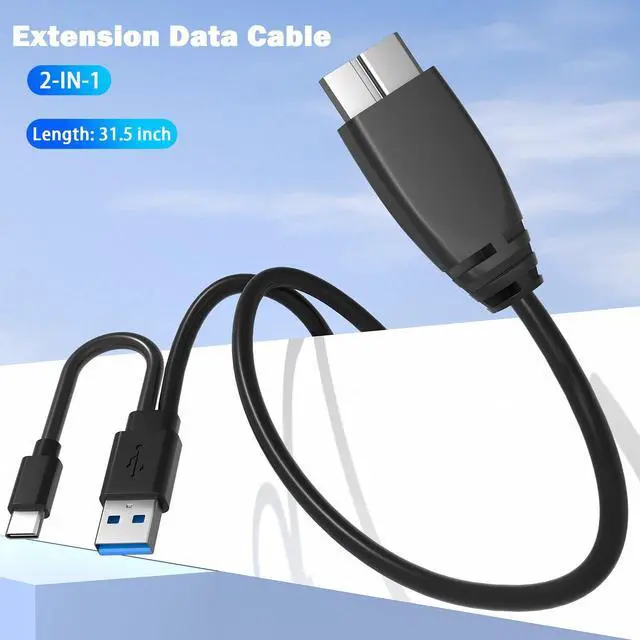
    • Say Goodbye to Short Cables: This Blu-ray external drive comes with a handy extension cable featuring both USB 3.0 and Type-C connectors, giving you the flexibility and reach you need. No more straining to connectenjoy hassle-free setup and seamless performance wherever you work or relax!" With its portable design, it's incredibly simple to carry and use wherever you go.
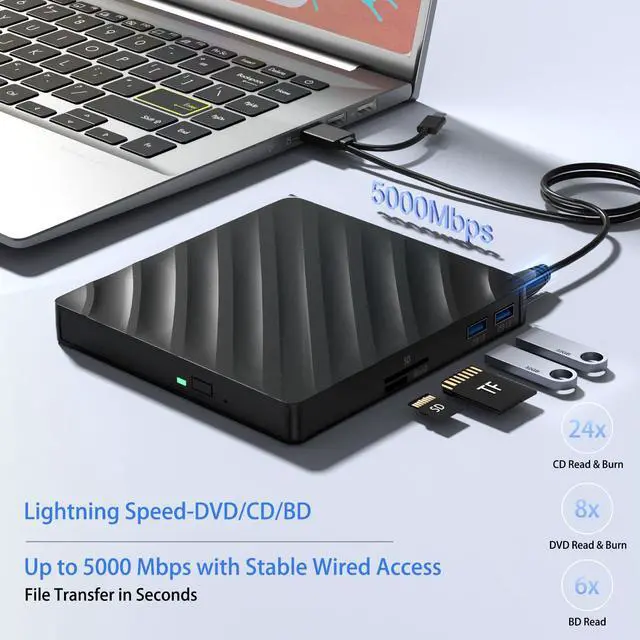
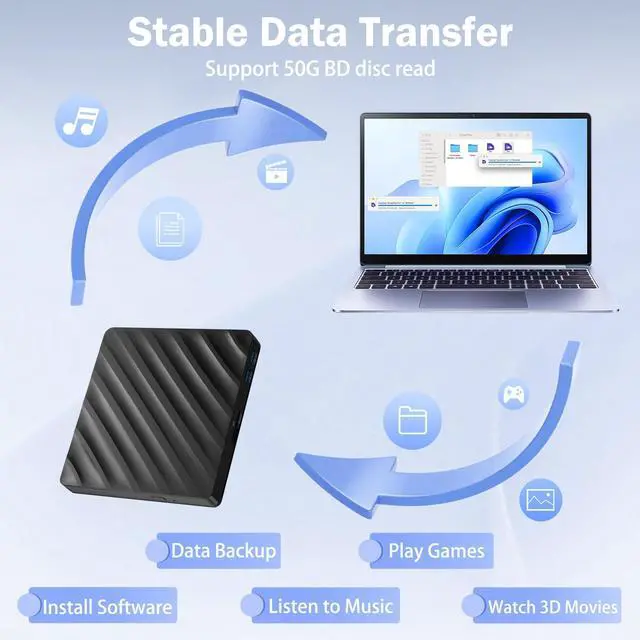
    • Multifunction Blu Ray DriveThis 5 in 1 blu ray player external offers versatile features, plug and play. It can read BD/DVD/CD discs and has 1 SD card slot, 1 TF card slot, and 2 USB 3.0 ports for data transfer or charging purposes. You can easily transfer music, blu ray uhd movies, and data files from SD cards, TF cards, or through the USB/Type-C ports to your computer. Additionally, you can transfer files from a external blu ray drive to an SD card, USB hard drive, or USB flash drive. Please note that you can only use either the SD card or the TF card at a time. However, both can function simultaneously with the 2 USB 3.0 ports.
    +
    +
    Overview
    Specs
    Reviews
    avatar

    Any questions? Our AI beta will help you find out quickly.

    Wabcon external blueray/dvd drive for pc

    Tips:

    1.Do not look directly at the internal laser light source as it may be harmful to the eyes.

    2.Keep the blu ray dvd drive external away from strong magnetic objects and ensure it is placed on a stable desktop surface to prevent damage or unstable operation.

    3.The data transfer speed may be affected by the computer and system environment.

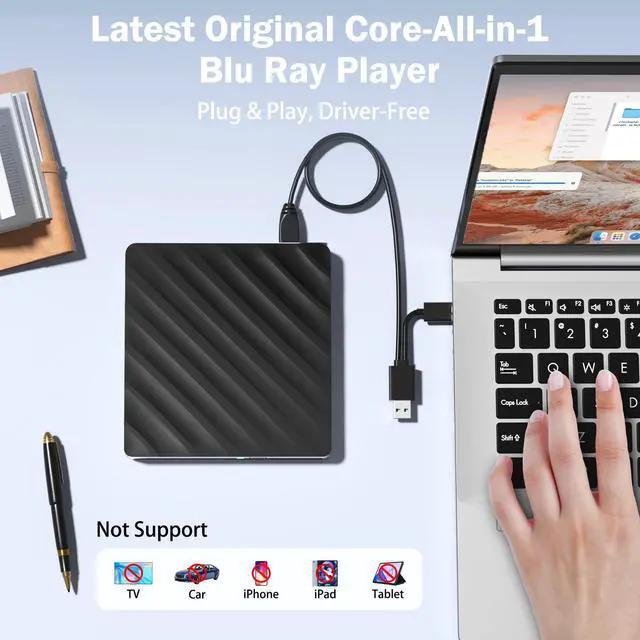
    4.This blu ray rw drive external does not support use in TV, car, projectors, tablets, smartphones, or Ubuntu systems.

    5.If the external blu ray dvd player for laptop cannot be recognized by your computer or you are experiencing issues with CD playback, try connecting the cd burner directly to a USB port on your laptop or back USB port on your desktop computer. Ensure the CD is properly inserted and not scratched.

    6.Make sure there is a built-in practical driver software on your computer or try using the drive with another device.

    7.Set the area code correctly according to your region to play discs from that region.

    8.Make sure your computer has a media player software such as VLC Media Player before using the cd player for laptop.

    Warranty & Returns

    Warranty, Returns, And Additional Information

    Warranty

    • Please contact the Seller directly for warranty information. Warranty information may also be found on the Manufacturer's website.
    • CONTACT

    Return Policies

    • Return for refund within: 30 days
    • Return for replacement within: 30 days
    • This item is covered by HR Selects Return Policy

    Manufacturer Contact Info

    LOADING...