




Tryme Solar Lights
 Clip Solar Lights |  Security Solar Lights |  Security Solar Light |  Clip on Solar Light |  Clip on Solar Lights |  Small Solar Lights 4 Pack |  Solar lights outdoor | |
|---|---|---|---|---|---|---|---|
Customer Reviews | — | — | — | — | — | — | — |
Price | — | — | — | — | — | — | — |
LEDs | 118 LEDs | 66 LEDs | 66 LEDs | 60 LEDs | 45 LEDs | 30 LEDs | 92 LEDs |
Solar Powered | ? | ? | ? | ? | ? | ? | ? |
USB Charging | ? | ? | ? | ? | ? | ? | ? |
Motion Sensor | ? | ? | ? | ? | ? | ? | ? |
Working Mode | 3 Working Modes | 3 Working Modes | 3 Working Modes | 3 Working Modes | 3 Working Modes | 4 Working Modes | 3 Working Modes |
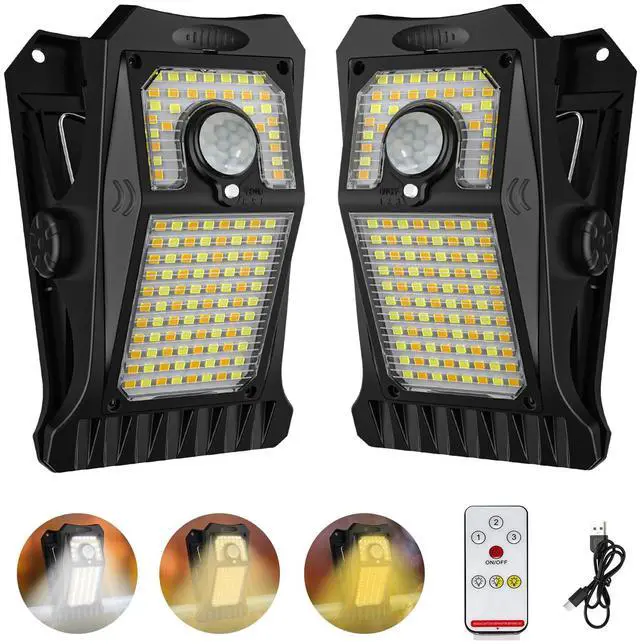
800 Lumens - Bright Security Lighting for Your Peace of Mind

clip on solar lights

clip on motion sensor lights

solar clip on lights outdoor

clamp on solar lights
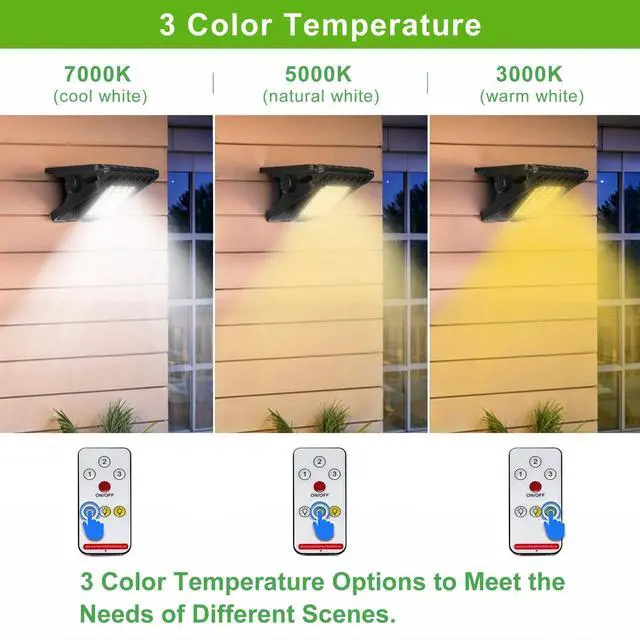
3 Adjustable Colors - Switch Between Cool White, Neutral, and Warm White

solar motion lights outdoor

solar sensor lights

solar clip light

outdoor solar clip light
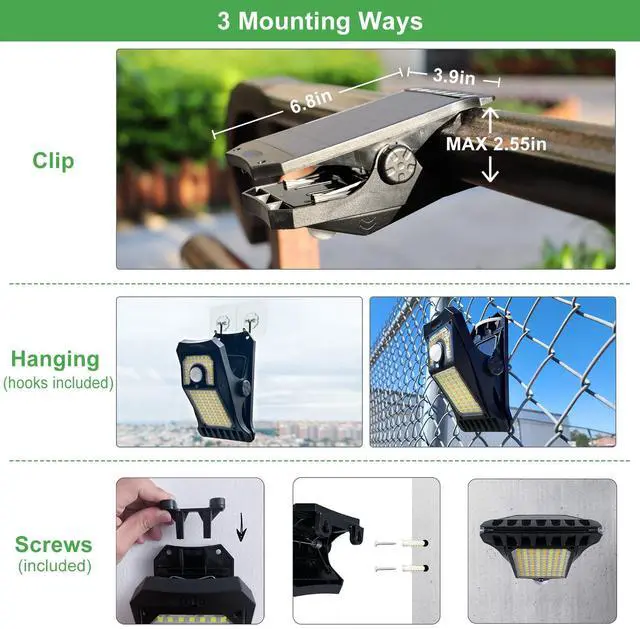
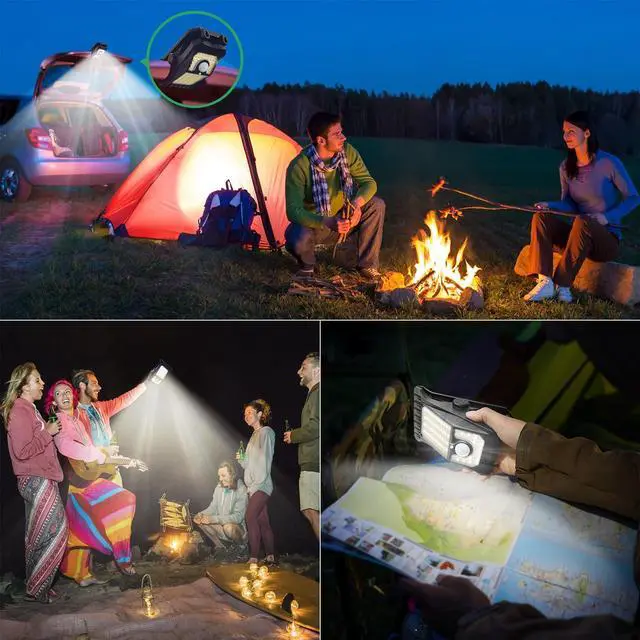
3 Installation Ways - Clip, Screw, or Hang Eeffortlessly Anywhere

- For Performance:
- Height: Install 5-8 ft (1.5-2.5 m) high.
- Angle: Point the solar panel towards the sun. Location: Keep the motion sensor clear of obstructions.
- Avoid: Do not install under existing light sources (e.g., porch lights), as this can prevent automatic operation.
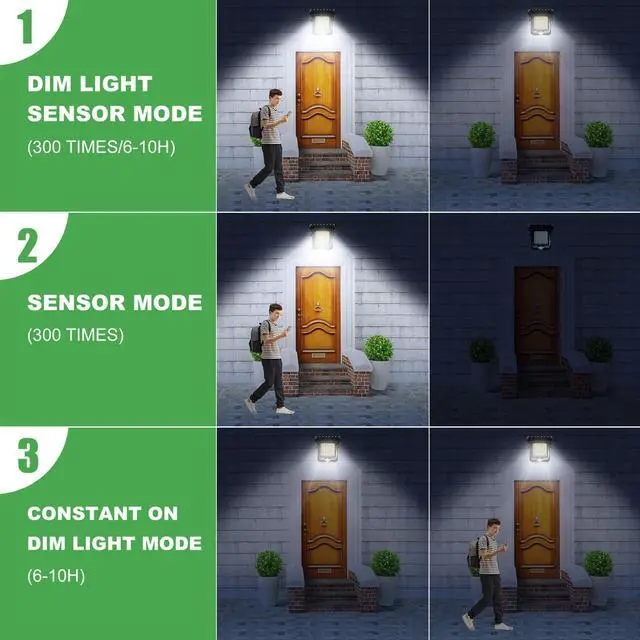
3 Working Modes - Select the correct mode to achieve the desired effect

- Step 1: Press the button to cycle Modes 1?2?3?OFF; Step 2: Hold the button for 5s to change colors (White?Neutral?Warm)
- Mode 1 : Dim light all night. Bright light for 15 sec on motion
- Mode 2 (Motion Only): Bright light for 15 sec on motion only
- Mode 3 (Always-On): Soft dim light stays on all night
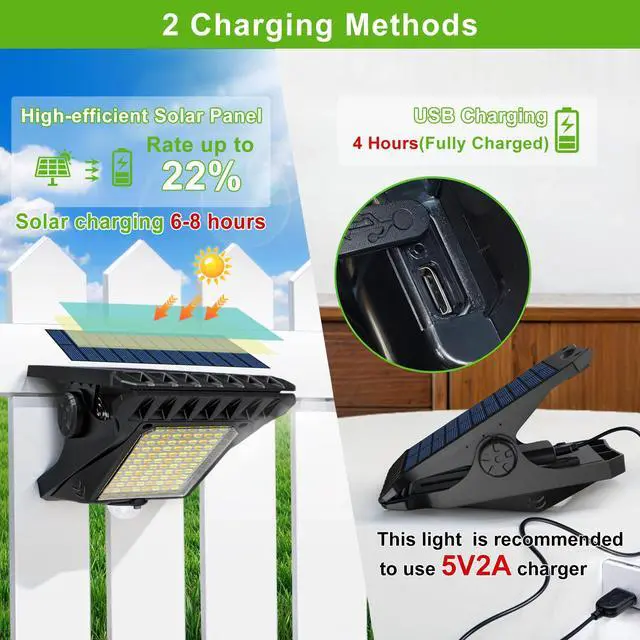
How to Charge & Test Your Light

- First Use is Crucial:
- Fully charge before first use via sun (6-8h) or USB (4-5h).
- Peel off the protective film on the solar panel before first use.
- To test indoors or during the day: Cover the solar panel completely with your hand to simulate darkness. Wait 5 seconds, then test motion.


Tryme Solar Lights

Welcome to Tryme, a spirited startup on a mission. Born from a blend of innovation and passion, we're here to brighten lives sustainably. Tryme is synonymous with solar luminaires, designed to adorn gardens, courtyards, and beyond. What's more, they make heartfelt gifts.
Tryme - where radiance meets responsibility, one solar light at a time. Our range stems from in-house ingenuity, a blend of technology and artistry that sets us apart.
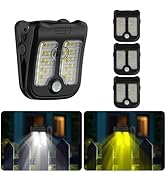
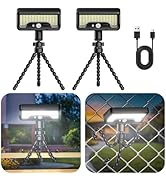
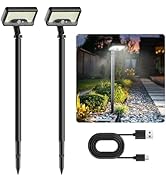
Tryme Solar Motion Lights
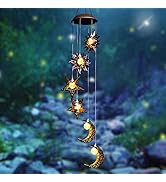
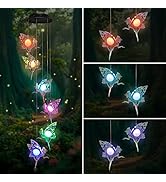
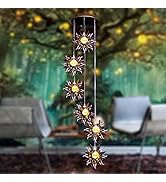
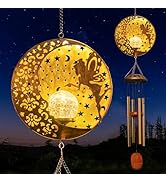
Tryme Solar Wind Chimes
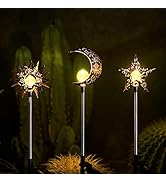
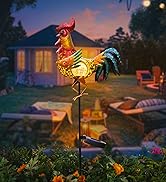
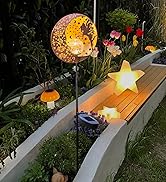
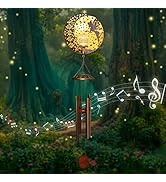
Tryme Solar Stakes
Tryme Solar Lights
Clip Solar Lights | Security Solar Lights | Security Solar Light | Clip on Solar Light | Clip on Solar Lights | Small Solar Lights 4 Pack | Solar lights outdoor |
|---|---|---|---|---|---|---|
| Customer Reviews | ||||||
| — | — | — | — | — | — | — |
| Price | ||||||
| — | — | — | — | — | — | — |
| LEDs | ||||||
| 118 LEDs | 66 LEDs | 66 LEDs | 60 LEDs | 45 LEDs | 30 LEDs | 92 LEDs |
| Solar Powered | ||||||
| ? | ? | ? | ? | ? | ? | ? |
| USB Charging | ||||||
| ? | ? | ? | ? | ? | ? | ? |
| Motion Sensor | ||||||
| ? | ? | ? | ? | ? | ? | ? |
| Working Mode | ||||||
| 3 Working Modes | 3 Working Modes | 3 Working Modes | 3 Working Modes | 3 Working Modes | 4 Working Modes | 3 Working Modes |
800 Lumens - Bright Security Lighting for Your Peace of Mind
clip on solar lights
clip on motion sensor lights
solar clip on lights outdoor
clamp on solar lights
3 Adjustable Colors - Switch Between Cool White, Neutral, and Warm White
solar motion lights outdoor
solar sensor lights
solar clip light
outdoor solar clip light
3 Installation Ways - Clip, Screw, or Hang Eeffortlessly Anywhere

- For Performance:
- Height: Install 5-8 ft (1.5-2.5 m) high.
- Angle: Point the solar panel towards the sun. Location: Keep the motion sensor clear of obstructions.
- Avoid: Do not install under existing light sources (e.g., porch lights), as this can prevent automatic operation.
3 Working Modes - Select the correct mode to achieve the desired effect

- Step 1: Press the button to cycle Modes 1?2?3?OFF; Step 2: Hold the button for 5s to change colors (White?Neutral?Warm)
- Mode 1 : Dim light all night. Bright light for 15 sec on motion
- Mode 2 (Motion Only): Bright light for 15 sec on motion only
- Mode 3 (Always-On): Soft dim light stays on all night
How to Charge & Test Your Light

- First Use is Crucial:
- Fully charge before first use via sun (6-8h) or USB (4-5h).
- Peel off the protective film on the solar panel before first use.
- To test indoors or during the day: Cover the solar panel completely with your hand to simulate darkness. Wait 5 seconds, then test motion.
Clip on Fence Solar Lights
Motion Sensitive Light for Fence
Garage Solar Motion Lights Outdoor
Solar Security Lights for Outside


Tryme Solar Lights
Welcome to Tryme, a spirited startup on a mission. Born from a blend of innovation and passion, we're here to brighten lives sustainably. Tryme is synonymous with solar luminaires, designed to adorn gardens, courtyards, and beyond. What's more, they make heartfelt gifts.
Tryme - where radiance meets responsibility, one solar light at a time. Our range stems from in-house ingenuity, a blend of technology and artistry that sets us apart.
Tryme Solar Motion Lights
Tryme Solar Wind Chimes
Tryme Solar Stakes